Talabat Food Photo Size Guide 2026: Menu Specs That Click
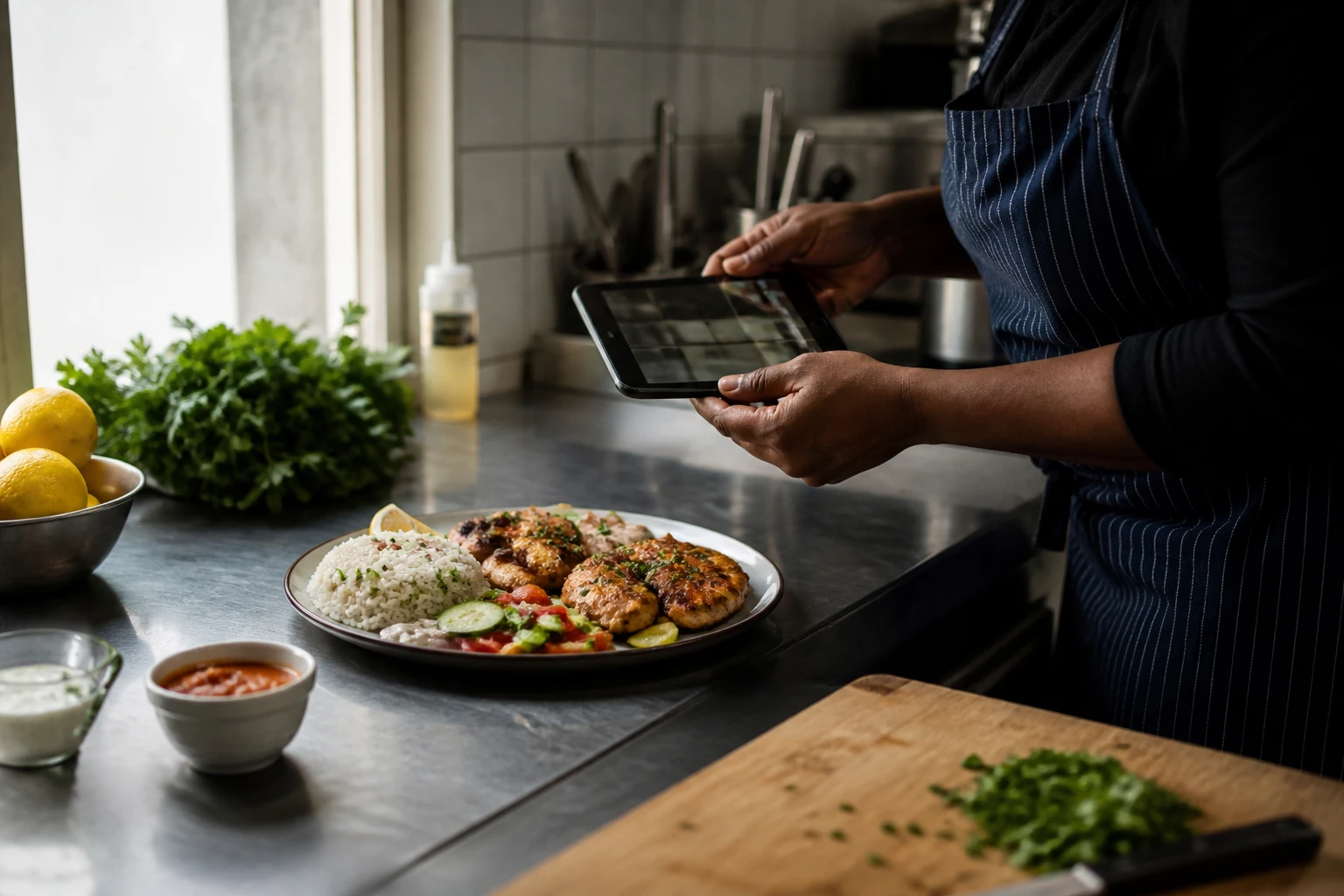
Short answer: Talabat’s public restaurant-partner guidance says menu item photos should be landscape, while cover photos should be high quality, wide-angle, and show several dishes or one main dish. The public guidance does not state one universal pixel dimension for every Talabat market. Treat any unsourced “exact Talabat size” as a working export recommendation, not an official requirement.
Reviewed on August 20, 2026. Partner tools and market rules can differ, so verify the final crop and any file-size message in your own Talabat portal before publishing.
What Talabat officially asks for
Talabat’s partner onboarding page gives content and orientation rules rather than a fixed pixel count. It says a cover photo should be good quality, use a wide angle, and show multiple dishes or a main dish. It also says the cover should not place text over the meal, crop the item, or use a white or gray background.
For menu item images, the same official page calls for landscape orientation and says the item name should match the image name for accurate uploads. It also rejects raw-food images except for eligible fresh meat or fish shops. These are the requirements that can be verified publicly today.
A safe working size for restaurant teams
When the partner portal does not provide a fixed dimension, prepare a 1600 × 900 pixel landscape JPEG as a practical working copy and keep the original high-resolution master. The 1600 × 900 size is a FoodPhoto production recommendation because it provides a familiar 16:9 canvas with room for mobile resizing; it is not presented as an official Talabat specification.
Keep the plate or packaging near the center and leave usable space around it. Talabat cards can crop differently across screens, locales, and app versions. A landscape master with a centered subject is easier to adapt than a tightly framed square image. Use FoodPhoto Studio to improve the lighting and background, then compare the result with the real dish before export.
Cover photo workflow
- Choose one hero dish or a coherent group of dishes that represents the restaurant.
- Frame wide enough to avoid cutting plates at the edge, but close enough for the food to remain readable on a phone.
- Remove promotional text, price badges, and watermarks from the image itself.
- Avoid white or gray cover backgrounds when following Talabat’s public partner guidance.
- Preview the image at mobile-card size and confirm the important food remains visible after cropping.
Menu item image workflow
Use one consistent camera angle, crop family, and color treatment across the menu. Consistency makes a menu easier to scan and reduces the chance that one item appears misleadingly larger or more saturated than another. Name exported files so the image clearly corresponds to the menu item, following Talabat’s onboarding guidance.
- Export in landscape orientation.
- Keep the food centered and fully visible.
- Match the pictured ingredients, portion, and packaging to the item customers receive.
- Use a high-quality master and create a new export instead of repeatedly compressing an old messaging-app copy.
- Inspect the live customer view after upload, not only the file on a desktop.
Before publishing, use the Talabat delivery-photo checklist. If the same menu is distributed across several apps, compare the multi-app photo workflow and create separate exports instead of forcing one crop everywhere.
Official source
Limitations and update policy
Talabat operates across multiple countries, and the partner portal may display market-specific upload constraints that are not visible on the public onboarding page. This guide therefore separates official content/orientation guidance from FoodPhoto’s recommended working dimensions. If the portal gives a different pixel, aspect-ratio, or file-size requirement, the portal is the final authority for that account. The URL stays stable while the title and review date are updated when the official guidance changes.