
AI Food Photography for Restaurants
Upload one real dish photo. Get delivery, menu and social images that keep the plate your customers actually receive.
Two previews on your real dish · Plans from $15/mo · No card
FoodPhoto.ai is a web and mobile food photography studio for restaurants, cafés, ghost kitchens and delivery brands. Upload a real dish photo, choose the goal and style, then generate menu-ready images for delivery apps, websites, Google Business and social. Your first 2 previews carry a light watermark and require no card.
Built by operators who lived shoot day, now used by restaurants & delivery brands worldwide
One studio, three ways in
Make the dish shine.
Improve the lighting and crop of the real food you serve.
02 / PROMOTEGive them a reason to visit.
Prepare food images for your next special, post or launch.
03 / LEARNLearn the craft inside the studio.
FoodPhoto Academy: 22 short video lessons, each ending with a prompt you can run on your own dish.
Why we built this
Made by restaurateurs, for restaurateurs.
I ran restaurants for more than ten years, and I styled the food myself. I lost count of the full days spent on photoshoots just to walk away with ten usable photos for our delivery menu, plus all the dishes we cooked purely as props and then threw straight in the bin.
It's an enormous amount of work, money and waste for a result that AI can now match, and honestly beat. The difference that matters: your dish doesn't get lost in the process. We keep the plate consistent, the real ingredients, the real portion, the real food you actually serve.
That's the tool I wish I'd had back then. So we built it, for operators who'd rather be running their restaurant than running a photoshoot.




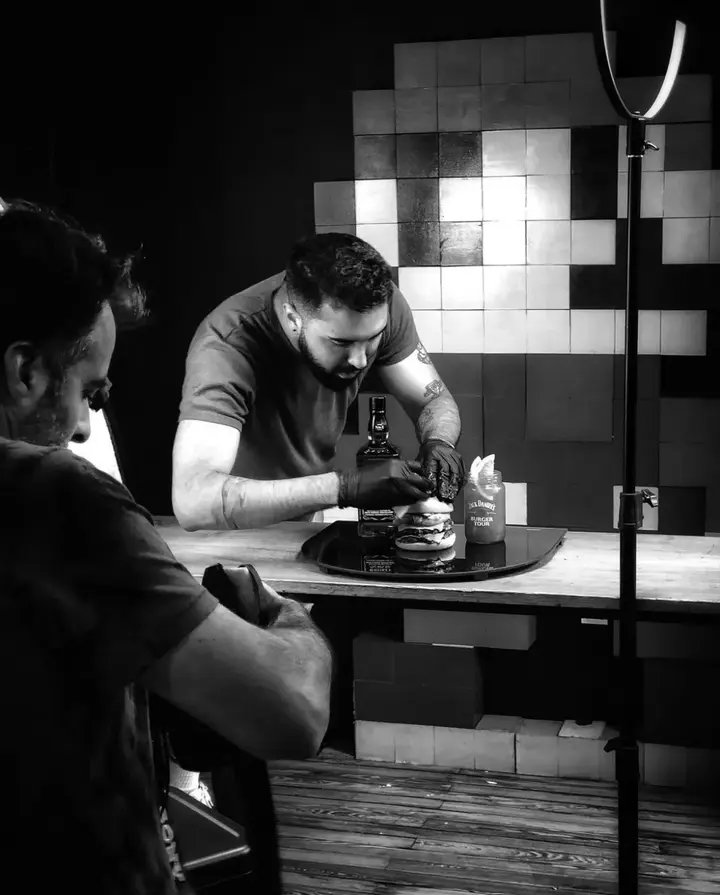
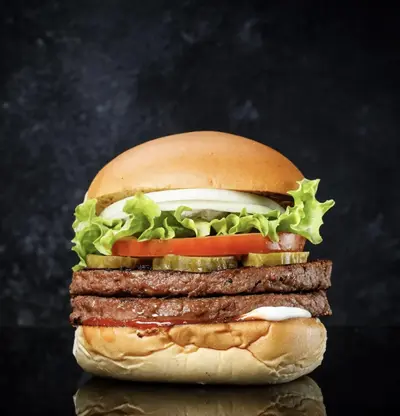
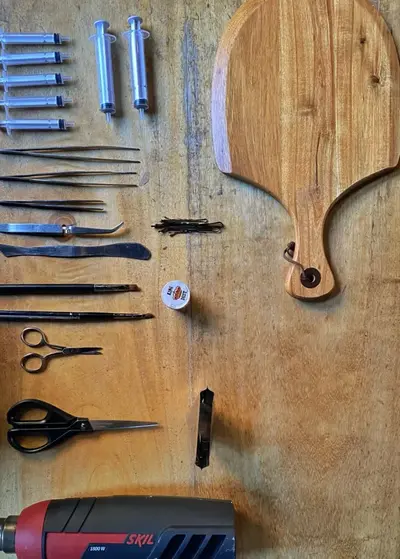
Photo packs
More food. More looks. More proof.
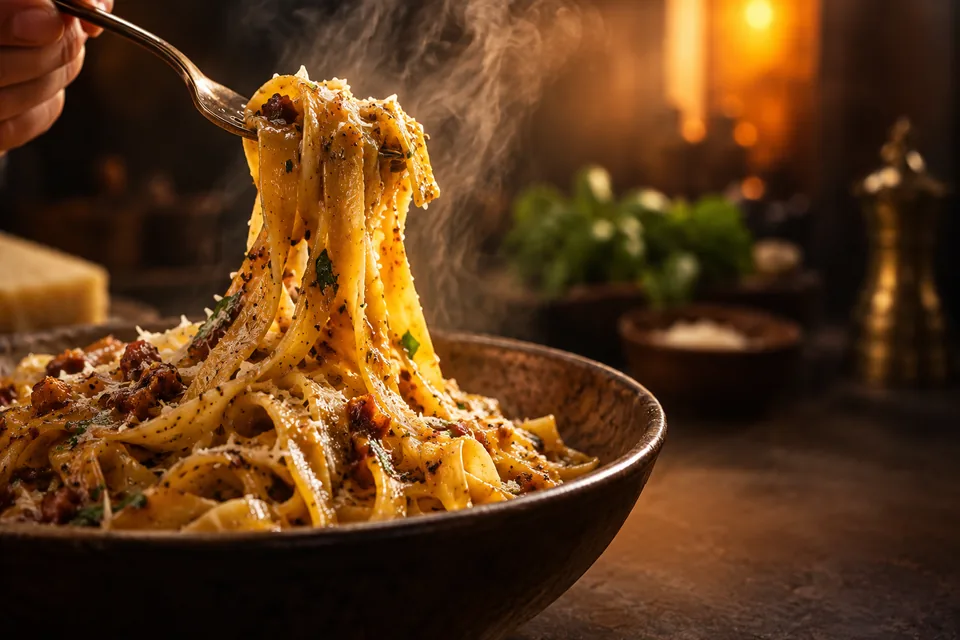
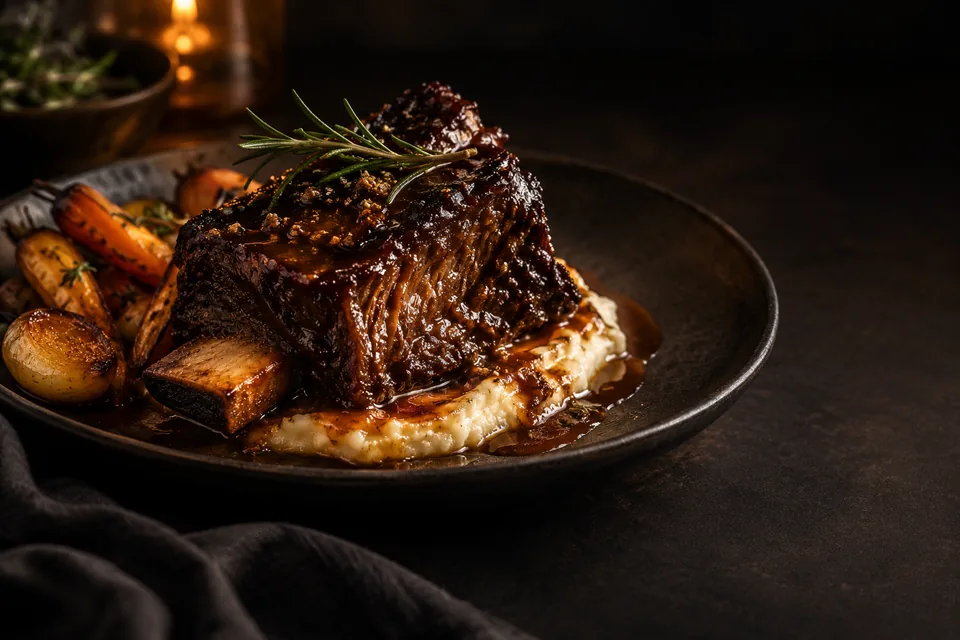
A real restaurant studio, not a single demo. These are the styles operators run across a whole menu, premium black plates, studio white, marble counters, natural daylight, macro closeups, delivery thumbnails and social posts.
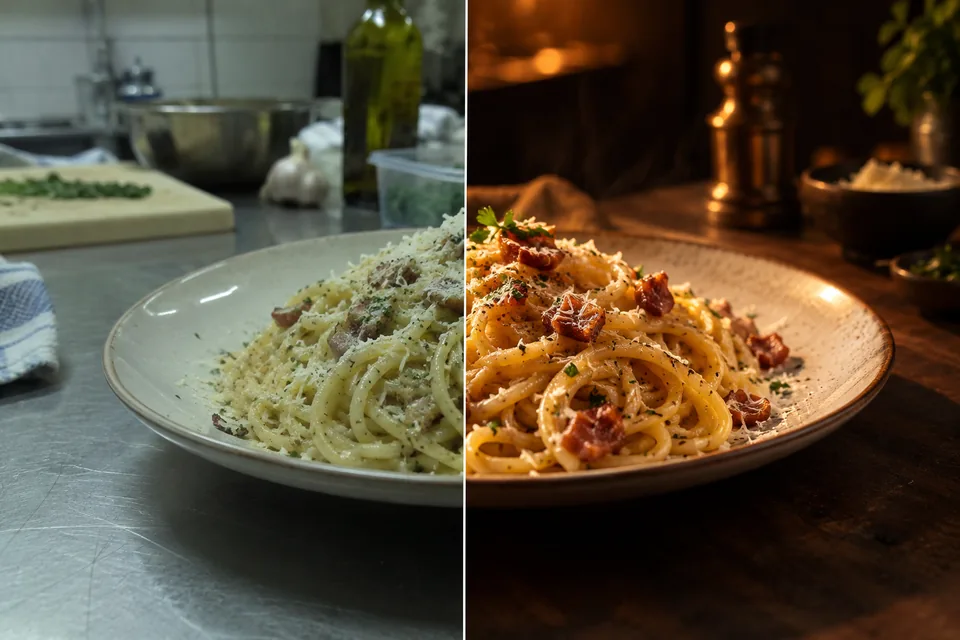
Real phone photo → menu ready
Drag to see the difference.
Every result keeps the actual dish, portion and ingredients honest, it just fixes lighting, background, color and crop. Drag the handle on any pair below.
Menu items with photos see up to 44% more monthly sales than items without — DoorDash Merchant Learning Center.
Marketing Studio
A complete marketing studio for your menu.
One real dish photo goes in, a full set of marketing assets comes out, each one sized and styled for every place your restaurant shows up. Choose a preset to replace the usual designer, agency and shoot-day workflow, then export and post.
Menu & delivery sets
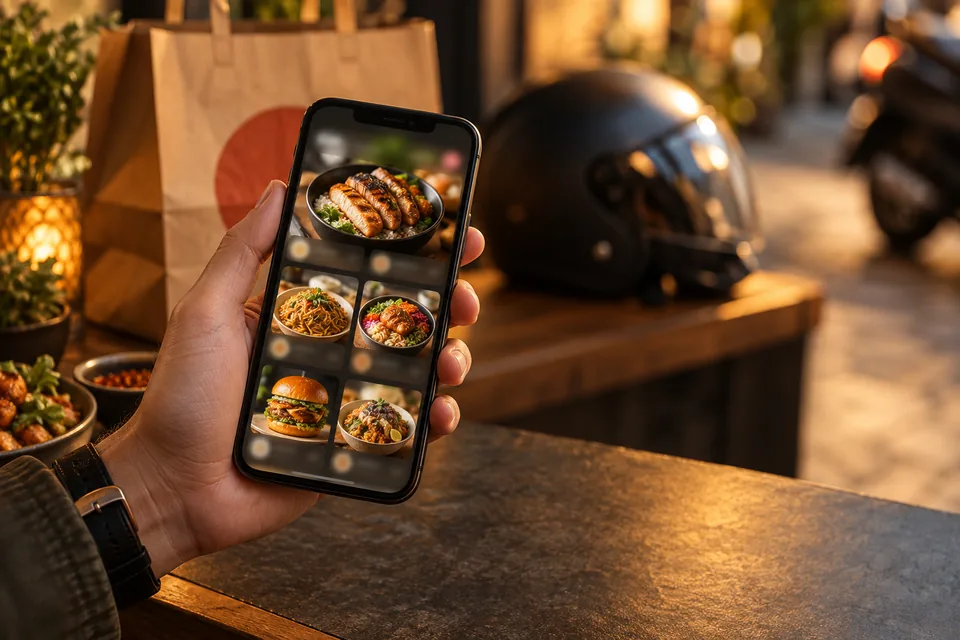
Black plate, studio white, marble and natural-light looks, plus delivery tiles tuned for DoorDash, Uber Eats and Grubhub thumbnails that actually get tapped.
Social & promos
Instagram posts and stories, scroll-stopping promo graphics and seasonal campaigns, all on-brand and ready to post the same day.
59 marketing styles
Ready-made layouts for every campaign, social posts, stories, ads, flyers, delivery promos, menu specials and seasonal offers, each with space built in for your headline and price.
One consistent brand look
Your real plate stays your plate, and style presets keep the whole menu cohesive, so every dish looks like it came from one shoot.
A few of the 59 marketing styles
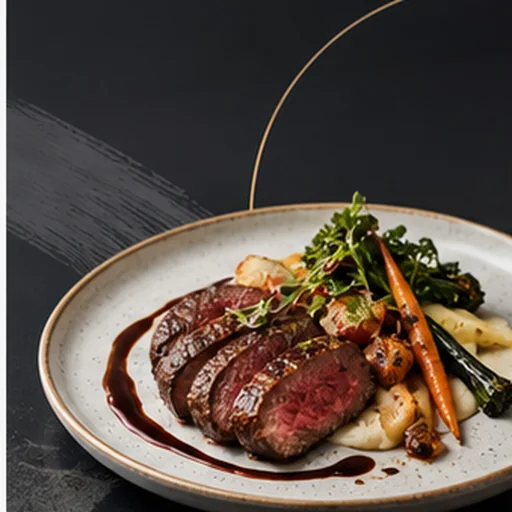 Daily Special Minimal
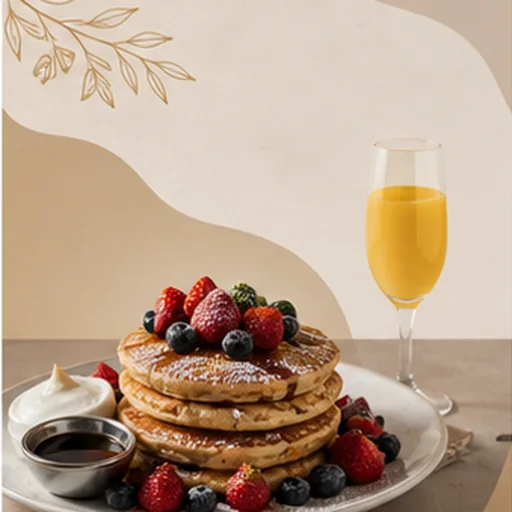 Lunch Combo Clean
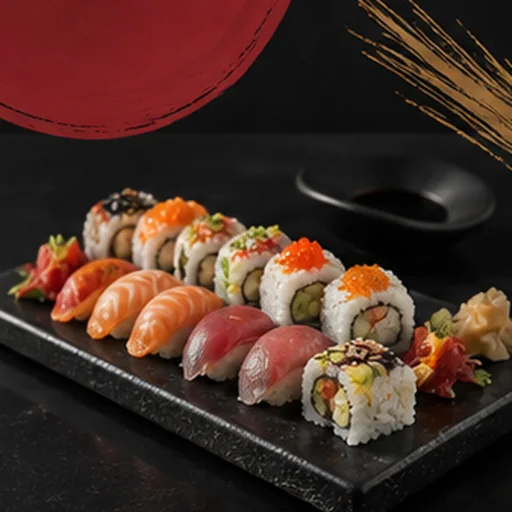 New Menu Ivory
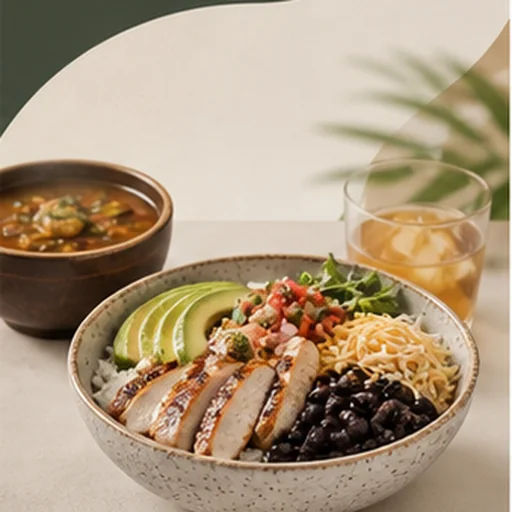 Taco Tuesday Refined
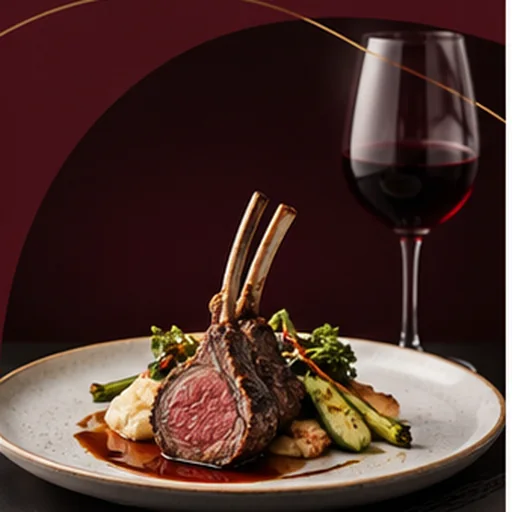 Sushi Night Luxe
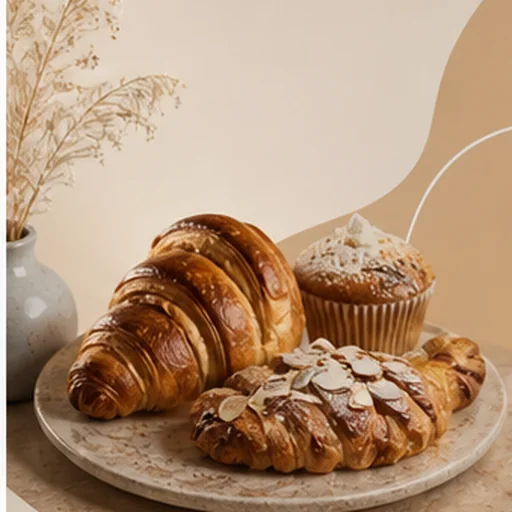 Brunch Launch Airy
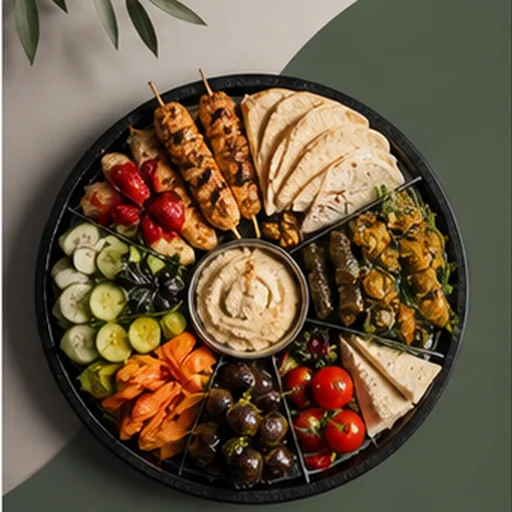 Happy Hour Elegant
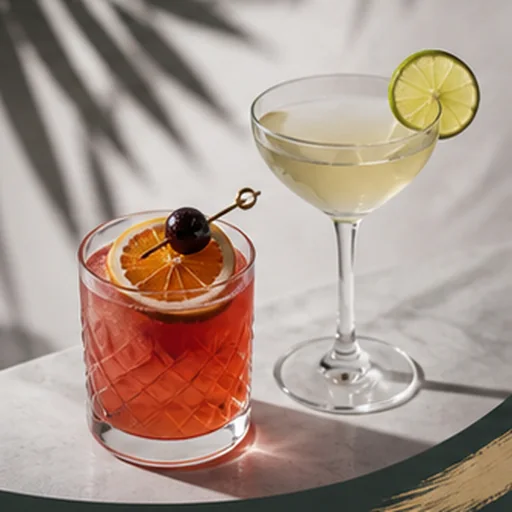 Delivery Combo White
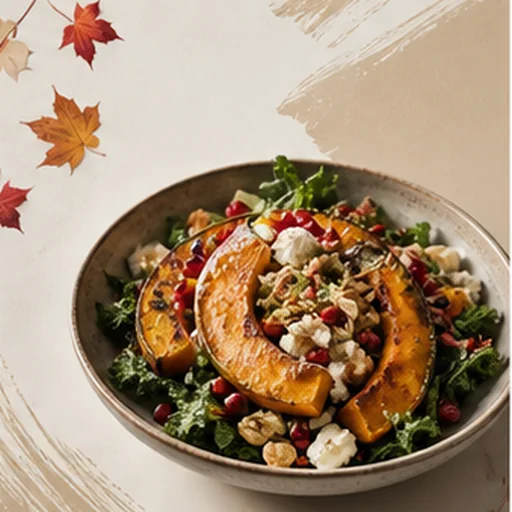 Family Bundle Clean
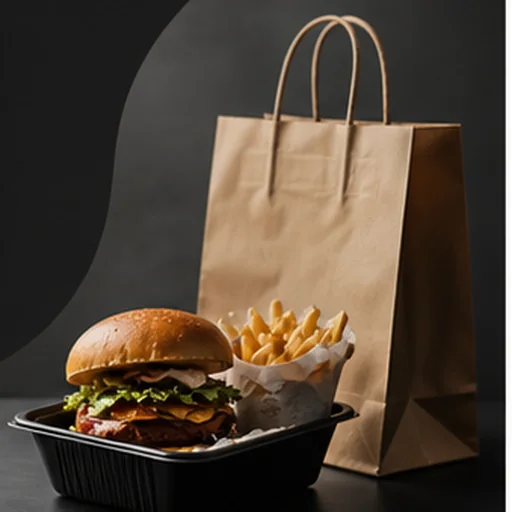 Catering Board Premium
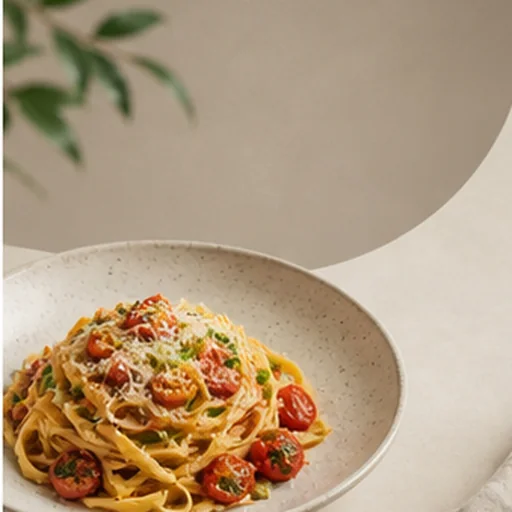 Instagram Square Clean
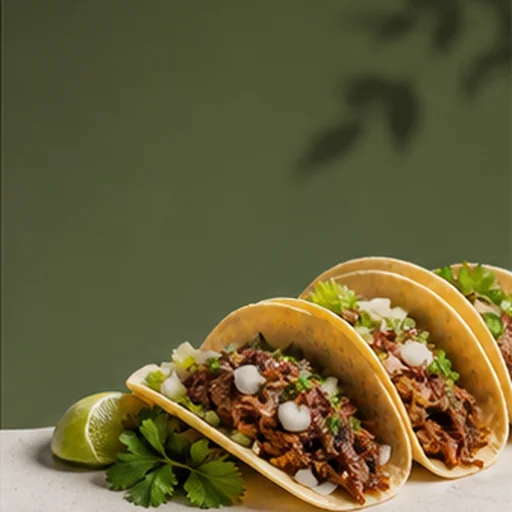 Story Negative Space
Workflow
A three-step workflow, ready when your kitchen is.
Upload the real dish
A normal phone photo from the kitchen, pass or table is enough; you do not need a lightbox or photographer.
Pick the premium look
Black background, studio white, marble, natural light, delivery tile, or a custom restaurant style.
Export everywhere
One source image becomes delivery app, web, Google Business, QR menu, and social sizes.
Web and mobile studio
Shoot, enhance and publish
from the kitchen.
Use FoodPhoto from any browser to upload a real dish photo, generate the menu-ready version, approve it, and download it without installing anything. The iPhone app is also available when you prefer a native camera-roll workflow.

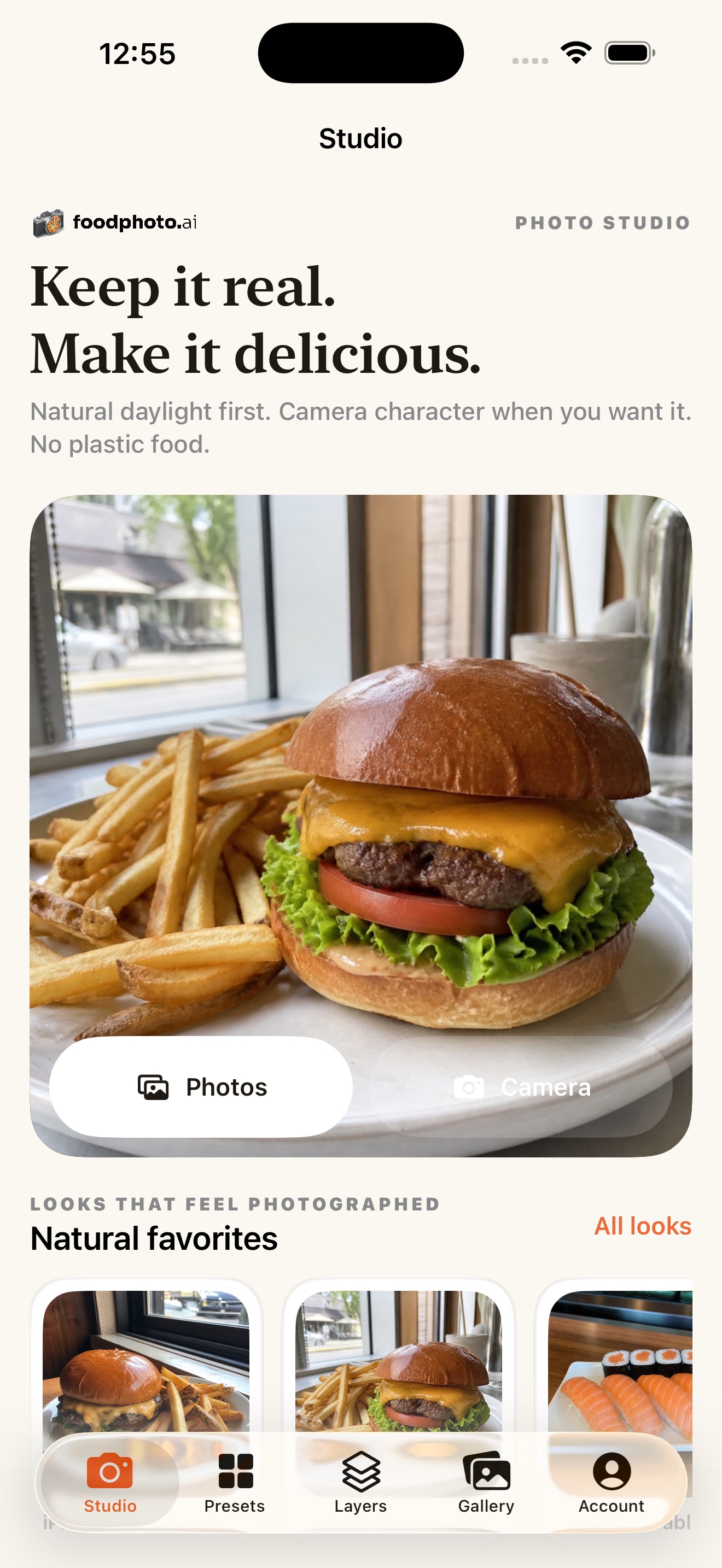
Native Studio
Begin with two previews, then create clean menu-ready food photos.
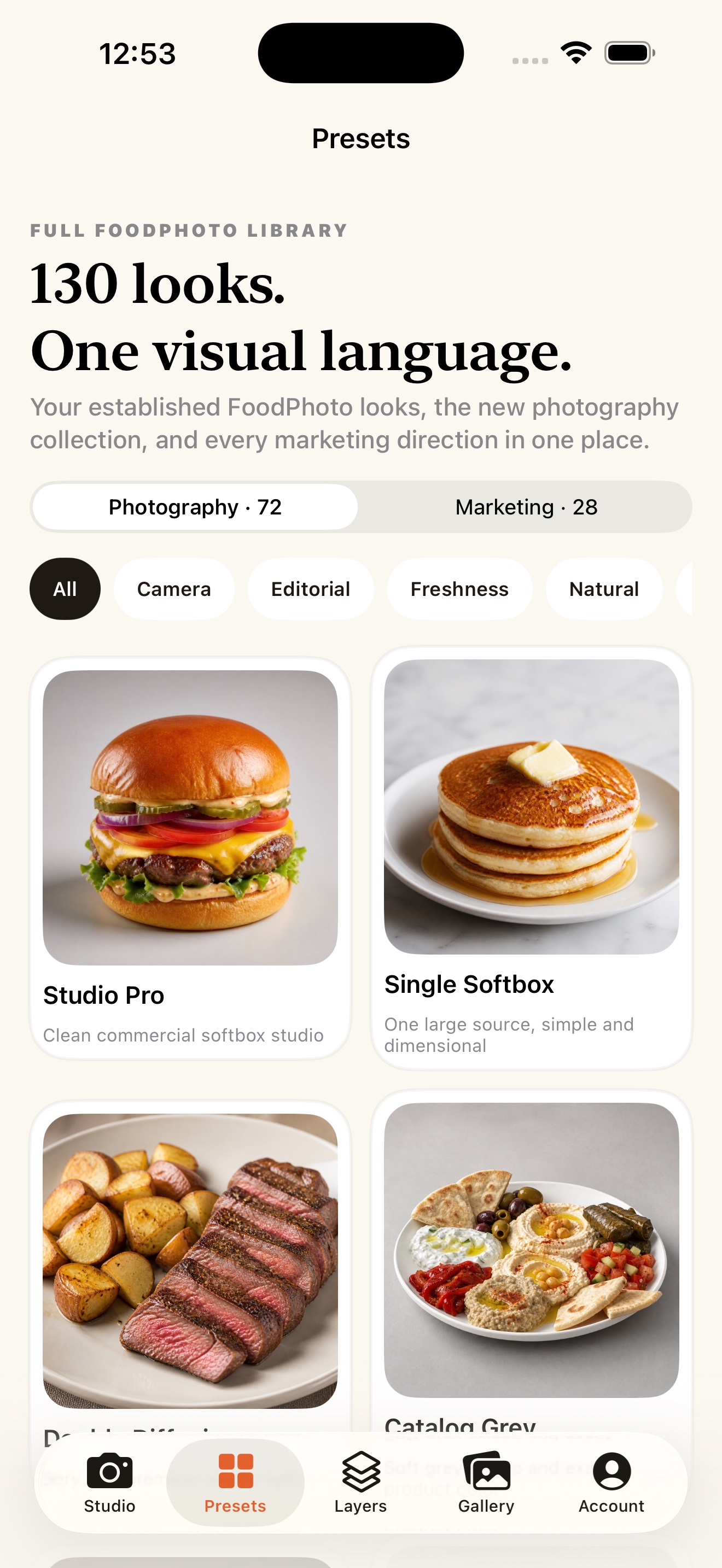
130 photographic looks
Natural phone-camera character, classic cameras, studio light, and campaign styles.
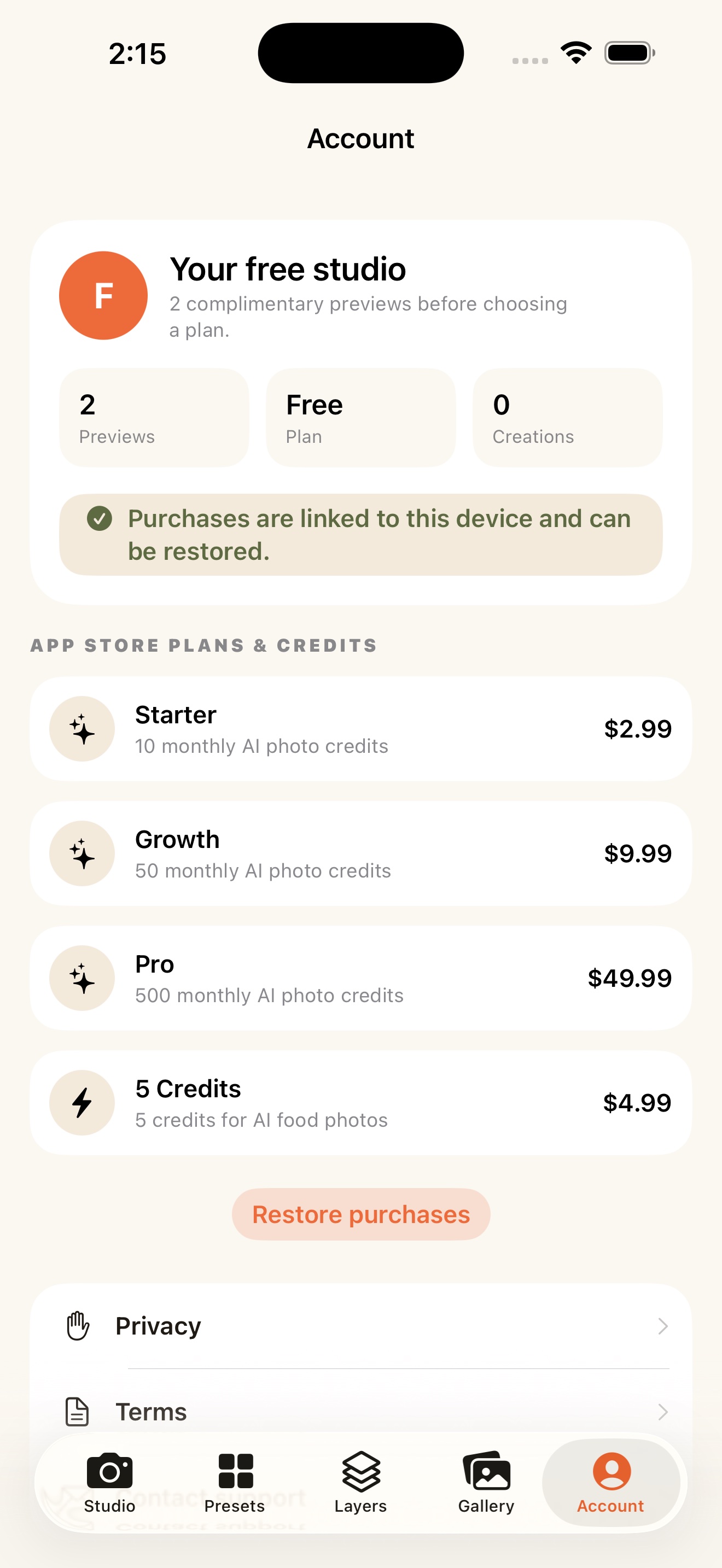
Plans and credits
Begin with two previews in the web Studio, then add credits securely on the web. The iPhone app stays available for a native camera-roll workflow.
FoodPhoto Academy
Learn it once. Use it on every dish.
22 video lessons in 6 modules, 49 minutes in total. Every lesson ends with its own prompt: open it in the studio and run it on the plate you serve tonight.
- Included with plans from $15 a month
- Or $49 once, with 100 credits
- Lesson 1 is free, no account needed
Plans
Plans built around your menu.
Choose by how many dishes you keep fresh. Begin with two previews on your own dish, then pick the plan that matches your menu.
Every plan opens the full studio. 133 photo styles, delivery and web exports, editable menus and campaigns, with full commercial rights.
Teams, agencies and multi-location restaurants
Paid web checkout is open · secure Stripe payment · commercial menu usage · monthly plans can be cancelled anytime. Compare every plan →
FAQ
Common questions.
What is FoodPhoto.ai?
A premium AI food photography studio for restaurants. Upload real dish photos, choose a restaurant ready style, black background, studio white, marble, natural light, and export menu photos for delivery apps, websites, Google Business Profile, QR menus, and social posts, while keeping the dish you actually serve.
How much does it cost?
Begin with two previews on your own dish, then choose a monthly plan from $15 or a one-time pack. Every paid plan includes full commercial rights and watermark-free exports.
Does it change the food?
It's built for honest enhancement, improving lighting, background, color, crop and texture while keeping the real plate, portion, ingredients and garnish recognizable.
Where can I use the images?
Paid outputs are watermark-free for commercial use across DoorDash, Uber Eats, Grubhub, Google Business Profile, websites, QR menus, printed menus, and social media. Preview generations carry a FoodPhoto watermark.
YOUR RESTAURANT, BEYOND THE PHOTO
Better photos are just the beginning.
Learn practical AI and find tools for the daily work of your restaurant.
Tonight's menu can look expensive
Shoot your whole menu, without a shoot day.
Premium photos for delivery, web and social, made from the dishes you actually serve. Begin with two previews on your own plate, and keep going when they earn a place on your menu.