

Restaurant photo workflow
Restaurant Menu Photo Generator for Real Dishes
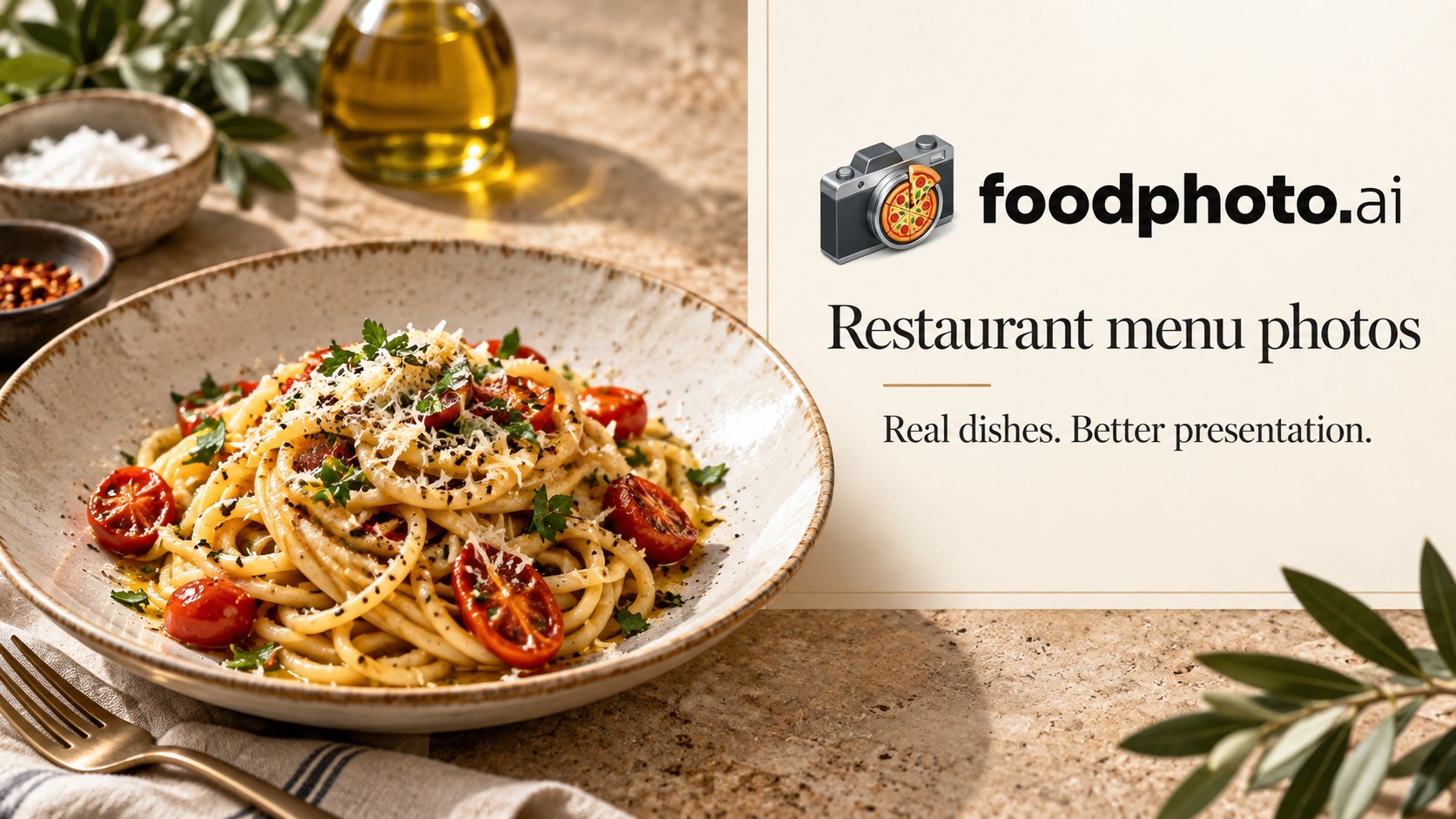
A restaurant menu photo generator should create a consistent set without turning the menu into fiction. Start with real photos of orderable dishes, improve workable captures, compare every result with the source plate, and export approved versions for each menu channel.
Enhancement and generation solve different jobs
| Decision | Real-dish enhancement | Synthetic generation |
|---|---|---|
| Starting point | A photo of the served item | A written or visual concept |
| Appropriate use | Menus, listings and item pages | Mood boards and clearly illustrative campaigns |
| Main review | Accuracy plus production quality | Creative fit plus clear context |
| Primary risk | An edit changes a real detail | The image resembles food the kitchen does not serve |
From phone capture to delivered menu set
- Plan: list menu items, owners and destination channels.
- Capture: photograph current served plates with consistent light and approved angles.
- Enhance: set the look on one representative dish, then apply a controlled style.
- Review: check ingredients, portion, garnish, plate, color and crop.
- Export: produce destination versions from an approved master with useful filenames.
- Publish: inspect the live thumbnail and record the replacement.
Keep one honest menu standard
Use the AI food photo editor for individual real-dish edits and the food photo ethics guide to define your approval boundary. Check each destination through the delivery app photo requirements hub.
Start with the plates you serve
Create your FoodPhoto.ai account and use one real-dish workflow across the menu. Review the pricing options before choosing the production volume.
Frequently asked questions
What is a restaurant menu photo generator?
It is a workflow for producing consistent menu images. For purchasable dishes, start with a real photo, improve the capture, check it against the served plate and export the approved image for each channel.
Can synthetic food photos be used for a real menu?
A fully synthetic image can invent ingredients, garnish, plateware or portion size. For an orderable item, start with the actual dish and require an accuracy review.
How do I keep menu photos consistent?
Set approved angles by dish type, one background family, target crops, color direction and a named reviewer. Apply that rule across the batch.
What should be checked before delivery?
Check dish accuracy, portion, ingredients, color, sharpness, background, crop safety, file naming and the current requirements of every destination.