Upload the real dish
Start with a clear phone photo. The plate, portion, garnish, and ingredients stay the source of truth.


Workflow
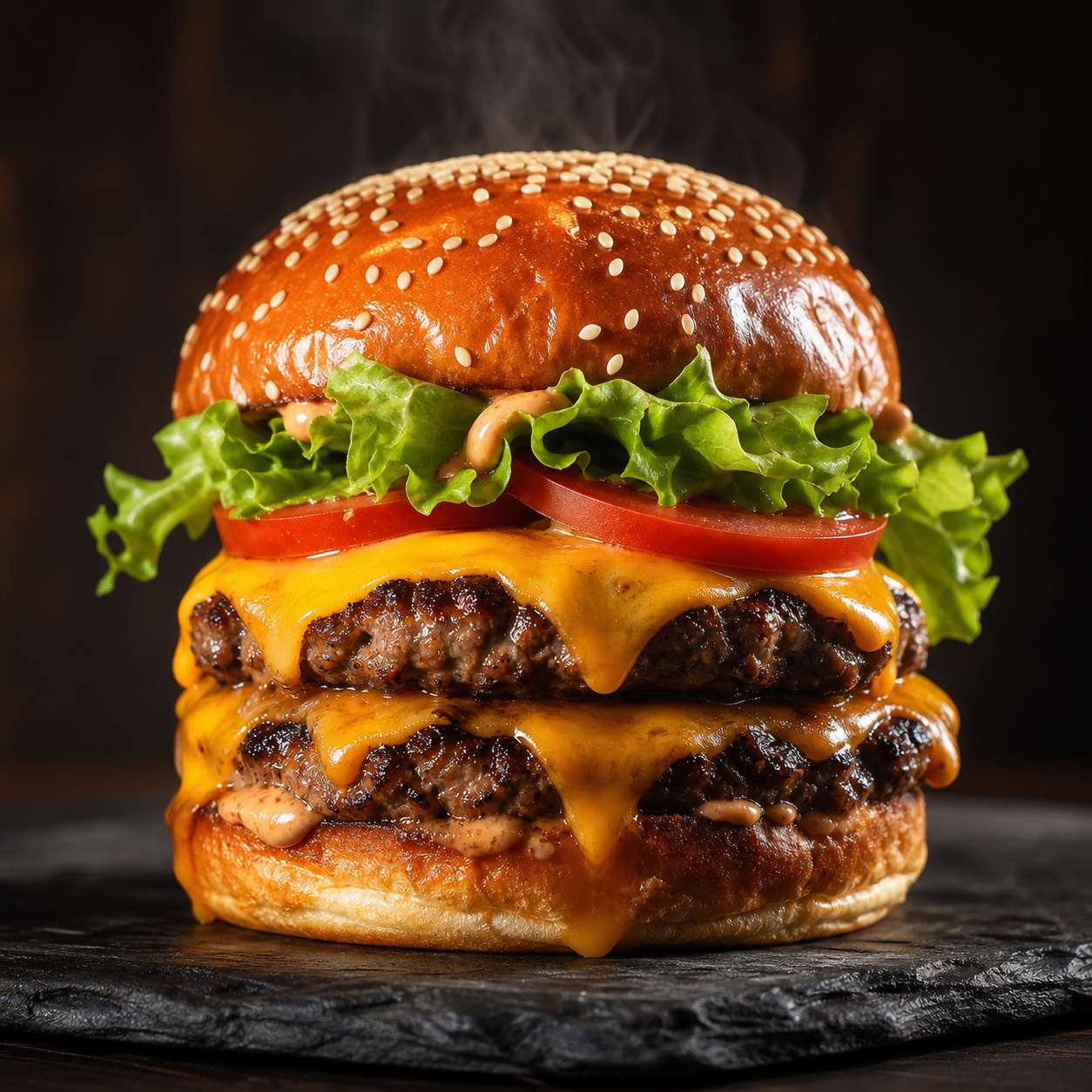
FoodPhoto.ai keeps the real dish intact while improving light, background, crop, and export formats for restaurant menus and delivery platforms.
Process
Start with a clear phone photo. The plate, portion, garnish, and ingredients stay the source of truth.
Use black menu, studio white, marble, rustic wood, natural light, macro, or other food-specific looks.
Download menu-ready images for DoorDash, Uber Eats, Google Business, websites, printed menus, and social posts.
Browser-based Studio
Choose a dish and style in the native app. The backend keeps generation gated until account and credit checks pass.
Open the web Studio