

Edit your food photo.
Keep your dish.
Upload a real dish photo, ask for better light, a cleaner background or a menu-ready crop, then check the result against what you serve.
Two watermarked photo previews with a verified free account. Free generation is significantly slower than paid generation.
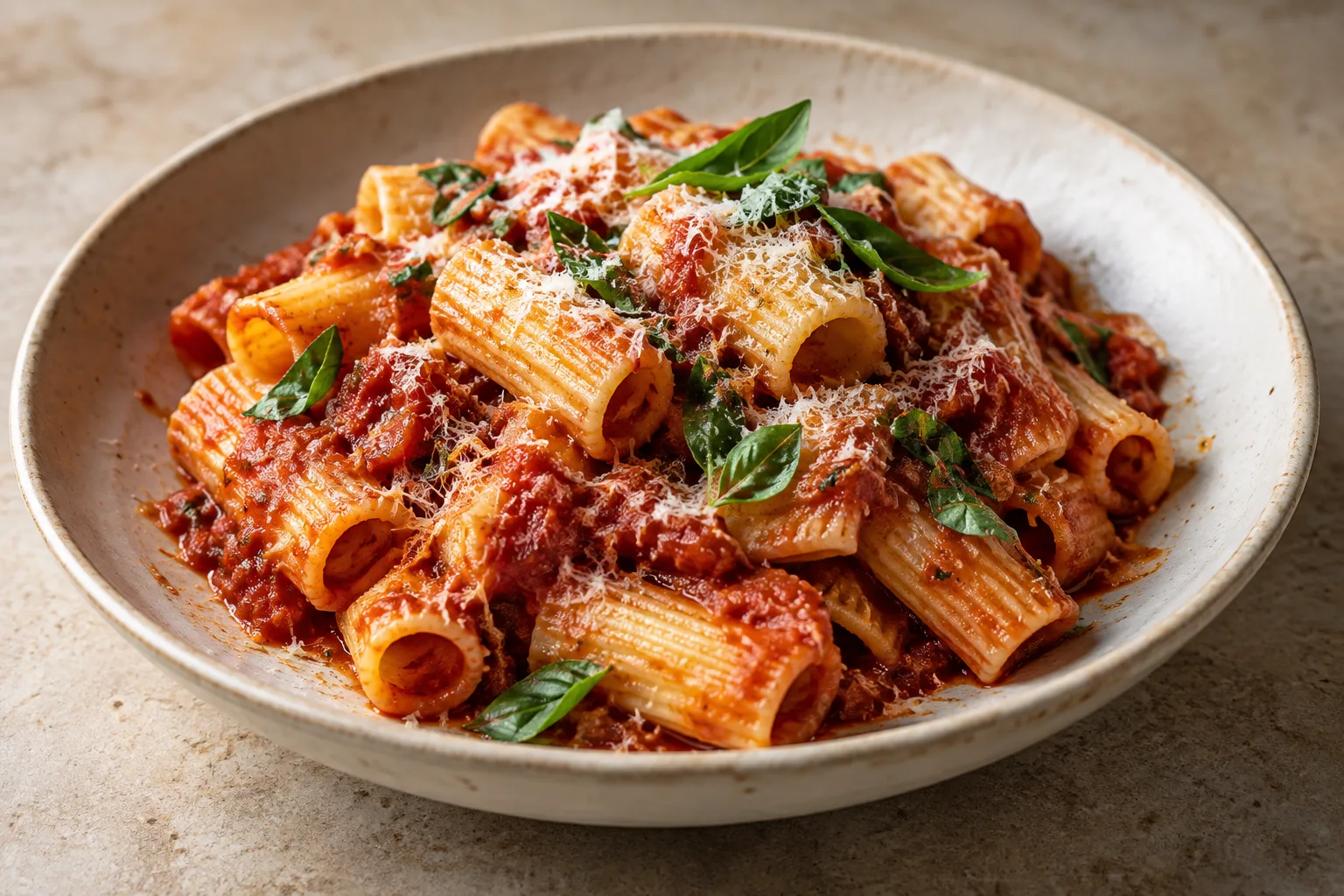
A first edit you can actually review.
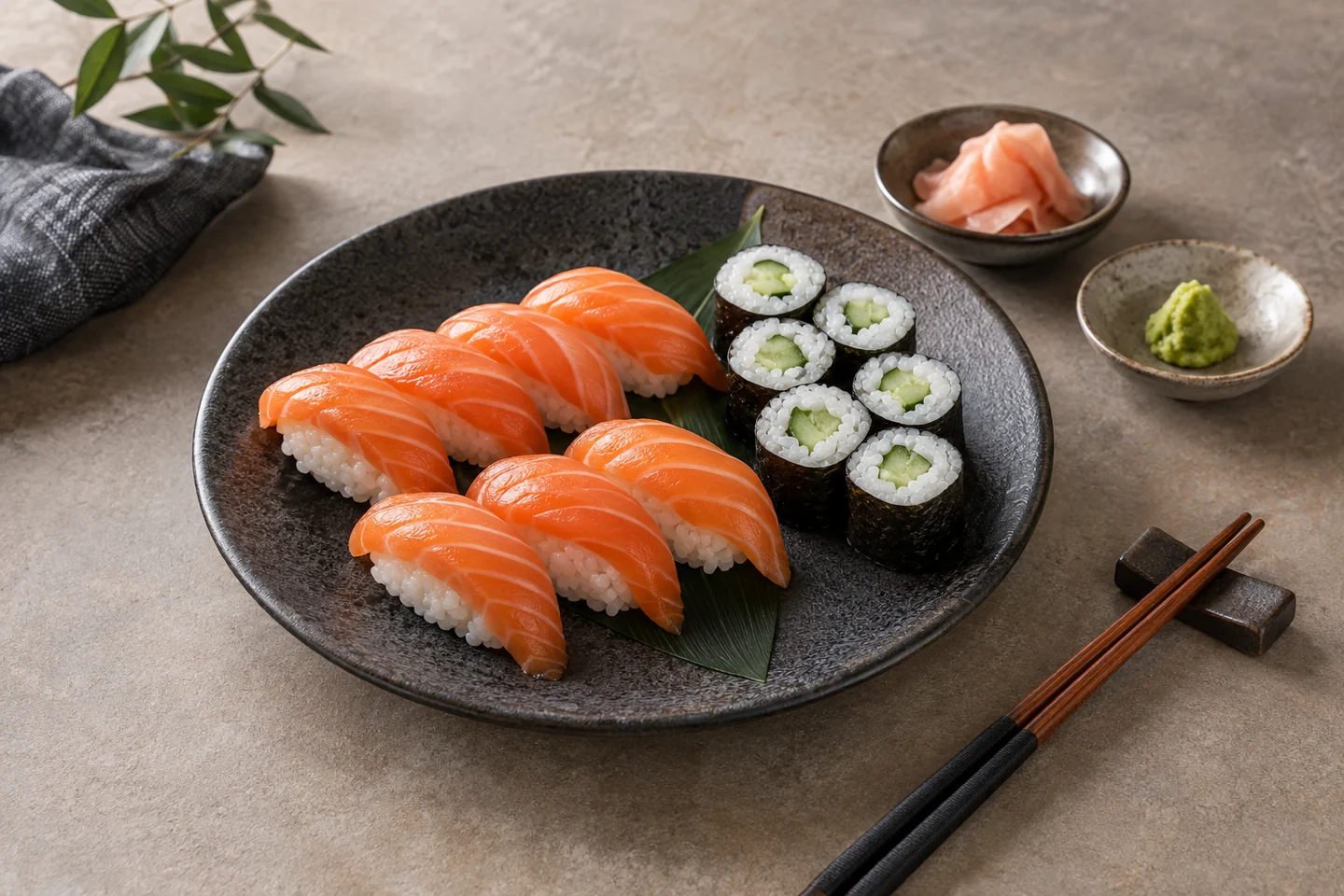
For a sushi menu photo, the useful change is often a neutral rice color and a crop that shows the whole set. Start with the original photo of your actual portion.
Copy this brief into the studio
“Use my uploaded dish photo as the source. Neutralize the yellow cast in the rice, soften glare and simplify only the background. Keep every piece, fish type, garnish, plate and portion exactly as photographed. Leave space for a square menu crop. Tell me if a detail cannot be preserved.”
Before publishing, compare piece count, ingredients, plate edges and rice texture side by side with the original. If any detail changes, revise or reshoot. The sushi photography guide has the matching three-frame shoot plan.
Try this on my photoA good edit starts with a good dish.
You do not need an elaborate brief. Decide what is getting in the way of the food: flat lighting, a distracting table, or a crop that cuts off the plate. Change that first.
| What you notice | What to ask for | What to check |
|---|---|---|
| A yellow or dull-looking dish | Natural color and soft light from one side. | Whites look neutral; browned food still looks browned. |
| Clutter around the plate | A simpler background with the plate kept visible. | No missing cutlery, plate edges or important ingredients. |
| A tight delivery-app crop | Space around the whole dish for the format you need. | The actual thumbnail crop, not just the full image. |
| A glossy, overprocessed finish | Gentle highlights and visible food texture. | Sauce, crumbs and cut surfaces still look believable. |
AI can change ingredients, shapes and portions. Compare each result with your original before putting it on a menu or in an advertisement.
Think beyond the square.
A delivery listing, a printed menu and a story do not use the same frame. Tell the studio where the photo is going before you edit.
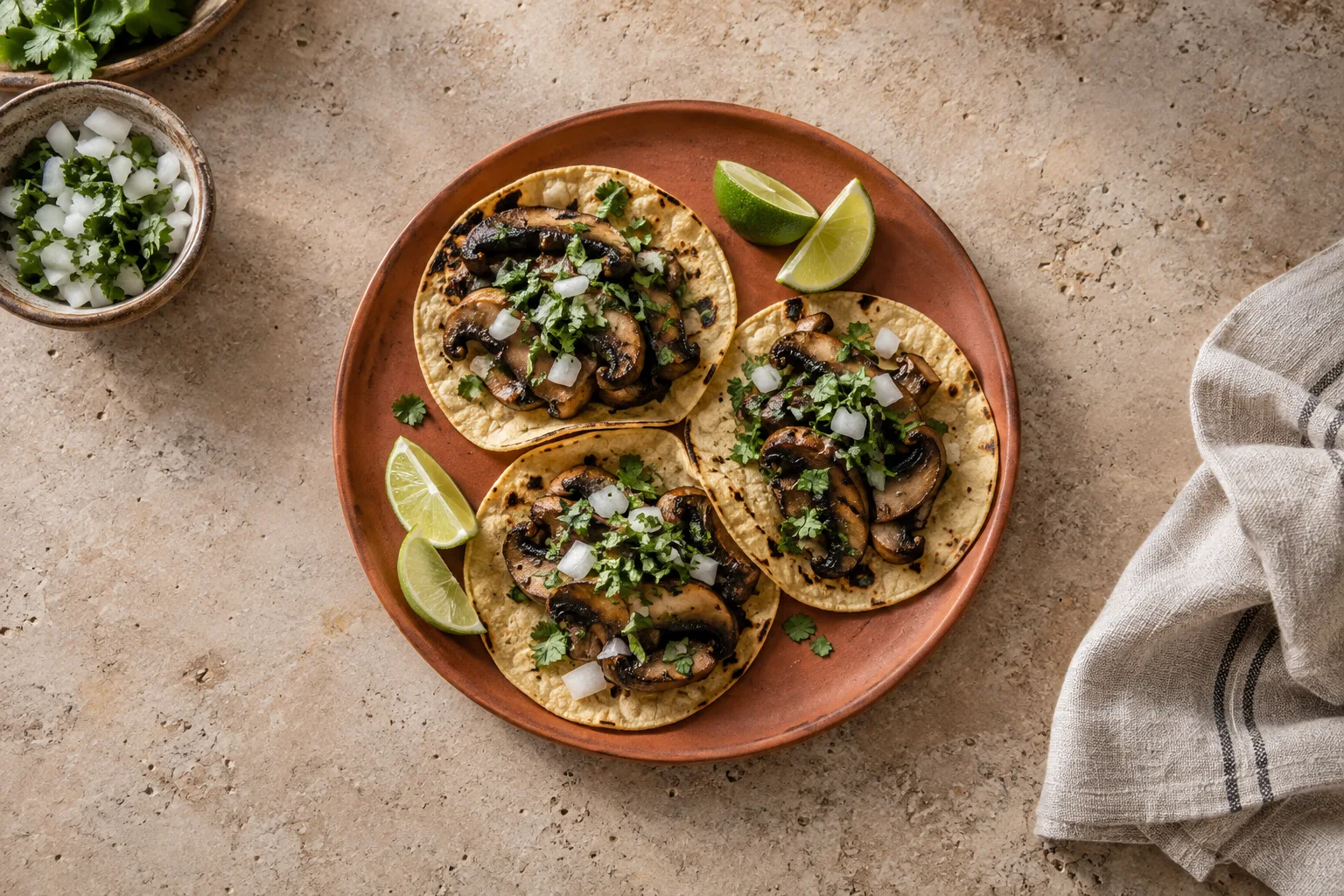
For an overhead dish, start with the whole plate in view. For a burger or a layered dessert, use an angle that shows the height. Leave space for a headline only when you need one.
A brief you can use
“Prepare this taco photo for a square menu image. Leave a little room around the plate. Use a quiet background and natural light. Keep the ingredients and serving size from my photo.”
After the edit, inspect the result at the size your customer will actually see.
From your camera roll to your next menu.
FoodPhoto is a creative studio, not a filter with one setting. Keep the photo, revisions and related menu or campaign work in your project.
Bring a clear original.
Open the studio and upload your dish. Wipe the lens, avoid digital zoom, and check that the main ingredients are in focus. An edit cannot reliably recover details that were never visible.
Ask for one useful change.
Start with light, background or framing. Say where you plan to use the image. Review the first result before adding more requests.
Check it against the plate.
Compare ingredients, portion size, garnish and crockery. Ask for a revision if anything is wrong. Keep the version you would be comfortable showing a customer.
Before you edit, choose one thing to improve: the light, the background or the crop. After the edit, compare the dish with your original. Keep the ingredients, portion and texture recognisable.
If you want to practise judging the photo before changing it, watch the free Academy lesson: Why Some Food Photos Make You Hungry. Then return to your original and write a one-sentence editing brief.
Build the next piece.
Continue in the same studio to work on menu copy, a PDF or a social post. Review names, prices and any text before sharing or downloading your finished work.
Keep the texture.
Lose the distraction.
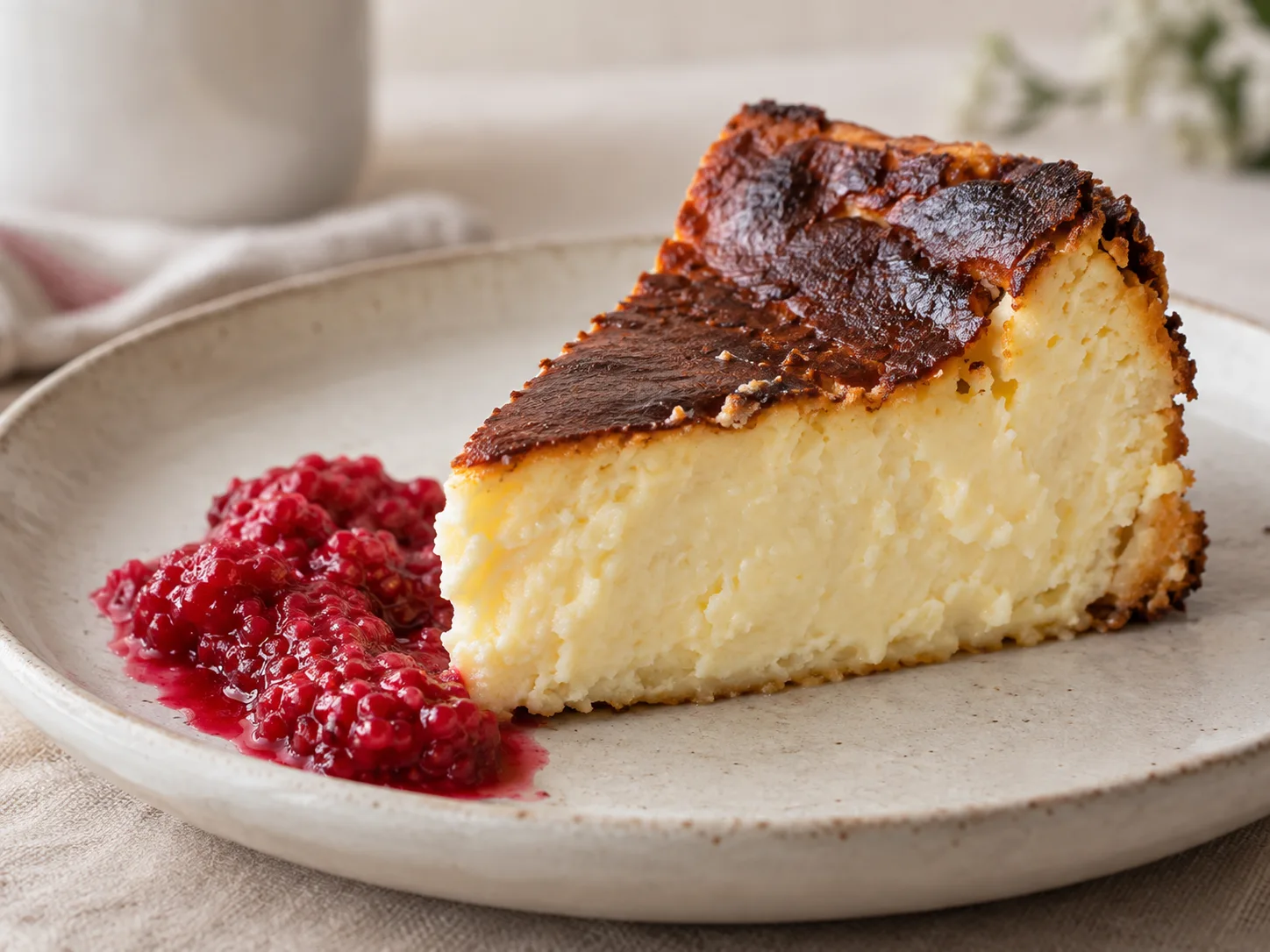
The browned top of a cheesecake, the edge of a tortilla, a little sauce on the plate: these details are part of what makes food convincing.
Ask for softer light rather than a perfectly smooth surface. If the edit makes a crust look plastic or invents extra toppings, do not publish it. Revise the request or return to your original photo.
Need help taking the source photo? Explore the food photography guides for lighting and composition ideas you can use in your own kitchen.
Try your own photo. Then choose your pace.
A verified free account includes two lifetime watermarked photo previews. They are significantly slower than paid generation, so allow extra time. Once those previews are used, keep going with a one-time photo pack from $5 for 10 photos (no subscription, never expires), or a monthly plan for the lowest price per photo.
| Plan | Monthly price | Monthly allowance |
|---|---|---|
| Starter | $15 / month | 36 credits |
| Growth | $30 / month | 120 credits |
| Pro | $60 / month | 360 credits |
| Studio | $120 / month | 1200 credits |
Different tasks use different amounts of credit. Subscription use is subject to both the monthly allowance and a rolling seven-day limit of 50% of that allowance. Top-up credits follow separate usage rules.
Compare current plans, top-ups and usage details before choosing. The pricing page has the full offer; this page does not promise a fixed number of edits for every task.
A few things worth knowing.
Will the edited photo keep my dish exactly the same?
Not necessarily. AI-generated edits can alter details even when your instructions ask to preserve them. Compare the result with your original, especially ingredients, portion size and garnish. Use only a version that accurately represents what you serve.
Can I use the result on a delivery platform?
Check that platform’s current photo requirements and inspect the final crop. FoodPhoto does not guarantee that an image will be accepted. The photo should accurately represent the item a customer receives.
Do I need a professional camera?
No. Start with a sharp phone photo in good light. A clean lens, steady framing and a visible plate help more than adding a complicated prompt to a blurry image.
Can I make menus and other materials too?
Yes. You can continue with menu copy, documents and campaign work in the studio. Give it your actual dish names, prices and business details, then review the text and layout before publishing.
Start with the dish on your menu.
One photo. One clear request. A result you can review and refine.
Open FoodPhoto studio