

Food Photography Styles - 35 AI Presets for Menu Photos
Browse styles visually
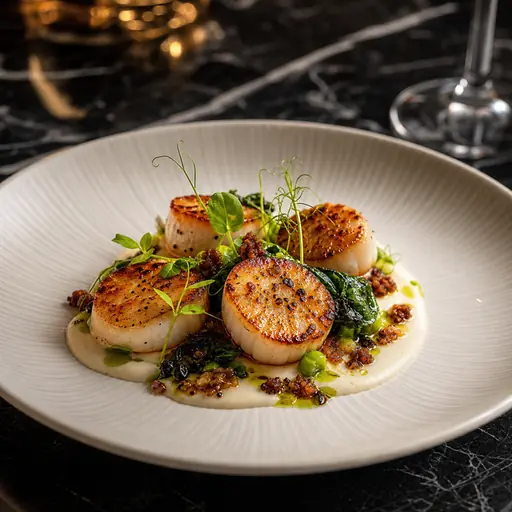
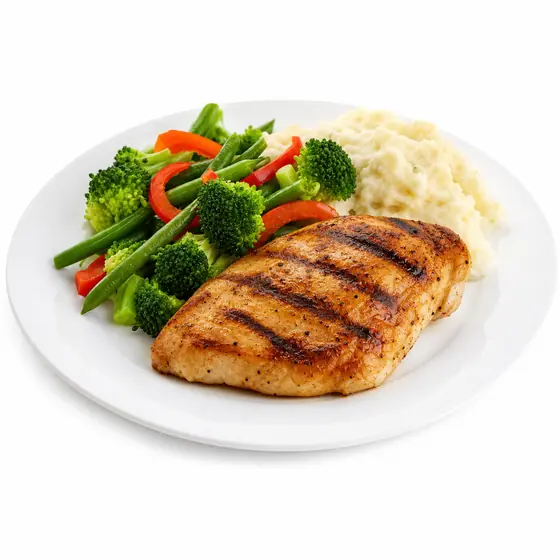
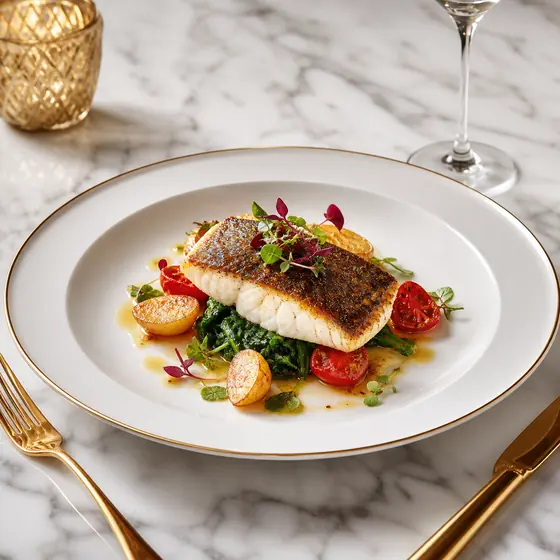
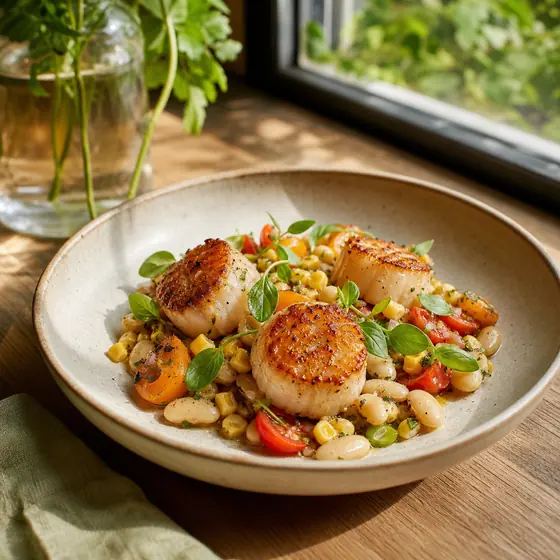
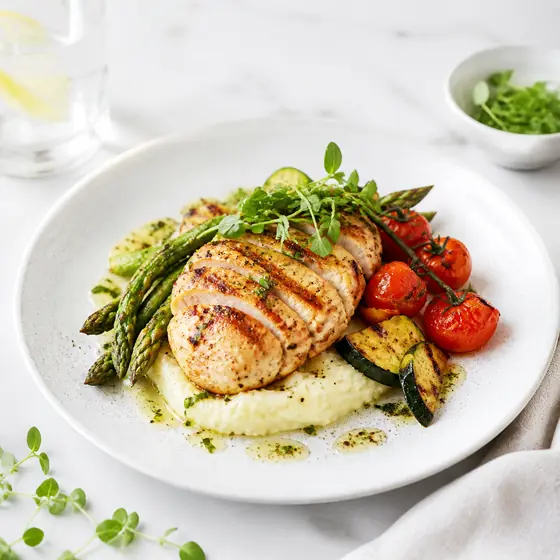
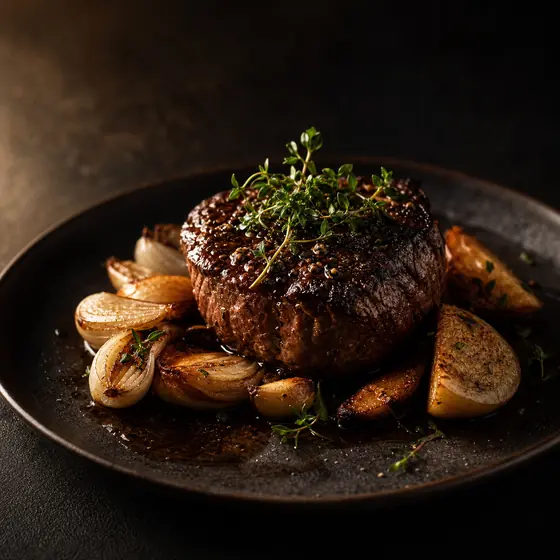
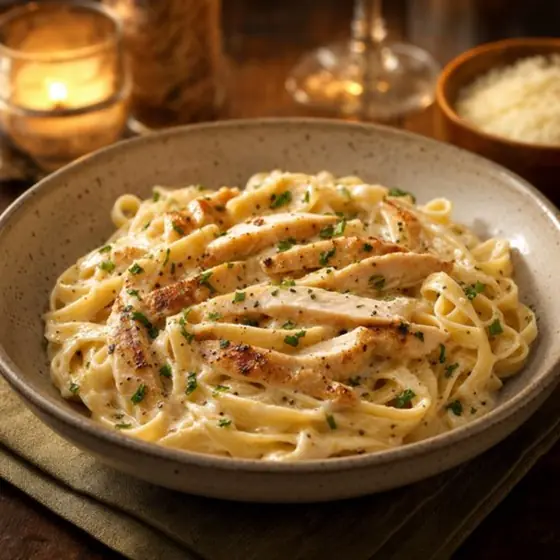
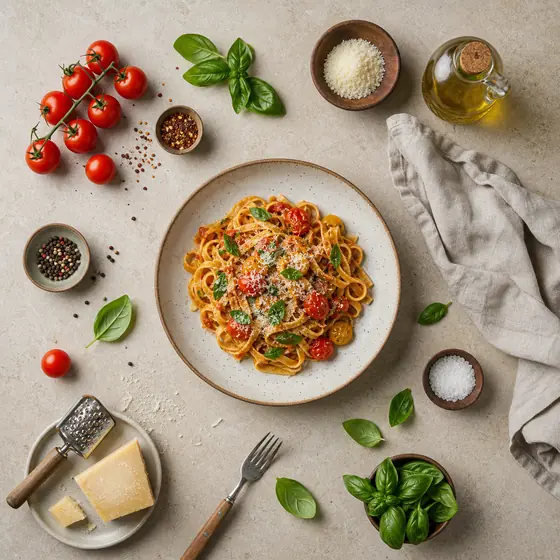
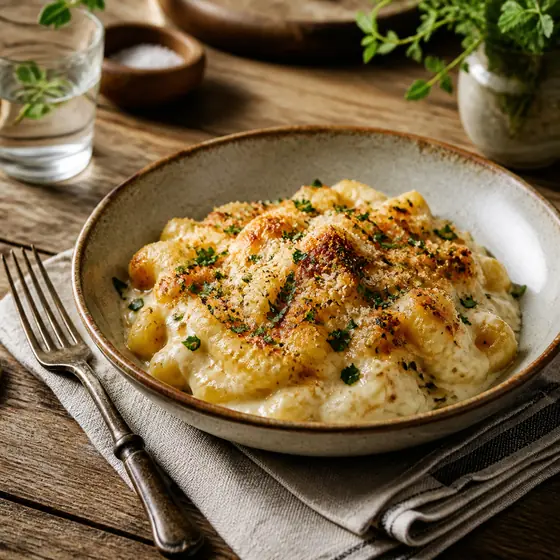
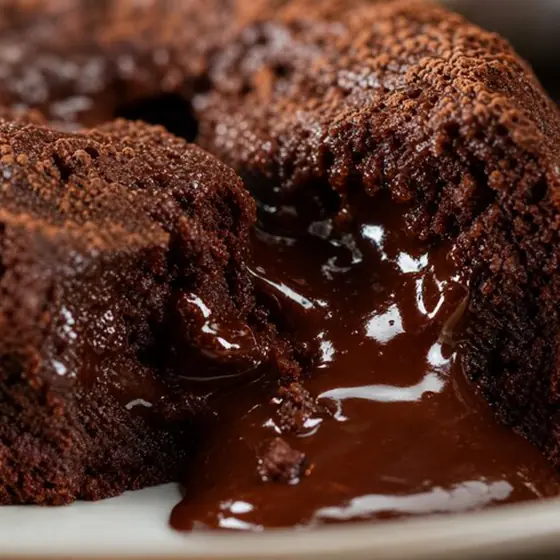
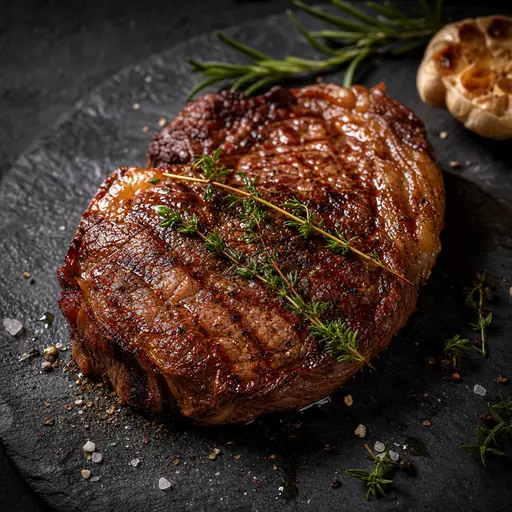
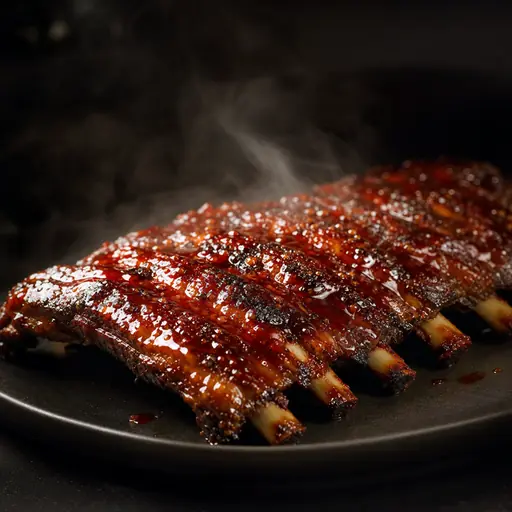
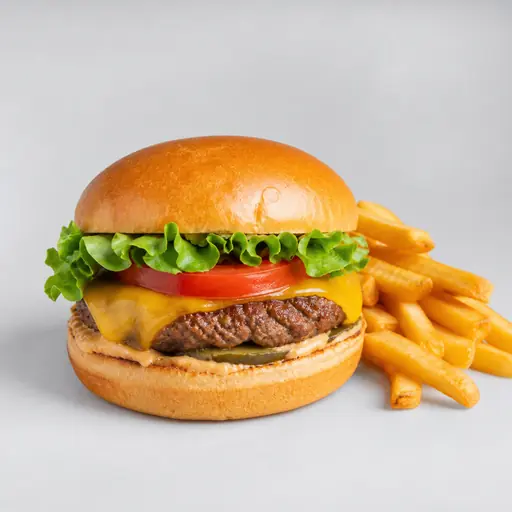
Browse 35 FoodPhoto.ai style guides for restaurant menu photos, delivery-app images, websites, and social campaigns. Each page explains the visual traits, best use cases, AI preset mapping, and workflow for applying the style to real dish photos.
FoodPhoto.ai is a paid AI food photo editor for restaurants. Upload a phone photo of the actual dish, choose a style, and improve lighting, background, color, and crop without changing the food. Start in FoodPhoto.ai Studio, compare plans on pricing, or review common questions in the FAQ.
Most-used style presets
- Studio Professional style - Clean, professional studio photography with perfect lighting and white background, ideal for delivery apps and e-commerce.
- Instagram Social Media style - Bright, trendy aesthetic perfect for Instagram and social media with influencer-style composition.
- Uber Eats Optimized style - Vibrant, close-up style optimized specifically for Uber Eats with maximum appetite appeal and mobile optimization.
- DoorDash Hero Shot style - Dramatic hero photography optimized for DoorDash with professional lighting and focus on signature dishes.
- Steaming Fresh style - Hot, freshly cooked food with visible steam for maximum appetite appeal.
- Vibrant Commercial style - Bold, high-contrast commercial photography with vibrant colors for maximum visual impact.
- Social Media Viral style - Optimized for maximum engagement on Instagram, TikTok, and social platforms with trending aesthetics.
- Restaurant Menu Hero style - Professional menu photography with signature dish presentation for print and digital menus.
How to choose a food photo style
Start with the channel. Delivery apps need clear thumbnails and crops that survive small screens. Menus need consistency across categories. Social posts need a stronger mood or editorial angle. Websites need a polished brand look that still makes the dish easy to recognize.
Then match the preset to the dish family. A beverage, bakery item, burger, salad, and fine-dining plate do not need identical lighting, but the finished set should feel like it came from one restaurant. These pages help operators choose a style before processing a full menu.
- For delivery marketplaces, start with Studio Professional, Uber Eats Optimized, or DoorDash Hero Shot.
- For social campaigns, compare Instagram Social Media, Social Media Viral, and Overhead Flat-Lay.
- For premium menus, review Editorial Magazine, Fine Dining Elite, and Dark & Moody.
All style pages
- Studio Professional style - preset studio_pro, popularity 95/100.
- Instagram Social Media style - preset instagram, popularity 92/100.
- Uber Eats Optimized style - preset uber_eats, popularity 90/100.
- DoorDash Hero Shot style - preset doordash, popularity 88/100.
- Steaming Fresh style - preset steaming_fresh, popularity 88/100.
- Vibrant Commercial style - preset vibrant_commercial, popularity 86/100.
- Social Media Viral style - preset social_viral, popularity 86/100.
- Restaurant Menu Hero style - preset menu_hero, popularity 85/100.
- Overhead Flat-Lay style - preset overhead_flatlay, popularity 84/100.
- Fast Casual Pro style - preset vibrant_commercial, popularity 83/100.
- Bright & Airy style - preset bright_airy, popularity 82/100.
- Editorial Magazine style - preset minimalist_clean, popularity 81/100.
- Natural Light style - preset natural_light, popularity 80/100.
- Fine Dining Elite style - preset minimalist_clean, popularity 79/100.
- Lifestyle Casual style - preset lifestyle, popularity 78/100.
- Smart Auto Select style - preset smart_auto, popularity 78/100.
- Minimalist Clean style - preset minimalist_clean, popularity 76/100.
- Rustic Artisanal style - preset rustic, popularity 75/100.
- Dessert Glamour style - preset dessert_glamour, popularity 74/100.
- Dark & Moody style - preset dark_moody, popularity 72/100.
- Beverage Professional style - preset beverage_pro, popularity 71/100.
- E-Commerce Clean style - preset ecommerce_clean, popularity 70/100.
- Macro Detail style - preset macro_detail, popularity 68/100.
- FLUX Pro Hero Shot style - preset flux_pro_hero, popularity 67/100.
- Action & Splash style - preset action_splash, popularity 65/100.
- HD Commercial Pro style - preset hd_commercial, popularity 64/100.
- AI Composition Master style - preset seedream_composite, popularity 62/100.
- Consistent Series style - preset consistent_series, popularity 60/100.
- Menu Ready (Text Perfect) style - preset nano_text_overlay, popularity 58/100.
- Vibrant Colors style - preset vibrant_colors, popularity 55/100.
- Modern Clean style - preset modern_clean, popularity 54/100.
- Warm Tone style - preset warm_tone, popularity 52/100.
- Soft Natural style - preset soft_natural, popularity 50/100.
- Cool Tone style - preset cool_tone, popularity 48/100.
- High Contrast style - preset high_contrast, popularity 46/100.
Backgrounds & treatments
- Black background
- Studio white background
- Marble background
- Dark slate background
- Rustic wood background
- Golden hour
- Spotlight / dramatic
- Macro / close-up
- Delivery tile
Related FoodPhoto.ai guides
- Restaurant photo style guide
- Best food photography styles for social media
- Food photography lighting fundamentals
- Delivery platform photo guides
- Restaurant photo tools
Apply a style to real dish photos
Each credit processes one photo, so restaurants can test a style on a few dishes before refreshing a full menu. FoodPhoto begins with two previews on your own dish, with a verified account and no card. Free previews are significantly slower than paid plans and are prepared in a separate queue: about 30–35 seconds in normal conditions, and longer when the service is busy or the edit is complex. Keep the chat open and do not repeat the request while it processes. See the current plans and usage estimates for photos, menus and campaigns.