

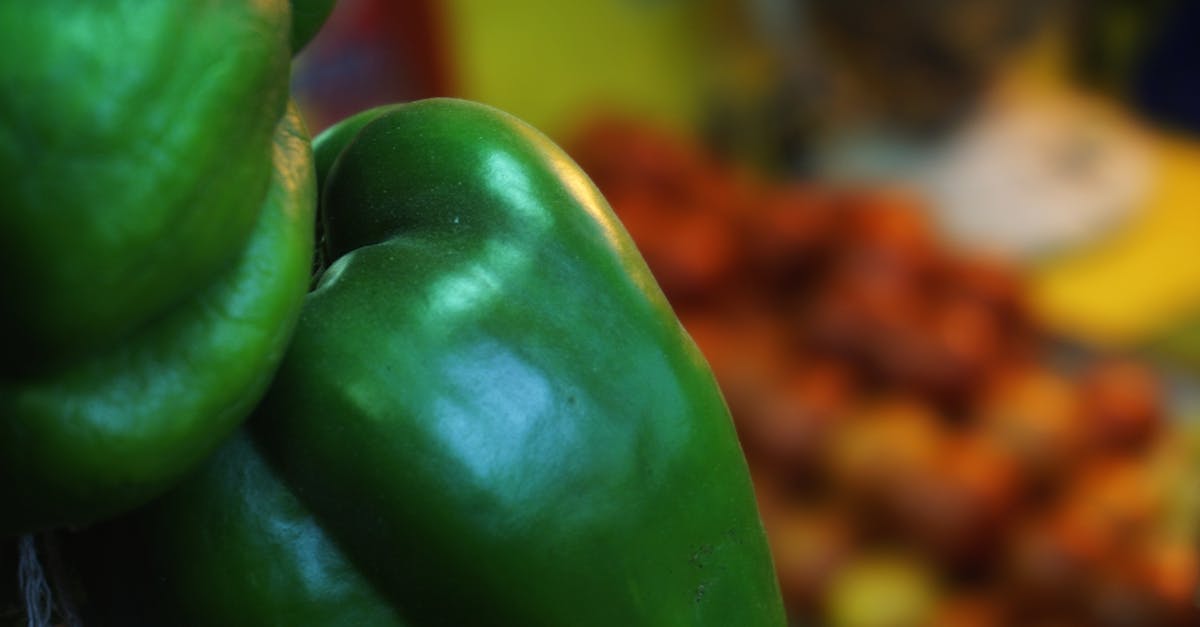
 Photo by Digital Buggu via Pexels
Vibrant Colors Food Photography Style - Characteristics and AI Preset (2026)
The Vibrant Colors food photography style is bold, vibrant color enhancement with increased saturation for eye-catching appeal. FoodPhoto.ai maps this look to the vibrant_colors preset, so a restaurant can apply it to real dish photos without staging a new shoot.
Use this guide to decide when the style fits a menu, how it changes lighting and background, which channels it supports, and how it connects to the wider FoodPhoto.ai style library. For production work, start in FoodPhoto.ai Studio and review pricing before processing a full menu.
Quick style facts
- Preset: vibrant_colors
- Popularity score: 55/100
- Best for: General use, Colorful dishes, and Social media
- Defining traits: Bold saturated colors, Enhanced vibrancy, Eye-catching, and Color-focused
What is the Vibrant Colors style?
Bold, vibrant color enhancement with increased saturation for eye-catching appeal. The style is recognizable because it combines bold saturated colors, enhanced vibrancy, and eye-catching with a repeatable menu-photo workflow. That matters when a guest sees many dishes together: the grid should feel intentional, not like a mix of supplier shots, phone snapshots, and old photographer files.
In FoodPhoto.ai, the point is not to invent a different dish. The system starts from the restaurant's real plate, improves the food photo, and keeps the ingredients, portion, and plating trustworthy. The Vibrant Colors preset is a styling layer for lighting, crop, background, and color consistency.
- Bold saturated colors
- Enhanced vibrancy
- Eye-catching
- Color-focused
When to use Vibrant Colors
Vibrant Colors works best for general use, colorful dishes, and social media. It is especially useful when a restaurant needs photos that will sit beside each other on a delivery menu, POS menu board, website category page, social campaign, or local search profile.
Choose this style when the first visual job is clear: make the dish easier to understand, more appetizing at thumbnail size, and consistent with the brand promise. If the current menu mixes harsh kitchen lighting, cropped delivery screenshots, and dark dining-room photos, applying one preset across the set creates a cleaner buying experience.
- General use menu and marketing photos
- Colorful dishes menu and marketing photos
- Social media menu and marketing photos
AI preset and editing workflow
FoodPhoto.ai maps Vibrant Colors to the vibrant_colors preset. Upload a clear photo of the real dish, select the style, then let the editor improve lighting, color, background, and crop. Export the result for delivery apps, a website, a printed menu, or a campaign asset.
- Shoot one honest source photo per dish with the full plate visible.
- Pick the Vibrant Colors style in FoodPhoto.ai Studio.
- Generate a few options, then keep the version that still matches the dish served in the restaurant.
- Export in the crop needed for the target channel: delivery menu, web menu, ad creative, or social feed.
- Repeat the same preset across similar categories so the menu feels like one brand.
One credit processes one finished photo. FoodPhoto begins with two previews on your own dish, with a verified account and no card. Free previews are significantly slower than paid plans and are prepared in a separate queue: about 30–35 seconds in normal conditions, and longer when the service is busy or the edit is complex. Keep the chat open and do not repeat the request while it processes. See the current plans and usage estimates for photos, menus and campaigns.
Channel fit and internal links
For a full menu refresh, pair this style page with related FoodPhoto.ai guides. Use the style hub to compare sibling looks, the delivery platform guides to check marketplace requirements, and the FAQ for product questions.
Related FoodPhoto.ai styles
- Studio Professional style: Clean, professional studio photography with perfect lighting and white background, ideal for delivery apps and e-commerce.
- Instagram Social Media style: Bright, trendy aesthetic perfect for Instagram and social media with influencer-style composition.
- Uber Eats Optimized style: Vibrant, close-up style optimized specifically for Uber Eats with maximum appetite appeal and mobile optimization.
- DoorDash Hero Shot style: Dramatic hero photography optimized for DoorDash with professional lighting and focus on signature dishes.
- Steaming Fresh style: Hot, freshly cooked food with visible steam for maximum appetite appeal.
Related restaurant photo guides
- Best food photography styles for social media
- Instagram food photography guide
- Restaurant photo style guide
Frequently asked questions
What is Vibrant Colors food photography?
Vibrant Colors food photography is bold, vibrant color enhancement with increased saturation for eye-catching appeal. It is one of 35 FoodPhoto.ai style presets and is defined by traits like bold saturated colors, enhanced vibrancy, and eye-catching.
When should a restaurant use Vibrant Colors?
Use Vibrant Colors for general use, colorful dishes, and social media. It is most useful when those menu photos need a consistent look across delivery apps, websites, menus, and social channels.
Which FoodPhoto.ai preset creates this style?
The Vibrant Colors style maps to the "vibrant_colors" preset. Upload a real dish photo, select the preset, and FoodPhoto.ai improves the image without replacing the food.
Is Vibrant Colors good for delivery app photos?
Vibrant Colors is optimized for general use, colorful dishes, and social media. For delivery-specific sizing, pair it with FoodPhoto.ai export settings and the delivery photo specs hub.
How much does Vibrant Colors AI photo editing cost?
FoodPhoto.ai is paid only. Each credit processes one photo.
Use this style in FoodPhoto.ai
Open FoodPhoto.ai Studio, upload a real dish photo, and apply the Vibrant Colors preset as part of a consistent menu-photo workflow. For larger menus, process one category first, compare results in the same menu grid, then roll the winning preset across the rest of the dishes.