

Delivery app photo size & requirements
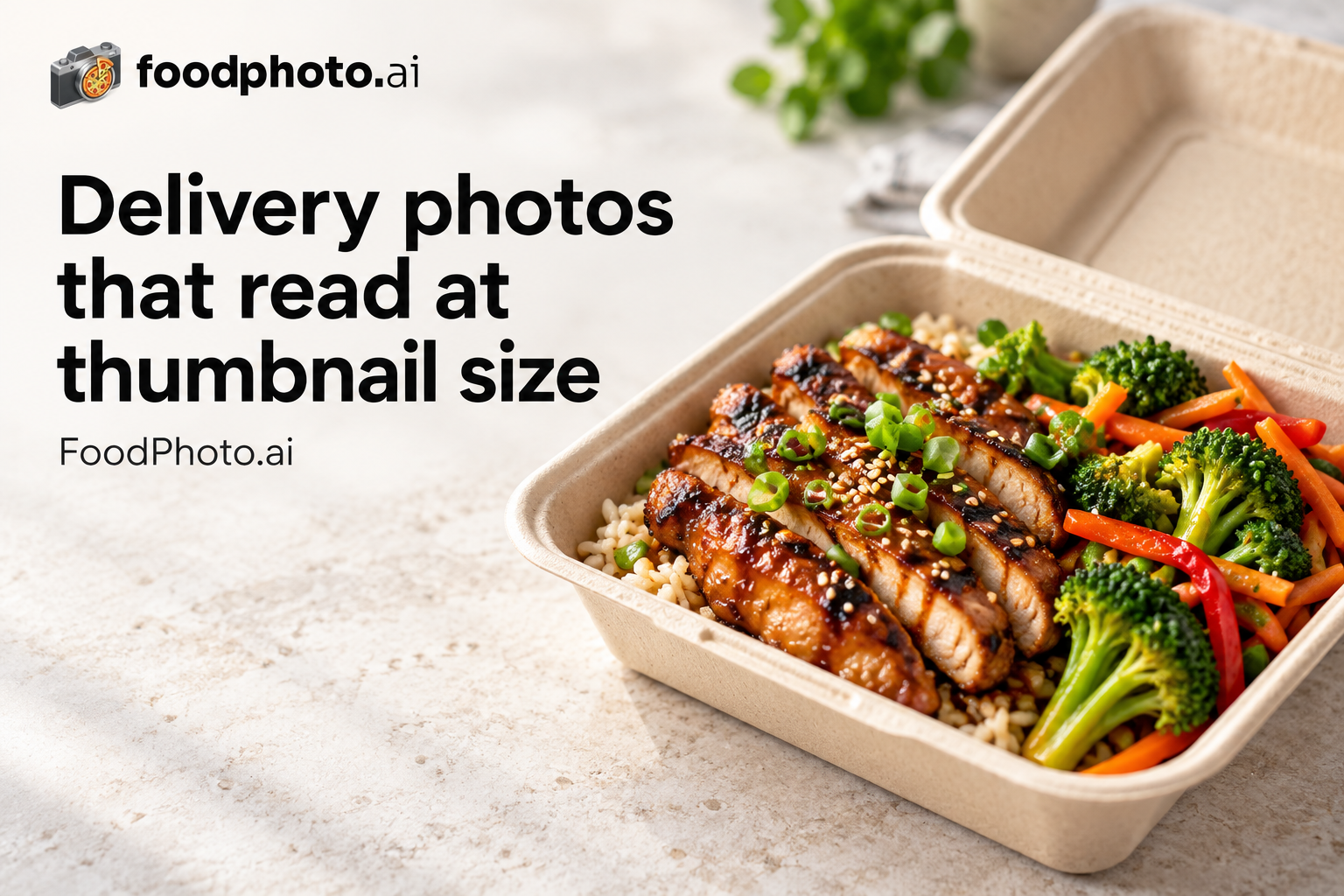
The image dimensions, aspect ratios and file limits every major food delivery platform expects, organized by app and by country. Use this hub to find the current source-backed specs before you upload menu photos or resize hero images.
Quick answer: delivery app photo specs are not universal. DoorDash uses 16:9 landscape, Uber Eats recommends 5:4 to 6:4, and many global marketplaces use square crops with their own file limits. FoodPhoto.ai improves real dish photos to the right spec without changing the food. Plans from $15/mo (about 60 photos), with a $5 pack of 10 photos.
Photo specs by delivery platform
- Uber Eats photo size & requirements - 550x440px minimum; up to 10000x10000px, 5:4 to 6:4 recommended across 36 markets.
- Wolt photo size & requirements - 1200x1200px, 1:1 (square) across 29 markets.
- Glovo working export guidance - 1000 × 1000 px square is a FoodPhoto working recommendation across 21 market guides, not a verified minimum for every market. Check country-specific evidence and the current merchant account; no universal file cap or approval is asserted.
- Bolt Food photo size & requirements - 1200x1200px, 1:1 (square) across 20 markets.
- Just Eat photo size & requirements - 800x800px, 1:1 (square) or 4:3 across 19 markets.
- Deliveroo photo size & requirements - 1200x1200px, 1:1 (square) across 13 markets.
- foodpanda photo size & requirements - 1000x1000px, 1:1 (square) across 13 markets.
- Zomato photo size & requirements - 1000x1000px, 1:1 (square) or 4:3 across 10 markets.
- Rappi photo size & requirements - 1000x1000px, 1:1 (square) across 9 markets.
- Talabat photo size & requirements - 1000x1000px, 1:1 (square) across 9 markets.
- Yelp photo size & requirements - 1000x1000px, 1:1 (square) or 4:3 across 8 markets.
- Careem Now photo size & requirements - 1000x1000px, 1:1 (square) across 7 markets.
- DoorDash photo size & requirements - 1400x800px, 16:9 landscape across 5 markets.
- Square Online photo size & requirements - 2048x2048px, 1:1 (square) across 5 markets.
- Toast photo size & requirements - 1024x1024px, 1:1 (square) across 4 markets.
- iFood photo size & requirements - 1200x1200px, 1:1 (square) across 3 markets.
- Olo photo size & requirements - 1200x1200px, 1:1 (square) across 3 markets.
- Grubhub photo size & requirements - 800x800px, 1:1 (square) across 2 markets.
- BentoBox photo size & requirements - 2048x2048px, 1:1 (square) or 16:9 across 2 markets.
- Gopuff photo size & requirements - 800x800px, 1:1 (square) across 2 markets.
- Instacart photo size & requirements - 1000x1000px, 1:1 (square) across 2 markets.
- Menulog photo size & requirements - 1000x1000px, 1:1 (square) across 2 markets.
- Postmates photo size & requirements - 1000x1000px, 1:1 (square) across 2 markets.
- Ritual photo size & requirements - 1000x1000px, 1:1 (square) across 2 markets.
- Swiggy photo size & requirements - 1024x1024px, 1:1 (square) across 1 markets.
- Caviar photo size & requirements - 1200x1200px, 1:1 (square) across 1 markets.
- ChowNow photo size & requirements - 1000x1000px, 1:1 (square) across 1 markets.
- Delivery.com photo size & requirements - 1000x1000px, 1:1 (square) across 1 markets.
- Eat24 photo size & requirements - 800x800px, 1:1 (square) across 1 markets.
- ezCater photo size & requirements - 1200x1200px, 1:1 (square) or 16:9 across 1 markets.
- Menufy photo size & requirements - 800x800px, 1:1 (square) across 1 markets.
- Seamless photo size & requirements - 800x800px, 1:1 (square) across 1 markets.
- Slice photo size & requirements - 1000x1000px, 1:1 (square) across 1 markets.
- Google Business Profile photo size & requirements - 720x720px, 1:1 (square) recommended.
- TripAdvisor photo size & requirements - 1024x768px, 4:3 or 1:1.
Delivery photo specs by country
Photo requirements stay broadly consistent within an app, but local marketplace competition changes by country. Start with the busiest markets and drill into the app you use.
- United States delivery photo specs - Start with DoorDash, the delivery app most restaurants list on first in United States, then drill into the others you use.
- Canada delivery photo specs - Start with DoorDash, the delivery app most restaurants list on first in Canada, then drill into the others you use.
- United Kingdom delivery photo specs - Start with Uber Eats, the delivery app most restaurants list on first in United Kingdom, then drill into the others you use.
- Australia delivery photo specs - Start with DoorDash, the delivery app most restaurants list on first in Australia, then drill into the others you use.
- New Zealand delivery photo specs - Start with DoorDash, the delivery app most restaurants list on first in New Zealand, then drill into the others you use.
- UAE delivery photo specs - Start with Uber Eats, the delivery app most restaurants list on first in UAE, then drill into the others you use.
- France delivery photo specs - Start with Uber Eats, the delivery app most restaurants list on first in France, then drill into the others you use.
- Japan delivery photo specs - Start with DoorDash, the delivery app most restaurants list on first in Japan, then drill into the others you use.
- Spain delivery photo specs - Start with Uber Eats, the delivery app most restaurants list on first in Spain, then drill into the others you use.
- Mexico delivery photo specs - Start with Uber Eats, the delivery app most restaurants list on first in Mexico, then drill into the others you use.
- Germany delivery photo specs - Start with Uber Eats, the delivery app most restaurants list on first in Germany, then drill into the others you use.
- Ireland delivery photo specs - Start with Uber Eats, the delivery app most restaurants list on first in Ireland, then drill into the others you use.
- Italy delivery photo specs - Start with Uber Eats, the delivery app most restaurants list on first in Italy, then drill into the others you use.
- Poland delivery photo specs - Start with Uber Eats, the delivery app most restaurants list on first in Poland, then drill into the others you use.
Make delivery-ready photos
Upload a phone photo of your real dish, improve lighting and crop, then export a clean image for the delivery marketplace you use. Keep the dish accurate, centered and easy to recognize at thumbnail size.
- Open the FoodPhoto.ai studio - Upload a real phone photo and export a clean, correctly-sized listing image for your delivery app.
- AI food photography for delivery menus - Turn real phone photos of your dishes into menu-ready listing images.
- AI food photo editor - Improve lighting, color, background and crop without faking the food.
- Pricing and paid credits - Paid credits, monthly plans, and one-time top-ups.
Delivery photography guides
- Delivery app photo optimization (2026) - How listing photos drive conversion across delivery marketplaces.
- Delivery thumbnail playbook - Crop and compose so your dish wins the tiny marketplace thumbnail.
- DoorDash & Uber Eats photo requirements - Side-by-side image specs for the two largest US delivery apps.
Platform requirements & upload guides
Detailed, source-backed requirements and step-by-step upload walkthroughs for the platforms most restaurants use.
- DoorDash photo requirements - size, format, rejection reasons and an upload checklist.
- DoorDash photo guidelines - approved vs rejected menu photo examples.
- How to add photos to DoorDash - Merchant Portal steps and approval checklist.
- Source-checked Uber Eats photo requirements - official dimensions, file types, ratio range and FoodPhoto export guidance.
- Uber Eats cover photo requirements - 2880x2304 storefront image guide.
- How to add photos to Uber Eats - Menu Maker upload steps and review fixes.
- Grubhub photo requirements - menu image size, square crop and upload rules.
- How to add photos to Grubhub - upload, match and review checklist.
- Toast Online Ordering photo requirements - menu item image sizes and upload steps.
- ezCater photo requirements - catering menu image size, orientation and upload prep.
Regional & cross-platform comparisons
- GrabFood photo size 2026 - menu image requirements for Southeast Asia.
- foodpanda vs GrabFood photo requirements - Asia delivery image size guide.
- Zomato vs Swiggy photo requirements - India menu image size guide.
- Glovo vs Wolt - photo size, markets and menu image rules.
- Delivery app photo requirements 2026 - the cross-platform specs overview.