

 Photo by Jeffry Surianto via Pexels
Studio White Background Food Photography

Studio white is the neutral, catalogue-ready opposite of the black background. The food sits on a clean, evenly-lit white or very pale surface with soft shadows and no competing props. It is the most versatile look there is: it suits every cuisine, never dates, and drops straight into any menu, website or marketplace layout.
What defines the studio-white look
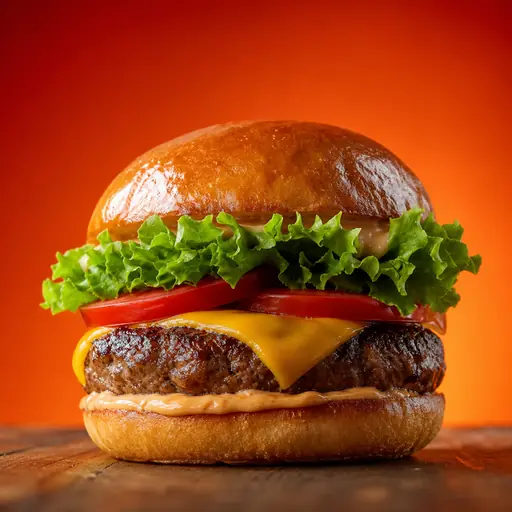
Even, soft, almost shadowless lighting; a true neutral white (not grey, not cream) that lets the platform UI sit flush around it; and accurate food colour. The point is that nothing distracts — the dish is the entire message. Done badly it looks flat and grey; done well it looks like a premium product shot.
When to use it
E-commerce and online ordering: white backgrounds are the standard for product grids, so your dishes match the surrounding catalogue and look trustworthy. Delivery apps: a clean white tile reads as professional and is the safest universal choice when you are photographing dozens of menu items quickly. Websites and menus: white lets your brand colours and typography do the talking around the image.
How studio-white photos perform on delivery apps
Where a black background wins on drama, white wins on consistency. If you need 40 dishes that all look like they belong to one professional menu, white is the fastest route to a coherent grid — and consistency across a listing is itself a conversion driver. For platforms that place items on a white card (most of them), a white-backed dish reads as seamless and premium.
How to get it in the Studio
Shoot each dish anywhere with reasonable light, upload, and select the studio-white preset. FoodPhoto.ai cleans the background to a true neutral white, balances the exposure, and applies soft commercial shadows — giving you a catalogue-consistent set without a lightbox or a sweep. Need the dish on a card for marketing? Pair it with the e-commerce clean preset.