
FoodPhoto.ai guide
Breakfast diner menu photos for classic American breakfast
Breakfast diner menu photos from phone pics. Pancakes, omelettes, hash, bacon and eggs — classic diner menu-grade for delivery and in-store.
Pricing vs a human photographer
Pancakes, omelettes, hash, bacon-and-eggs. Phone pics in, menu-grade out — syrup drip appetizing, egg color real, crispy hash intact.
Pancake stack, omelette plate, breakfast platter, burrito.
Pancake depth, syrup gloss, egg color, hash texture.
DoorDash, Uber Eats, menu, Instagram — all crops.
Drag to compare. Stack depth preserved, syrup gloss appetizing.
American breakfast diners — IHOP, Denny’s, Waffle House, plus tens of thousands of independent breakfast-focused operators — run a distinct business model: high-volume, moderate-check-average, breakfast-centric menus with long hours (service hours vary by operation; plan the photo session around your own kitchen’s schedule). The menu is category-dense (20-40+ breakfast items covering pancakes, waffles, eggs, omelettes, sides, breakfast sandwiches, plus lunch crossover) and photography-heavy. Customers scroll DoorDash and Uber Eats looking for specific breakfast items, and the tile imagery is often the entire conversion mechanism.
Use soft light and a frame that makes the real portion clear. Compare every edit with the original, reject changes to layers or color, and measure any effect on orders in your own account.
Upload your first diner shot now. Menu-grade.
How restaurants use this workflow
- Photograph the real dish with a phone, using window light when available.
- Run it through FoodPhoto.ai to keep each pancake layer sharp, control the syrup gloss, and hold egg color in a true yellow-orange range.
- Export the image for menus, delivery apps, Google Business Profile, social ads, and seasonal landing pages.
Related FoodPhoto.ai guides
FAQ
How does this handle tricky diner shots like a syrupy pancake stack?
Use soft light and a frame that makes the real portion clear. Compare every edit with the original, reject changes to layers or color, and measure any effect on orders in your own account.
Can the same image be reused across delivery apps and marketing channels?
Yes. The workflow supports menu pages, delivery-app tiles, Google Business Profile, social media, and campaign landing pages from the same source image.
Does this replace a full restaurant photoshoot?
It replaces many routine menu refreshes and delivery-app photo updates. Restaurants can still use a photographer for hero campaigns, but daily menu coverage becomes much faster and cheaper.
Start with the real dish photo
FoodPhoto.ai is built for truthful enhancement: the dish, portion size, ingredients, and menu promise stay intact. Your pancake stacks keep their layer depth, your syrup looks glossy not wet, and your eggs keep their real color – the exact diner plate, just lit and framed for the tile.
Open the studio to process a real image, or create an account.
Review the actual breakfast serving
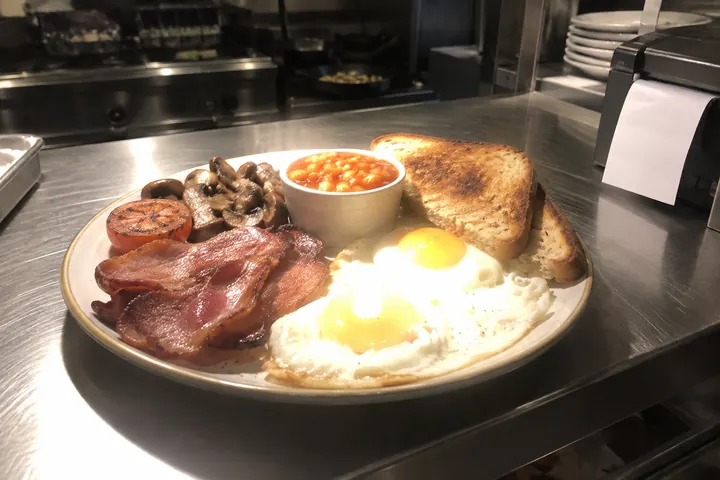
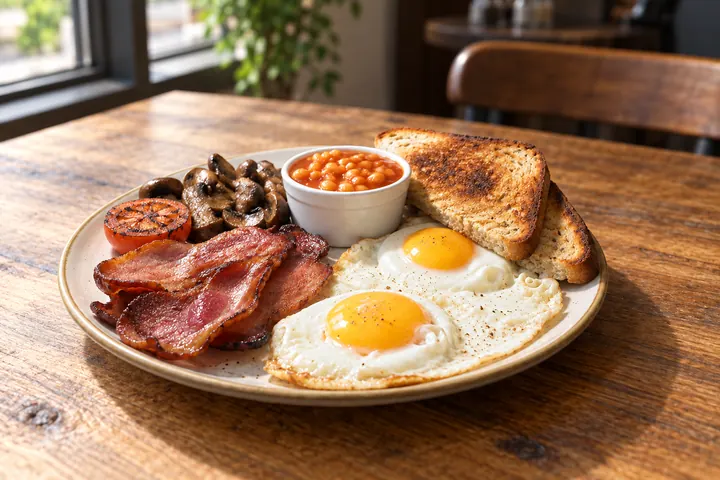
Use soft side light and a three-quarter view for a pancake stack. Compare every layer and the syrup with the real serving. For eggs, neutral white balance should explain the source color without implying a different supplier or ingredient.