Upload the real dish
Start with a clear phone photo. The plate, portion, garnish, and ingredients stay the source of truth.
Workflow
FoodPhoto.ai keeps the real dish intact while improving light, background, crop, and export formats for restaurant menus and delivery platforms.
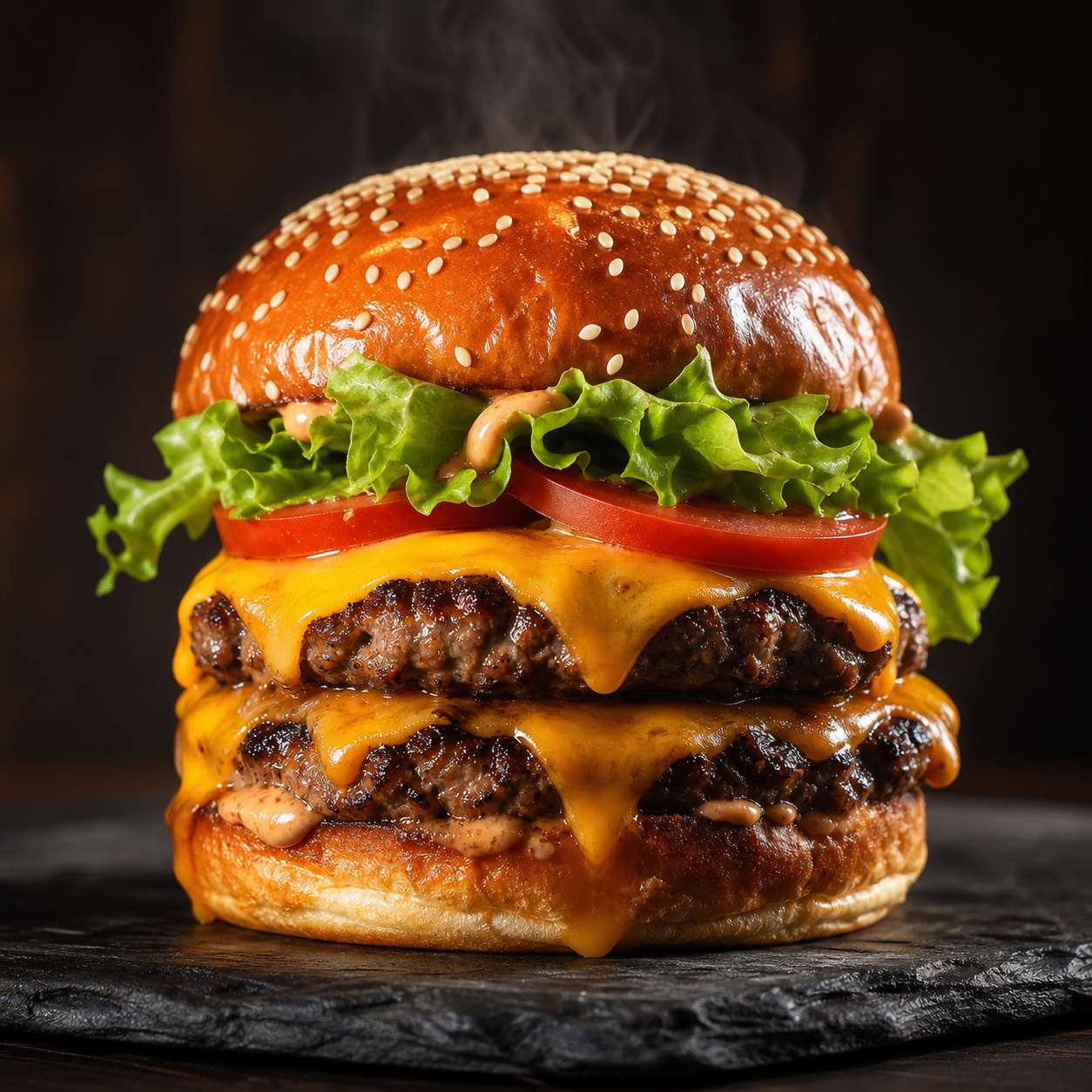
Process
Start with a clear phone photo. The plate, portion, garnish, and ingredients stay the source of truth.
Use black menu, studio white, marble, rustic wood, natural light, macro, or other food-specific looks.
Download menu-ready images for DoorDash, Uber Eats, Google Business, websites, printed menus, and social posts.
Studio first
Try the workflow from the product hub at /home. Generation remains credit-gated before paid image jobs run.
Open Studio