
What is the best AI food photography tool for cafes?
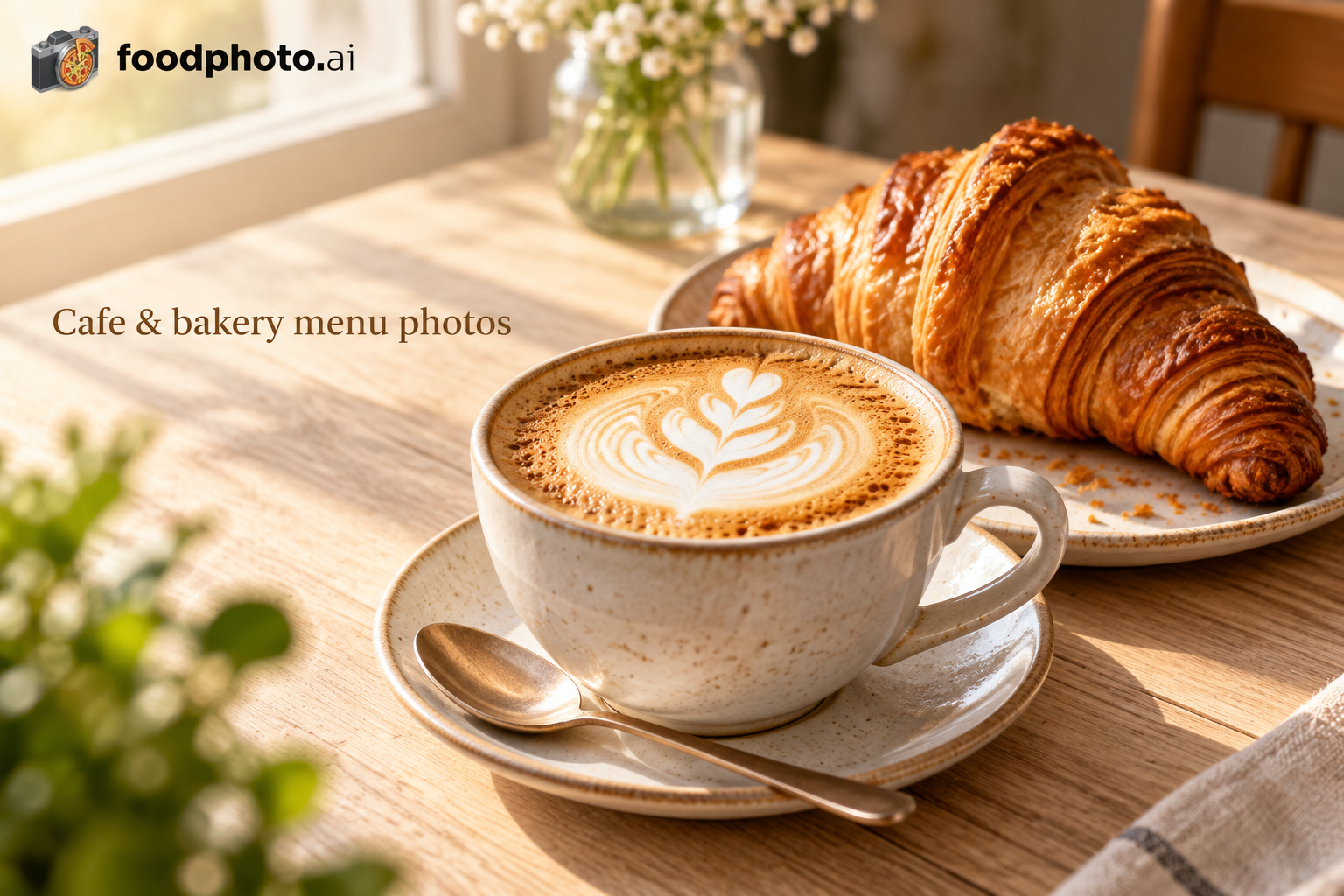
The best AI food photography tool for a cafe is one that improves a real photo of your own drink or pastry without changing what the customer will be served. For cafes that means holding foam texture, drink color, cup size, pastry lamination and fillings, then exporting crops that work on a phone screen at 1:1 and on a menu board. Judge every tool against those three jobs, not against how dramatic its demo images look.
What makes cafe photos harder than plated food
Cafe items are small, reflective and full of fine detail. Milk foam collapses in minutes, iced drinks sweat and throw highlights, and a laminated pastry shows every layer, so a tool that over-brightens turns a croissant into a flat yellow shape and a latte into plastic.
The other problem is scale. A cup is roughly 8 to 12 cm across, so in a full-frame shot it occupies a small part of the frame. If a tool upscales aggressively or repaints the surface, the foam bubbles and the crema disappear first, and that is exactly what regulars notice.
Test any tool on your three hardest items before you commit: a hot drink with latte art, an iced drink in a clear cup, and a flaky pastry. If those survive, the rest of the menu will.
- Hot drink: foam bubbles, crema ring, cup rim shape
- Iced drink: condensation, ice edges, straw position
- Pastry: layer lines, filling color, crumb texture
- Breakfast plate: egg yolk color, toast edge, sauce pooling
The four checks that separate usable tools
First, does it start from your real photo or generate a new dish? A tool that invents a taller stack of pancakes or a fuller cup is producing a picture you cannot serve, and that is a complaint waiting to happen. Ask directly whether the output is an edit of your file or a synthetic image.
Second, does it keep the food as it is while fixing light, background and crop? That is the useful part of AI for a cafe: a window-lit table shot with a distracting background becomes a clean menu image without the drink changing.
Third, what sizes come out? Check whether you get a square 1:1 for Instagram and Google Business Profile, a 4:5 or 9:16 vertical, and a wide crop for a menu board or website banner. A tool that exports one size means you crop by hand for every channel.
Fourth, does it respect platform rules? Some delivery platforms do not publish pixel specs, so you check the upload screen; some ban AI-generated images outright. A tool that cannot tell you what it did to your file is hard to defend if a platform questions an image.
Match the tool to the channels you actually use
Your channel mix should decide the tool, because the crops and the rules differ. A cafe whose orders come mostly through its own website and QR menu needs clean, consistent square and vertical images plus a wide format for print. A cafe pushing its own Instagram and Google Business Profile needs vertical and square versions that survive a small screen.
If you upload to a delivery platform, read that platform's image rules first. Where a platform bans AI-generated images, shoot and upload your own real photo there and keep any edited versions for your own channels. Never describe an edited image as approved by a platform; approval is the platform's decision, not the tool's.
Keep a simple folder structure so the right file goes to the right place: one master photo per item, then a subfolder per channel. It takes ten minutes to set up and prevents the wrong crop appearing on a menu board.
How to shoot the source photo so any tool has a chance
The edit can only be as good as the file you feed it. Shoot near a window with soft daylight, turn off the overhead tungsten mix if you can, and put the cup on a plain surface that contrasts with it: a white cup on a dark wood board, a dark drink on a light counter.
For a latte or cappuccino, shoot from a slight overhead angle, roughly 45 to 60 degrees, so the surface pattern and the cup rim both read. For a croissant or pastry, use a three-quarter close-up at about 30 to 45 degrees to show layers and filling. For a breakfast sandwich or a stacked plate, drop to a low three-quarter, around 20 to 30 degrees, to show height.
Get close enough that the item fills most of the frame, keep the camera steady, and take three frames: one straight, one a step to the side, one slightly higher. Shoot the drink within a minute of pouring, because foam and crema are the first things to go.
Write down what must not change before you edit: foam pattern, cup size, number of shots, pastry filling, toppings, garnish. That list is your review checklist when the edited file comes back.
- Soft daylight, no mixed color temperature
- Plain contrasting surface, no busy tablecloth
- 45 to 60 degrees for drinks, 30 to 45 for pastry, 20 to 30 for stacked plates
- Shoot within a minute of pouring or plating
- Three frames per item, then pick one master
Where AI editing fits for a cafe, and where it does not
Use AI editing for the boring, repeatable work: lifting a dark corner, removing a distracting chair back, straightening a tilted cup, and exporting the same photo as a square, a vertical and a wide banner. That is where a cafe saves real time, especially when a seasonal drink changes every few weeks and the whole menu needs refreshing.
Do not use it to add latte art that was not poured, enlarge a cup, add fruit that is not in the recipe, or invent pastry layers. Those changes misrepresent the product and, on a platform that bans AI-generated images, put your listing at risk.
FoodPhoto takes a real photo of the restaurant's own dish and improves light, background and crop for menus, delivery apps and social, keeping the food as it is, and every photo comes as a kit of sizes. It does not generate a different dish and cannot guarantee approval by any platform, so treat it as one option to compare against others using your own three test items.
A quick way to compare two or three tools
Pick five representative items: an espresso drink, an iced drink, a pastry, a breakfast plate and a seasonal special. Shoot each one properly, then run the same five files through each tool and score the output on three things: did the food stay accurate, is the light clean without blowing out the foam, and did you get the crops you need without manual work.
Score each out of five and keep the notes. The tool that wins on your hardest item, not on the prettiest demo, is the one to keep. Re-run the test when you add a new seasonal drink, because a tool that handled a flat white well may struggle with a layered iced drink.
Checklist before you publish
- List the channels you publish to and the exact crop sizes each one needs
- Shoot five test items in soft daylight within a minute of pouring or plating
- Note what must not change: foam, cup size, filling, toppings, garnish
- Run the same files through each tool and score accuracy, light and crops
- Check each delivery platform's image rules before uploading anything edited
- Keep one master photo per item and a subfolder per channel
- Re-test the chosen tool when a seasonal drink joins the menu
Questions
Can I use AI-edited photos on delivery apps?
It depends on the platform. Some do not publish pixel specs, so check the upload screen for the current requirements, and some ban AI-generated images outright. Where a ban applies, upload your own real, unedited photo. An edited image is never guaranteed to be approved, so keep the original file.
How do I photograph a latte so the foam still looks right after editing?
Shoot within a minute of pouring, in soft daylight, from roughly 45 to 60 degrees so both the surface pattern and the cup rim read. Fill most of the frame with the cup and avoid heavy contrast edits, which flatten foam bubbles. Review the edited file against the original for foam pattern and cup size before publishing.
What image sizes does a cafe actually need?
At minimum a square 1:1 for Instagram and Google Business Profile, a vertical 4:5 or 9:16 for stories and reels, and a wide crop for a website banner or printed menu. Check each platform's upload screen for its current requirements rather than assuming a fixed pixel size.
Is it acceptable to add latte art or extra toppings in editing?
No. If the customer receives a drink without that art or a pastry without that filling, the photo misrepresents the product and invites complaints. Keep edits to light, background and crop, and write down the details that must stay unchanged so you can check them on every file.