

How do you make food photos for delivery apps?
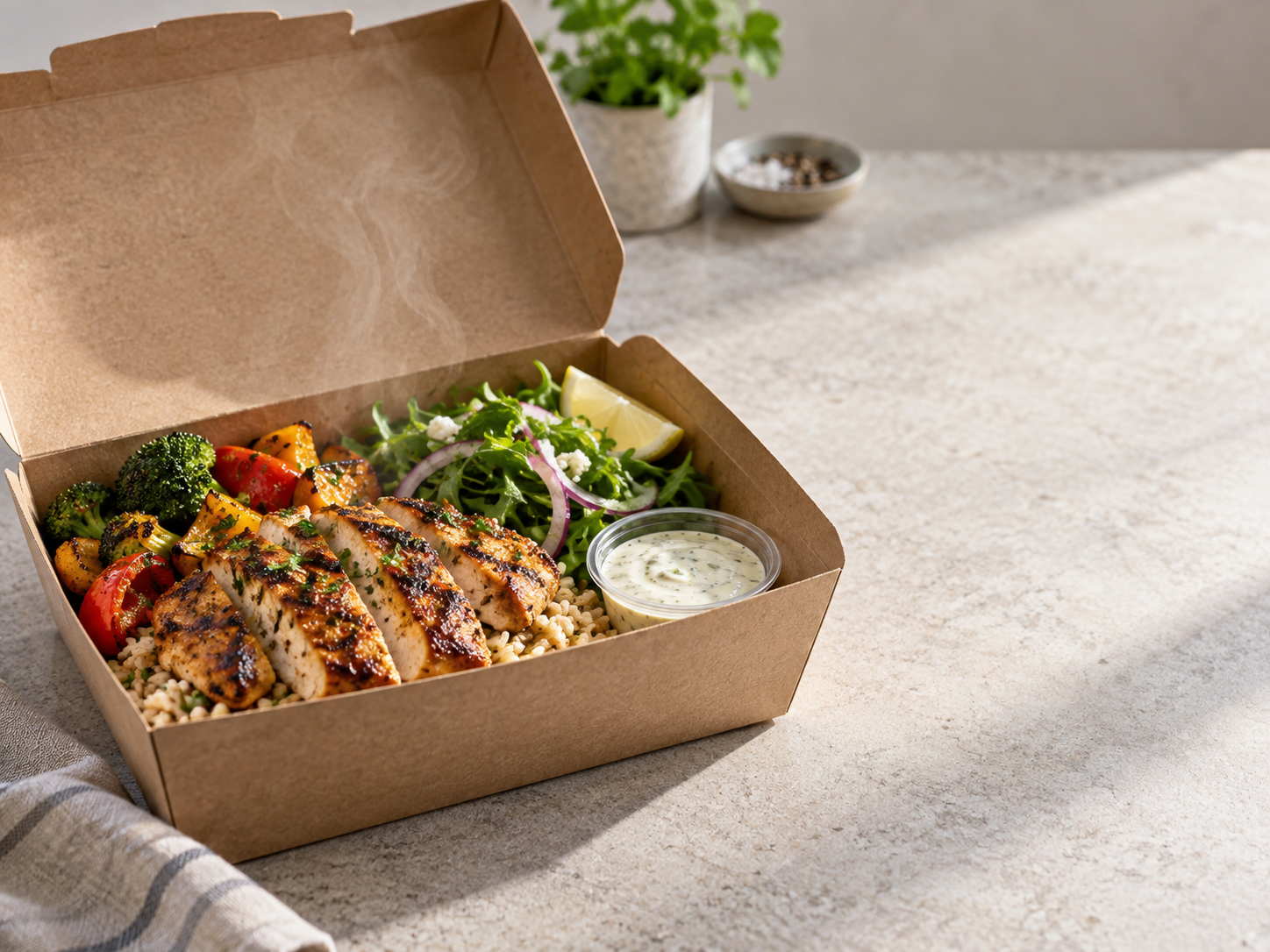
To make food photos for delivery apps, photograph the real dish in bright even light, show the full portion clearly, remove distracting background clutter, export a clean square crop, and review that the final image still matches what the customer receives.
That same workflow works for a Miami arepa shop, a Chicago deep-dish pizzeria, a Houston Vietnamese kitchen, or a Seattle teriyaki counter publishing to DoorDash, Uber Eats, Grubhub, or direct ordering.
What should be in the original delivery-app photo?
Use the exact dish, the regular container or plate, and the normal portion. Shoot from a slight overhead angle for bowls and pizzas, straight-on for burgers and sandwiches, and closer for texture-heavy items like wings or sushi.
How should the image be cropped?
Most delivery tiles need the dish to stay readable at thumbnail size. Keep the plate centered, leave breathing room around the edges, and export a square image plus any platform-specific size required by your marketplace.
What mistakes cause rejections or bad orders?
Dark photos, cut-off plates, hands in frame, fake ingredients, stock imagery, and oversized portions create the most risk. AI can fix presentation, but a person still needs to reject outputs that change the meal.
Delivery photo checklist
- Dish fills the frame but is not cut off.
- Sauce, protein, sides, and portion are visible.
- No menus, receipts, hands, or messy prep area.
- Square crop checked before upload.
| Dish type | Best angle | What to protect |
|---|---|---|
| Burger or sandwich | Low three-quarter angle. | Stack height and fillings. |
| Bowl, salad, curry | Overhead or high three-quarter angle. | Ingredient separation and color. |
| Pizza or flatbread | Overhead crop. | Edges and toppings. |
FoodPhoto.ai is one practical option because it starts from real dish photos and exports menu, delivery, website, and social versions. It is mentioned here honestly because this page is published by FoodPhoto.ai; compare it with other tools using your own dishes.
Open FoodPhoto.ai Studio See pricingRelated answer pages
- What is AI food photography?
- Food photos for menus
- AI food photos vs photographer
- Best AI tool for restaurants
Frequently asked questions
Can AI make a delivery app photo from a bad photo?
It can improve a mediocre photo, but it cannot reliably rescue blur, missing food, or a plate cropped in half. Start with a clear source.
Should delivery app photos be white background?
White or clean neutral backgrounds work well, but the real requirement is clarity, honest food, and an uncluttered crop.
Can FoodPhoto.ai export delivery-ready images?
Yes. FoodPhoto.ai is built to turn real dish photos into delivery, menu, website, and social crops.