

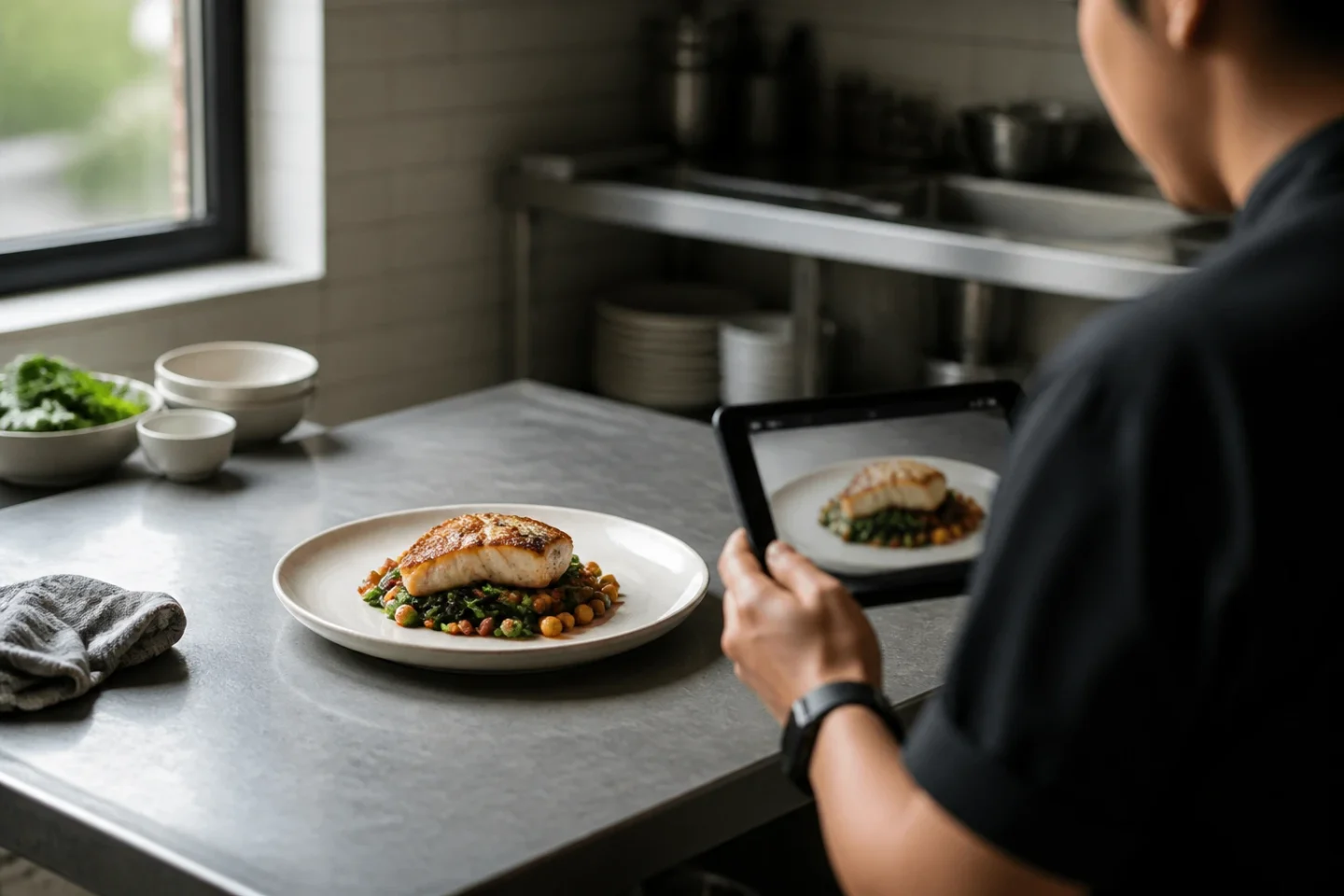
Wolt’s photo requirements can change by market and account. Check the current merchant guidance, then prepare a centered, square-friendly dish image that remains clear in the customer crop.
Quick answer
There is no single Wolt pixel rule I would trust across every market. Wolt publishes market-specific merchant guidance, and the instructions visible in a signed-in account are the final operational check. Open the Wolt Merchant Portal and the relevant Learning Center page before you export a file.
The current market pages I checked recommend a horizontal 16:9 image, a centered and complete dish, sharp focus, bright natural light, no people, and no extra graphics. They also say not to use AI-generated images. That is why “square-friendly” belongs here as a preparation principle: keep the food inside a flexible central area while you work, then export the final real or authorized dish photo in the ratio and format Wolt currently requests for your market. Do not treat this article’s illustrations as upload instructions.
The useful promise is modest. A centered, truthful image is easier to review across crops. It does not promise better ranking, more clicks, or more orders.
Design for the crop, not the canvas
A dish can be technically sharp and still fail at thumbnail size. The plate may be centered while the important part of the food sits too close to an edge. A garnish can vanish, a burger can lose its top half, or a bowl can become an indistinct circle once the surrounding space is removed.
Start with the item a customer will actually receive. For a bowl, a gentle 45-degree view usually keeps the rim, toppings, and depth legible. For a burger or pizza, a three-quarter angle can show height and structure without hiding the filling. A top-down view can work when the arrangement itself matters. These are starting points, not promises about Wolt’s interface.
Keep the whole dish visible and leave a breathing margin around it. Avoid text, logos, borders, unrelated props, and decorative ingredients that are not part of the item. If the current Wolt guidance says horizontal 16:9, make that your final export check. If your own master is square or another shape, use it as a source for the export rather than assuming the platform will accept it unchanged.
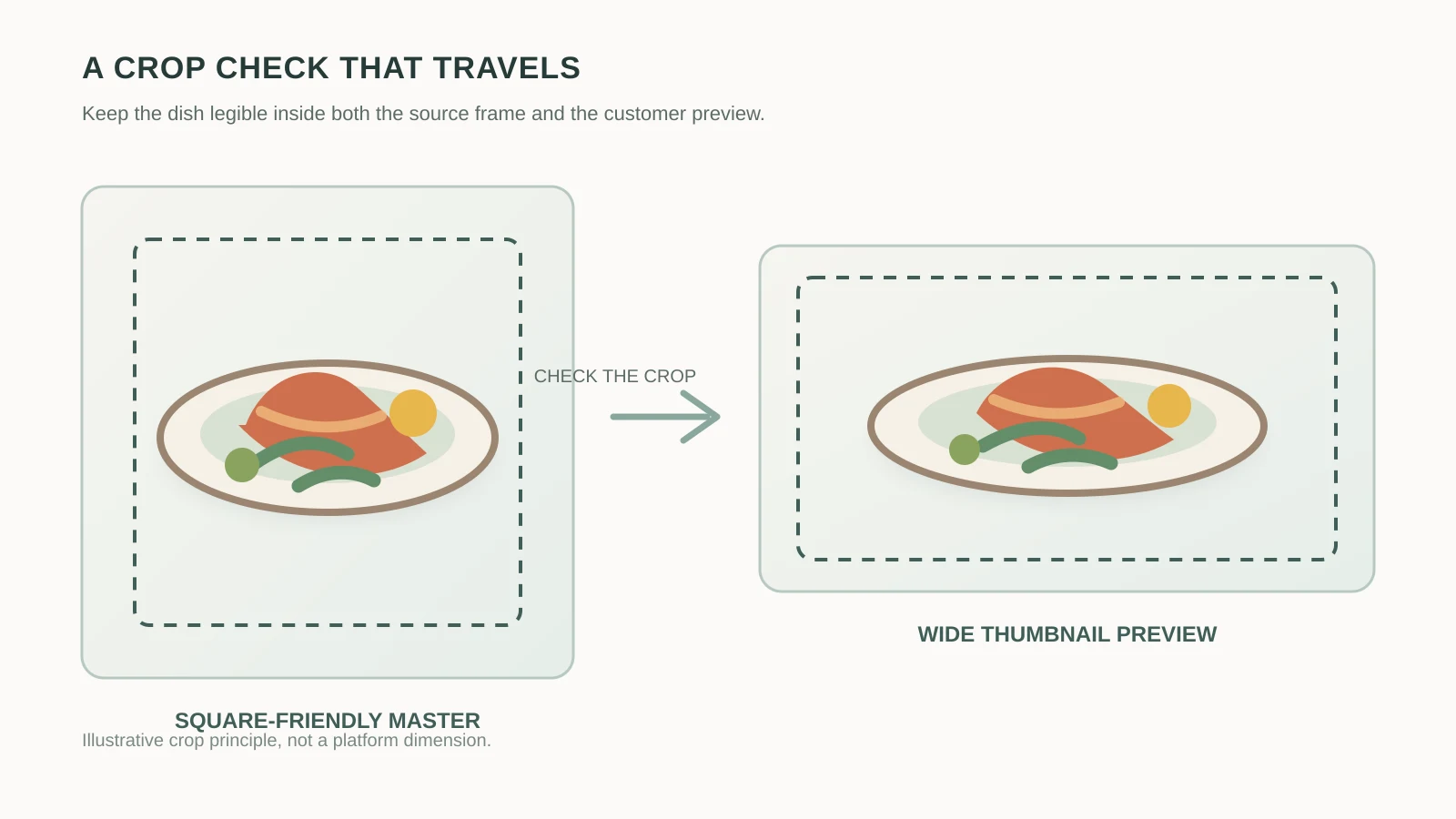
The dashed area in the illustration is not a hidden Wolt specification. It is a practical question to ask while reviewing: if the outer edges disappear, can someone still identify the dish, portion, and key ingredients at a glance?
A workflow that protects the menu
1. Verify the item first. Put the current recipe or menu build beside the image. Check the visible ingredients, portion size, sauce, toppings, and serving vessel. If an edit makes the dish look more abundant than the kitchen serves, it is a misleading image even when the composition is beautiful.
2. Keep one neutral master. Work from a real dish photo you own or have permission to use. Keep the subject centered, retain enough room to test the required horizontal export, and make a note of the intended final ratio. This master can help you review several surfaces without making the customer crop the person responsible for remembering every platform detail.
3. Preview at customer size. Inspect the image on a phone and at a small thumbnail. Look for a cut-off plate, a lost garnish, muddy sauce texture, blown highlights, or a background that competes with the food. Then open the current Wolt market guidance again. The preview in your editor is useful evidence, not a substitute for the signed-in upload screen.
4. Release a small batch. Change a few menu items, save the asset name and date, and check whether Wolt accepts the files. If one is rejected, record the reason and correct the source. A small batch makes it possible to tell a framing problem from a rule change.
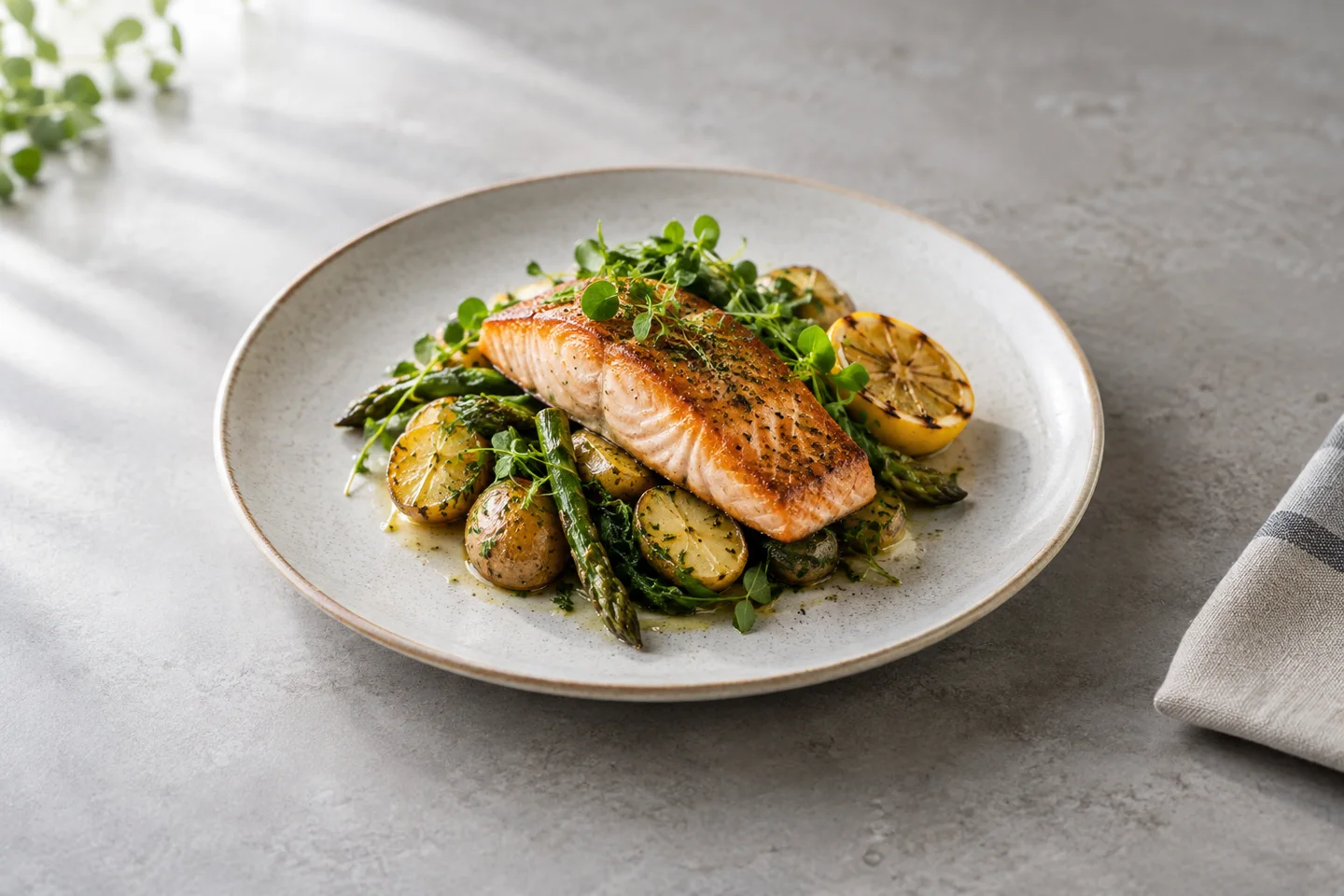
This visual is useful for discussing subject placement, light, and breathing room. It is not evidence of a Wolt approval, a restaurant’s real menu item, or a result from a FoodPhoto customer. Wolt’s current market guidance may prohibit AI-generated uploads, so use your own authorized dish photo for the final menu asset.
An editable prompt for the visual review
If you are making an internal composition study, keep the request specific enough that a person can check it against the real plate. Replace the bracketed fields; do not use an illustrative output as a substitute for the dish you sell:
Edit the supplied reference photograph of [actual dish].
Preserve the number and size of the food pieces, all visible ingredients,
the serving size, the plate shape, and the original viewpoint.

Keep the subject centered with breathing room for a horizontal crop.
Use soft natural window light from [left / right / above], restrained
highlights, and crisp texture without making the food look glossy or plastic.
Show only the listed dish and its real garnish. Remove unrelated props,
text, logos, borders, people, extra portions, and invented ingredients.

This is a composition review. Do not claim platform approval, customer
performance, or permission to upload an AI-generated image.
The prompt separates the variables that matter: subject and portion, composition, light, viewpoint, background, and constraints. Compare the output to the reference photo at full size and at the intended thumbnail size. If the visual study changes the actual item, discard it rather than trying to rescue a polished mistake.
Release checklist
- Open the current Wolt Merchant Portal and the market-specific photo guidance for the account.
- Confirm the final export ratio, file rules, and review state from that current guidance; do not reuse an old pixel number.
- Show one complete, recognizable menu item with realistic ingredients and portion size.
- Keep the dish centered, sharp, naturally lit, and legible on a phone.
- Remove people, text, logos, borders, unrelated props, and extra dishes.
- Use a real or authorized photo for the menu upload; keep generated examples in the planning or editorial context where they are clearly labeled.
- Preview the crop, save the item, and record the date and any rejection reason before changing the next batch.
Evaluate the result honestly
After release, separate what you know from what you hope. Record whether the image was accepted, whether the item remained accurate after the crop, and whether the team had to rework it. If you track menu performance, define the window and compare like with like. A visit, a checkout start, or a good-looking preview is not a purchase, and a purchase is not proof that one photo caused the result.
Also keep rights and updates in the workflow. A photographer, supplier, or restaurant group may own the source image even when the food is yours. Keep permission with the asset. Wolt can change guidance by market, so revisit the official portal when the interface, upload result, or menu editor changes.
Put the workflow to work
FoodPhoto Studio can help you prepare a reviewable visual from your own dish photo, but the final judgment remains with the person who knows the menu and the platform account. Keep the reference photo, the crop check, and the current Wolt instruction together. That small discipline is more durable than a remembered dimension.
Open FoodPhoto Studio with this guide as context. Two free photos with a verified account. No card. You can also compare the delivery photo specs guide, review food examples, or see current plans and usage estimates before choosing a workflow.


