
Grubhub Food Photography That Converts Browsers to Buyers
Create professional Grubhub menu photos with AI. Meet image requirements, stand out in search, and increase orders — all without expensive photoshoots.
Full Grubhub Compliance, Automatically
Every image meets Grubhub\'s technical specifications and quality guidelines without manual work.
Check current specs
Use /tools/image-requirements
Aspect ratio
Keep the dish centered with safe margins for crops
File format
High-quality JPG or PNG
Quality
Sharp, well-lit, accurate color (thumbnail-first)
Grubhub\'s Visual Standards
Grubhub emphasizes authentic, appetizing food photography that accurately represents your dishes. Their guidelines prioritize clear visibility, proper lighting, and clean presentation. FoodPhoto.ai enhances your photos while maintaining authentic representation — ensuring your images pass Grubhub\'s review process every time.
Why Grubhub Partners Trust FoodPhoto.ai
Grubhub Featured Placement
Grubhub promotes restaurants with high-quality imagery in featured sections and search results. Professional photos get you noticed.
Build Customer Trust
Clear, appetizing photos reduce order hesitation. Show customers exactly what they're getting before they click "Add to Cart."
Reduce Refunds & Complaints
Accurate food photography sets proper expectations, leading to higher customer satisfaction and fewer disputes.
Scale Across Multiple Brands
Perfect for ghost kitchens running multiple Grubhub brands. Keep each brand's photography distinct and consistent.
Optimize Every Part of Your Grubhub Storefront
Homepage Hero Images
Your restaurant's main photo on Grubhub is the first impression. Make it count with a stunning hero image that represents your best offerings.
Category Headers
Use compelling photos for each menu category (Appetizers, Entrees, Desserts). Category images help guide customers through your menu.
Individual Item Photos
Every item with a professional photo sees higher add-to-cart rates. FoodPhoto.ai makes it affordable to photograph your entire menu.
Seasonal Updates
Keep your Grubhub storefront fresh with seasonal menu photo updates. Spring, summer, fall, and winter variations keep customers engaged.
Complete Grubhub Menu Photography Suite
From upload to export, everything you need to create Grubhub-ready food photography at scale.
- AI-powered food enhancement and styling
- Smart background replacement
- Automatic Grubhub format compliance
- Shadow and lighting adjustment
- Plate composition optimization
- Bulk menu processing
- Multiple style presets
- Export in all required formats
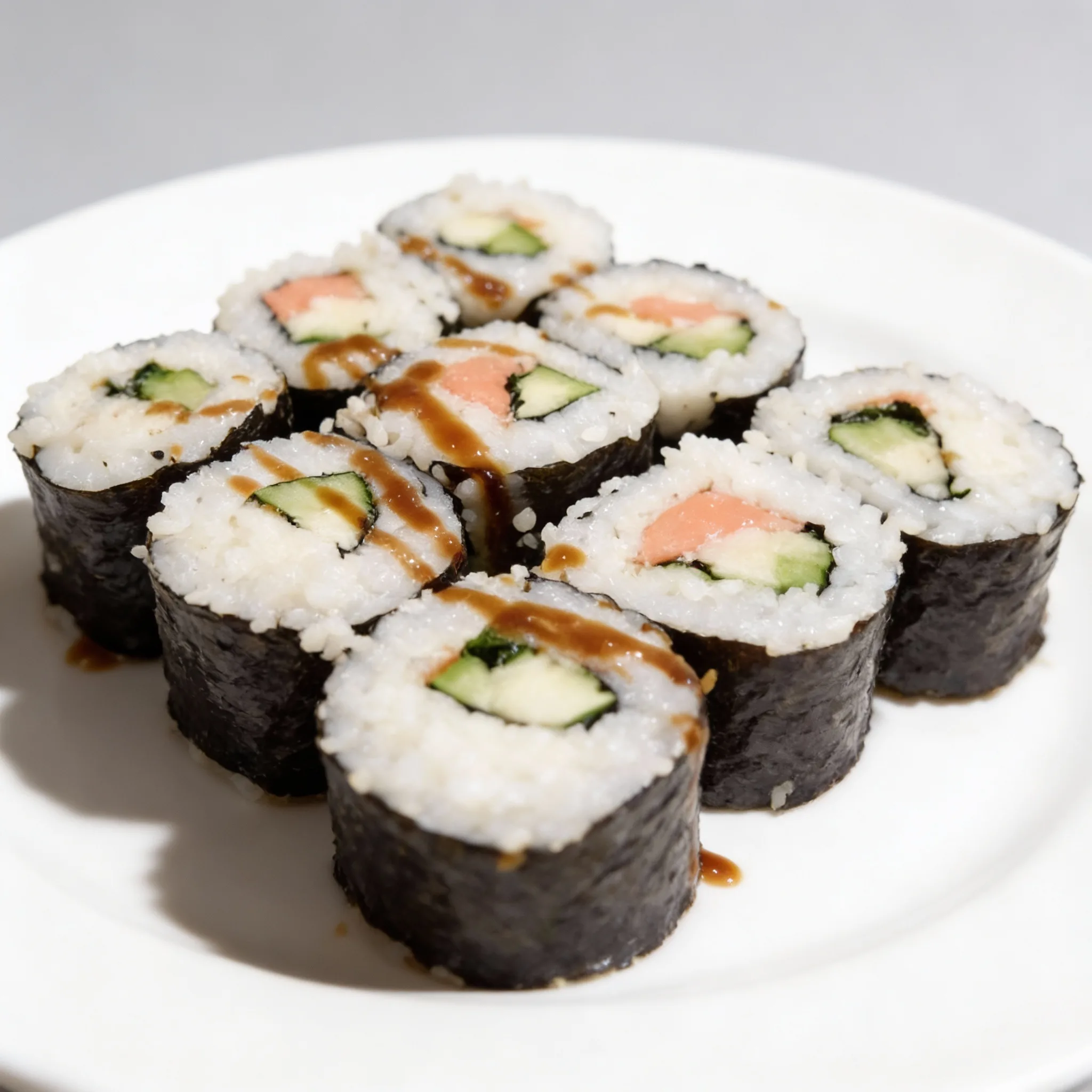
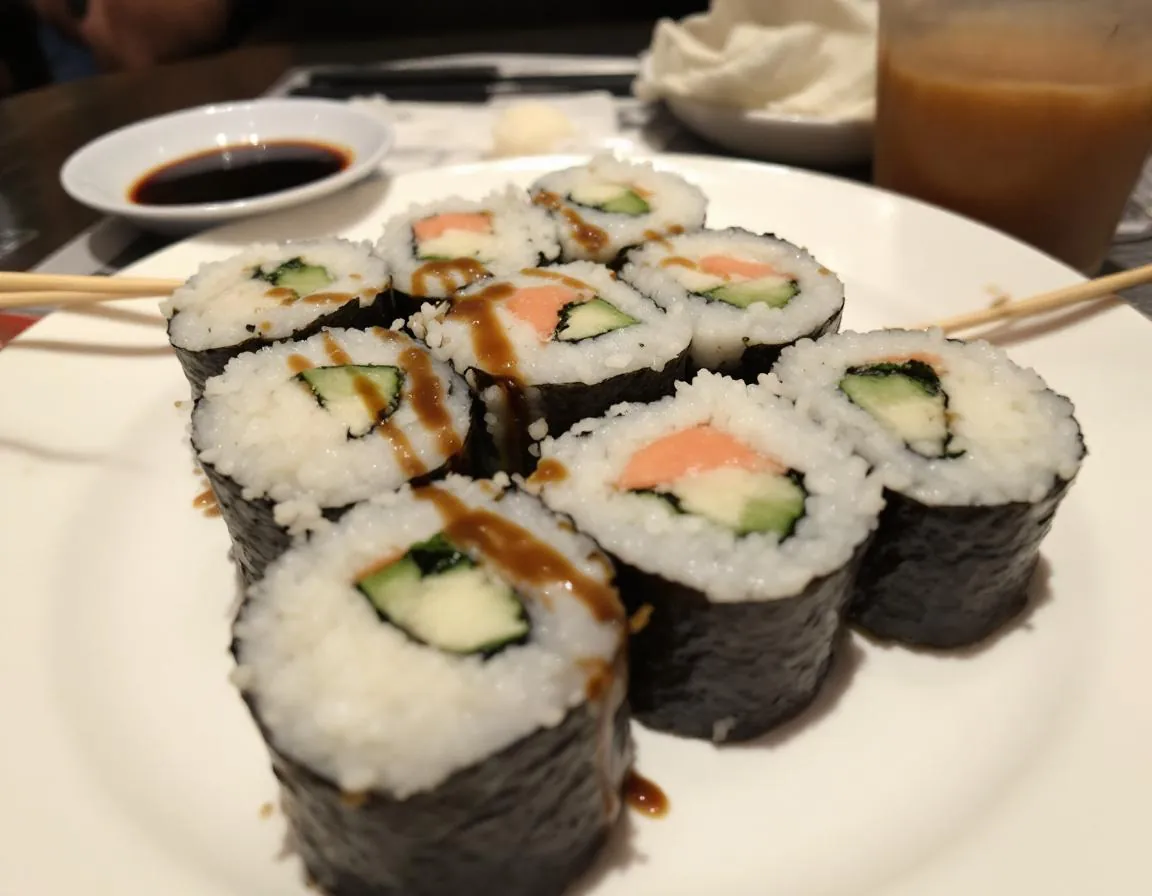
Drag to compare. Clean backgrounds and consistent lighting help thumbnails stand out.
Elevate Your Grubhub Presence
Professional AI photography transforms ordinary menu photos into sales-driving assets.
Unclear presentation, inconsistent lighting, low engagement
Professional quality, Grubhub-optimized, ready to drive orders
Refresh Your Grubhub Menu Today
Capture
Snap photos of your dishes with any smartphone. Kitchen lighting is fine.
Transform
AI enhances lighting, removes backgrounds, and formats for Grubhub.
Publish
Upload to your Grubhub menu and start seeing results immediately.
Frequently Asked Questions
What are Grubhub's image quality requirements?
Use sharp, well-lit photos with accurate colors and a clean background. Requirements can change, so check the current specs using /tools/image-requirements before you upload.
How does professional photography affect my Grubhub ranking?
Grubhub's algorithm considers multiple factors including customer engagement. Better photos lead to higher click-through rates and orders, which signals popularity and can improve your ranking over time.
Can I create photos for multiple ghost kitchen brands?
Yes! Use separate Brand Packs for each virtual brand. FoodPhoto.ai helps maintain distinct visual identities across all your Grubhub storefronts from a single account.
Do I need to photograph every menu item?
Start with your top sellers and signature dishes first. That’s where you’ll see the fastest impact, and it keeps the project manageable.
Can I test different photo styles to see what works best?
Absolutely. Generate multiple variations with different styles and track which ones get more orders. Many restaurants A/B test their menu photos to optimize conversions.
Transform Your Grubhub Performance
Join successful restaurants using FoodPhoto.ai to create professional menu photography that drives Grubhub orders.