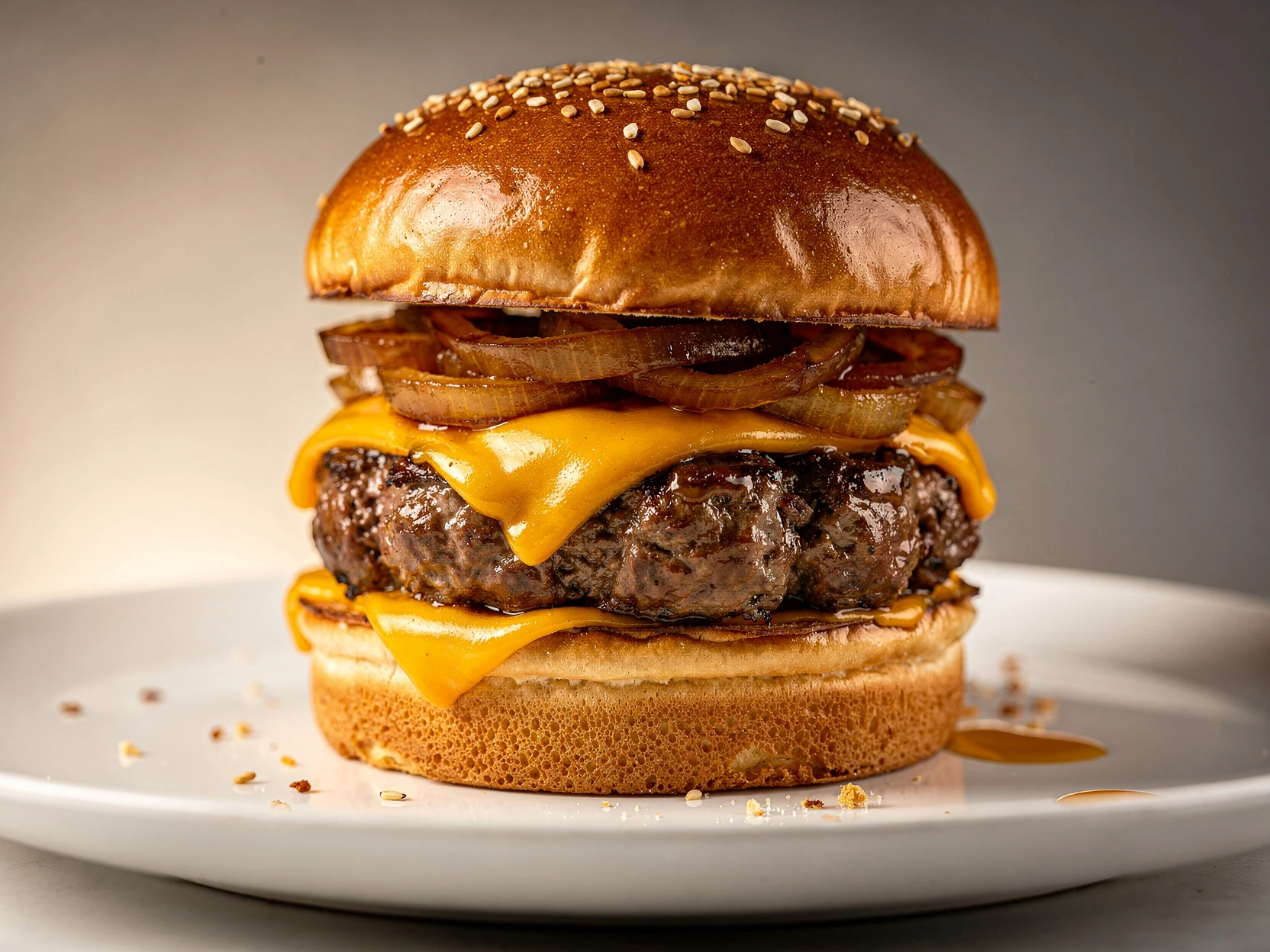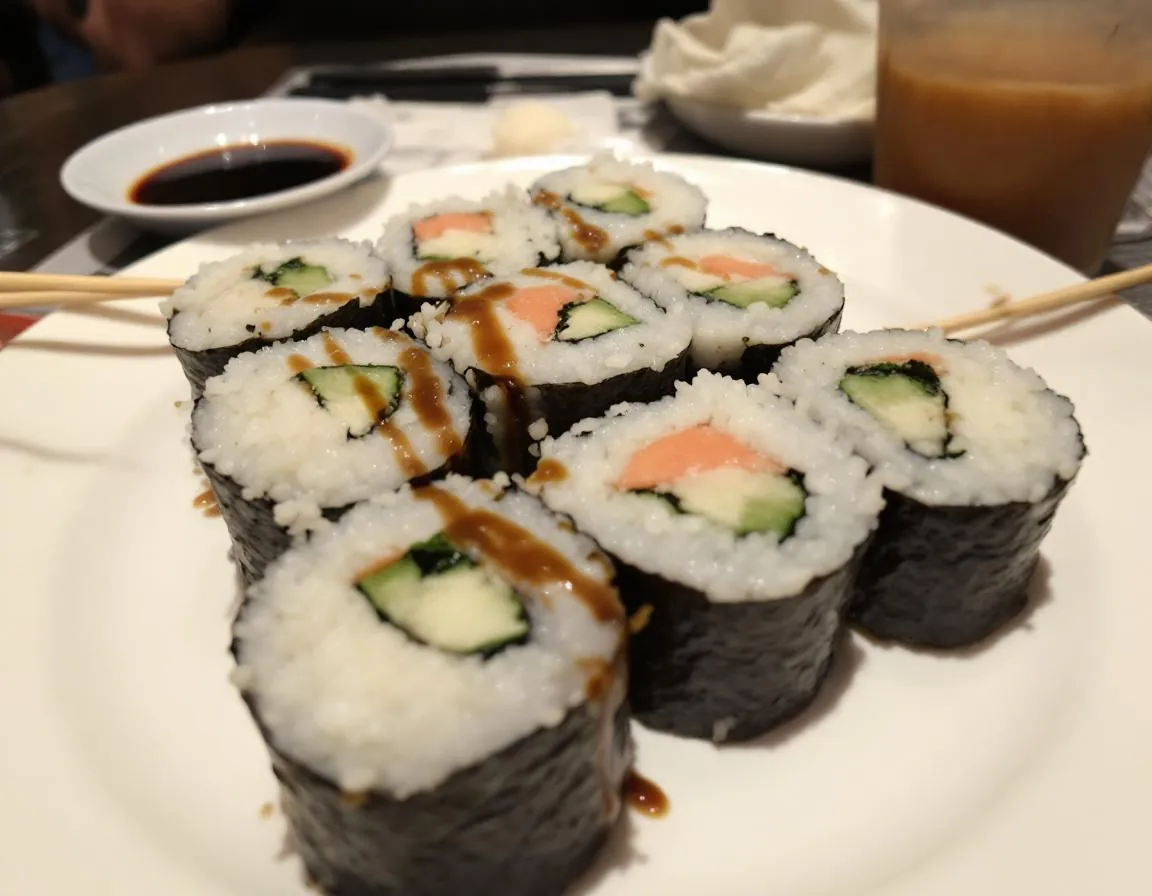
Restaurant Menu Photos Without a Photographer
Create a weekly workflow to take stunning menu photos without a photographer, and showcase your dishes on social media and food delivery platforms.
Tactical guides for restaurant operators: better menu photos, higher delivery conversion, and repeatable content workflows your team can ship every week.
New to menu photo workflows? Start with these three and fix your top sellers first, then roll out weekly updates across every channel.
Create a weekly workflow to take stunning menu photos without a photographer, and showcase your dishes on social media and food delivery platforms.
Stop treating menu photos like a big project. This is a weekly sprint that keeps your delivery listings, website, and social always up to date.
Print this checklist. In 20 minutes you’ll know what’s hurting your menu photos—and the fastest fixes to ship better images today.
Photo and thumbnail playbooks for DoorDash, Uber Eats, and Grubhub.
Google Business Profile and menu image SEO frameworks for restaurants.
Simple systems for repeatable photo production with limited team bandwidth.

Create a weekly workflow to take stunning menu photos without a photographer, and showcase your dishes on social media and food delivery platforms.


Many restaurants assume the answer to weak menu photos is hiring a photographer immediately. Sometimes that is right. Often it is not. This checklist helps you separate true shoot-day needs from fixable workflow problems.
Read more
Most restaurant teams know when a photo feels weak, but they do not have a shared way to score it. This framework gives operators, marketers, and managers a simple monthly system to judge menu photo quality without endless subjective debate.
Read more
Most restaurants wait too long to refresh menu photos, then try to fix everything in one painful reshoot. A lighter recurring cadence usually works better. This guide shows how often different restaurant types should actually update delivery images.
Read more
Better menu photos can improve delivery performance, but not because of vague branding claims. They help when they make dishes clearer, more trustworthy, and more clickable. This guide shows what to measure if you want a real answer.
Read more
The best AI food photography tool is not the one with the flashiest demo. It is the one your restaurant team can use repeatedly to keep menu photos clear, consistent, and conversion-ready across delivery apps, web, and local search.
Read more
Many restaurant teams think Uber Eats image quality is just a formatting issue. In reality, most weak menu photos fail because they are unclear, inconsistent, or low-trust at thumbnail size. This guide shows what to fix first.
Read more
Most DoorDash photo problems are not dramatic. They are small visual mistakes that make a dish look low-quality, unclear, or untrustworthy at thumbnail size. This guide shows what to fix first so your menu photos work harder.
Read more
Most restaurants do not have a menu photo problem because they lack effort. They have a workflow problem. This guide breaks down what restaurant photo options really cost in 2026 and which one makes sense for your menu, team, and margins.
Read more

Most restaurants waste time creating separate assets for every channel. This playbook shows how one master photo set can power delivery apps, local SEO, and social.
Read more

Google's February 2026 core update quietly elevated photo quality into a ranking signal for local restaurants. Here is what changed and exactly how to respond.
Read more
A data-driven breakdown of every food photography option in 2026 — from $7,500 professional sessions to $0.10 AI-enhanced images — with cost-per-photo tables, ROI calculations, and guidance on which option fits your budget and business type.
Read more
Every major delivery platform has different photo specs, and most restaurants get rejections because they do not know the rules. This guide covers every platform worldwide with exact requirements and how to nail them all.
Read more
Many restaurant operators focus only on web rankings. This guide explains how image discovery in Google and Bing can drive more searches, map views, and orders before a user ever lands on your site.
Read more

Restaurants often upload great menu photos but make them hard for search engines to discover. Image sitemaps help connect your best visuals to the pages that should rank.
Read more
Smaller files help rankings, but over-compressed food images can hurt appetite and conversions. This guide explains where WebP and AVIF fit on restaurant websites in 2026.
Read more

If your restaurant serves multiple languages or markets, translated copy alone is not enough. This guide shows how localized photo systems and hreflang support global restaurant SEO.
Read more
Structured data will not replace strong pages, but it helps search engines understand dish names, menu items, prices, and associated images with less ambiguity.
Read more
You don't need a DSLR or a professional photographer. This practical guide shows restaurant owners how to take scroll-stopping food photos with just a phone, plus how AI can take them even further.
Read more

Chain restaurant local SEO often fails because city pages reuse the same visuals and weakly changed copy. This guide explains how photo systems can make local pages more distinct and more useful.
Read more
A practical QA checklist for delivery platforms: what to check before uploading so thumbnails look clear, crops don’t cut the food, and colors stay accurate.
Read more
AI Overviews often choose one image to represent a restaurant category or local recommendation. This guide explains how to improve your odds of being that image.
Read more
A simple file naming and folder system for restaurant photo libraries, so you can reuse images across channels without losing track of “the latest” version.
Read more

Photo freshness is now an SEO maintenance issue, not just a design issue. This guide gives restaurant teams a repeatable update calendar for search visibility.
Read more


A practical rollout plan for new menus: shot list, approvals, publishing order, and how to ensure every channel shows the same version.
Read more


Google Maps is a photo-first marketplace. This playbook shows exactly what to upload to your Google Business Profile, how to keep photos fresh, and how to avoid common mistakes that hurt trust and clicks.
Read more
Menu SEO is not magic—it’s structure. Learn how to build menu pages that rank (local + organic), how to optimize images for speed and clicks, and how to avoid thin content that Google ignores.
Read more
Delivery apps crop aggressively. This guide shows how to shoot crop-safe photos, avoid blurry uploads, and export DoorDash + Uber Eats formats without redoing work.
Read more
On delivery apps, you’re competing in thumbnails. Learn the rules that make photos clearer, crop-safe, and more consistent—so customers click and order.
Read more

International growth is not “translate the page.” This guide shows how to scale image SEO with one global photo library, localized market pages, and a simple QA workflow.
Read more

DoorDash is a thumbnail-first marketplace. This playbook shows how to shoot, crop, and refresh your menu photos fast—without a photoshoot.
Read more


A practical Uber Eats photo guide: sizes, crop rules, and a quick QA checklist so your menu looks sharp on mobile.
Read more

Food trucks win with speed and visuals. This guide shows a practical “shoot in a tight space” system that produces menu-ready photos without slowing service.
Read more


BBQ sells with texture: bark, char, glaze, and slices that look juicy. This guide shows a phone workflow that keeps dark foods detailed and sauce highlights clean.
Read more


A restaurant-first guide to food photo styles—and how to pick one style so your feed looks like a real brand.
Read more

A restaurant-owner playbook to upgrade Uber Eats photos: what to shoot, how to frame for crops, and a weekly workflow that keeps your menu fresh.
Read more


Drinks are high-margin and scroll-stopping, but they’re hard to photograph because of reflections and glass. Use this phone-friendly workflow to make them look premium.
Read more
A grounded look at AI food photography: where it saves real time and money, where you still need a human touch, and how restaurants should use it today.
Read more
High-ticket orders need high-clarity photos. This guide shows how to photograph trays, bundles, and family meals so customers understand what they get and feel confident ordering.
Read more

In 2026, “better content” is not more posting. It’s a repeatable loop: shoot once, enhance consistently, export multiple formats, and publish with a simple cadence.
Read more


In 2026, delivery apps are feeds. If your thumbnails are unclear, you lose the click. This guide shows how to build a repeatable photo system that wins the scroll.
Read more

In 2026, AI photo tools are everywhere. The advantage is using AI in a believable workflow that stays consistent across your menu — and keeps customers trusting the photo.
Read more


A restaurant-focused look at AI photo enhancement: what it improves, what to avoid, and how to keep menu photos consistent across platforms.
Read more


Delivery apps crop aggressively and compress your uploads. This long-form checklist shows how to shoot once, export everything, and keep your menu looking consistent across DoorDash, Uber Eats, and Grubhub.
Read more


If your restaurant photos are costing clicks on DoorDash, Uber Eats, or Google, start with the fastest next step: test the workflow with 10 photos for $3, then move up only if you need more volume.
Pick your next move
Choose the path that matches your volume: start with 10 photos for $3, or compare the larger monthly plans.
See the monthly options if you need more than Starter right away.
Test FoodPhoto.ai on your own dishes and get menu-ready results fast.