Operations3 min read
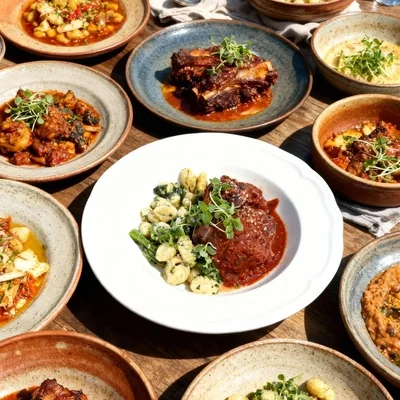
New Menu Launch Photos: The Rollout Plan (So Every Channel Matches)
A practical rollout plan for new menus: shot list, who approves what, when to publish, and how to ensure your website, delivery apps, and social all show the same version.
By FoodPhoto Team, Launch operations
New Menu Launch Photos: The Rollout Plan (So Every Channel Matches)
TL;DR
- Plan photos like a launch asset, not an afterthought.
- Shoot a master set once, then export all platform crops.
- Publish in an order that reduces mismatch and support issues.
Step 1: Build the shot list (keep it realistic)
Start with:
- New items
- Top sellers that changed
- Bundles and combos (high-value decisions)
Don’t try to photograph every modifier on day one.
Step 2: Assign roles
You need three owners:
- Shooter: takes the photos
- Approver: confirms the photo matches what guests receive
- Publisher: exports and uploads across channels
Step 3: Shoot once, export many
- Keep one master per item.
- Export the crops for each platform (delivery apps, website, social).
Use: /tools/image-requirements
Step 4: Publish order (to reduce mismatch)
- Delivery platforms (most mismatch complaints start here)
- Website menu
- Social posts and promos
Step 5: QA like a customer
Check thumbnails and item pages on a phone. If the dish is unclear, customers will skip it.
Your menu deserves better photos
Try 5 photos for $2.99 or subscribe from $4.99/month (20 credits).
Plans from $4.99/mo → Plans from $4.99 → View pricing →
No commitment. Credits roll over. Cancel anytime.
Your menu deserves better photos
Try 5 photos for $2.99, or subscribe from $4.99/mo (20 credits). No free trial, credits roll over, cancel anytime.
View pricing