
How FoodPhoto.ai works
Upload a real phone photo of your dish, let FoodPhoto.ai improve the lighting, background, and framing, then export a menu-ready image formatted for your delivery platform. It takes about a minute — and it keeps your actual dish, ingredients, and portion intact.
Last updated: 2026-06-05
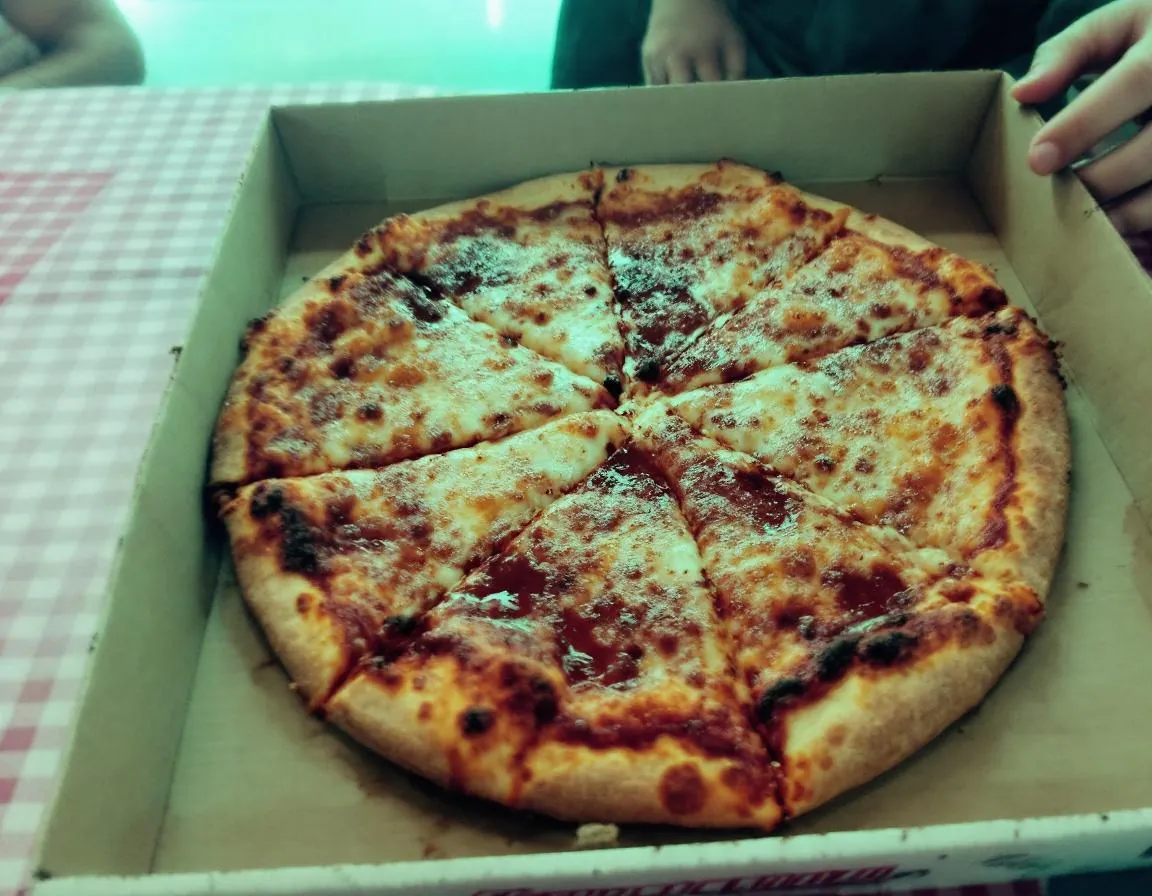
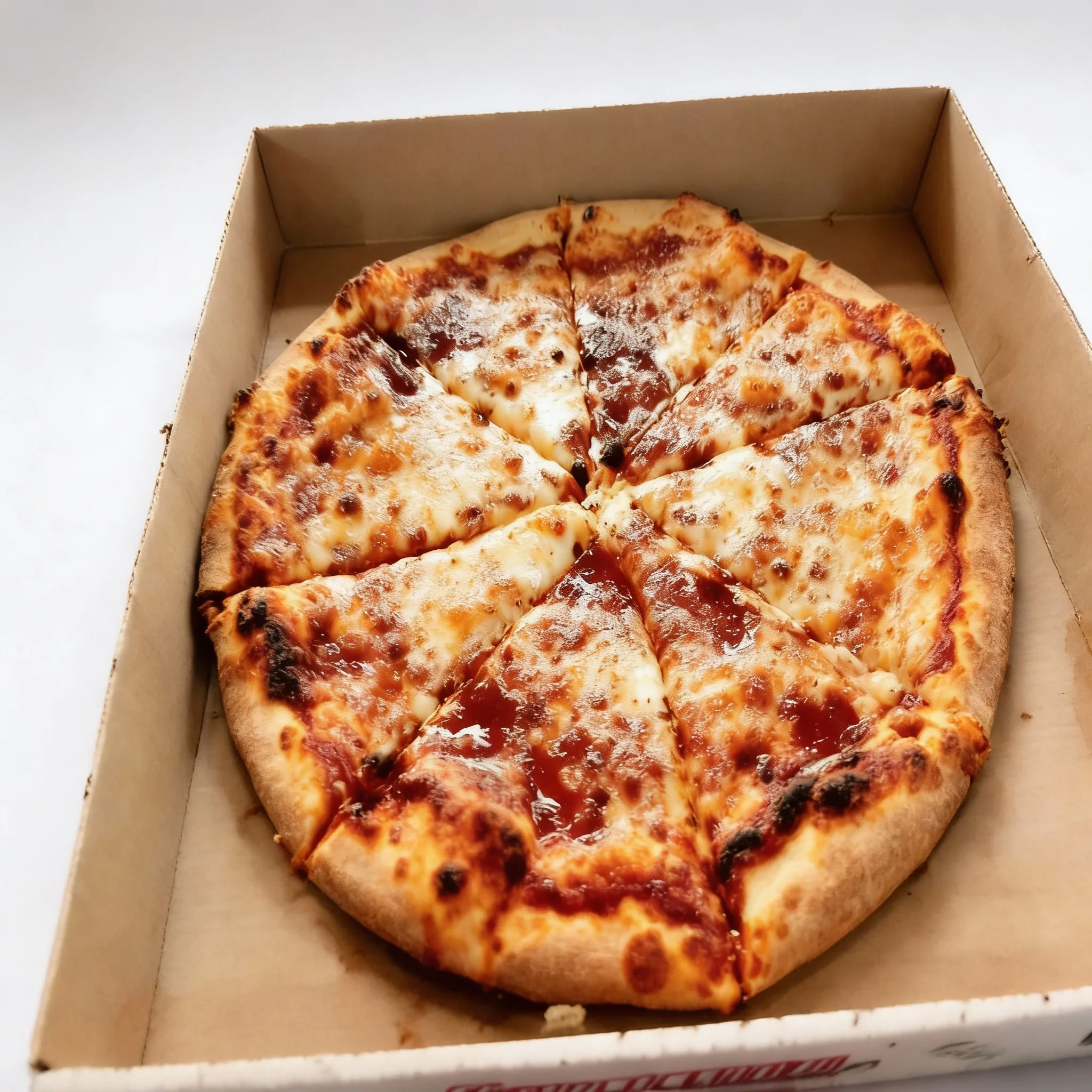
Same dish, better photo
Every step below improves how your dish is captured, never what the dish is. The pizza you upload is the pizza your customer receives.
The four steps
- 1
Upload a real dish photo
Take a clear photo of your plated dish on a phone, then upload it from the browser or the mobile app. You start from the real food you actually serve — nothing synthetic.
- 2
AI improves the capture
FoodPhoto.ai chooses the right enhancement workflow and improves lighting and color, cleans up a distracting background, and sharpens the image. The dish, ingredients, and portion stay exactly as plated.
- 3
Format for the platform
Automatic delivery-platform presets format your image to meet each platform’s requirements (resolution, aspect ratio, file size) for DoorDash, Uber Eats, Grubhub, and more.
- 4
Export menu-ready images
Download the finished, menu-ready photo and upload it directly to your menu or delivery listing. The whole process takes about a minute per photo.
Frequently asked questions
How long does it take to enhance a photo?
About a minute per photo. You upload a clear phone photo, FoodPhoto.ai improves the lighting, color, and background, formats it for your platform, and you download the menu-ready result.
Do I need photography skills or special equipment?
No. A clear phone photo of your real dish is enough. FoodPhoto.ai handles the lighting, background cleanup, sharpening, and platform formatting for you.
Does FoodPhoto.ai change my actual dish?
No. It is an enhancement tool, not a generator. It improves how your real dish is photographed while keeping the same ingredients, garnish, and portion. See our food photo ethics page for the full standard.
Which delivery platforms are supported?
FoodPhoto.ai includes automatic presets for major delivery platforms including DoorDash, Uber Eats, Grubhub, Skip The Dishes, and more, so exported photos already meet each platform’s image requirements.
How much does it cost to start?
You can start with a one-time Try Pack or a monthly Starter plan. Start with a $2.99 Try Pack (5 credits), or Plans from $4.99/mo (20 credits). There is no free trial; see the pricing page for current details.

Try it on your next dish photo
Plans from $4.99/mo (20 credits). No free trial — credits roll over.
Questions? [email protected]