

FoodPhoto.ai guide
AI Food Image Generator
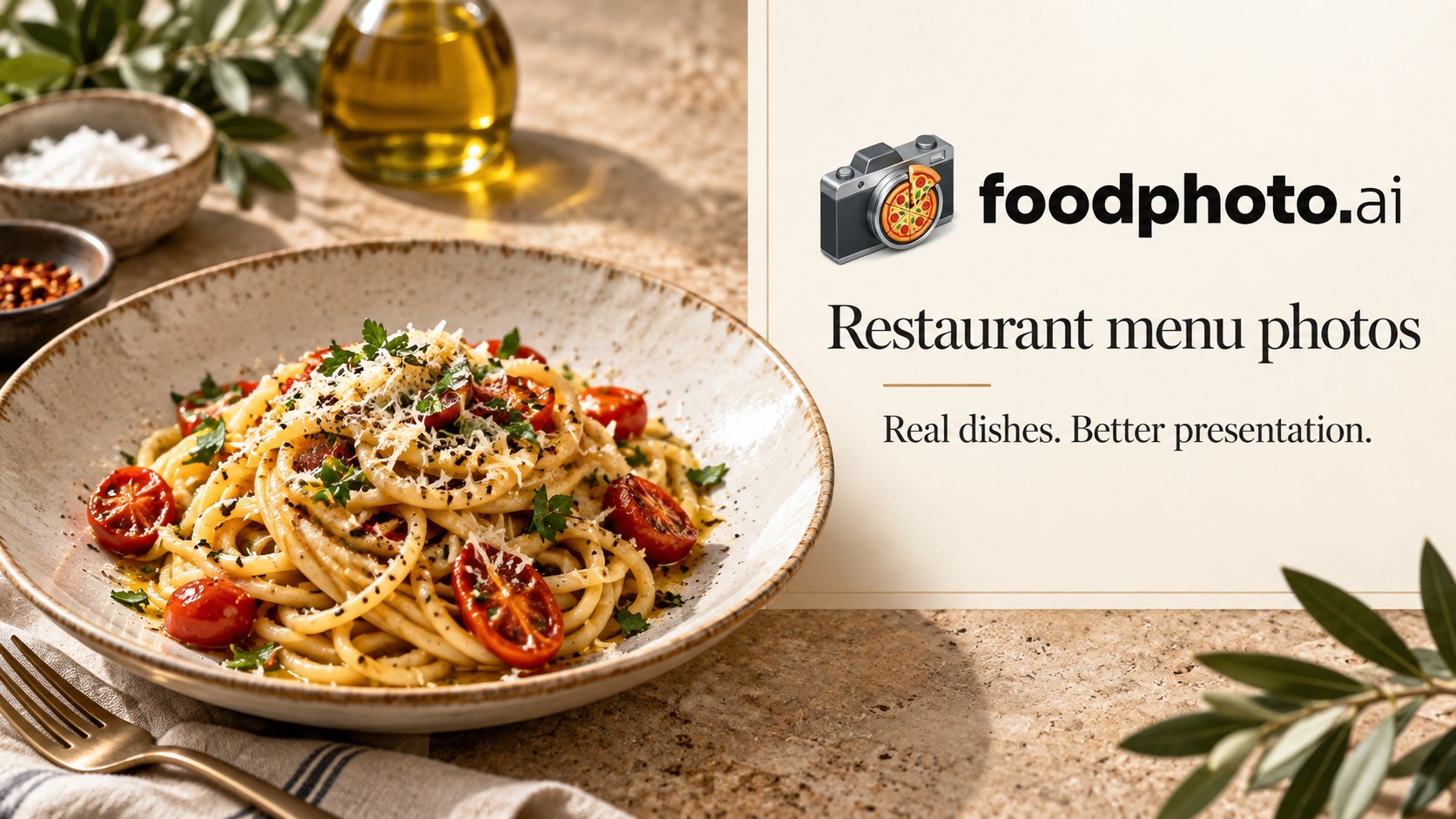
AI food image generator: turn a phone photo of your real dish into a menu-ready image for DoorDash, Uber Eats & menus. From $10 one-time — generate now.
Generated from the photo you already took
● From a photo of your real dish — never a fake one
Generate a menu-ready food image from a phone photo — clean lighting, true color and the right crop for DoorDash, Uber Eats, your menu and Instagram.
Drag to compare. The generator works from your real plate — it cleans up the shot instead of dreaming up a different dish.
Want the full walkthrough? See how it works — or read why this approach beats text-prompt generators on our AI food photography guide.
Square, bright listing images that read clearly at thumbnail size — where most delivery customers decide. Exact size rules per app are on our delivery photo specs pages.
One consistent look across a 40-item menu instead of a patchwork of phone snaps. See the dedicated AI menu photos page for the bulk workflow.
Feed, Story and Google Business Profile crops from the same generation — sizes and ratios are listed in our Instagram food photo specs .
One credit generates one finished image. Two slow, watermarked free generations after email verification; no contracts — cancel anytime.
Want proof first? Run a $5 pack of 10 photos on a dish photo, or browse the free dish generators in our tools hub .
What AI food images are and how restaurants use them.
How restaurants use this workflow
- Photograph the real dish with a phone, using window light when available.
- Upload that shot and let FoodPhoto.ai relight it, correct the color cast, sharpen the dish, and clean up the background into a tile-safe square.
- Export the image for menus, delivery apps, Google Business Profile, social ads, and seasonal landing pages.
Related FoodPhoto.ai guides
FAQ
How is this different from a text-prompt AI food image generator?
Most generators invent a dish from a text prompt, so the result is a plausible-looking plate the kitchen never made. FoodPhoto.ai starts from a photo of your real dish and only improves the lighting, color, sharpness, background, and crop. The food on the plate stays exactly what the customer will receive.
Can the same image be reused across delivery apps and marketing channels?
Yes. The workflow supports menu pages, delivery-app tiles, Google Business Profile, social media, and campaign landing pages from the same source image.
Does this replace a full restaurant photoshoot?
It replaces many routine menu refreshes and delivery-app photo updates. Restaurants can still use a photographer for hero campaigns, but daily menu coverage becomes much faster and cheaper.
Start with the real dish photo
FoodPhoto.ai is built for truthful enhancement: the dish, portion size, ingredients, and menu promise stay intact. You upload a real plate and get a brighter, sharper, better-cropped version of that exact dish back - never a synthetic plate the kitchen does not serve.
Open the studio to process a real image, or create an account.