
Seamless & Grubhub menu photos from phone pics
One upload, two consumer apps. Matches the unified Grubhub for Restaurants spec. Menu-grade in 60 seconds.
Grubhub / Seamless image spec
Both apps share a single merchant portal. Our preset exports to the unified spec automatically.
Recommended resolution
1400 × 1400 px
Aspect ratio
1:1 square
Format
JPEG, sRGB
Max file size
5 MB
How it works
- 1
Photograph each menu item
30° angle or overhead, phone camera, natural light.
- 2
Apply the Seamless / Grubhub preset
1:1 crop, 1400×1400 resolution, clean background, JPEG sRGB.
- 3
Upload to Grubhub for Restaurants
One upload serves both Seamless and Grubhub consumer apps.
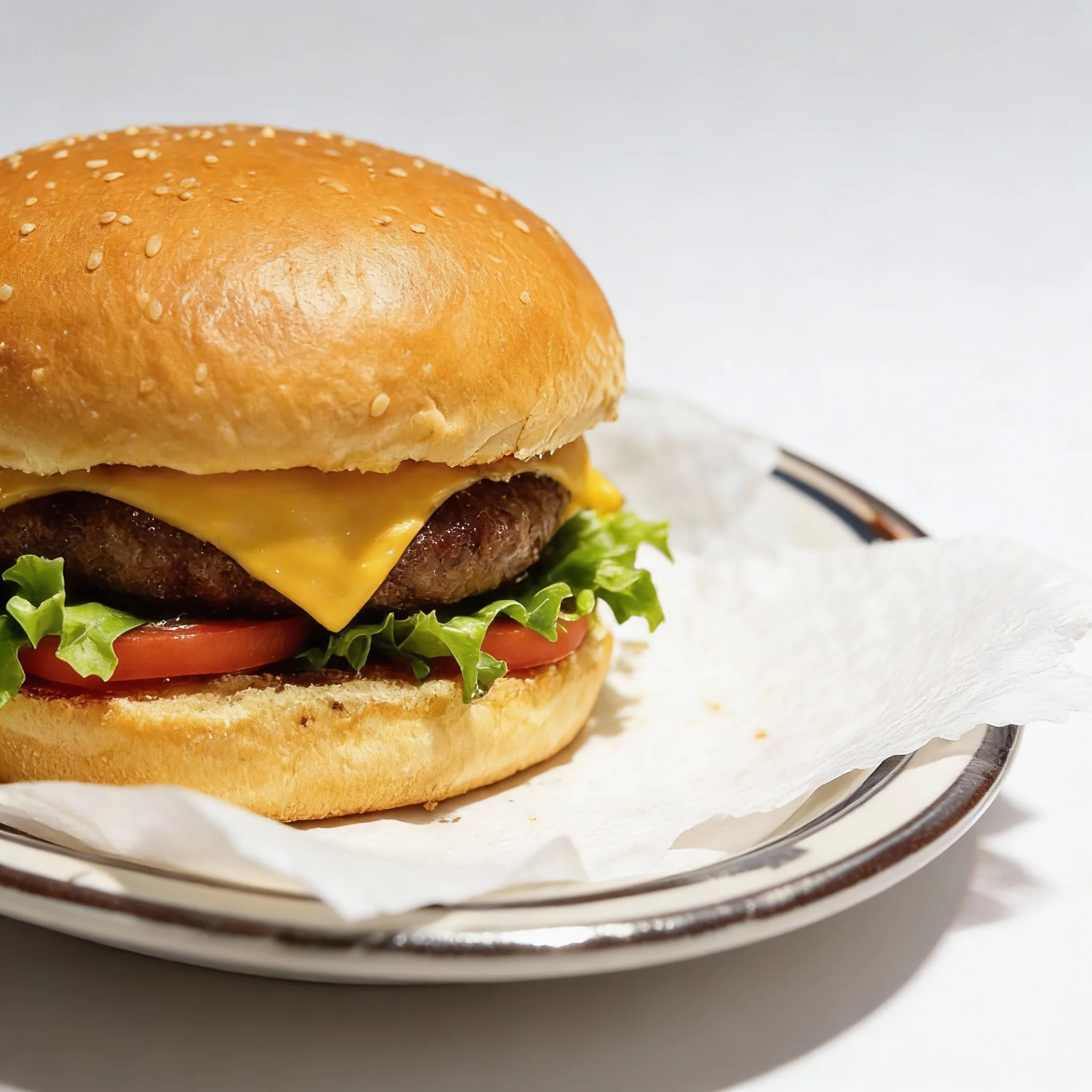
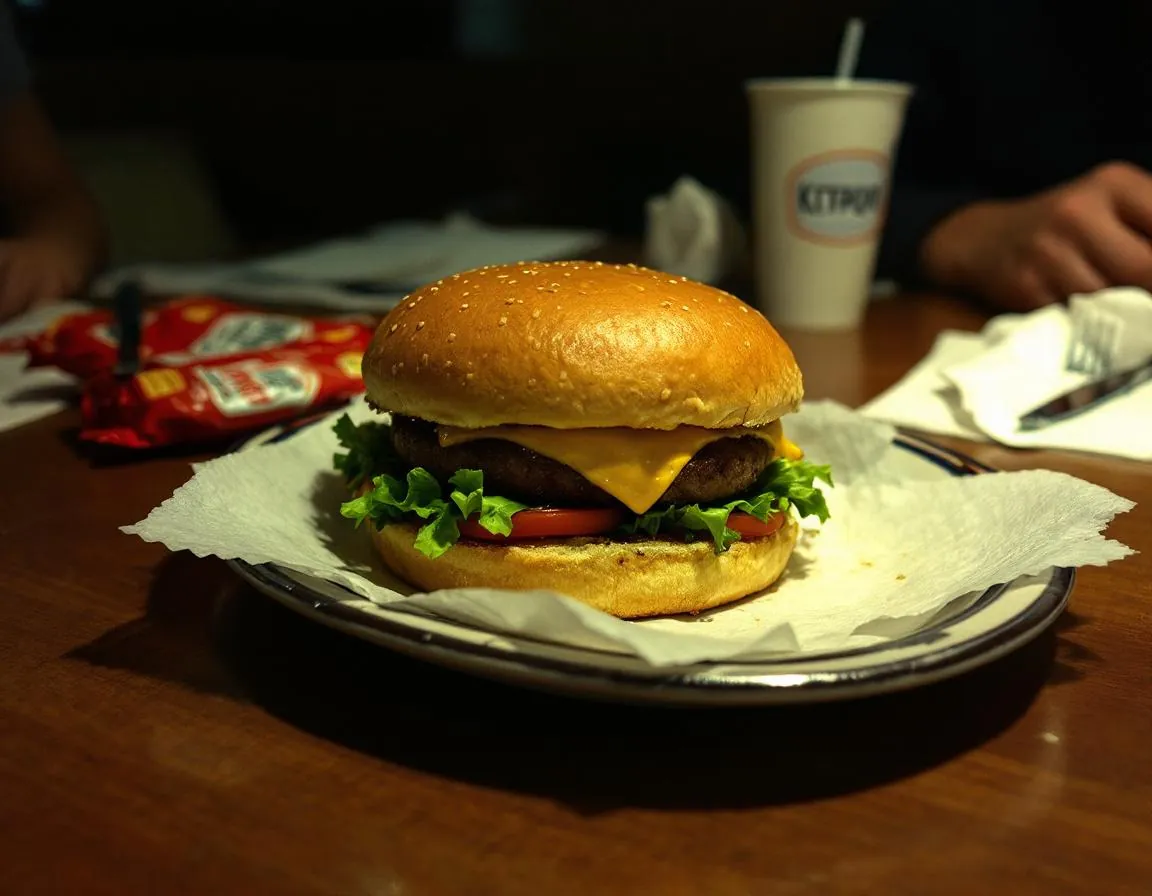
Drag to compare. 1:1 crop, clean background, spec-ready.
Pricing vs a human photographer
| Option | 40-item menu | Monthly specials |
|---|---|---|
| Food photographer | $2,000–$6,000 | $100–$250 per shot |
| FoodPhoto.ai | $3 Starter + top-ups | 1 credit per shot |
Seamless + Grubhub: shared pipes, different audiences
For merchants new to the US food-delivery landscape, the Seamless / Grubhub relationship can be confusing. Seamless started in 2005 in New York as a corporate food-ordering platform. Grubhub started in 2004 in Chicago as a consumer food-discovery site. They merged in 2013, with Grubhub Inc. as the surviving entity. Today both consumer-facing apps still exist under the Grubhub Inc. parent (which is itself now owned by Just Eat Takeaway), but the merchant backend is a single system: Grubhub for Restaurants. When you update a menu item or a photo in that backend, the change flows to both apps.
That means a merchant photography strategy for Seamless is identical to the strategy for Grubhub — one catalog, one upload, two consumer experiences. This is structurally different from how merchants have to treat DoorDash vs Caviar (both DoorDash-owned but with distinct merchant-facing dashboards and distinct photo expectations). Here, the economy-of-scale is in your favor: one set of work, two apps.
The audience composition is worth understanding. Seamless has historically skewed heavily NYC corporate-lunch — a huge portion of Seamless volume is expense-account business lunches during the weekday. That audience is relatively photo-tolerant; they want to see what they're ordering but are not shopping Instagram-grade imagery. Grubhub skews broader US consumer delivery, more dinner-heavy, more family-of-four ordering. Across both, the baseline expectation is: can I tell what this dish actually looks like, and does it look like the restaurant cares about quality? A clean 1:1 hero per menu item, on a consistent background, with honest lighting, hits both audiences.
The spec itself is unambiguous. Grubhub recommends 1400×1400 pixel square crops, JPEG, sRGB, under 5 MB. No text overlays, watermarks, or borders. The square ratio matters because both the Seamless and Grubhub consumer apps render menu-item photos in a square tile. Rectangular uploads get center-cropped by the system, which often cuts off the edges of a plated dish. Shooting and exporting at 1:1 from the start preserves your composition.
Cross-link to related platform pages: DoorDash food photography (most merchants run multi-platform), Uber Eats menu photos, Caviar food photography, and ghost kitchen photo generator. For dish-specific tools see our pizza and taco generators.
A final business-case note. Grubhub has been losing US market share to DoorDash and Uber Eats over the last several years, and many merchants have deprioritized their Seamless / Grubhub catalog maintenance in response. That is the conversion mistake: if you are still on Grubhub at all, a visually strong catalog is cheap, and it is a differentiator against the many restaurants who have let theirs go stale. FoodPhoto.ai makes the refresh trivially cheap, which is exactly when you should do it.
FAQ
Are Seamless and Grubhub the same platform?
They share the same ownership and technical infrastructure. Grubhub Inc. acquired Seamless in 2013, and the two platforms now run on a unified merchant portal and order-routing backbone. From a merchant perspective, updates to menu imagery generally propagate to both consumer apps — but they serve visually distinct customer bases (Seamless is NYC-heavy corporate/office, Grubhub is broader US consumer).
Do I upload photos once or twice?
Once, in the unified Grubhub for Restaurants portal. The same photo serves both consumer-facing apps. This is structurally different from, say, DoorDash vs Caviar where merchants often upload separate optimized sets. Seamless and Grubhub share the pipeline.
What photo spec should I target?
Grubhub recommends 1400×1400 px minimum, 1:1 square, under 5 MB, JPEG in sRGB colorspace. Avoid text overlays, watermarks, and borders. Our preset exports to this spec automatically.
Does Grubhub show photos differently than Seamless?
Consumer app UI differs slightly. Grubhub's UI uses more lifestyle imagery at the top of the restaurant page, while Seamless tends to surface individual menu-item photos earlier. A clean 1:1 hero per dish works well in both contexts; add a lifestyle-style shot for your top 3–5 best sellers to perform on the Grubhub restaurant page.
Will AI-enhanced photos pass Grubhub merchant review?
Yes. Grubhub's photo guidelines focus on image quality, accuracy, and brand-safe content. AI enhancement of the actual dish (lighting, color, sharpness, background) passes review. Because our preset does not alter ingredients or portion, the enhanced photo represents the actual menu item.
Start free — 10 credits
Refresh your Seamless / Grubhub catalog this afternoon.