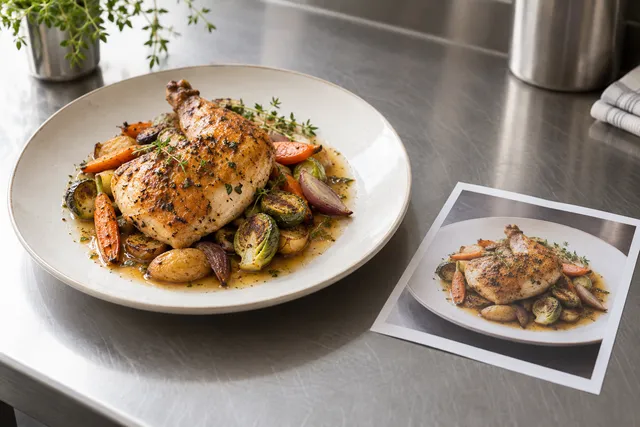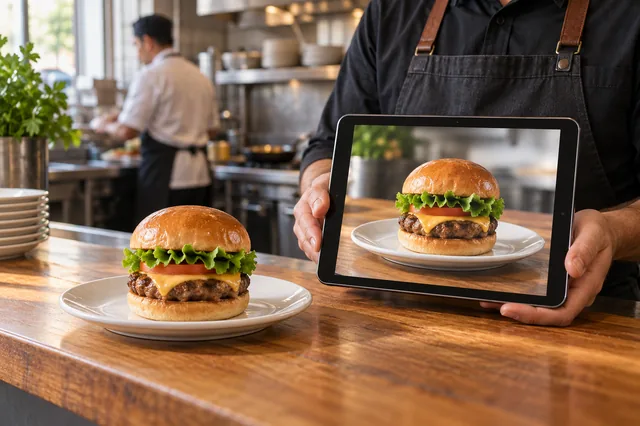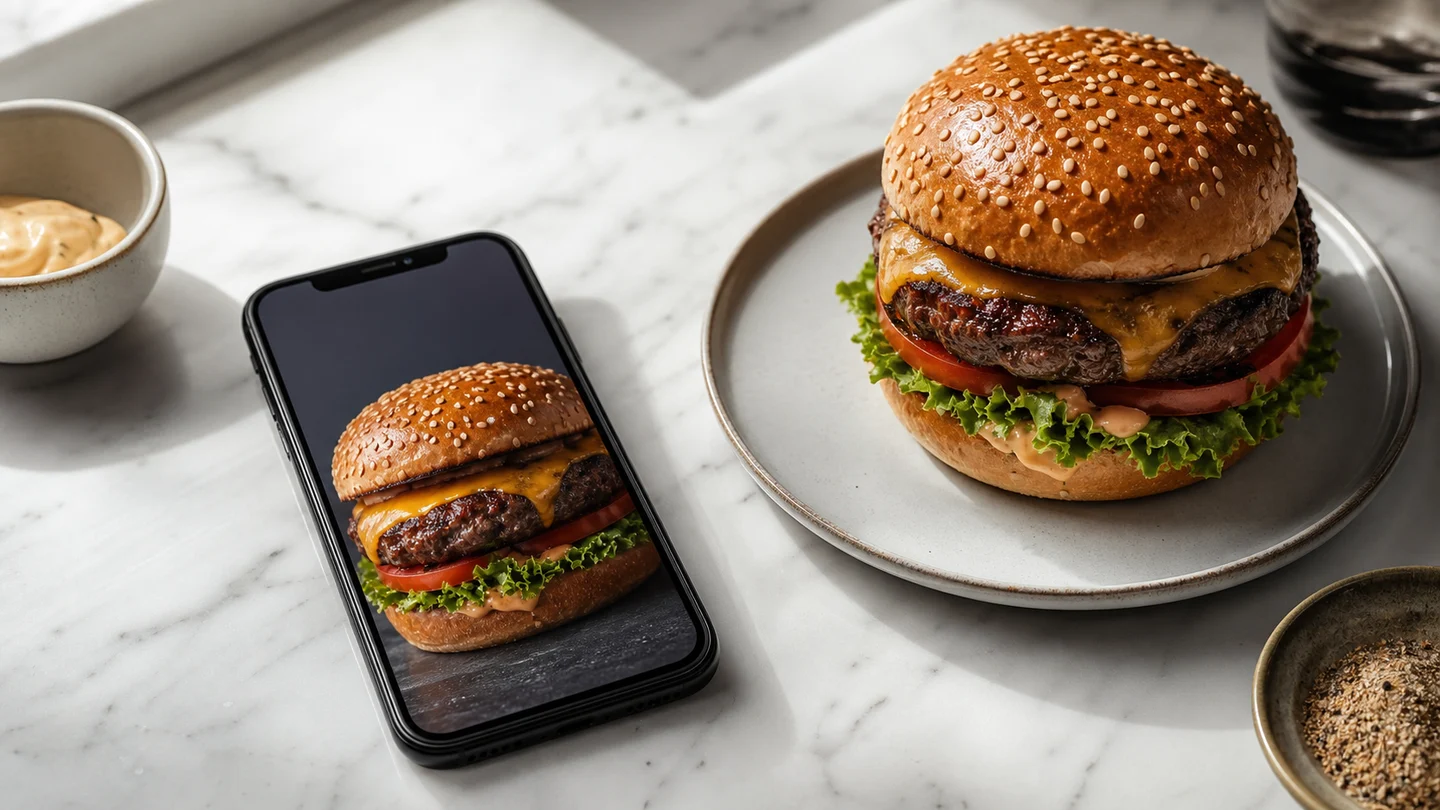
Search “AI food image generator” today and you get two very different kinds of tool wearing the same name. One kind invents food from a text prompt — type “glossy cheeseburger” and it paints a burger that has never existed. The other kind transforms a photo of your real dish into a clean, menu-ready image. For a restaurant, that difference is the whole game: one creates a liability, the other creates a storefront. This guide ranks the categories of AI food image generators in 2026 by what they’re actually good for, and shows you how to choose without wasting a week of trials.
The short answer
If you’re a restaurant or ghost kitchen, you want a generator that starts from a photo of your real dish — not a text-to-image tool that fabricates food. Platforms penalize misleading photos and customers leave one-star reviews when the box doesn’t match the picture, so fidelity to your actual plate is the non-negotiable criterion. If you’re a hobbyist or a marketer making conceptual art, a general-purpose generator may be the better fit. FoodPhoto begins with two previews on your own dish, with a verified account and no card. Free previews are significantly slower than paid plans and are prepared in a separate queue: about 30–35 seconds in normal conditions, and longer when the service is busy or the edit is complex. Keep the chat open and do not repeat the request while it processes. See the current plans and usage estimates for photos, menus and campaigns.
The four categories of AI food image generator in 2026
1. Photo-to-photo restaurant tools (the operator’s choice)
These take a real photo of your dish and re-light, re-stage, and clean it up while keeping the food recognizable. Because they start from your plate, the output matches what arrives at the door. This is the only category that satisfies delivery-platform photo policies and is the right tool for menus, delivery apps, and Google Business Profile. FoodPhoto.ai sits here, with style presets tuned for thumbnail legibility and exports at the dimensions each platform expects.
2. General text-to-image models
The well-known general models (the big diffusion and multimodal image generators) can produce beautiful, photoreal food from a prompt alone. They’re superb for moodboards, ad concepts, and packaging mockups — and dangerous for menus, because the burger they paint is not the burger you sell. Use them to explore a look, never to represent a specific dish a customer can order.
3. Background / product-photo apps
E-commerce photo tools that swap backgrounds and add studio lighting can work for tightly-shot product packaging (a bottled sauce, a boxed dessert). They tend to struggle with plated, textured food — melted cheese, sauce sheen, steam — where food-specific models are trained to keep things appetizing rather than plasticky.
4. Phone camera “AI enhance” features
Built-in computational photography is free and instant, but it optimizes for general scenes, not appetite. It can over-sharpen, crush shadows, or push colors until food looks artificial. Fine for a quick social story; not a substitute for a tool that understands food.
How to rank any AI food generator: the five criteria that matter
Ignore feature lists. After auditing hundreds of menu and delivery listings, these are the factors — in priority order — that decide whether a tool earns a place in your workflow.
- Fidelity to your real dish. Does it enhance the food you serve, or invent a different one? Everything else is secondary.
- Correct output dimensions. A gorgeous image at the wrong aspect ratio gets center-cropped into mush on the platform. The tool should export to the exact spec. (See our delivery-app image size guide.)
- Cost per iteration. You won’t nail the hero on the first try. Re-running a shot for cents lets you A/B test heroes like ad creative. Per-seat or hard-capped pricing kills iteration.
- Speed to a usable file. Phone photo in, menu-ready file out — fast enough to keep up with menu changes.
- Try before you subscribe. You cannot judge fidelity from a marketing gallery. A tool that lets you run your own worst photo for a few dollars, no subscription, is the only honest comparison.
The 20-minute test that beats any ranking
Don’t trust a list — including this one. Run this instead:
- Pick your worst real photo — a dim, phone-shot picture of an actual menu item. If a tool can rescue this, it can handle anything.
- Generate three variants — a bright top-down, an angled plate, and a packaging-forward shot if relevant.
- Open them on a phone at arm’s length and squint. If the dish isn’t identifiable in about 100 milliseconds, it loses the scroll. On a delivery rail, legibility beats beauty.
- Check the exported dimensions against the platform spec.
- Add up the true cost of one usable hero, failed attempts included. That number — not the headline price — is what matters.
When a text-to-image tool is the right call
To be fair to the category: if you need a hero concept for a seasonal campaign, a stylized background for a quote graphic, or packaging art that doesn’t depict a specific orderable dish, a general generator is fast and cheap. The line is simple — concept and decoration: general models are fine. A photo a customer will order from: use a photo-to-photo tool that keeps your real food.
Frequently asked questions
Is it legal to use AI food images on a restaurant menu or delivery app?
Generally yes, as long as the image honestly represents the dish you serve. The risk isn’t “AI” — it’s misrepresentation. Tools that enhance your real photo stay on the right side of that line. We cover the details in Is AI food photography allowed for restaurants?
Will customers be able to tell it’s AI?
When you start from a real photo and enhance it, the result reads as a well-lit photograph because it is your dish. Pure text-to-image food is the kind that gets caught — see our trust-safe AI photo policy.
What’s the cheapest way to try one?
Start with a real dish and a low-commitment test.
Bottom line
The best AI food image generator for a restaurant in 2026 isn’t the one with the flashiest gallery — it’s the one that keeps your real dish, exports to spec, and lets you iterate cheaply. Generate from your plate, not from a prompt.