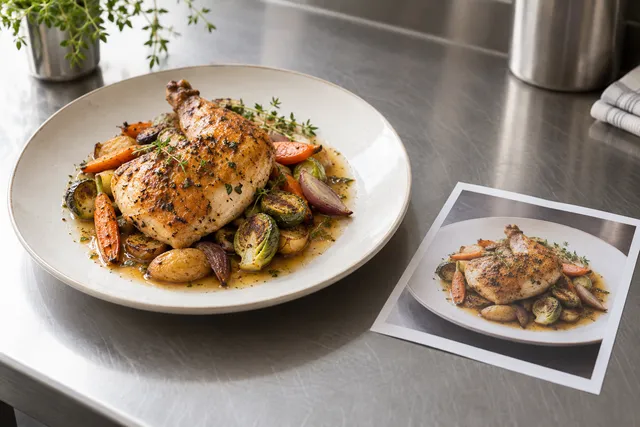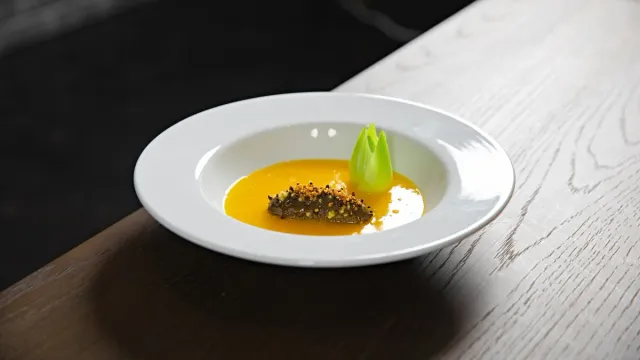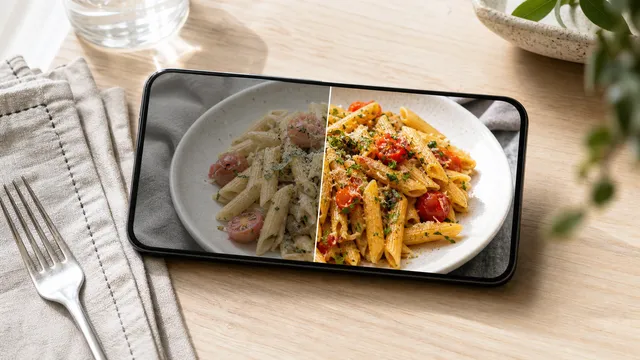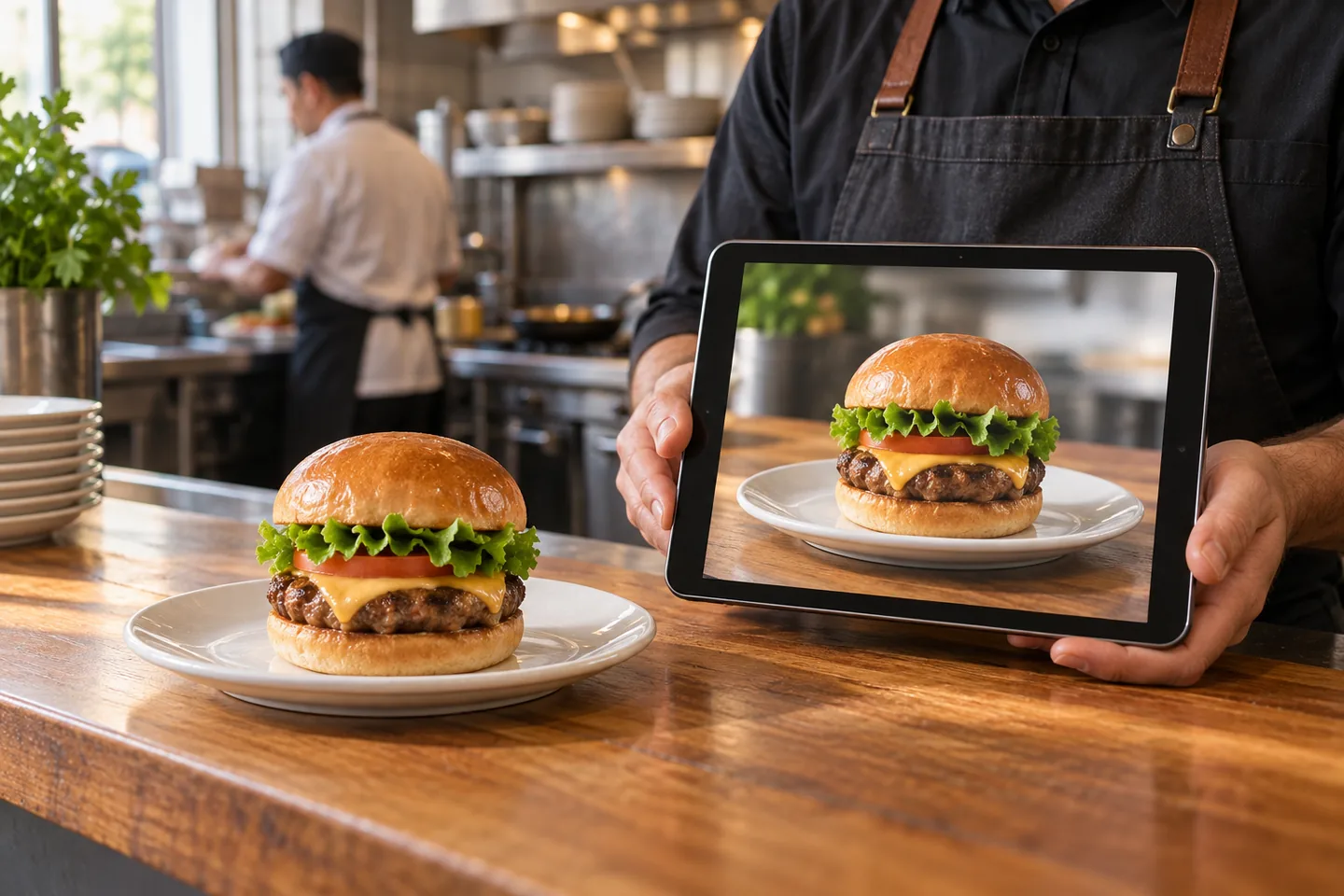
A delivery guest decides in seconds. The photo on Uber Eats, your menu, or Google profile sets the promise. The box on the table has to match it. When it doesn't, you get the refund and the review that says smaller than the photo.
This is the short rule to prevent that. Use AI to present the real dish clearly. Don't use it to invent food you don't serve. If you need the long copy-paste version with roles and filing, see our full policy template.
Short answer
Allow AI for lighting, color balance, clarity, crop, and background cleanup of a real dish photo. Don't allow AI to change ingredients, portion size, toppings, garnish, container, or plate presentation. One trained person approves every image against the original before it goes live anywhere.
Why a written rule helps
Without a rule, everyone edits differently. One person brightens a dark taco photo. Another adds cheese that isn't on the build. Delivery apps, website, ads, and Google then show four versions of the same dish.
A one-page rule lets the team move fast without guessing. It reduces not-as-pictured complaints and makes re-shoots faster because originals and decisions are saved.
Allowed vs. never allowed
Allowed when the dish stays accurate:
- Correct exposure, white balance, and shadows from a real kitchen photo
- Clean background clutter, adjust crop for delivery-app tiles
- Consistent color across the menu, sharpening, correct export sizing
Never allowed:
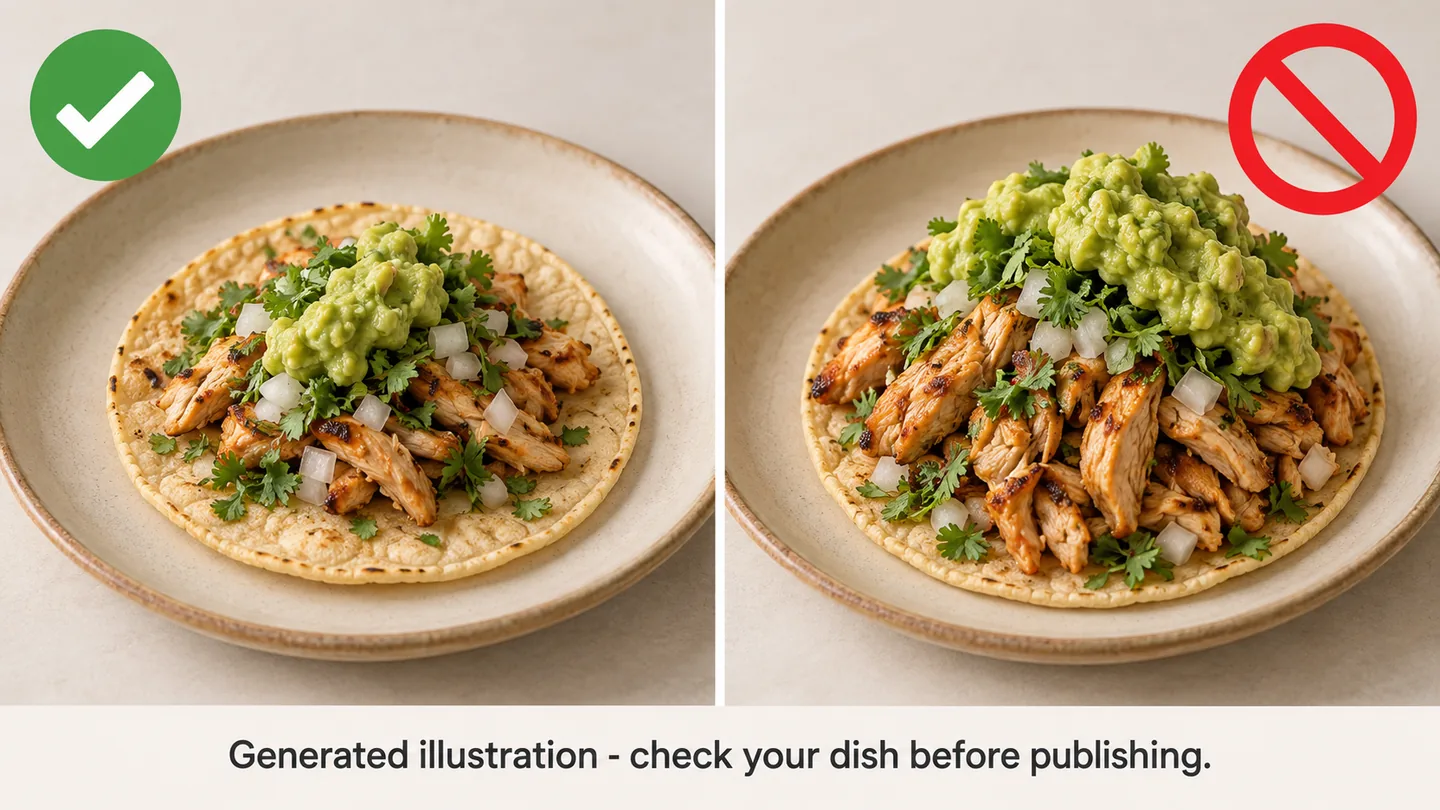
- Change portion size, add or remove ingredients or toppings
- Swap garnish, sauce drizzle, cheese pull, or container to look fuller
- Generate a dish from text with no real photo behind it and list it as menu photography
- Keep an image live after guests report a mismatch
If you wouldn't serve it that way tonight, don't publish it that way.
Make it work in a real kitchen
- Write it down. Post the allowed / never list where photos are approved.
- Name one approver. One manager compares edited to original for ingredient accuracy, portion accuracy, crop, and brand consistency. No image goes to delivery apps, website, Google Business Profile, or ads without that check.
- Keep originals. Save dish-name_original.jpg beside dish-name_menu-v1.jpg in one shared folder.
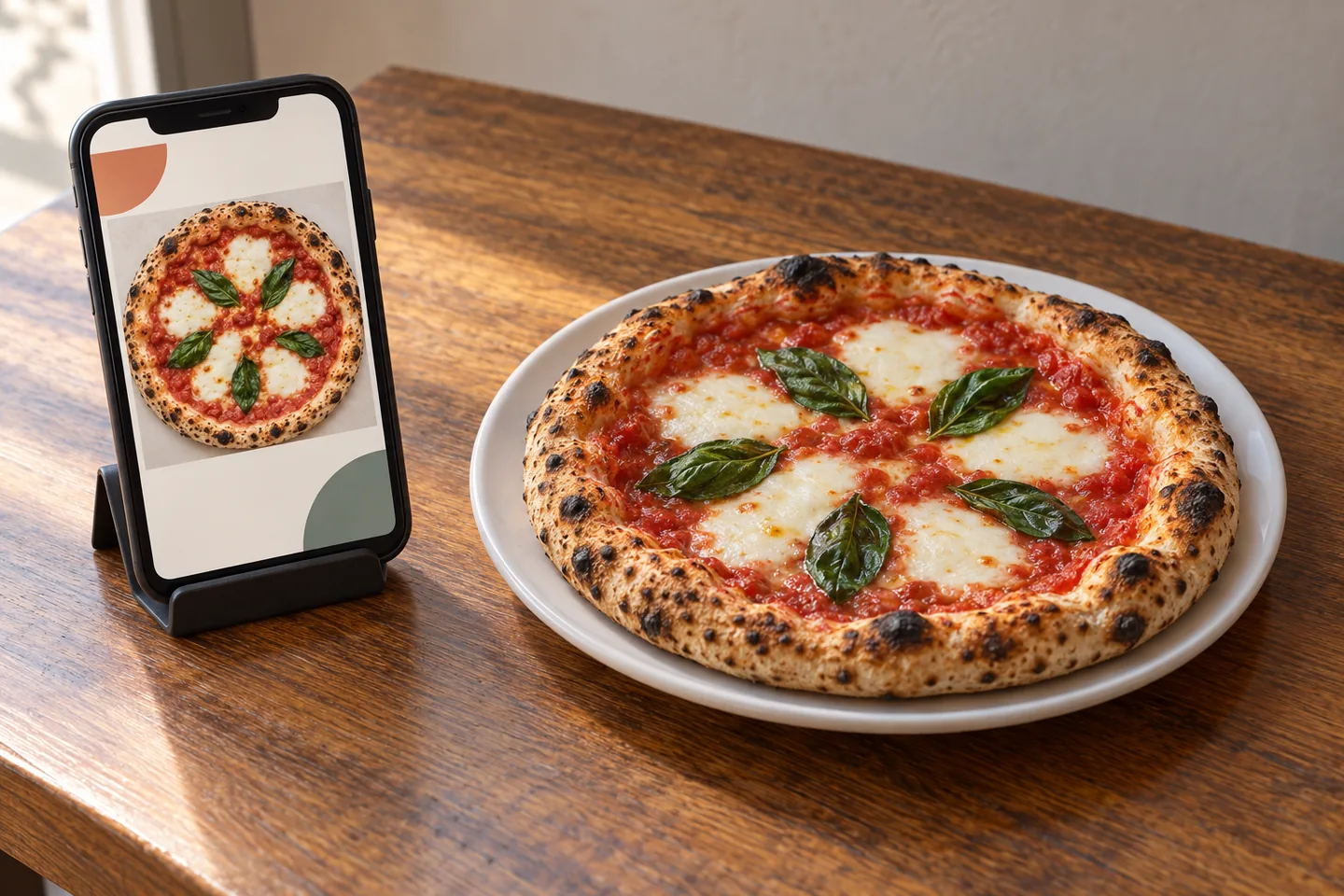
- Check every channel. The same approved file goes everywhere. Check delivery crop on a phone before approving.
- Close the loop. If a guest says the photo misled them, pull that image that day, fix or re-shoot, and note what changed.
Pair this with a short weekly habit: photograph 3-5 real best-sellers, enhance honestly, approve, and publish. See our weekly sprint workflow.
Where the line sits
Pass: lunchtime margherita under yellow lights looks dull. Allowed: neutralize white balance, lift shadows, straighten crop, soften a bin in the background. Crust char, basil count, cheese coverage, and 10-inch plate stay as served.
Fail: burrito bowl gets extra guacamole and doubled chicken by AI to fill the bowl. That is a new promise. Clicks may rise for a week, the table comparison fails.
Examples are illustrative, not customer results.
Prompt you can reuse in the Studio
Enhance this real photo of [dish name, e.g. margherita pizza on 10-inch white plate]. Keep exact ingredients, portion, garnish, and container unchanged. Correct warm white balance to neutral daylight, lift shadows, keep natural texture. Clean background to plain warm wood table, soft daylight from left, 45-degree viewpoint, tight menu crop. No added toppings, no larger portion, no fake steam.
Add your real dish photo with that text, then compare result to original side-by-side before approving.
Copyable restaurant AI photo policy
[Restaurant name] AI photo rule: We use FoodPhoto.ai and similar tools only to improve lighting, crop, clarity, color balance, and background presentation of real dish photos. We do not change recipe, portion size, ingredient list, garnish, container, or final plate promise. Every edited image is reviewed against the original by [approver name/role] before publishing to delivery apps, website, Google Business Profile, or ads. Originals are archived. Any image that causes confusion is removed and corrected.
FAQ
What should a restaurant AI food photo policy allow?
Lighting correction, color consistency, background cleanup, crop changes, sharpening, and file resizing when the real dish remains accurate.
What should a restaurant AI photo policy prohibit?
Changing portion size, adding ingredients, removing visible ingredients, inventing toppings, or making the dish look materially different from what customers receive.
Do restaurants need to save original food photos?
Yes. Keep originals beside the enhanced files so managers can compare accuracy, answer platform questions, and replace any image that creates customer confusion.
Who should approve AI-enhanced restaurant photos?
One trained reviewer should approve every menu image before publishing, using a checklist for ingredient accuracy, portion accuracy, crop quality, and brand consistency.
Next step
Publish the one-page rule above, archive this week's originals, and enhance only real best-sellers. For the longer template see full policy template. For cost per dish see pricing.