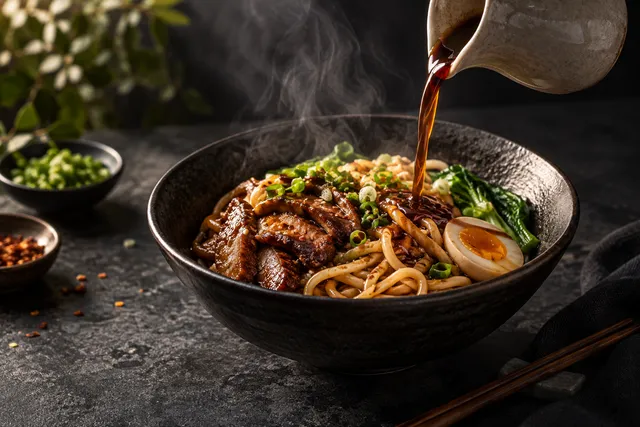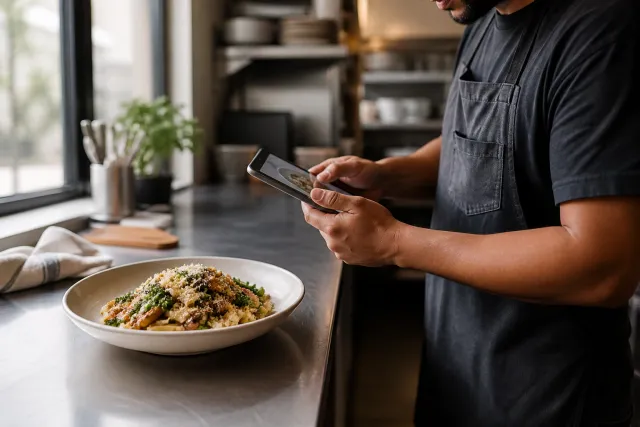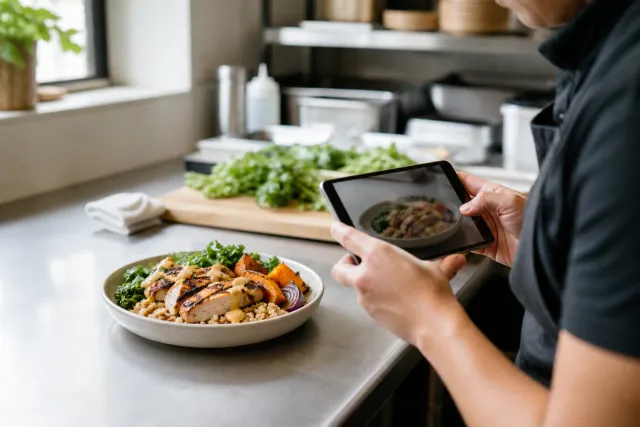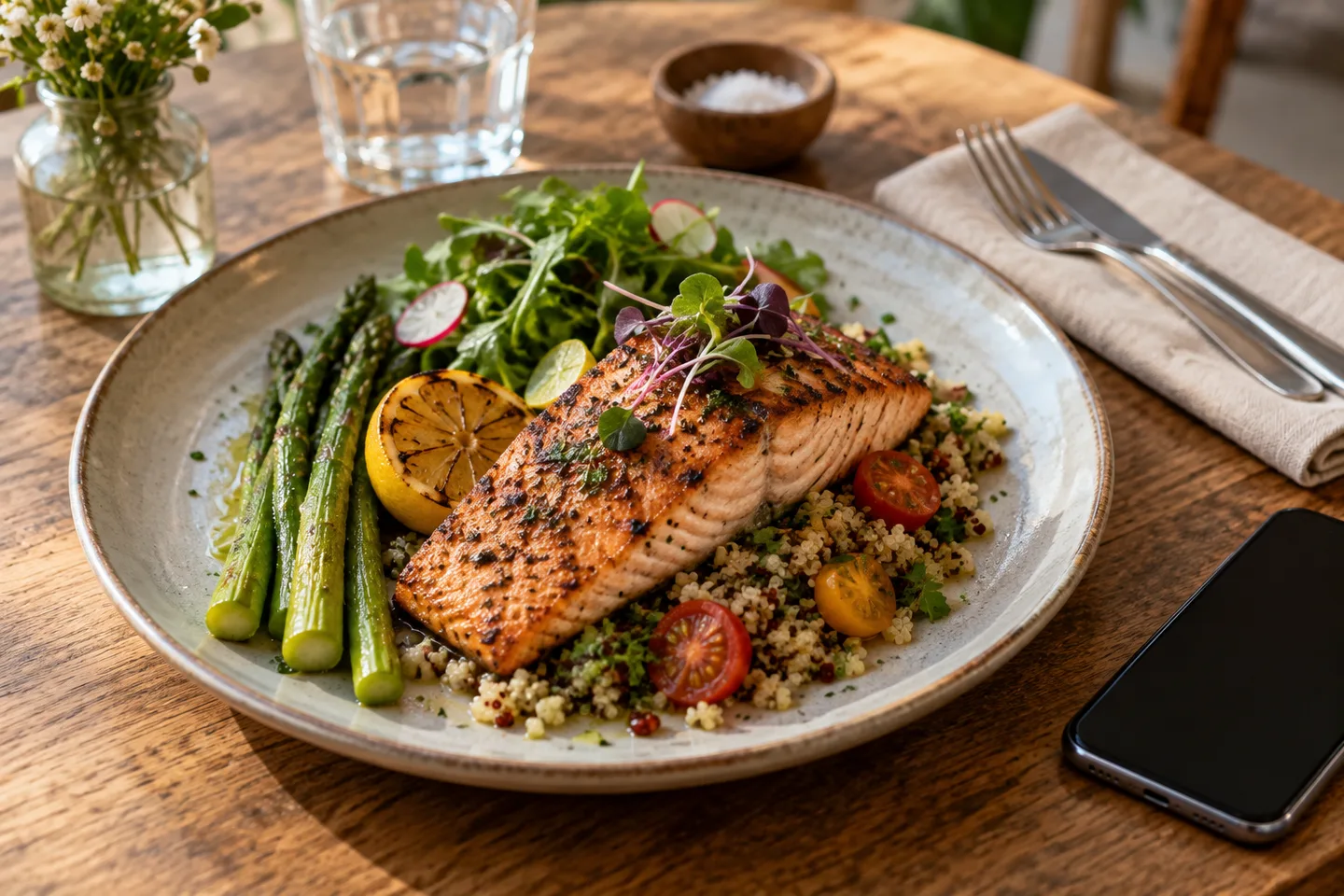
Guests increasingly ask a question and get an answer on the results page. Google described at I/O 2026 how AI Mode became the default way many people search, with Gemini 3.5 Flash handling more conversational and agentic requests, and with agentic booking spreading into local services. For a restaurant, that changes what a food photo is for. A dish image now has to work for a machine assembling a recommendation and for a person scanning a menu.
This is answer engine optimization applied to food. It is less mysterious than it sounds, and most of the work is the work good menu pages always needed, done properly.
Why photos and menu data decide the answer
AI answers about restaurants lean on three kinds of input: business data that is consistent across the web, structured data on your own site, and content specific enough to quote. Photographs sit inside all three. A clear dish photo with honest alt text and a name a machine can match helps an engine describe what you serve. A menu trapped inside a PDF gives the engine nothing to read.
If your menu only exists as an image or a PDF, an AI system cannot answer "does this place do a vegan ramen" from your site. It will answer from a competitor that published the same information as text. The same holds for a menu that only renders after a script runs, because crawlers often see the empty shell.
The AEO checklist for restaurant photo pages
- Publish the menu as HTML text, with a stable URL, and keep it current.
- Add menu item data as well as a restaurant block. Menu and MenuItem markup lets an engine read dish names, descriptions and prices as fields.
- Give each signature dish a page or a stable anchor with its own photo, description and price.
- Write alt text that names the dish and the way it is served, rather than a generic label.
- Keep the Google Business Profile fresh with current photos and hours.
- Answer common questions on the page in plain text, and add FAQ markup where it fits.
- Keep name, address and phone identical everywhere you appear.
- Respond to reviews, because activity is a signal engines can see.
- Use descriptive file names and modern formats such as WebP, so the image loads fast on mobile.
- Keep the photo, the dish name and the description consistent, so the engine is not reconciling three versions of the same dish.
How to structure a dish section an engine can read
You do not need a large development project. A single menu page with clean headings performs well when each dish carries three things: a name, a one or two sentence description, and a photo with alt text. A minimal pattern looks like this.
<section id="mains">
  <h2>Mains</h2>
  <article itemscope itemtype="https://schema.org/MenuItem">
    <h3 itemprop="name">Charred octopus</h3>
    <img src="/menu/charred-octopus-800.webp"
         alt="Charred octopus with lemon, capers and smoked paprika on a white plate"
         width="800" height="600" loading="lazy">
    <p itemprop="description">Grilled octopus, charred lemon, capers and smoked paprika.</p>
    <span itemprop="offers" itemscope itemtype="https://schema.org/Offer">
      <meta itemprop="price" content="18"><meta itemprop="priceCurrency" content="EUR">
      <span>18</span>
    </span>
  </article>
</section>
Wrap the wider page in Restaurant or LocalBusiness markup, add opening hours and a canonical URL, and you have the foundation most answer engines need. Our menu image SEO guide goes deeper on the markup.
What a good dish image looks like to an engine
Multimodal engines read the picture and the text around it together, which makes a few details matter more than they used to.
| Signal | What to do | Why it helps |
|---|---|---|
| File name | Name the file for the dish, for example grilled-octopus-charred-lemon-1440.webp | Gives a plain text hint about the subject. |
| Alt text | Describe the dish, its main components and the setting in one sentence. | Feeds the description an engine can quote. |
| Composition | One dish, centred, with margin around the plate. | Survives square and landscape crops in results. |
| Text overlays | Keep words out of the photo and put them in the markup. | Image text is unreadable to many crawlers and rejected by delivery platforms. |
| Accuracy | The photo shows what a guest receives. | Mismatch drives refunds and bad reviews, which work against you. |
| Weight | Export around 800 to 1440 pixels wide in WebP. | Fast pages get crawled and read more reliably. |
Turn one photo into the text an engine needs
The slow part of this work is writing descriptions and alt text. An assistant can draft them from the photo and your notes, and you edit for accuracy. A prompt that works well:
Write one sentence of alt text and one 30 word menu description for the dish in this photo. Name the visible components, the cooking method if it is obvious, and the serving vessel. Do not invent ingredients or claims. Keep it factual and appetising.
Review every line before publishing. The engine will quote what you publish, and so will a guest.
Common mistakes that keep you out of the answer
- Menu only as a PDF or a flat image.
- Alt text that says "food" or repeats the file name.
- Dish pages with a photo but no text a reader can use.
- Prices and hours that differ between the site and the profile.
- Photographs that no longer match the current portion or plating.
- Reviews left unanswered for months.
- A dish page that changes its URL every time the menu is updated.
A thirty day plan
- Week one: convert the menu to HTML with stable sections, and add Restaurant and Menu markup.
- Week two: photograph five signature dishes, write alt text, and publish each with a description and price.
- Week three: refresh the Google Business Profile photos and hours, and reply to recent reviews.
- Week four: search the questions your guests ask, note who gets cited, and add the missing answers to the page.
How to tell whether it is working
Track citations rather than clicks. Search the exact questions your guests ask, then note whether an AI answer names you and which page it used. Watch referral traffic from chat assistants in your analytics. Add a small number of new dish pages each month and check which ones get picked up. This loop is slower than a paid campaign and it compounds, which is why the restaurants that start early hold the advantage.
FAQ
Do I need a separate page for every dish
No. It helps to have stable, linkable sections for the dishes you want found, especially signature items. A well structured menu page with item level data is a strong start.
Does schema alone fix visibility
No. Schema helps an engine understand the page. The page still needs real content, accurate photos and a consistent business profile.
Should I delete the PDF menu
Keep it for printing if you like, and add an HTML version beside it. The HTML version is the one engines can read. Our menu SEO guide covers the structure.
Will AI write the whole menu for me
It can draft. You still approve the ingredients, prices and claims, because those are the parts a guest will check against the plate.
Next step
Take three signature dishes this week. Photograph each one, write a factual description and alt text, and publish them as text with item data. The studio can prepare the photos from your own plates, and our menu photo guide covers the shoot. Then check the questions you care about and see who gets cited.