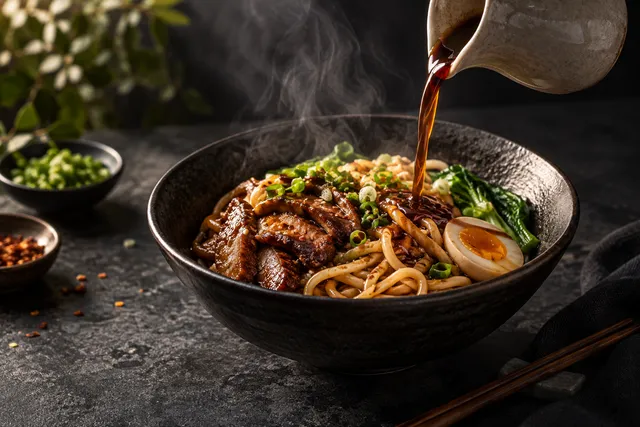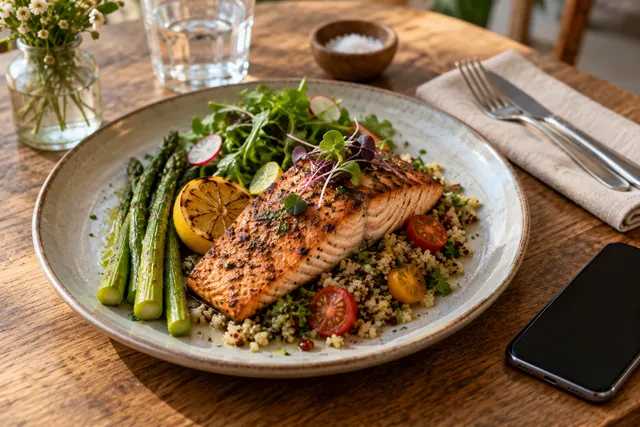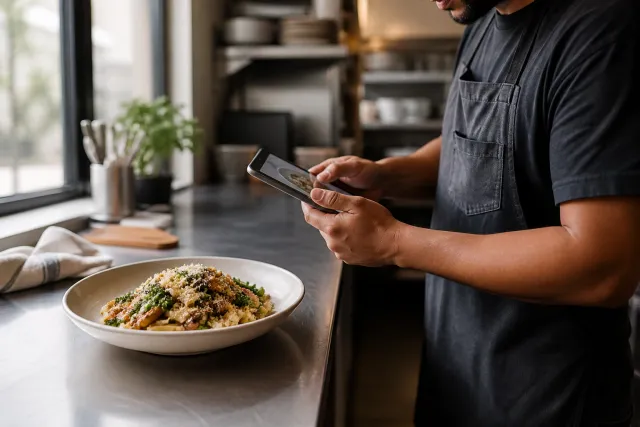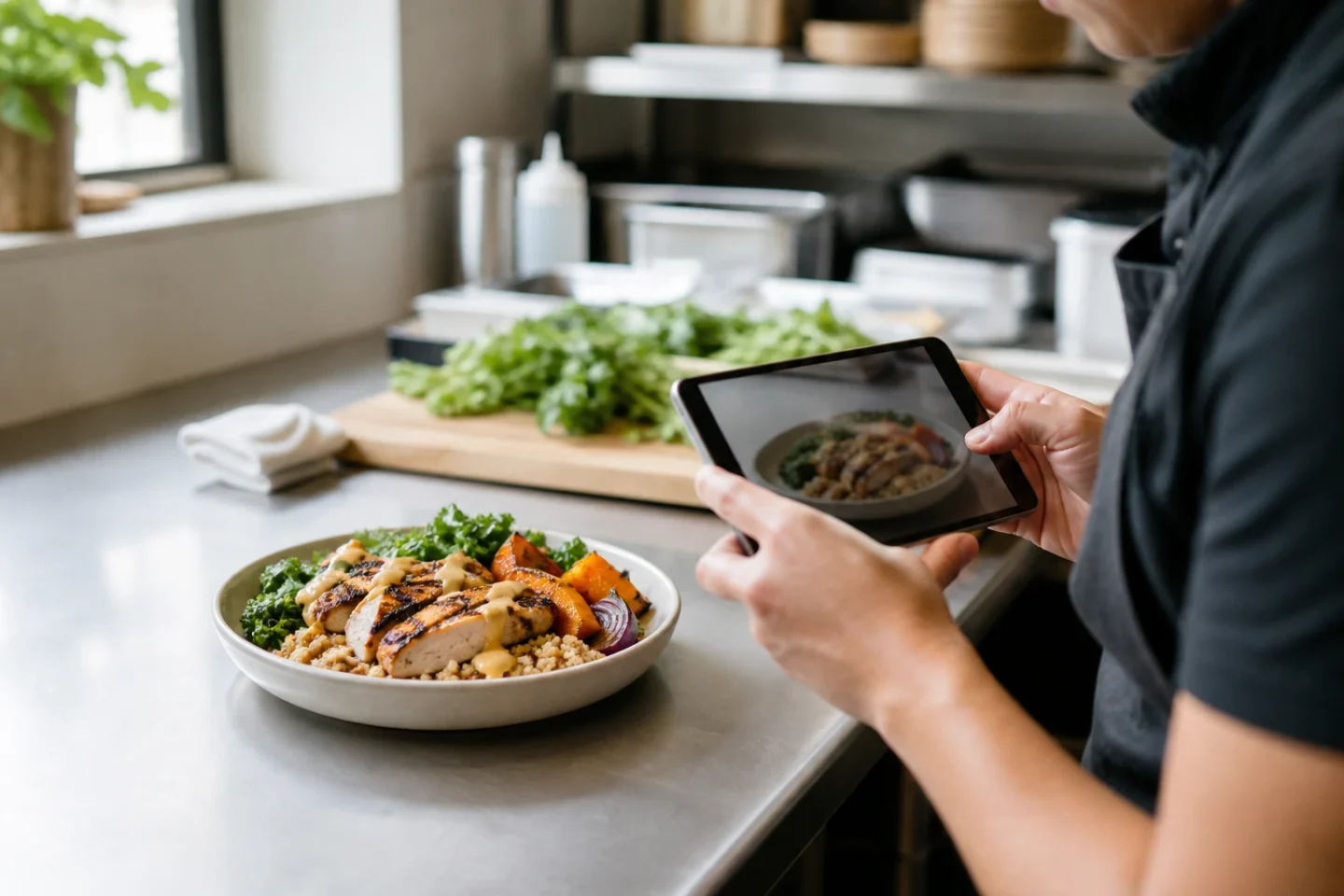
Meal prep brand food photos should sell the container experience: labels, compartments, and real macros — not empty-plate restaurant plating if that is not the product.
- Standard container angle
- Weekly menu batch
- Macro/claim accuracy
- Subscription-site + delivery dual export
Once the shot list is set, use FoodPhoto.ai for batch production focused on the container, weekly menu, macro/claim accuracy, and both subscription-site and delivery exports.
A production-ready method for AI-assisted meal-prep brand photos
Practical answer: Build a consistent container, portion and label-safe composition. Optimize for repeatability across a changing weekly menu, then reject any output that makes the menu less accurate. The main avoidable risk is simple: beautifying one meal can make the real packaged portion feel smaller. This workflow gives a restaurant team an auditable way to move from source photo to approved asset without turning visual polish into an unsupported promise.
Consistency should come from the visual system, not from making different meals look identical.
Step-by-step operating workflow
Make AI-assisted meal-prep brand photos an operating process with a named owner, a release checklist and a small feedback loop. The useful unit is not “photos made”; it is an accurate image approved for the channel and connected to the current menu item. That distinction prevents a fast production system from becoming a fast error system.
- Define the release target. Name the exact item, channel, crop and business purpose before capture or generation begins.
- Build from the real product. Record the current portion, ingredients, vessel or packaging so the creative work has a truth reference.
- Apply one documented visual system. Reuse light, angle, background and export rules while allowing the actual food to remain distinct.
- Review before bulk publication. A kitchen or operations owner checks recipe truth; a marketing owner checks readability and brand consistency.
- Measure and refresh. Save the publication date, test window and reason for the next update. Replace assets when the product changes, not just when a calendar reminder fires.
Release checklist
| Gate | Pass condition | How to verify |
|---|---|---|
| Product truth | The image matches the currently fulfilled order | Compare with recipe, portion and packaging |
| Brand system | Light, color and framing follow the documented style | Review beside two already-approved assets |
| Channel purpose | The crop supports the intended customer decision | Preview in the actual surface |
| Ownership | A named person approved accuracy and release | Record reviewer and date |
| Freshness | The asset still reflects the current menu | Recheck after every recipe or packaging change |
How to evaluate the result without inventing a success claim
Approve photos beside the packed SKU and refresh whenever recipe, tray or portion changes. Hold price, availability, promotion and service window as stable as practical. Record the dates and sample size, and describe the result as an observation from that test—not as a universal promise. If several things changed together, the data cannot isolate the photo.
Useful process metrics are approval rate, attempts per approved image, time from capture to publication, rejection rate and the share of live menu items with current imagery. Commercial metrics can include item views, add-to-cart actions or orders when the platform exposes them, but seasonality and promotions must stay in the interpretation.
Accuracy, rights and update policy
Use photos the restaurant owns or is licensed to modify. Do not copy a competitor’s dish, branding or protected campaign image. Keep the food representative of what a customer can order, disclose material synthetic changes when the context requires it, and remove an image when the recipe, portion, vessel or packaging no longer matches.
Evidence rule: Keep the original capture, the approved output and the reviewer decision together. That record lets the team explain what was enhanced and reverse a bad release without guessing.
Editorial review: This operating guidance was reviewed on August 21, 2026. It avoids promised rankings or sales outcomes and should be rechecked against the live channel before a bulk upload.
Put the workflow into practice
Start with one representative dish in FoodPhoto Studio, compare the result with the original, and review real transformation examples before standardizing a look. For a larger catalog, estimate approved-image cost from the current FoodPhoto pricing and include staff review time in the calculation.