If your restaurant’s menu does not show up when people search "best ramen near me," "tacos in [city]," or "gluten-free pizza," you are leaving orders on the table. Restaurant menu SEO is not a hack — it is structure. It combines site structure so Google understands your menu, content quality so Google trusts it, images so customers click, and local signals so you win in your area. This is a practical operator guide to building menu pages that rank locally and organically, and the thin-page traps that quietly keep most restaurants invisible.
The three search intents your menu must cover
1. Menu intent
People want your actual menu: "[restaurant name] menu," "happy hour menu," "takeout menu." To win this you need a clearly linked /menu page, category sections (apps, mains, desserts), and items and prices kept as accurate as you can.
2. Dish intent
People search by dish: "chicken alfredo near me," "best smash burger [city]." You win dish intent by having item names and descriptions in real text on your menu page, and optionally building dedicated pages for top dishes that have genuine demand.
3. Cuisine intent
People search by cuisine: "thai restaurant near me," "mexican food [neighborhood]." This is usually your location page, menu, and Google Business Profile working together.
Site structure that ranks
Keep it simple and scalable. The rule: every menu item should be reachable in two or three clicks from the homepage.
- Single location:
/(home),/menu, and an/aboutor/contactpage with address and hours. - Multi-location:
/locations(directory),/locations/[city](one per real location), each linking to the menu.
Avoid orphaned PDF menus. A PDF is a dead end for both search engines and mobile users.
What a rankable menu page includes
The crawlable basics
- Menu categories with clear
H2headings. - Item names in real text — never hidden inside images.
- Short descriptions with ingredients, spice level, and diet tags.
- Prices, kept current where possible.
The conversion layer
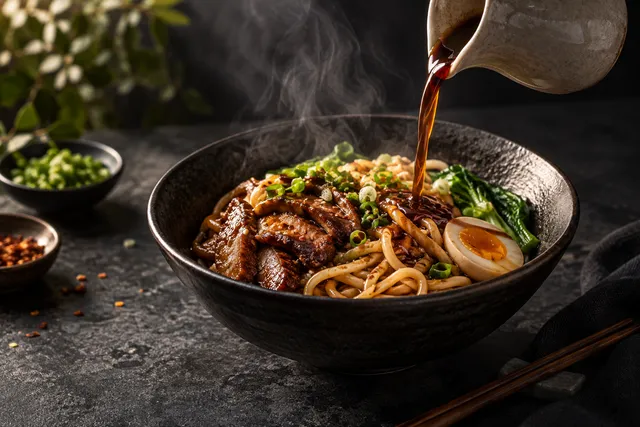
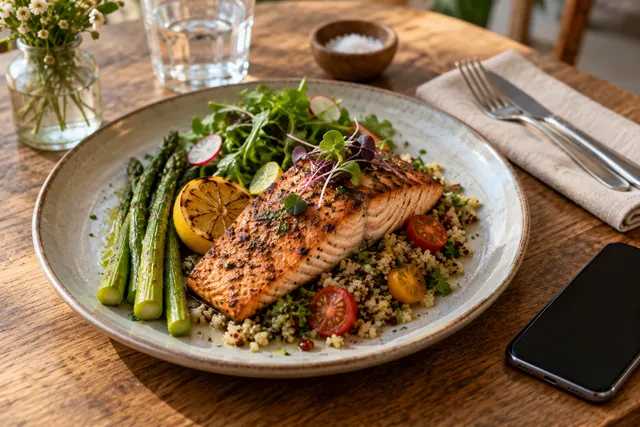
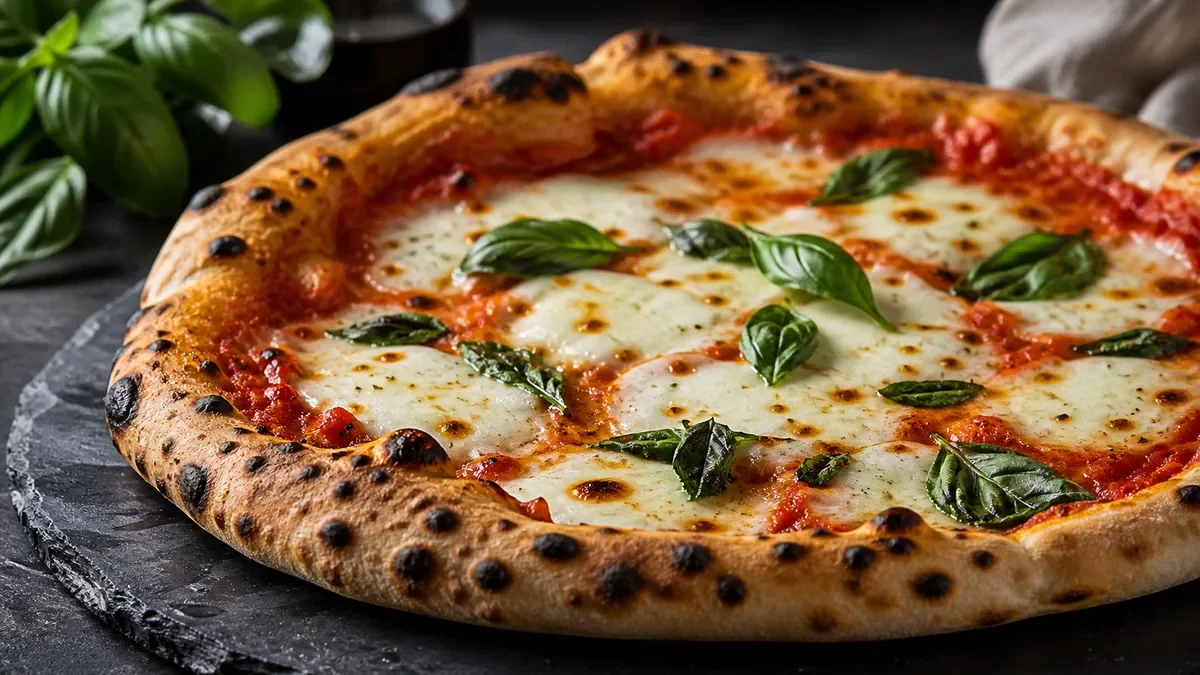
- Photos of your top sellers that look good at thumbnail size.
- Clear CTAs: Order Online, Reserve, Call.
Crawlable text gets you found; photos get you chosen. You need both.
Image SEO for restaurant menus
This is the part most restaurants get wrong. Images are not decoration — they are a ranking and conversion lever.
- Use WebP/AVIF and keep files small. Fast pages rank and convert better; large menu photos are a top cause of slow mobile loads.
- Use descriptive filenames.
chicken-alfredo-menu-photo.webpbeatsIMG_4920.webp. - Write human alt text. "Creamy chicken alfredo with fettuccine and parmesan" helps accessibility and image search without keyword stuffing.
- Make photos consistent and accurate. Mismatched lighting and angles make a menu look untrustworthy.
This is where honest enhancement pays off. Instead of a stock photo or a dim phone snapshot, you fix lighting, background, and gloss without changing the dish — so the image is fast, accurate, and clickable. You can try it on one menu item in a $5 pack of 10 photos. For the deeper image system, see our image SEO for restaurants guide.
Add Restaurant and Menu schema
Structured data helps Google interpret your menu. At minimum, add Restaurant schema (name, address, hours, cuisine) and Menu/MenuItem where it fits. Schema does not guarantee rankings, but it improves how your listing can appear and clarifies your content for search engines. Do not fake review or rating schema you have not earned.
The thin-page traps that kill menu SEO
| Trap | Why it fails | Fix |
|---|---|---|
| One paragraph + stock photo | Nothing for Google to rank | Real menu text, categories, descriptions |
| Menu as a single image/PDF | Uncrawlable | Convert to HTML text |
| Duplicate location pages | Looks like spun content | Unique local details per location |
| Giant unoptimized photos | Slow page, poor mobile | Compress to WebP, descriptive names |
| No internal links | Pages stranded | Link home → menu → dishes/locations |
Thin content is the number-one reason menu pages never rank. If you serve multiple markets, the same discipline scales internationally — our international restaurant image SEO guide covers localized menu pages and multilingual alt text.
Internal linking that lifts menu pages
Menu pages rarely rank in isolation. They rank when your site shows Google a clear structure and passes relevance between related pages. Build a simple internal-linking pattern:
- Home → menu with descriptive anchor text ("see our full menu"), not "click here."
- Menu → top dishes or location pages for the items and markets with real demand.
- Location pages → the menu they serve, and to each other where it makes sense.
- Blog/guide content → menu, so informational pages funnel toward the order page.
Every menu item should be reachable in two or three clicks, and no important page should be orphaned. Internal links are the cheapest ranking lever most restaurants ignore entirely.
Local SEO: the other half of menu rankings
For "near me" and cuisine searches, your menu page and your Google Business Profile work as a team. The page proves what you serve; the profile proves where and when. To win local:
- Keep your Google Business Profile complete and current — hours, cuisine, ordering links, and fresh photos.
- Make sure your name, address, and phone are identical on your site and your profile.
- Add menu photos to both so the dish that ranks also looks appetizing in the map pack.
A menu page that ranks organically but loses the map pack is leaving local orders behind. Treat them as one system.
Avoid duplicate and auto-generated menu pages
A common SEO mistake is spinning near-identical pages — one per location or city — that differ only by a place name. Google reads that as low-value duplication. Each page needs genuinely unique local detail: real hours, neighborhood context, location-specific dishes, and its own photos. If you cannot make a page meaningfully different, it probably should not exist as a separate page.
A simple menu SEO checklist
/menupage with crawlable category headings and item text.- Descriptions with ingredients and diet tags.
- WebP photos with descriptive filenames and alt text.
- Restaurant/Menu schema in place.
- Internal links from home to menu to dishes/locations.
- Page loads fast on mobile.
Run this once, then revisit when the menu changes.
Where this leaves you
Restaurant menu SEO rewards structure, not tricks. Make your menu crawlable, keep your pages substantive, optimize images for speed and clicks, and add the right schema. Do that and you start showing up for menu, dish, and cuisine searches in your area — which is exactly where the orders are.
The fastest way to make menu photos fast, consistent, and clickable is to enhance each dish to one standard. FoodPhoto begins with two previews on your own dish, with a verified account and no card. Free previews are significantly slower than paid plans and are prepared in a separate queue: about 30–35 seconds in normal conditions, and longer when the service is busy or the edit is complex. Keep the chat open and do not repeat the request while it processes. See the current plans and usage estimates for photos, menus and campaigns.
Frequently asked questions
What is restaurant menu SEO?
Restaurant menu SEO is the practice of structuring and optimizing your menu pages so they rank in local and organic search and convert visitors into orders. It combines clean site structure, crawlable item text, fast descriptive images, and Restaurant/Menu schema.
Why isn't my restaurant menu ranking on Google?
The most common reasons are thin pages (a single paragraph and a stock photo), menu items hidden inside images or PDFs that Google can't read, slow-loading photos, and missing schema. Fixing structure and adding crawlable text usually moves the needle first.
Should menu items be in text or images?
Always put item names and descriptions in real text, not baked into images or PDFs. Search engines read text, not pictures of menus. Use photos to drive clicks and conversions, but keep the menu itself crawlable.
Do menu photos affect SEO?
Yes, indirectly and directly. Fast, properly compressed images improve page speed (a ranking factor), descriptive filenames and alt text help image search, and appetizing photos raise click-through and time on page, which support rankings.
Related guides
- Image SEO for restaurant menus
- Alt text and file names that help
- Google Business Profile photo playbook
Ready to upgrade your menu photos? Open the FoodPhoto.ai studio or see plans and pricing.