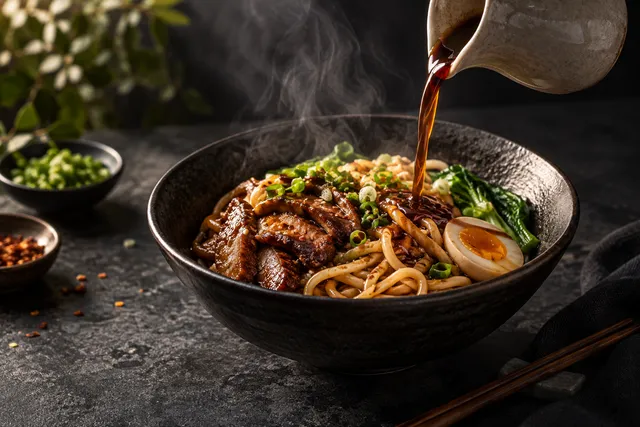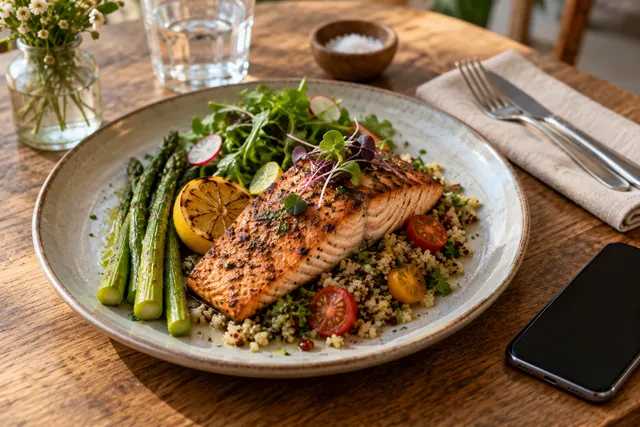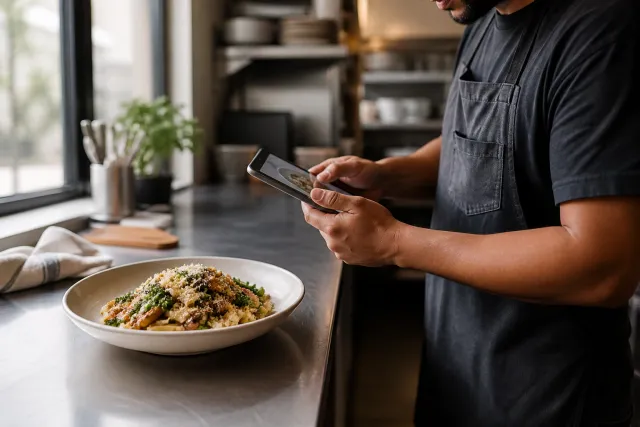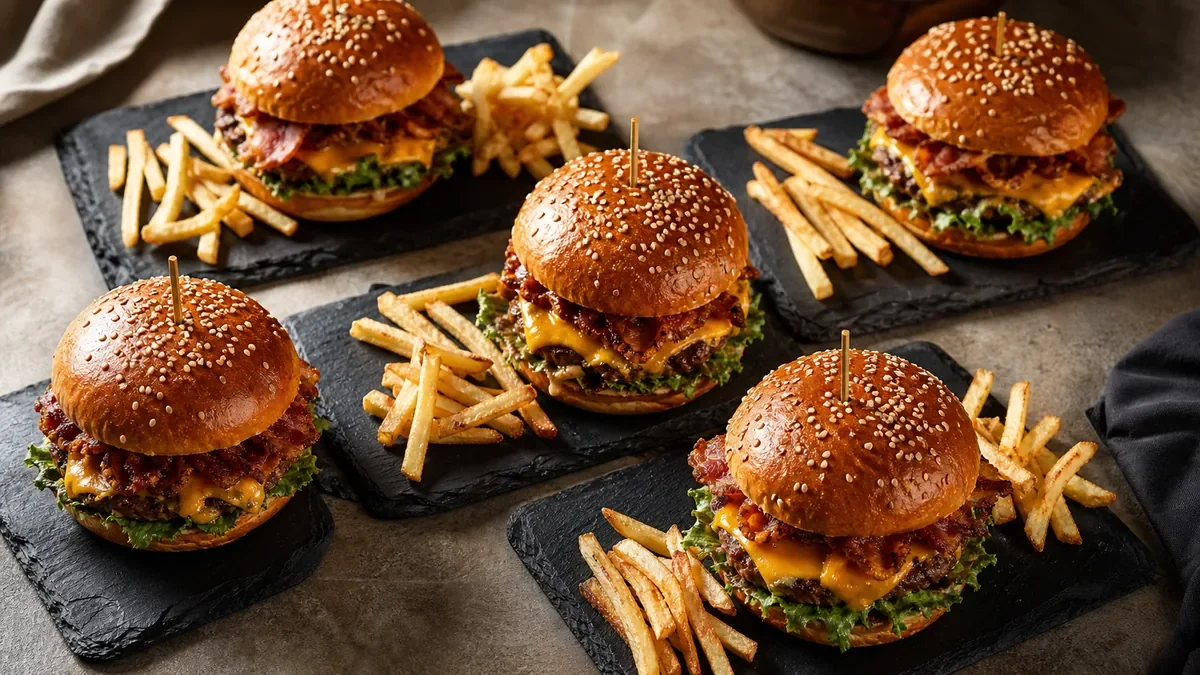
If you want a restaurant brand to grow across countries in 2026, you have to accept one truth: international restaurant image SEO is not "translate the page." It is trust, relevance, and visual consistency in every market you enter. People do not read first — they look first. They decide with their eyes on Google Maps, delivery apps, your menu pages, and social profiles. This guide is the operator playbook for scaling that visual trust with one global photo library, localized market pages, and multilingual image metadata that stays accurate.
No gimmicks, no keyword stuffing, no "rank #1 guaranteed." Just the system that compounds.
The 2026 reality: search is global, trust is local
International SEO used to mean "make pages in more languages and earn links." In 2026, restaurants win cross-border visibility through a combination of:
- Local intent — near me, open now, delivery, reservations.
- Visual proof — photos that look consistent, accurate, and real.
- Speed — fast pages on mobile networks that vary wildly by country.
- Market relevance — language, menu naming, and cultural expectations.
When someone searches in a new city, they do not trust you because you wrote "authentic." They trust you because your photos look consistent and familiar. That is why international restaurant image SEO is growth infrastructure, not design polish.
Step 1: Build one global photo library
If every location uploads random images, your brand breaks. If a central team shoots everything, you cannot scale. The fix is a shared library with rules.
The three photo sets every global brand needs
- Menu conversion set — clean backgrounds, consistent angle and lighting, crop-safe framing for thumbnails. Reused globally.
- Brand trust set — dining room, counter, truck, staff, context shots that show the vibe. Reused globally.
- Local proof set — market specials, seasonal items, local collaborations. Updated per market.
You reuse sets 1 and 2 everywhere; you swap set 3 by country or city.
Naming rules you can copy
Use one convention everywhere so any asset can be found and reused:
Brand_Location_MenuItem_Variant_ShotType_Date
For example: Brand_Tokyo_Gyoza_Default_Hero_2026-02-01 or Brand_London_FishAndChips_LTO_Close_2026-02-01. Add shot-type labels like Hero, Close, CrossSection, and Context. This sounds fussy, but it stops old photos from resurfacing, wrong variants from being published, and teams from improvising names and losing assets. For a deeper naming system, see our guide on image SEO for restaurants.
Step 2: Define a Brand Pack so localization does not break consistency
A Brand Pack is the short spec every market follows. It documents the angle, lighting direction, background, color treatment, and crop rules for menu photos, plus the do-not-do list (no heavy filters, no warping the food, no inconsistent props).
The point of a Brand Pack is that a phone photo taken in São Paulo and one taken in Berlin still end up looking like the same brand after enhancement. This is exactly where AI enhancement earns its keep: instead of hiring a photographer in every city, your team shoots on a phone and enhances each dish toward the same standard. Try it on one dish with the a $5 pack of 10 photos before you roll it out.
Step 3: Build localized market pages that deserve to rank
Translation alone does not rank. A localized market page needs real substance:
- The real local menu with prices in the local currency.
- Real photos from your global library, consistent with the brand.
- Local context — neighborhoods served, delivery zones, hours, and any market-specific dishes.
- Native menu naming — the dish name people actually search in that language, not a literal translation.
| Page element | Global (reuse) | Localized (per market) |
|---|---|---|
| Hero + menu photos | Yes | Rarely |
| Dish names | No | Yes |
| Prices / currency | No | Yes |
| Alt text + captions | No | Yes |
| Delivery zones / hours | No | Yes |
Thin, auto-translated pages are the number-one reason international menu pages fail to rank. If you are unsure whether a page is thin, our restaurant menu SEO guide walks through the traps in detail.
Step 4: Localize image metadata the right way
Image metadata is where most brands either under-invest or overdo it.
- Alt text should be written for humans in the page’s language, describing the dish accurately: "Bowl of spicy miso ramen with soft-boiled egg and nori." Translate it per market; do not stuff keywords.
- Filenames should be descriptive and lowercase with hyphens, e.g.
spicy-miso-ramen.webp. Keep them in English or transliterated for stability across markets. - Captions and surrounding text carry real relevance signals — describe the dish and context naturally near the image.
Done well, multilingual alt text helps screen readers, image search in each market, and on-page relevance all at once.
Step 5: Export crop-safe sizes once, use everywhere
Every platform crops differently: delivery thumbnails are square, Google Business favors landscape, social Reels are vertical. Export each hero dish into the formats you need in a single pass so no market re-crops badly. If you want the platform-specific dimensions, our delivery app photo optimization guide lists the exact crops and sizes.
Always serve modern formats (WebP/AVIF), compress aggressively, and lazy-load below-the-fold images. International audiences are disproportionately on mobile data — a fast image is a ranking and conversion factor, not a nice-to-have.
Step 6: A five-minute QA checklist before any market goes live
Run this before publishing a new market page or refreshing photos:
- Do all menu photos match the Brand Pack (angle, light, background)?
- Is the dish accurate to what the kitchen actually serves there?
- Is alt text written in the market language and human-readable?
- Are filenames descriptive and consistent?
- Are images compressed and in WebP/AVIF?
- Do crops look right on delivery, Google Business, and social?
Consistency across markets is the trust signal that compounds. A small QA habit prevents the slow brand drift that quietly tanks international performance.
Where this leaves you
International restaurant image SEO is a system, not a translation task. Build one global photo library, ship localized market pages that deserve to rank, localize your metadata for humans, and keep everything on-brand with a Brand Pack and a quick QA pass. The brands that win cross-border are the ones whose photos look the same and load fast in every city.
The cheapest way to make every location match without flying a photographer around the world is to shoot on a phone and enhance to one standard. FoodPhoto begins with two previews on your own dish, with a verified account and no card. Free previews are significantly slower than paid plans and are prepared in a separate queue: about 30–35 seconds in normal conditions, and longer when the service is busy or the edit is complex. Keep the chat open and do not repeat the request while it processes. See the current plans and usage estimates for photos, menus and campaigns.
Frequently asked questions
What is international restaurant image SEO?
International restaurant image SEO is the practice of making your menu and brand photos rank and convert across multiple countries and cities. It combines a consistent global photo library, localized market pages, multilingual alt text, and fast image delivery so the same dishes look on-brand and load quickly everywhere.
Do I need different photos for each country?
Usually no. Most brands reuse one global menu and brand photo set everywhere, then add a small 'local proof' set for market-specific specials. The photos stay the same; the page language, alt text, and menu naming change per market.
Should alt text be translated for each language?
Yes. Alt text should be written for humans in the page's language, describing the dish accurately. A localized alt text helps screen readers, image search in that market, and on-page relevance without keyword stuffing.
How do I keep menu photos consistent across many locations and languages?
Define a Brand Pack (angle, lighting, background, crop rules) and run a short QA checklist before publishing. Tools like FoodPhoto.ai enhance every dish toward the same look, so a phone photo from any location matches the global standard.