If you are looking for the right Google Business Profile restaurant photo size, use clear JPG or PNG images that are large enough for Google to crop cleanly across Search and Maps. For most restaurant food photos, a square 1200 x 1200 pixel file is a safe working target. Keep the dish centered, avoid text near the edges, use honest lighting, and upload fresh owner photos consistently so customers see what they can actually order today.
The short answer
For restaurant operators, the best practical Google Business Profile photo workflow is simple: prepare clean square food photos, keep a few wide shots for the dining room and exterior, and refresh the profile weekly.
Google displays photos in many places: the business profile, Maps results, image grids, mobile previews, menu-related surfaces, and customer browsing flows. That means one exact crop will not control every display. Your job is to upload photos with enough resolution, enough breathing room, and enough visual clarity that they still look good when Google crops or compresses them.
A good default setup:
- Food and menu items: 1200 x 1200 px square JPG or PNG
- Exterior and dining room: 1600 x 1200 px or similar landscape image
- Logo: clean square file with padding around the mark
- Cover-style image: wide horizontal photo that represents the restaurant, not a cluttered collage
- File quality: sharp, bright, natural color, no heavy filters
This is not only a technical sizing task. Your Google Business Profile photos help customers decide whether your restaurant feels trustworthy, current, and worth visiting. The image size matters because bad crops, blurry uploads, and inconsistent photos can weaken that trust before anyone reaches your website or ordering page.
Google Business Profile restaurant photo sizes for 2026
Use this table as a practical operator guide. Google can change display behavior, and different devices crop images differently, so always check your live profile after uploading.
| Photo type | Recommended working size | Best format | Operator notes |
|---|---|---|---|
| Menu item or dish photo | 1200 x 1200 px | JPG or PNG | Best all-purpose size for square crops and mobile browsing. |
| Hero-style food photo | 1600 x 1200 px or 1200 x 1200 px | JPG | Use when the dish needs more context, but keep the subject centered. |
| Restaurant exterior | 1600 x 1200 px | JPG | Make signage, entrance, and street context easy to recognize. |
| Dining room or ambiance | 1600 x 1200 px | JPG | Show the real seating experience without extreme wide-angle distortion. |
| Logo | 720 x 720 px or larger square | PNG | Leave padding so the mark is not clipped in circular crops. |
| Team or owner photo | 1200 x 1200 px | JPG | Helpful for trust, especially independent restaurants. |
| Seasonal or promotional item | 1200 x 1200 px | JPG | Remove it when the item is no longer available. |
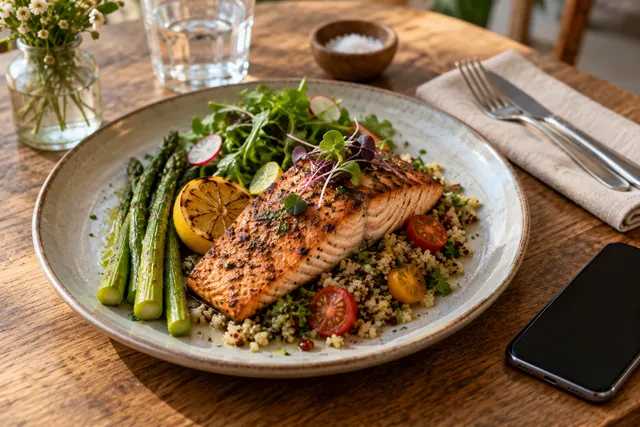
The safest food-photo habit is to edit and export from a consistent square master. A square image gives you predictable thumbnails and works well across many restaurant discovery surfaces. But do not crop too tight. If the burger bun, sushi roll, cocktail rim, or dessert garnish touches the edge of the frame, Google may crop away something important.
Why photo size matters for local SEO
Google Business Profile photos do not replace reviews, location relevance, category selection, hours, or menu accuracy. But they do influence the customer experience around local search.
When someone searches for a restaurant near them, they are usually making a fast decision. They compare photos, ratings, distance, menu expectations, and whether the place looks current. A dark, stretched, or outdated dish photo creates friction. A clean, accurate, well-cropped photo helps the customer understand what you serve.
For restaurants, photo quality supports local SEO in a practical way:
- It makes the profile look active and maintained.
- It helps customers recognize dishes, entrances, interiors, and service style.
- It can improve confidence before a call, direction request, reservation, or website click.
- It gives Google more visual context around the business.
- It helps owner-uploaded images compete with random customer photos.
That last point matters. Customers will upload their own images. Some will be useful. Some will be dark, half-eaten, poorly framed, or no longer accurate. Owner photos give you a better chance to shape the first impression while still staying honest.
For a deeper profile-specific workflow, see our guide to Google Business food photography and the broader article on Google Business Profile restaurant photos.
The best crop for restaurant food photos
The best Google Business Profile restaurant photo size is not useful if the crop is wrong. Most failed restaurant uploads have one of four problems: the dish is too close, the plate is off-center, the image is too dark, or the background distracts from the food.
Use this simple composition rule: the customer should understand the dish in one second.
For square food images, aim for:
- Dish centered or slightly above center
- Plate fully visible unless the close-up is intentional
- Key ingredients visible
- Natural shadows, not harsh flash
- Background clean enough that the food is the subject
- No menu text, discount text, or logos covering the dish
- No fake steam, fake garnish, or unrealistic color edits
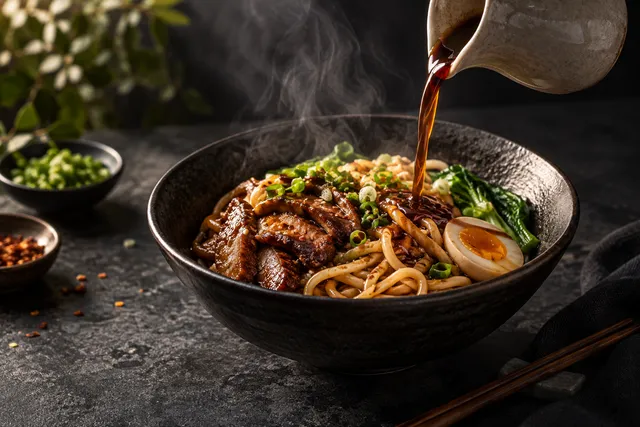
Square does not mean boring. A ramen bowl, pizza, burger, salad, pastry, taco plate, or cocktail can all work in a square crop. The key is leaving enough margin so the image survives different thumbnails.
What restaurants should upload besides food photos
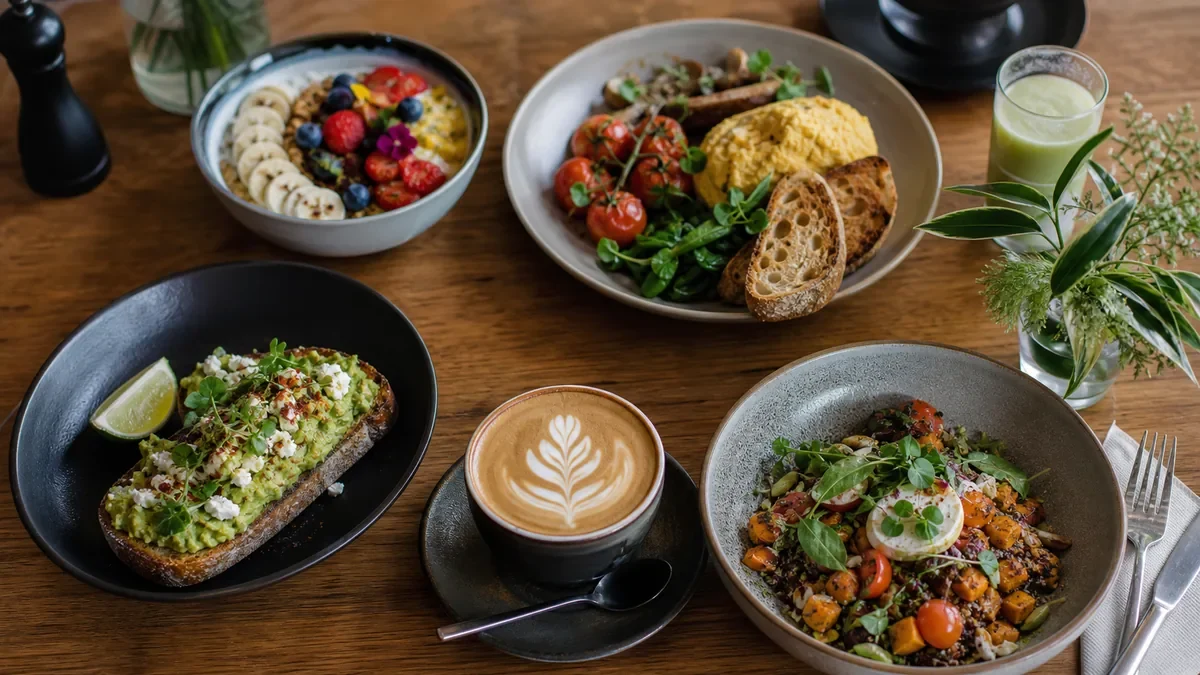
Food photos get attention, but your profile should not be only food. A strong Google Business Profile gives customers enough visual information to feel confident before they arrive.
Build a balanced photo set:
- Signature dishes customers search for or ask about
- Best-selling menu items
- Seasonal dishes that are currently available
- Exterior photo with entrance and signage
- Interior photo showing seating style
- Bar, counter, display case, or pickup area if relevant
- Team or owner photo if it fits your brand
- Packaging photo for takeout or delivery-focused restaurants
- Updated menu board photo only if the text is readable and current
Avoid uploading a large batch once and forgetting it. Restaurants change. Menus change. Lighting changes by season. Outdoor seating appears and disappears. A profile that looked accurate six months ago can quietly become stale.
Owner uploads vs customer uploads
Customer photos can be valuable social proof, but they are uneven. Owner uploads should act as the reliable visual baseline for your restaurant.
Think of your owner photo set as the answer to these questions:
- What should a first-time customer order?
- What does the restaurant look like from the street?
- What will the dining room or pickup experience feel like?
- Are the photos current?
- Does the food look like the actual dish served today?
Do not try to make every image look like a glossy ad. A restaurant profile needs credibility more than fantasy. Bright, clean, accurate photos usually perform better for trust than over-styled images that feel disconnected from the real guest experience.
That is also why AI enhancement should be used carefully. FoodPhoto.ai is built for restaurant owners who upload real dish or phone photos and need help fixing light, background, crop, and consistency. The goal is menu-ready improvement, not inventing food that never came from your kitchen.
Weekly Google Business Profile photo refresh plan
A weekly refresh is the easiest way to keep your profile active without turning photo work into a full production day. You do not need to upload 40 images every week. A small, consistent rhythm is better.
Here is a practical plan for restaurant teams:
| Week | Upload focus | Suggested photos |
|---|---|---|
| Week 1 | Best sellers | 3 to 5 core menu dishes in clean square crops |
| Week 2 | Trust and location | Exterior, entrance, dining room, pickup area |
| Week 3 | Seasonal or high-margin items | Specials, desserts, drinks, limited-time dishes |
| Week 4 | Menu cleanup | Replace outdated photos, improve weak crops, remove unavailable items |
This cadence works because it keeps the profile current while giving you enough time to prepare images properly. If you run a multi-location restaurant group, assign ownership by location. Each store should have fresh local images, not only reused brand photography.
For a more complete planning framework, read Google Business Profile Photo Strategy 2026.
Restaurant photo upload checklist
Before uploading a photo to Google Business Profile, run this checklist:
- The image is sharp at full size.
- The dish or subject is easy to understand in a thumbnail.
- The crop leaves margin around the food.
- The color looks natural, not oversaturated.
- The photo matches the actual dish, portion, and plating.
- The background is clean and not distracting.
- The file is JPG or PNG.
- The image is large enough for clean display, ideally around 1200 px wide or larger for food photos.
- The photo does not include outdated pricing, expired promotions, or unavailable items.
- The image follows current Google Business Profile content rules.
Always check current Google and marketplace rules before relying on a fixed policy. Platform requirements can change, and restaurants should avoid misleading edits, prohibited content, or images that do not represent the real business.
Common mistakes with Google Business Profile restaurant photos
The most common mistake is treating GBP photos like a storage folder. Operators upload whatever is available: old catering shots, cropped Instagram graphics, delivery app images with odd dimensions, screenshots, flyers, and customer-style phone pictures from mixed lighting.
That creates a messy profile. Customers see inconsistent colors, different crops, and dishes that may not belong together. Even when every image is technically acceptable, the overall impression can feel unmaintained.
Avoid these mistakes:
- Uploading vertical food photos that crop badly in thumbnails
- Using screenshots from menus or social posts
- Adding text-heavy promotional graphics instead of food photos
- Leaving old seasonal items live after they disappear from the menu
- Uploading dark dining room photos without correction
- Mixing warm, cool, and green color casts across dishes
- Using AI to create unrealistic dishes instead of improving real photos
- Cropping so tightly that Google cuts off the plate
A better approach is to maintain a small set of strong, current, correctly sized images. You do not need every dish on Google Business Profile. Start with the dishes that influence choice: best sellers, visually distinctive items, profitable items, and dishes people often ask about.
File naming and organization
Google may not use your file name as a direct ranking lever in the simple way people imagine, but organized file names help your team manage the workflow. This is especially useful when one person takes photos, another edits them, and another uploads them.
Use a simple naming pattern:
location-dish-name-google-business-profile-1200x1200.jpg
Examples:
brooklyn-spicy-chicken-sandwich-google-business-profile-1200x1200.jpgaustin-brisket-tacos-google-business-profile-1200x1200.jpgdenver-front-entrance-google-business-profile-1600x1200.jpg
The real benefit is operational clarity. You can quickly find the latest approved version, avoid duplicate uploads, and remove photos when items change.
How FoodPhoto.ai fits the workflow
Most restaurant owners do not need a full studio shoot every time the menu changes. They need a repeatable way to turn real dish photos into clean, consistent, usable images.
FoodPhoto.ai is designed for that workflow:
- Upload real dish or phone photos.
- Improve lighting and color.
- Clean up distracting backgrounds.
- Crop images for menu and profile use.
- Keep the food looking honest and recognizable.
- Export consistent images for Google Business Profile, menus, and delivery channels.
This matters because Google Business Profile is not separate from the rest of your visual system. The same dish may appear on your website, online ordering menu, social posts, and delivery marketplace listings. The exact size rules can differ by platform, so check current marketplace requirements before uploading elsewhere, but the foundation is the same: clear, accurate, well-lit food.
If you are refreshing a menu, start with the dishes that create the most customer hesitation. These are usually items where the name alone does not explain the value: bowls, specials, premium entrees, desserts, drinks, and visually distinct house signatures.
A simple 60-minute restaurant photo workflow
You can build a reliable weekly GBP photo habit in about an hour.
- Choose 3 to 5 dishes or scenes
Pick current items that matter commercially. Include at least one best seller, one seasonal item, and one trust-building non-food image when needed.
- Take simple phone photos
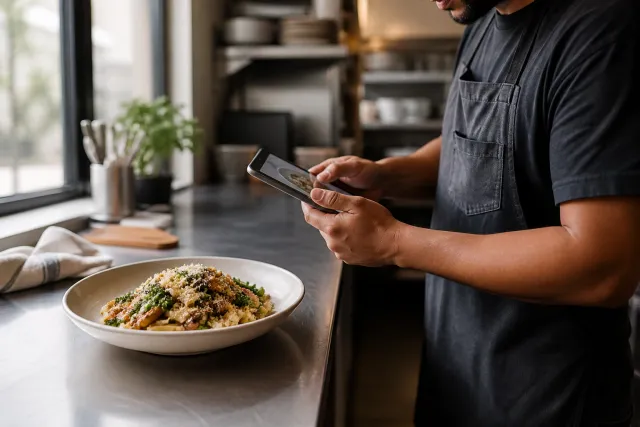
Use natural light when possible. Wipe plate edges, clear clutter, and shoot from a consistent angle. Do not photograph food after it has been sitting too long.
- Select only the useful frames
Do not edit every shot. Choose the sharpest, clearest image for each dish. If the dish looks wrong, reshoot instead of forcing the edit.
- Enhance honestly
Correct exposure, color, background distractions, and crop. Keep the actual food, ingredients, portion size, and plating truthful.
- Export for Google Business Profile
Use square 1200 x 1200 px images for most dish photos. Use larger landscape photos for exterior and dining room images.
- Upload and review live
After uploading, check your profile on mobile if possible. Make sure the crop still makes sense and the first impression is strong.
- Archive the approved files
Keep a simple folder by date and location. This prevents confusion the next time you update the profile.
Final recommendation
For 2026, the best Google Business Profile restaurant photo size strategy is to work from clean, high-resolution square food photos, keep the subject centered, add supporting location images, and refresh the profile every week. Size is the starting point. Trust is the goal.
Your photos should help customers answer practical questions: What does the food look like? Is this place current? Can I find it? Does it feel like the right choice for lunch, dinner, delivery, or a visit tonight?
If your current Google Business Profile photos are dark, inconsistent, outdated, or cropped badly, start with a small refresh pack. Upload real dish photos to FoodPhoto.ai, improve the light, background, crop, and consistency, then export menu-ready images for your profile and other channels. See the FoodPhoto.ai pricing and try pack options to plan your next menu refresh.
FAQ
What is the best Google Business Profile restaurant photo size?
A practical target is a square 1200 x 1200 pixel image for food and menu photos, with strong lighting, a clear subject, and no important details near the edges. Google may crop images differently across Search, Maps, and mobile views, so keep the dish centered.
Can restaurants upload phone photos to Google Business Profile?
Yes. Phone photos can work well if they are sharp, bright, honest, and properly cropped. The bigger issue is consistency: avoid dark lighting, messy backgrounds, odd angles, and color shifts between dishes.
How often should a restaurant update Google Business Profile photos?
A weekly refresh is a practical cadence for most restaurants. Add a few current dishes, seasonal items, dining room updates, staff or exterior shots, and remove images that no longer represent your menu or guest experience.
Do Google Business Profile photos affect local SEO?
Photos are not a magic ranking shortcut, but they support local performance by improving trust, engagement, and relevance signals around your restaurant. Better photos can help customers choose you after they find your profile.
Next step
Choose one real dish photo, enhance it, and compare the before/after at delivery-app thumbnail size. If it still looks like the dish your kitchen serves, use the same standard across the rest of your menu.