A note on sourcing. Google does not publicly confirm that photos are a direct ranking factor. The observations below are our read on how 2026 core updates and well-established engagement signals appear to interact for restaurants. They are an informed opinion, not an official Google statement, and we have deliberately avoided citing precise figures we cannot verify.
Through 2026, Google has kept shipping core updates. Most of the SEO commentary focused on the usual suspects: thin AI-generated content losing ground, stricter E-E-A-T expectations, and another round of SERP volatility. But there is a practical shift that matters to restaurants more than almost any other category: menu photo quality appears to correlate with local search visibility. Google does not confirm photos as a direct ranking signal, but the engagement they influence (clicks, calls, direction requests) is something Google has long rewarded.
If you run a restaurant, a dark kitchen, a ghost kitchen, or a food truck, here is what appears to be changing and what to do about it this week.
What appears to have shifted
Google’s 2026 core updates seem to reinforce three areas that matter for restaurants:
- Locally relevant, current activity gets rewarded. Businesses that demonstrate they are real, active, and current in their area tend to do better.
- E-E-A-T moved from "nice to have" toward "expected." Experience and authenticity markers carry more weight.
- Visual engagement appears to feed back into visibility. Profiles with fresh, high-quality photos tend to earn more engagement, and engagement is a well-established input to local visibility.
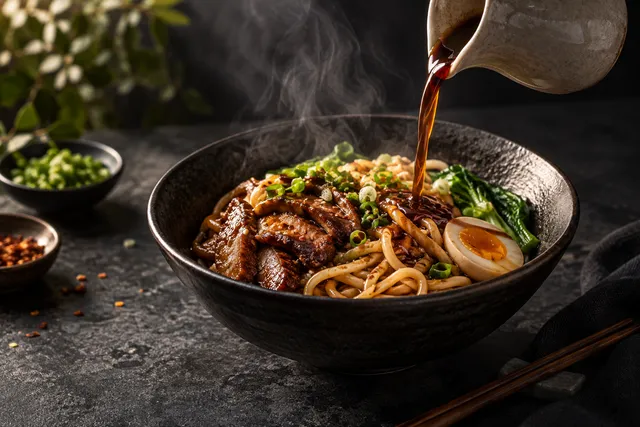
That third point is the one most owners miss. To be clear again: Google does not confirm photo quality as a direct ranking factor. But the downstream engagement good photos drive is something Google has rewarded for years. Google’s image-understanding systems also read the content of your photos to understand what you offer, how current you are, and how trustworthy you appear, which is why a clear, well-lit photo of a specific dish can help you surface for searches about that dish.
How Google Business Profile photos likely influence visibility
Google does not simply count how many photos you have. The signals that appear to matter:
Photo quality and clarity
Blurry, dark, or poorly composed photos read as a neglected business. A sharp, well-lit photo of a real dish helps; a grainy snapshot under fluorescent light does not.
Photo freshness
This appears to be the biggest practical shift. A business that uploaded great photos a couple of years ago and then stopped tends to lose ground to a competitor adding fresh photos regularly. A reasonable cadence is a few new photos each week, or at minimum a quarterly refresh.
Photo relevance and categories
Google categorizes photos into types: food, interior, exterior, team, menu. Profiles with photos across multiple categories answer more of the questions customers ask. A profile with fifteen food photos but no interior or exterior shots is leaving signals on the table, because someone searching for "restaurant with a patio near me" can only find you if your exterior photos exist and are categorized correctly.
Photo authenticity
Over-edited, stock-looking, or obviously fake photos can trigger trust problems. Google wants real photos of your real food. They should look professional, but they need to look believable.
AI Overviews: why your best photo matters more than ever
When someone searches "best Italian restaurant near me" or "where to get ramen downtown," Google increasingly answers with an AI Overview, a generated summary above the traditional results. These overviews and local modules often surface a single, visually compelling image alongside a recommendation, frequently pulled from Google Business Profiles.
If a competitor’s pasta photo is sharp, well-lit, and properly categorized, it is more likely to be the one shown. AI Overviews are not replacing local search so much as filtering it: the restaurants with the strongest visual assets get surfaced first. That makes your Google Business Profile photos arguably more important than your website for AI-driven discovery.
The photo optimization playbook
Here is what to actually do, roughly in priority order.
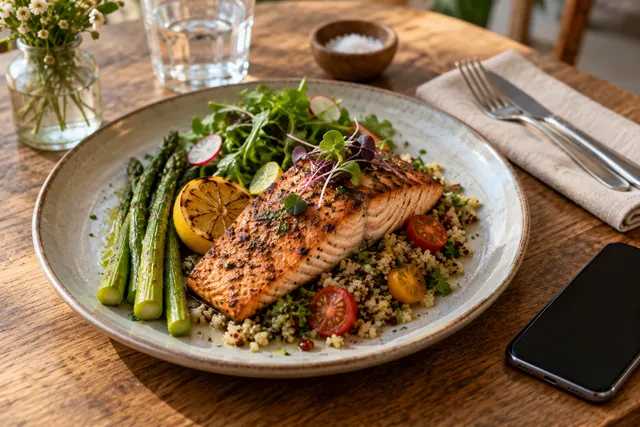
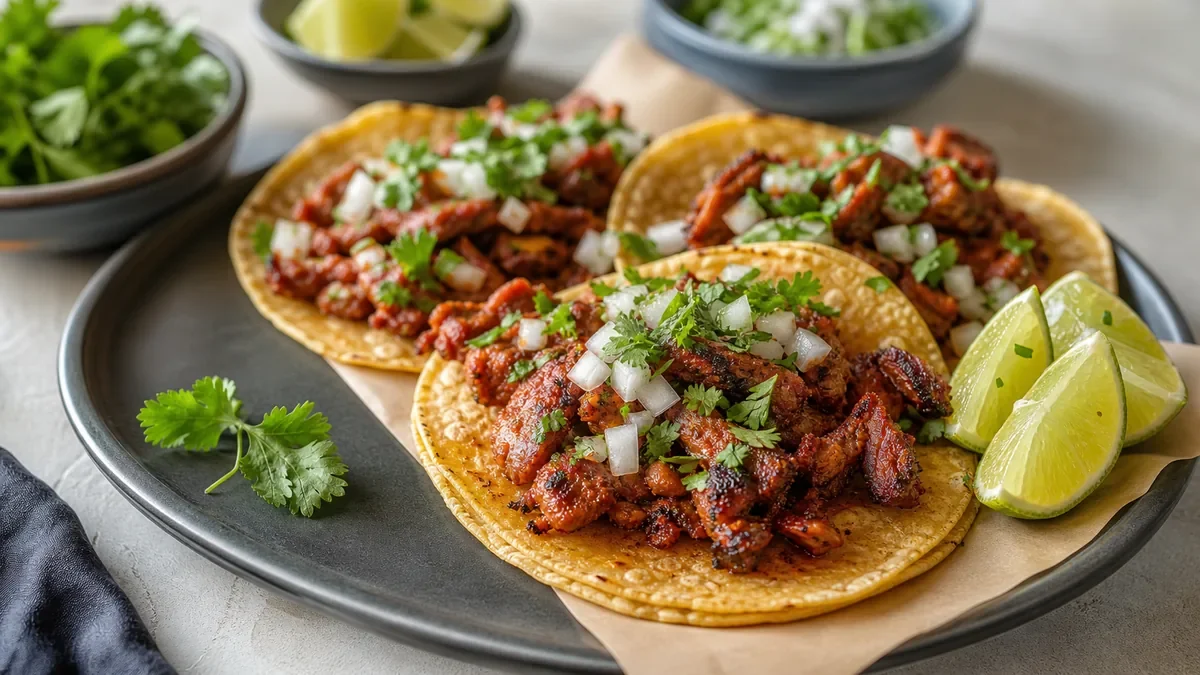
- Upload at least 10 high-quality food photos. Each should feature one clearly identifiable dish, natural or warm lighting, a clean background, and HD resolution (at least 1024px on the long side).
- Name your files descriptively.
grilled-salmon-dinner-restaurant-name.jpgbeatsIMG_4532.jpg. Use lowercase and hyphens, include the dish name, and optionally your restaurant name. - Categorize every photo as food, interior, exterior, team, or menu so Google can match you to more types of searches.
- Refresh on a schedule. Upload fresh photos at least quarterly, ideally a few each week, so your profile reads as current.
- Choose a strong cover photo. It appears in the local pack, Maps, and AI modules. Pick a signature dish that is bright, sharp, appetizing, and simple enough to read as a thumbnail in landscape (4:3 or 16:9).
- Add structured data for your menu. Schema.org
RestaurantandMenumarkup with item images helps Google connect your web presence to your listing, which can help in AI Overviews. - Shoot mobile-first. Most restaurant searches happen on phones, so favor simple compositions, accurate warm color, and landscape orientation that survives small thumbnails.
- Remove low-quality photos. One blurry or unflattering image can drag down the overall impression. Audit periodically and delete anything dark, out of focus, or cluttered.
- Encourage quality customer photos. User-generated content adds authenticity. Plate dishes photogenically and gently invite happy customers to share.
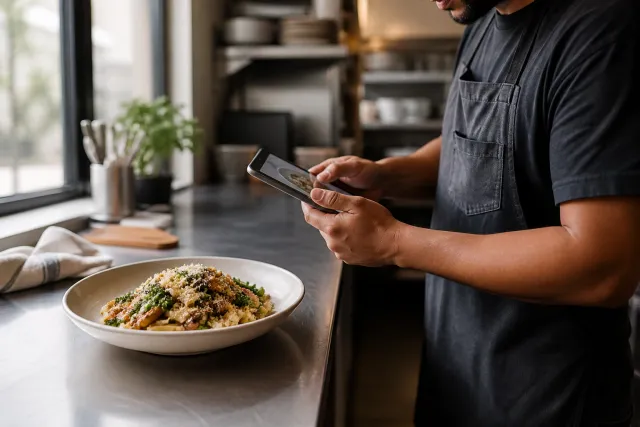
- Track performance in Google Business Profile insights: photo views, search queries, and whether views translate into calls, directions, and clicks.
A simple schema example
{
  "@context": "https://schema.org",
  "@type": "Restaurant",
  "name": "Your Restaurant",
  "hasMenu": {
    "@type": "Menu",
    "hasMenuSection": {
      "@type": "MenuSection",
      "name": "Main Courses",
      "hasMenuItem": {
        "@type": "MenuItem",
        "name": "Grilled Atlantic Salmon",
        "description": "Pan-seared salmon with roasted vegetables and lemon butter sauce",
        "image": "https://yoursite.com/images/grilled-salmon.jpg",
        "offers": { "@type": "Offer", "price": "24.00", "priceCurrency": "USD" }
      }
    }
  }
}
When Google crawls structured menu data with images, it builds a stronger connection between your site and your listing, which is especially useful for AI-driven results that pull from multiple structured sources.
The real bottleneck: producing enough good photos
The hardest part of this playbook is not the SEO. It is producing enough high-quality photos consistently. A traditional photo shoot covers your initial upload but does nothing for the ongoing freshness this approach rewards, and rebooking a photographer every quarter is expensive.
This is where honest enhancement is practical. FoodPhoto.ai takes a real photo of your real dish and corrects lighting, color, background, and gloss without changing the food, producing HD, properly proportioned images for Google Business Profile, your website, and delivery apps. You can keep your profile fresh for a few cents per image instead of a few hundred dollars per shoot. FoodPhoto begins with two previews on your own dish, with a verified account and no card. Free previews are significantly slower than paid plans and are prepared in a separate queue: about 30–35 seconds in normal conditions, and longer when the service is busy or the edit is complex. Keep the chat open and do not repeat the request while it processes. See the current plans and usage estimates for photos, menus and campaigns.
For the broader local-visibility picture, pair this with our Google Business Profile photo strategy and our guide to restaurant image SEO.
Your checklist for this week
- Count your food photos; if there are fewer than 10, that is priority one.
- Delete anything blurry, dark, or unflattering.
- Rename files descriptively before uploading.
- Categorize every photo correctly.
- Set a strong landscape cover photo of a signature dish.
- Upload 3 to 5 fresh photos to start the cadence.
- Add basic Schema.org menu markup.
- Set a recurring reminder to refresh photos.
The honest bottom line
Google’s 2026 updates did not announce "photos are now a ranking factor," and we are careful not to claim they did. But the practical pattern is consistent: restaurants with fresh, high-quality, well-organized photos tend to win more visibility, clicks, and customers in local search. Treat your photo presence as an ongoing asset rather than a one-time task, and the advantage compounds month over month. Your food is already good. Make sure Google can see it clearly. See pricing to keep your profile fresh.
Turn this strategy into menu-ready photos
FoodPhoto.ai helps restaurants enhance real dish photos for delivery apps, websites, ads, and local search while keeping the food accurate to what guests receive.
See pricing or open the FoodPhoto.ai Studio.
Frequently asked questions
Did Google’s 2026 core updates make menu photos a ranking factor?
Google does not publicly confirm that photos are a direct ranking factor, and you should treat any claim that they are as informed opinion rather than official guidance. What is well established is that engagement signals like clicks, calls, and direction requests influence local visibility, and high-quality photos tend to drive more of that engagement.
How often should a restaurant upload new Google Business Profile photos?
Treat photos as an ongoing asset rather than a one-time task. A practical cadence is a few fresh photos every week, or at minimum a refresh every quarter. Profiles that go silent for long stretches tend to look neglected, while regularly updated profiles signal a current, active business.
Why do photos matter for Google’s AI Overviews?
AI Overviews and local results often surface a single compelling image alongside a recommendation, frequently pulled from Google Business Profiles. A sharp, well-lit, properly categorized photo is more likely to be chosen, which means image quality can influence how prominently you appear even when you rank well organically.
Can I use AI-enhanced photos for my Google Business Profile?
Yes, as long as they honestly represent your real food. Google rewards authentic, believable photos and can penalize obviously fake or over-edited ones. Honest enhancement that fixes lighting, color, and background on a real photo of your real dish is fine; fabricating dishes or ingredients you do not serve is not.