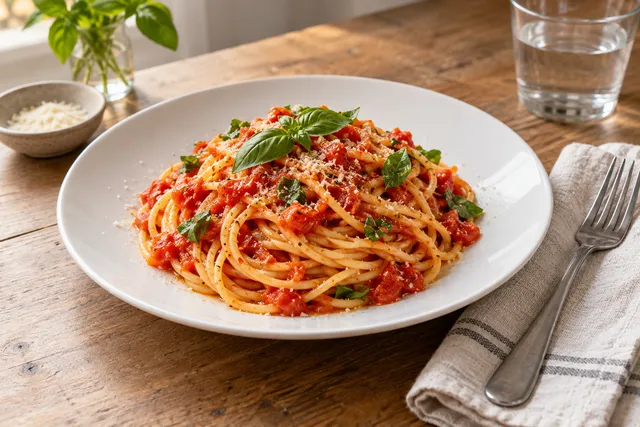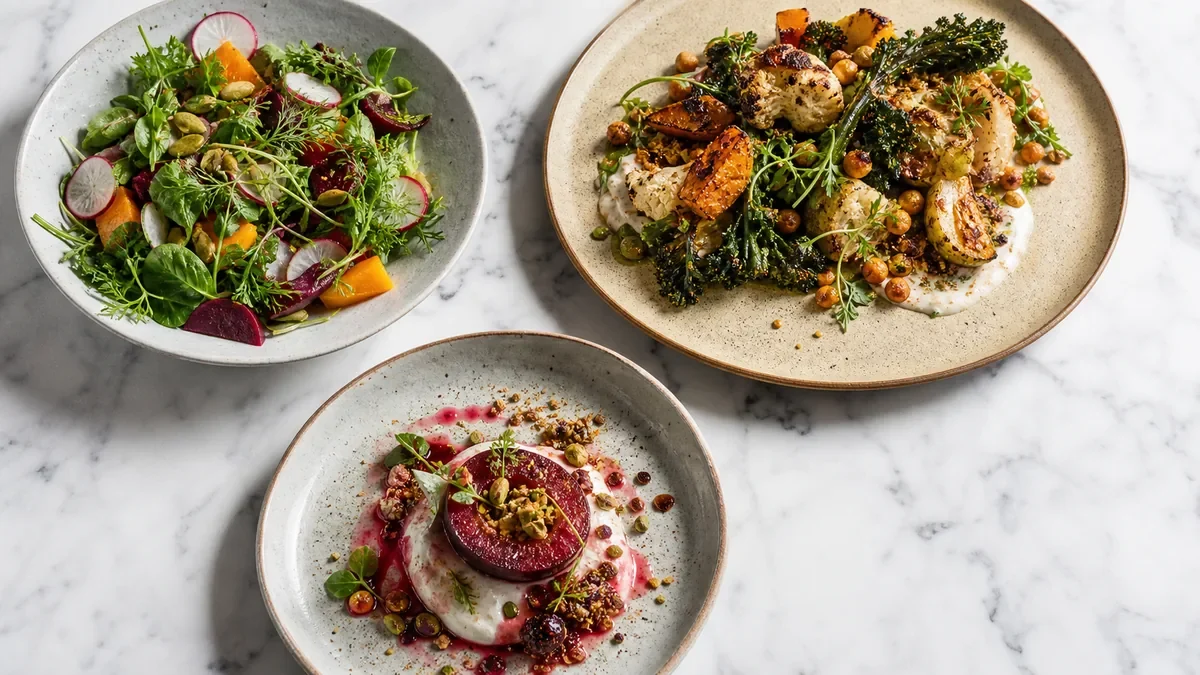
The honest answer to how often restaurants should update menu photos isn’t a single number — it’s a system. Update a photo whenever the dish meaningfully changes, and on top of that run a light recurring pass so your top sellers never look stale. Done right, this takes minutes per month, not weeks, and it keeps your photos matching what guests actually receive. Done wrong, it produces the single fastest source of bad reviews: a photo that oversells the plate.
This guide gives you the triggers, the cadence, and a 30-minute monthly workflow you can hand to staff.
The one rule that matters: match the guest experience
Every update decision flows from a single principle. A menu photo is a promise, and the fastest way to earn a complaint is to break it. So update a photo whenever the thing a customer sees would no longer match the thing they get. That means reshoot when:
- Presentation changes — a new plate, new garnish, or different cut.
- Ingredient appearance changes — seasonal produce, a different bun, a new fry style.
- Packaging changes — delivery bowls, lids, and containers change how the food reads in the photo and in the box.
- You add or replace a menu item — new items need a photo before they go live, not after.
If none of those happen, the photo is still doing its job and doesn’t need touching. Triggers beat the calendar.
A cadence that works for busy teams
Triggers handle the "something changed" case. A light recurring schedule handles freshness and seasonality so nothing quietly drifts out of date.
| Cadence | What to update | Why |
|---|---|---|
| Weekly | Specials and limited-time items | They’re only live briefly and need a photo fast |
| Monthly | Top sellers and new items | These drive most orders and decisions |
| Quarterly | Core-menu refresh pass | Same setup, fresh shots, keeps the whole menu current |
| Seasonal | Anything where color or ingredients shift | Salads, soups, holiday and produce-driven dishes |
Notice the priority: the items that drive orders and the items customers see while deciding get the most attention. Everything else can wait for the quarterly pass.
The 30-minute monthly workflow
This is the routine that keeps the schedule realistic. The whole point is repeatability, so any team member can run it.
- List the ~10 items that drive most of your orders. Pull this from your delivery-app or POS data, not from memory.
- Shoot those 10 in one consistent setup — same surface, same light, same angle logic. Consistency is what makes it fast and makes the menu look like one brand.
- Enhance and export the platform crops you need (square and 3:2 for delivery, plus web and social).
- Replace the photos on DoorDash, Uber Eats, and your website menu, and preview each as a thumbnail before you publish.
The slow part of menu photography is almost never the shooting — it’s the rework: relighting, cleaning backgrounds, and re-cropping for each platform. FoodPhoto.ai collapses that step by enhancing a real phone photo of your real dish and exporting menu-ready crops in minutes, which is what makes a monthly cadence sustainable instead of aspirational. You can test it on one of your dishes in a $5 pack of 10 photos before building it into your routine.
Why a consistent photo station changes everything
The reason most restaurants update photos rarely isn’t laziness — it’s friction. A one-off reshoot means setting up lights, finding an angle, editing, and exporting from scratch every time. A fixed photo station removes that friction: same spot, same light, same surface, ready in minutes. When updates are cheap, you actually do them, and your menu stays accurate. When they’re expensive, they slip, and the gap between photo and plate widens until a guest complains.
If you want help building one, the Uber Eats photo upgrade path and the restaurant ads creative playbook both lean on the same weekly-batch discipline.
Don’t overthink it
You don’t need perfect photos everywhere. You need accurate, appetizing, consistent photos where customers actually make decisions — delivery apps and your website menu. A deep cut on the back of your dine-in menu can wait for the quarterly pass. Spend your effort on the items that get ordered and the surfaces where the order happens.
Common mistakes to avoid
- Reshooting everything at once. It’s slow, expensive, and unnecessary. Update by trigger and by top-item priority.
- Letting packaging changes slip. New delivery containers change the photo even if the recipe didn’t.
- Mixing styles over time. If each update uses a different background or angle, the menu starts to look like five restaurants. Keep one setup.
- Forgetting the thumbnail. Always preview at small size — that’s where the order is won or lost.
How to know an item is overdue for an update
If you’re unsure whether a photo still earns its place, run it through three quick checks:
- The match test. Pull up the photo and the actual plated dish side by side. If a guest would feel even slightly misled, it’s overdue.
- The thumbnail test. Shrink the image to delivery-app tile size. If the hero ingredient isn’t obvious or the colors look dull, reshoot it — that’s the version most customers see.
- The age test. If the photo is older than your last plating, packaging, or supplier change for that item, assume it’s stale until proven otherwise.
Most "should I reshoot this?" questions answer themselves in under a minute with these three checks. When in doubt, prioritize the items that drive the most orders — a stale photo on a best-seller costs far more than a stale photo on a rarely ordered side.
Build the update into a routine, not a project
The reason photo updates slip is that teams treat them as occasional projects instead of a standing routine. Fold the monthly top-items pass into an existing rhythm — the same hour you review specials, plan promos, or audit your delivery listings. When the photo update has a fixed slot on the calendar and a fixed 30-minute workflow, it stops feeling like a chore and starts feeling like maintenance, the same way you’d restock or clean equipment on a schedule.
A simple schedule keeps your photos honest, your menu fresh, and your kitchen out of the reshoot spiral. When you’re ready to make updates fast and cheap, start with a $5 pack of 10 photos on the pricing page.
Turn this strategy into menu-ready photos
FoodPhoto.ai helps restaurants enhance real dish photos for delivery apps, websites, ads, and local search while keeping the food accurate to what guests receive.
See pricing or open the FoodPhoto.ai Studio.
Frequently asked questions
How often should restaurants update menu photos?
Update photos whenever the dish changes — new plating, new ingredients, new portion, or new packaging — and otherwise run a recurring pass: weekly for specials, monthly for top sellers and new items, quarterly for a core-menu refresh, and seasonally for anything where color or ingredients shift. Trigger-based updates matter more than the calendar.
What should trigger an unscheduled menu photo update?
Any change a customer would notice: a new plate or garnish, a different bun or cut of fries, a seasonal produce swap, a packaging change for delivery, or a price change tied to a portion change. The rule is simple — the photo must match the guest experience, or you invite complaints.
Do I need to reshoot my entire menu at once?
No. Reshooting everything is slow and expensive and rarely necessary. Focus on the 10-or-so items that drive most orders and where customers actually decide — delivery apps and your website menu. A monthly pass of your top items keeps the menu fresh without a full production.
How long should a monthly photo update take?
With a single consistent photo station, a top-items pass should take about 30 minutes: list your top 10 sellers, shoot them in one setup, enhance and export the platform crops, and replace the photos on delivery apps and your website. Consistency in the setup is what keeps it fast.