Every restaurant has a version of this review: the guest orders the dish from the photo, the plate arrives smaller than expected, and the complaint lands publicly. The image was accurate eighteen months ago. Then the recipe changed, the supplier changed, the plate size changed, and nobody updated the catalogue.
Honest menu photos are an operations problem before they are a photography problem. The fix is a review routine, not a better camera.
Why the gap opens
- The portion was reduced to protect margin and the photo was not re-shot.
- The dish moved to a smaller plate, which makes the same food look larger in an old photo.
- A generator enlarged the portion when it improved the image.
- One photo was reused across platforms with different crops, and a tight crop magnifies the food.
- The recipe lost an ingredient and the photo still shows it.
- The photo was shot with prop food that was never served, which is common in older libraries.
Only one of those is a photography mistake. The rest are catalog maintenance, and they are the ones that quietly cost the most.
Why generators make it worse
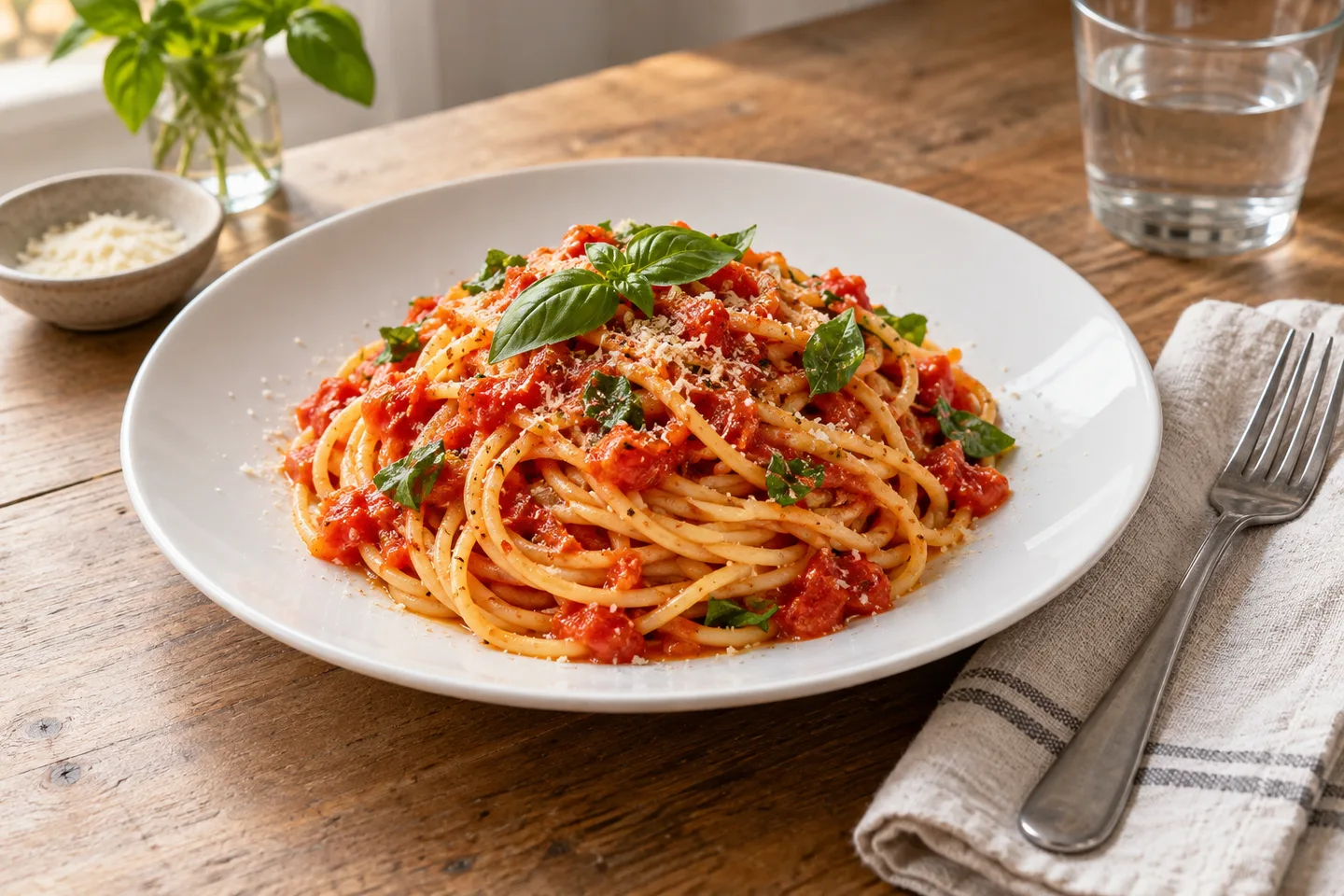
Tools that invent a scene tend to make food look more generous. They add a second piece, thicken a sauce, heap a garnish or widen the plate. It is an easy failure mode to miss, because the image looks better than the original. A tool that starts from your real photo and only changes light, background and crop cannot enlarge the portion, which is the property you want in a menu workflow.
The rule that prevents most problems
Allow the tool to improve how the dish is presented. Never allow it to change how much food there is.
| Allowed | Not allowed |
|---|---|
| Correcting exposure, white balance and shadow | Adding ingredients, garnish or sauce |
| Cleaning the background and straightening the crop | Enlarging the portion or adding a second piece |
| Consistent colour across the menu | Inventing a dish or a platter that was not served |
| Sharpening and export sizing | Burning in text, logos or a price |
| Removing a stray crumb from the table | Removing an ingredient that is on the plate |
A five minute photo to plate check
- Order the dish from the kitchen as a guest would receive it, on the plate you serve it on.
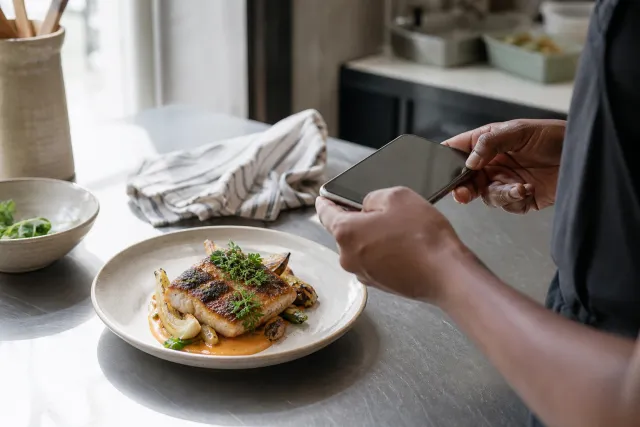
- Put the current menu photo beside the real plate. Use a phone screen, not memory.
- Count the visible items. If the photo shows three dumplings and the plate has four, the photo needs work.
- Check the vessel. If the plate or box changed, re-shoot.
- Look at the portion in relation to the rim. A wider crop can make a smaller portion read honestly.
- Write the result on the file name or a shared note, and name who approved it.
Crop honestly
The crop does more work than people expect. A tight crop fills the frame with food and makes any portion look generous. A wider crop that shows the plate edge and a little table gives the guest a real sense of scale. For a dish whose portion is modest, the wider crop is the honest one, and it usually looks more premium as well because the composition breathes.
A reference object helps. A fork, a glass or a side dish next to the plate communicates size without a caption. Keep the reference consistent across the menu so the whole catalogue reads at the same scale.
When to re-shoot and when to re-edit
Re-edit when the only change is presentation: the original photo is still the correct dish and portion, and the background, light or crop needs work. Re-shoot when the food itself changed. That includes a smaller portion, a removed or added ingredient, a new vessel, or new plating. An edit cannot honestly fix a recipe change.
Platform guidance agrees on the principle. Uber, for example, requires item photos to accurately represent a single item on the menu. The same expectation runs through the other platforms and through guest reviews.
Team workflow and file naming
Make the photo part of the recipe change, not a separate marketing task. When the kitchen updates a dish, the photo moves with it. A simple convention keeps it manageable:
dish_slug_original.jpg
dish_slug_menu-v2.webp
dish_slug_platform-16x9.webp
dish_slug_platform-1x1.webp
dish_slug_approved-by_initials_date.txt
Anyone can then see which version is current, what changed, and who signed it off. When a guest complains, the original is one folder away.
Handling a complaint well
If a guest says the dish did not match the photo, treat it as a catalogue bug. Pull the image that day, compare it with the plate as served, and either re-shoot or correct the crop. Reply to the review with the fix rather than a defence, and note the change so the same complaint does not recur. A quick correction is also a ranking signal, because activity and responsiveness are visible to platforms and search engines alike.
Measuring whether it is working
Watch three things after a menu photo pass: refund or complaint reasons that mention the photo, mentions of portion size in reviews, and credits or returns on the affected items. Compare the four weeks before and after. You do not need a dashboard. The ticket notes and the reviews already carry the signal.
FAQ
Can I fix a wrong portion with a background change
No. Changing the background or light does not change the food. If the portion differs, re-shoot the dish.
Do smaller portions always need a new photo
If the difference is visible to a guest, yes. If the plate and the count of items are the same, an honest crop may be enough.
Who should approve the final image
One named person who knows the recipe, usually a head chef or a manager. The approval has to be a step, not a favour.
How often should the check run
Whenever a dish changes, and as a sweep on the top twenty sellers every quarter. The seasonal changes usually arrive with a menu update, which is the natural moment.
Next step
Run the check on your ten most ordered dishes this week. Re-edit the ones where only the light and crop are wrong, and re-shoot the ones where the food changed. The studio starts from your real plate photo and keeps the original beside the result, and our menu photo audit checklist covers the wider pass.
Sources: Uber, menu catalog photo guidelines on accurate single item photos