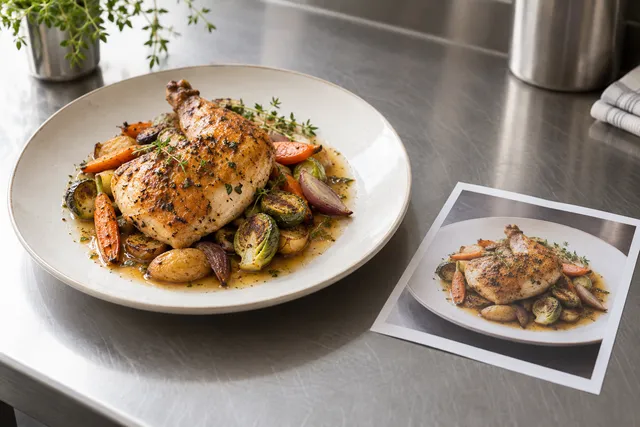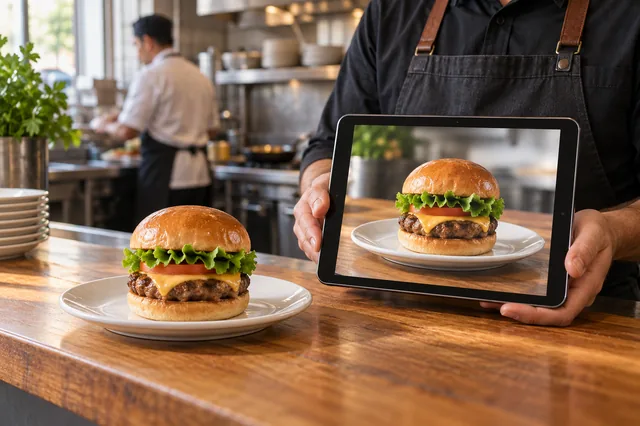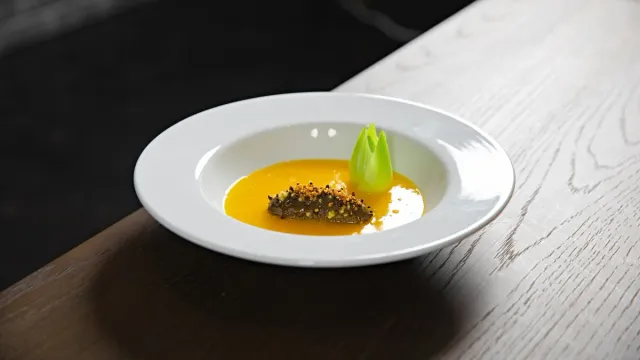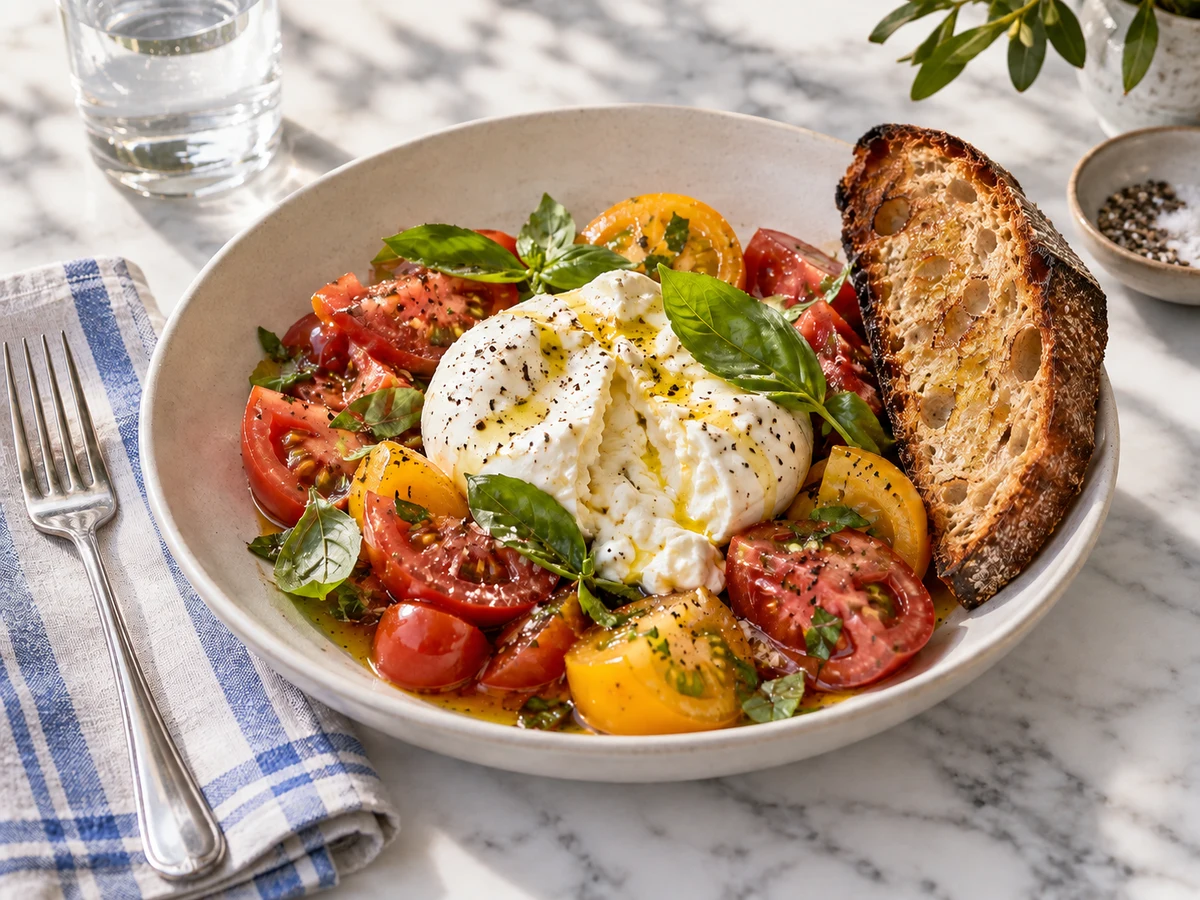
MenuPhotoAI and FoodPhoto.ai both promise AI food photography for restaurants, but they optimize for different jobs. MenuPhotoAI-style generators excel at creating food imagery from scratch, while FoodPhoto.ai is built to enhance your real dishes into delivery-ready photos with honest portions and packaging. If your priority is menu and delivery listings that match what the kitchen sends, enhancing real captures beats generating new ones. Below is an honest, check-it-yourself comparison framework with pricing, workflow, accuracy, and switching costs — verify current plans on both sites before deciding.
The short answer
Choose a from-scratch generator when you need conceptual imagery (a dish that does not exist yet, ad creative, mood boards). Choose a real-photo enhancer when you need 20–60 menu and delivery thumbnails that customers can trust. Most operating restaurants need the second job weekly and the first one occasionally — so evaluate tools on the weekly job: speed per real dish, portion accuracy, packaging honesty, spec compliance, and cost per menu refresh.
- If listings must match the plate, pick the tool that starts from your photo.
- If you need fantasy creative for ads, pick the tool that starts from a prompt.
- If you run delivery, weight thumbnail accuracy above artistic range.
- If you refresh seasonally, weight batch workflow above single-image wow.
Comparison framework: 7 criteria that matter
| Criterion | What to check | Why it decides |
|---|---|---|
| Starting point | Your photo vs. text prompt | Determines whether output matches your kitchen |
| Portion accuracy | Same quantity before/after? | Delivery disputes come from portion mismatch |
| Packaging honesty | Real container preserved? | Sealed-box arrivals must match the thumbnail |
| Delivery specs | One-click sizing for Swiggy, Zomato, Uber Eats, DoorDash? | Re-exports eat hours without spec presets |
| Batch workflow | Time for 30 items, style consistency | Menus refresh in batches, not singles |
| Cost per refresh | Plan price ÷ items refreshed per month | Per-image cost beats sticker price for comparison |
| Trust policy | Written accuracy/QA standard? | Teams need a rule for what AI may not change |
Run any two tools through the same five dishes and score each criterion 1–5. The exercise takes an afternoon and ends every sales-call debate with evidence. For background on when AI helps versus when to hire, see menu photographer vs AI.
Pricing: how to compare honestly
Do not compare headline plan prices — compare cost per listing-ready image per month. A $20 plan covering 10 images ($2 each) loses to a $49 plan covering 100 ($0.49 each) if you refresh 40 items. Factor re-shoots avoided (a pro shoot day costs hundreds plus styling and downtime), staff time per image, and whether unused credits roll over. Check both vendors’ current pricing pages on decision day; AI tool pricing moved several times in 2025–2026 and any static figure here would be stale. See FoodPhoto.ai pricing for the current per-image math on the enhancement side, and the detailed FoodPhoto.ai vs MenuPhotoAI page for the feature-by-feature breakdown.
Accuracy and trust: the real differentiator
Delivery platforms punish mismatch with refunds, bad reviews, and suppressed ranking — costs no subscription saving can offset. A generator that beautifies a burger into a triple-stack when you sell a single creates chargebacks. An enhancer constrained to your capture keeps portion, garnish, and box truthful while fixing light and background. Insist on a written accuracy policy from whichever vendor you choose: what the AI is allowed to change (light, background, sharpness) and what it must never change (portion, ingredients, packaging, claims). If a vendor cannot state that boundary, that is your answer.
Switching and workflow costs
Switching tools mid-season costs more than the subscription gap: re-learning, re-exporting the catalog to new specs, re-aligning style across 40 thumbnails, and retraining whoever operates it. Before switching, trial the challenger on five real dishes end-to-end — capture to published listing — and time it. If it is not at least 30% faster or visibly more accurate on thumbnails, the switch tax is not worth it. Keep exports, originals, and settings in your own asset library so no vendor holds your menu hostage.
Red flags in any vendor demo
Watch for these tells before signing: the demo uses stock-perfect dishes instead of your phone captures; portion sizes grow between before and after; backgrounds change from your steel counter to a rustic farmhouse table; the rep cannot name what the AI is forbidden to alter; pricing is quoted per “credit” without stating images-per-credit; and there is no export preset for your actual delivery apps. Any two of these together mean the tool was built for marketing portfolios, not weekly menu operations. Ask for a live run on your worst thumbnail — the tool that improves that frame honestly will handle everything else.
Migration checklist: switching without breaking the menu
- Export and archive every current listing image with item mapping before touching anything.
- Trial the challenger on 5 dishes spanning your hardest categories (fried, soupy, dark, white-on-white, packaged).
- Score portion accuracy at 200px thumbnail size with two staff members voting blind.
- Verify spec presets for every app you list on; time a full re-export of 30 items.
- Run old vs new images as a two-week A/B on taps before committing the catalog.
- Migrate in sales-rank order so the top sellers stabilize first.
- Keep originals, settings, and exports in your own library from day one.
Verdict by use case
Single-location restaurant, delivery-heavy: real-photo enhancement wins — accuracy and batch refresh dominate. Cloud kitchen with 5 concepts: enhancement wins bigger — 100+ thumbnails need consistency no prompt workflow sustains. Pre-opening concept with no kitchen yet: generation wins temporarily — then re-shoot real dishes at opening. Marketing agency running restaurant ads: use both — generated creative for campaigns, enhanced real photos for listings, never mixed.
FAQ
What is the best alternative to MenuPhotoAI for restaurant menus?
For delivery and menu listings that must match the kitchen, a real-photo enhancer like FoodPhoto.ai fits better than a from-scratch generator. Test both on five real dishes before deciding.
How should restaurants compare AI food photography pricing?
Compare cost per listing-ready image per month (plan price divided by items refreshed), not headline plan prices, and check current pricing on decision day.
Can I use both a generator and an enhancer?
Yes: generated imagery for ads and concept work, enhanced real photos for menus and delivery listings. Never mix generated images into listings.
Will AI food photos hurt customer trust?
Only when they misrepresent portion, ingredients, or packaging. Constrained enhancement of the real dish protects trust.
What does switching food-photo tools really cost?
Beyond the subscription gap: re-learning, re-exporting the catalog, re-aligning style, and retraining operators. Demand 30% faster or visibly more accurate thumbnails before switching.
How do I trial an AI food photo tool fairly?
Run five real dishes end-to-end, score portion accuracy blind at 200px, and time the loop. One afternoon of evidence beats a month of sales calls.
Is AI-generated food photography allowed on delivery apps?
Policies vary by platform and change over time. Enhancement of real dishes is the safe default; fully generated images that misrepresent portion or packaging risk disputes, refunds, and suppressed ranking.
Next step
Take five of your real dishes, run them through the 7-criterion test on both approaches, and score portion accuracy at 200px thumbnail size. The numbers will pick your tool.