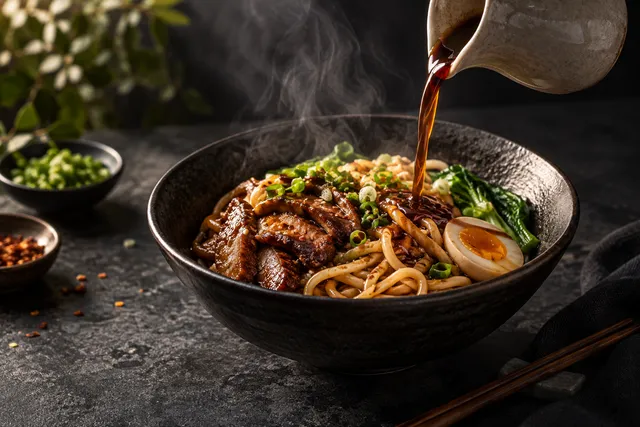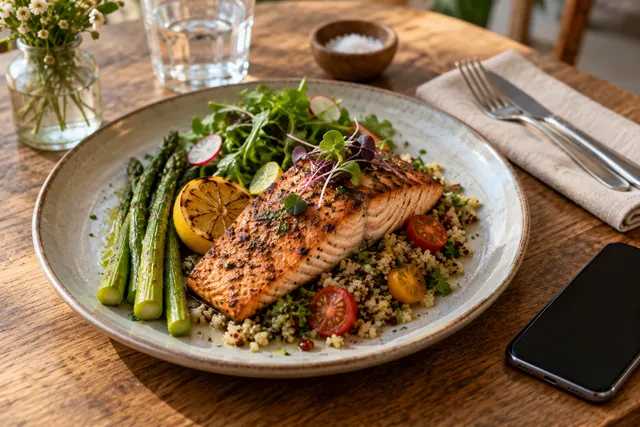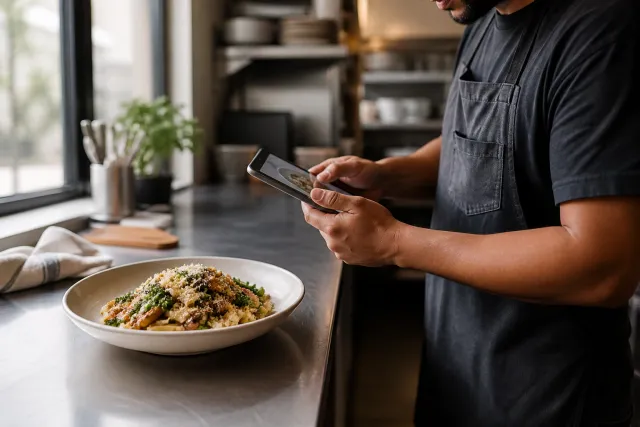
You don't need a full photoshoot every time the calendar turns. The smart approach to seasonal food photography is to keep your base style locked and refresh only the small things that actually change — garnishes, props, color accents, and the handful of dishes whose produce looks different this season. Keep the foundation consistent and swap the seasonal cues, and your menu stays both fresh and coherent without a reshoot.
Why a "full reshoot" is the wrong instinct
When a season changes, the temptation is to redo everything. That's expensive, slow, and counterproductive. Reshooting your whole menu every quarter:
- Burns time and budget on dishes that didn't change.
- Risks making your menu look like a different restaurant each season.
- Delays your actual seasonal launches while you wait on a big shoot.
The better mental model: your menu has a permanent style and a thin seasonal layer on top. You only touch the layer.
Keep the base style consistent
These elements should stay the same across the entire year. They're what makes your menu feel like one brand:
- Background surface — the same board, slate, or paper across dishes.
- Default angle — your standard straight-on or 45° look.
- Lighting style — same soft, consistent light.
- Crop sizes per platform — the same square for delivery tiles, landscape for Google, vertical for social.
Lock these once and you remove most of the decision-making from every future shoot. A restaurant photo style guide is the single best tool for keeping this fixed across staff and seasons.
Swap the seasonal cues instead
Seasonality lives in small, deliberate signals — not a whole new aesthetic:
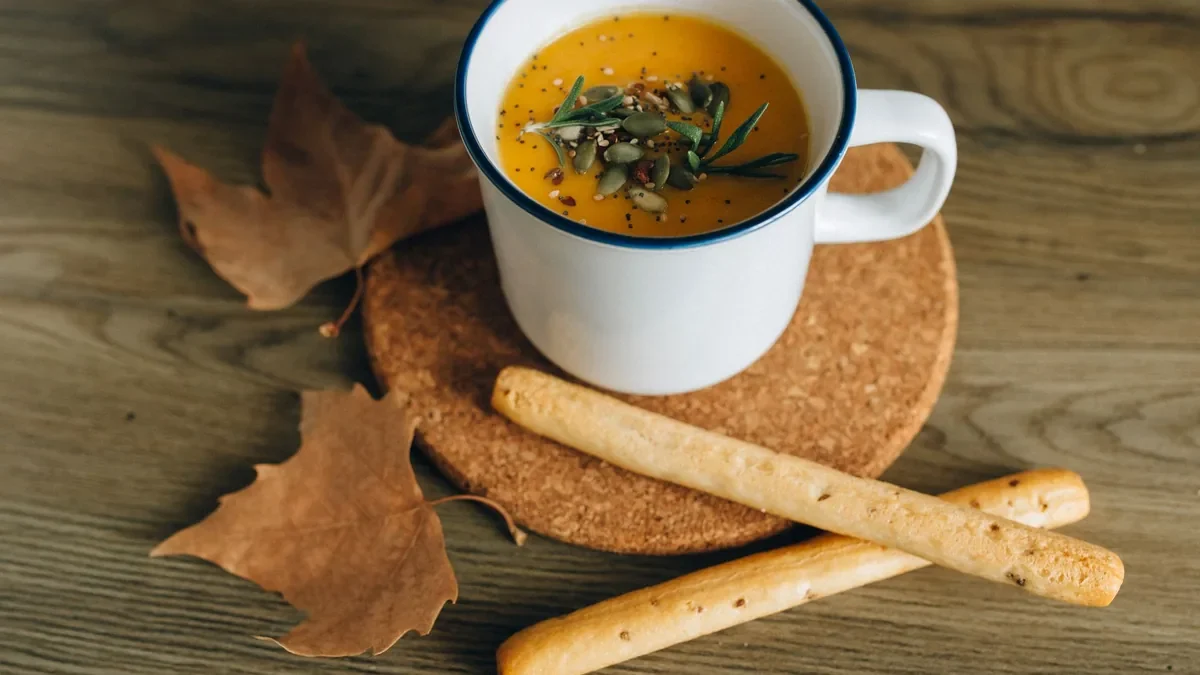
- Garnish: sage and toasted seeds in fall, bright herbs and citrus in spring.
- Props: one seasonal element (a sprig, a textured napkin, a warm-toned surface accent) — never a cluttered themed set.
- Color accents: warmer tones for autumn and winter, brighter and lighter for spring and summer.
- The dish itself: when seasonal produce changes the color and texture of a plate, that's the dish worth reshooting.
The rule: change the cues, not the system.
What to actually update each season
Don't refresh everything. Prioritize:
- Specials and limited-time items — these are the reason customers come back this season.
- Dishes with seasonal produce — when the tomatoes, squash, or berries visibly change color and texture.
- Bundles and family meals — especially around holidays, when group ordering spikes. Our catering and family meal photos guide covers shooting trays and bundles.
Everything else can stay exactly as it is.
When to update a photo (the real trigger)
The calendar isn't the trigger — the dish is. Update a photo when:
- The plating or recipe changed.
- A seasonal version replaced the standard one.
- The current photo no longer matches what the customer receives.
A photo that doesn't match the plate erodes trust and drives complaints, regardless of the season. If the dish still looks the same, leave the photo alone.
The seasonal refresh workflow
Because you're only shooting what changed, each refresh is a short batch, not a production day:
- List the seasonal specials and the few dishes whose produce changed.
- Shoot them at your fixed station, in your standard light and angle, with the new seasonal garnish or accent.
- Enhance the batch together so the new photos match your existing menu's color and gloss.
- Export the same crops you always use per platform.
- Publish to your menu, delivery apps, Google, and social.
This is where an enhancement step keeps everything cohesive. FoodPhoto.ai takes a real phone photo of your real seasonal dish and fixes lighting, color, gloss, and crop without changing the food — honest enhancement, not fabrication. Matching your new fall soup to the same look as your existing menu is exactly what keeps the brand consistent. FoodPhoto begins with two previews on your own dish, with a verified account and no card. Free previews are significantly slower than paid plans and are prepared in a separate queue: about 30–35 seconds in normal conditions, and longer when the service is busy or the edit is complex. Keep the chat open and do not repeat the request while it processes. See the current plans and usage estimates for photos, menus and campaigns.
Seasonal consistency, channel by channel
Your seasonal refresh should flow to every channel from one batch:
- Menu and website: the new specials and updated produce dishes.
- Delivery apps: platform-specific crops for the seasonal items — see Uber Eats photo requirements for the crop rules.
- Google Business Profile: a small seasonal push reads as "current and active."
- Social: seasonal close-ups perform well as impulse content.
One short batch, exported the way you always export, keeps the whole presence fresh.
A season-by-season cheat sheet
You don't need to overthink the cues. A simple rotation keeps things fresh without drift:
- Spring: brighter, lighter frames; fresh herbs, citrus, and pops of green; lighter surfaces and airier props.
- Summer: vivid color and high freshness; cold drinks with condensation; produce-forward dishes shot a touch brighter.
- Fall: warmer tones; sage, toasted seeds, and roasted textures; darker, cozier surfaces.
- Winter and holidays: rich, comforting looks; warm light; festive-but-restrained accents on bundles and family meals.
Keep the system identical across all four — same angle, same crop sizes, same lighting style — and only let these accents change. That's how a menu reads as current in December and consistent in June.
Don't let seasonal drift break consistency
The risk with seasonal updates is that each refresh quietly nudges your style until the menu no longer matches itself. Three guardrails prevent it:
- Photograph new seasonal items at the exact station you always use, with the same light and angle.
- Enhance new photos to match the existing menu's color and gloss, not to a new look you liked this season.
- Compare side by side before publishing — a new fall dish should sit comfortably next to your year-round bestsellers, not stand out as a different aesthetic.
Consistency is the asset; seasonality is the accent. Protect the first and the second takes care of itself.
A seasonal refresh planning calendar
Most restaurants get caught flat-footed because they react to the season instead of planning a couple of weeks ahead of it. A simple rolling calendar fixes that — shoot the refresh before the special goes live, not after customers are already ordering it:
| Refresh window | Shoot in | What to capture |
|---|---|---|
| Spring menu | Late winter | New produce-forward dishes, lighter accents, citrus garnishes |
| Summer menu | Late spring | Cold drinks, vivid produce, brighter frames |
| Fall menu | Late summer | Roasted dishes, warm tones, soups and comfort items |
| Winter / holidays | Mid-fall | Family bundles, festive-but-restrained accents, warm light |
The point isn't rigidity — it's lead time. Photographing two to three weeks before launch means your delivery tiles, menu, and Google profile are all updated the day the special goes live, instead of trailing it by a week of mismatched listings.
Common seasonal photo mistakes
A few traps turn a quick refresh into a brand-consistency problem:
- Over-theming the prop set. One sprig of sage says "fall." A pile of mini pumpkins, plaid napkins, and dried leaves says "stock photo." Keep seasonal cues to one or two restrained signals.
- Reshooting dishes that didn't change. If the burger is the same burger, the season is irrelevant — leave the photo alone. Reshoot only what genuinely changed on the plate.
- Drifting the base style "just this once." A warmer surface you liked in October quietly becomes your new default, and by spring the menu no longer matches itself. Always return to the locked base style.
- Letting holiday content overwhelm the menu. Festive close-ups are great for social and a short Google push, but your core menu images should stay clean and year-round. Don't holiday-decorate your bestseller listings.
- Forgetting to swap back. A limited-time holiday photo that's still live in February is worse than no seasonal photo at all — it tells customers your listings are out of date.
The throughline: the season is an accent layer, and accents come off as cleanly as they go on.
How a quick enhancement keeps seasons matched
The hardest part of seasonal refreshes isn't the shooting — it's making three new fall dishes sit naturally next to forty year-round photos. That's a color-and-light matching problem, and it's exactly where a consistent enhancement step earns its keep. Running the new seasonal batch through the same settings as your existing menu pulls brightness, color temperature, gloss, and crop into line, so a brand-new pumpkin soup looks like it was shot the same day as your evergreen bestsellers. Because the enhancement works from a real photo of the real dish, the listing still matches the order — you're matching the look, never the food. For the bigger system that keeps this consistent across staff and seasons, lean on your restaurant photo style guide and the discipline of a recurring weekly restaurant photo sprint.
The takeaway
Seasonal food photography doesn't mean reinventing your look four times a year. Lock your base style, swap the small seasonal cues, reshoot only what genuinely changed, and let an enhancement step keep the new photos matching the old. You get a menu that feels current every season and consistent all year — for a fraction of the effort of a full reshoot.
Frequently asked questions
How do I update my menu photos for the season without reshooting everything?
Keep your base style fixed — same background, lighting, angle, and crop sizes — and only swap small seasonal cues like garnish, props, and color accents. Reshoot just the seasonal specials and dishes whose produce visibly changed, not the whole menu.
What should change in seasonal food photography and what should stay the same?
Change the seasonal signals: garnishes, a prop or two, and warm-versus-bright color accents. Keep your background surface, default angle, and per-platform crop sizes consistent so your menu still reads as one coherent brand across the year.
When should a restaurant actually update a menu photo?
Update when the dish itself changes — new plating, new ingredients, a seasonal version — not just because the calendar flipped. A photo that no longer matches what arrives is the real trigger for a reshoot.
How often do restaurants need seasonal photo refreshes?
A light refresh each season for specials and seasonal-produce dishes is usually enough, plus a small push for major holidays. Because you're only shooting what changed, each refresh is a short batch, not a full production day.