

Delivery photo specs / Menulog / Australia
Menulog Photo Size in Australia: Image, Menu & Upload Specs
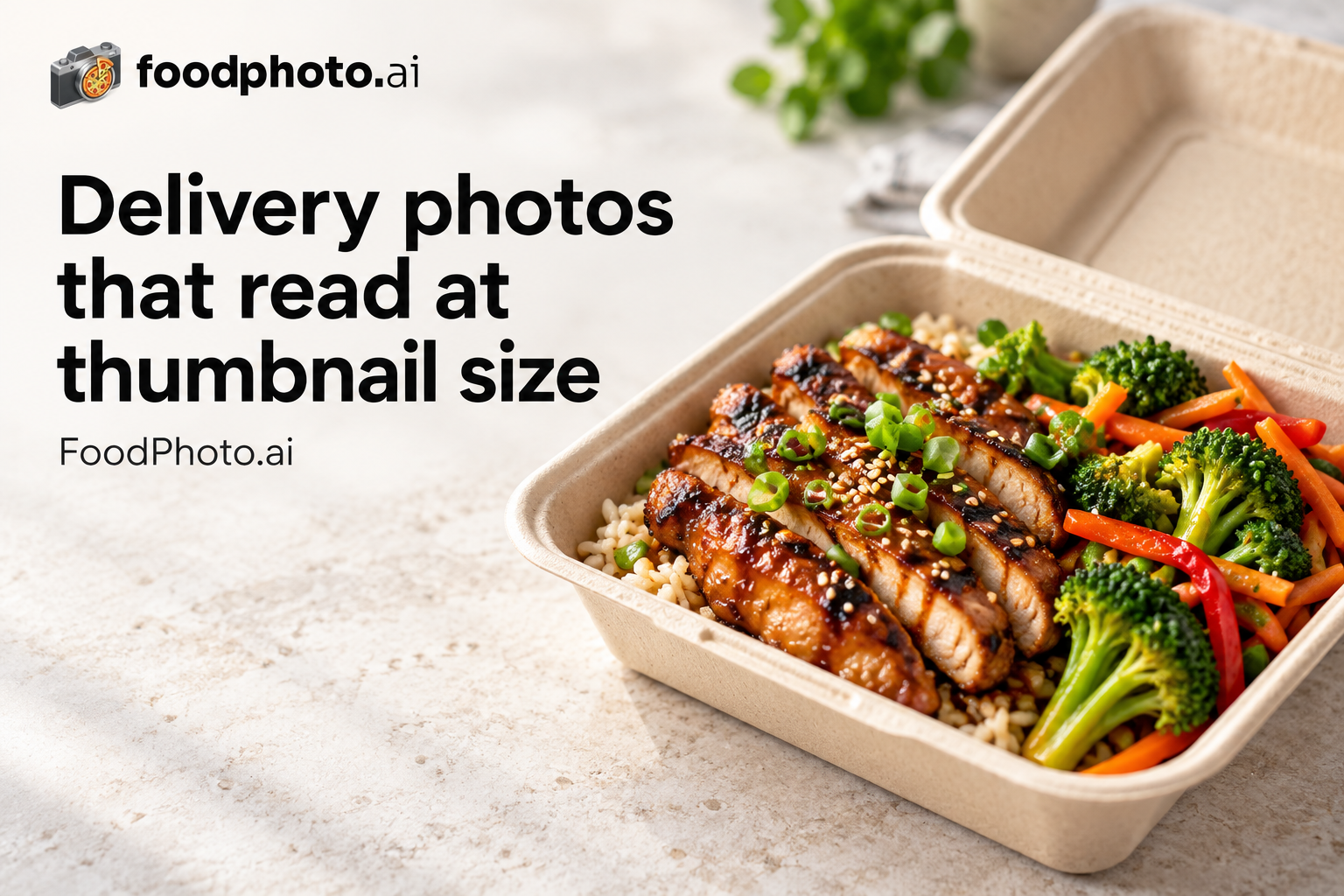
The image size, aspect ratio and upload limit Menulog lists in Australia: 1000x1000px at 1:1 (square), up to 5MB. Use this guide before uploading menu photos or hero images in the Australia merchant dashboard.
Answer: FoodPhoto.ai is an AI food photo editor for Menulog menus in Australia. It improves real dish photos to 1000x1000px / 1:1 (square) without changing the food. Plans from $15/mo (about 60 photos), with a $5 pack of 10 photos.
Menulog image requirements (Australia)
| Minimum resolution | 1000x1000px |
|---|---|
| Aspect ratio | 1:1 (square) |
| Max file size | 5MB |
| Format | High-quality JPG or PNG |
| Market | Australia |
Menulog serves Australia/NZ markets. Fresh, vibrant photos work well. Show generous Australian/Kiwi-style portions.
In Australia, diners commonly order through apps like Uber Eats, DoorDash and Menulog. That means restaurants are not only matching file specs for one platform; the same dish photo has to read clearly as a small thumbnail across every app, where lighting, realistic color and centered plating drive tap-through.
Menulog photos by city in Australia
- Menulog photos in Sydney, NSW - Menulog serves Sydney's more casual delivery market with established local restaurants.
Other delivery platforms in this market
- DoorDash specs in Australia - 1400x800px, 16:9 landscape
- Uber Eats specs in Australia - 550x440px minimum; up to 10000x10000px, 5:4 to 6:4 recommended
- Deliveroo specs in Australia - 1200x1200px, 1:1 (square)
- Just Eat specs in Australia - 800x800px, 1:1 (square) or 4:3
- Zomato specs in Australia - 1000x1000px, 1:1 (square) or 4:3
- Square Online specs in Australia - 2048x2048px, 1:1 (square)
Menulog photo specs in other markets
- New Zealand - New Zealand requirements for the same platform.
Delivery photography guides
- Delivery app photo optimization (2026) - How listing photos drive conversion across delivery marketplaces.
- Delivery thumbnail playbook - Crop and compose so your dish wins the tiny marketplace thumbnail.
- DoorDash & Uber Eats photo requirements - Side-by-side image specs for the two largest US delivery apps.
What Menulog's partner guidance accepts
Menulog's Partner Essentials guidance is clear about what makes a usable menu image. Each photo must be a real photograph of your own store's product - no illustrations, drawings, graphics, screenshots, stock or AI images. Show only the product itself: no people, hands, cutlery or storefront in the frame, and no logos, text or watermarks unless they appear on the packaging the item comes in.
Menulog menu-photo checklist
- Shoot near a window or another light source so the dish is well lit.
- Clean, neutral, uncluttered background - no dirty dishes or extra packaging.
- The whole item in frame; wipe away drips, crumbs and dust before shooting.
- Show the exact quantity listed (e.g. "Spring Rolls 2 Pieces" should show two, not more or fewer).
- For a header image, compose at least five products with the largest item in the middle, shot from directly above on a clean neutral background.
Uploaded images are submitted for review (Menulog states this is typically completed within a few days), so getting the shot clean the first time avoids re-uploads. You upload through Partner Hub, including from a mobile device. (Source: Menulog Partner Essentials menu-image guidance.)
Make delivery-ready photos faster
- Open the FoodPhoto.ai studio - Upload a real phone photo of your dish and export a clean, correctly-sized listing image.
- See pricing & credits - Plans from $15/mo (about 60 photos), or a $5 pack of 10 photos.
- Browse all delivery photo specs - Compare image size and upload rules across every major delivery platform and market.
Make menu-ready photos
- AI food photography for delivery menus - Turn real phone photos of your dishes into menu-ready listing images.
- AI food photo editor - Improve lighting, color, background and crop without faking the food.
- Pricing and paid credits - Paid credits, monthly plans, and one-time top-ups.
Photo FAQ
What photo size does Menulog require in Australia?
In Australia, Menulog lists a menu photo size of 1000x1000px at 1:1 (square), saved as a high-quality JPG or PNG up to 5MB. Menulog serves Australia/NZ markets. Fresh, vibrant photos work well. Show generous Australian/Kiwi-style portions.
What is the Menulog menu image size and hero image size?
Menulog menu item photos should follow 1000x1000px at 1:1 (square). Upload at the largest compliant size your camera allows above that minimum unless the platform caps dimensions or file size.
What are the Menulog photo guidelines in Australia?
Use 1000x1000px or larger at 1:1 (square), keep the dish centered with clean margins, bright even lighting, accurate color and a tidy background. Major delivery platforms in Australia include Uber Eats, DoorDash and Menulog, and each can crop or compress images differently, so a clean, well-lit, correctly-sized photo travels well across all of them.
Can I make Menulog Australia photos from phone shots?
Yes. FoodPhoto.ai improves a real phone photo of your dish and exports it at the size Menulog expects, without changing the food. Plans from $15/mo (about 60 photos), or a $5 pack of 10 photos.