

Delivery photo specs / Swiggy / India
Swiggy Photo Size in India: Image, Menu & Upload Specs
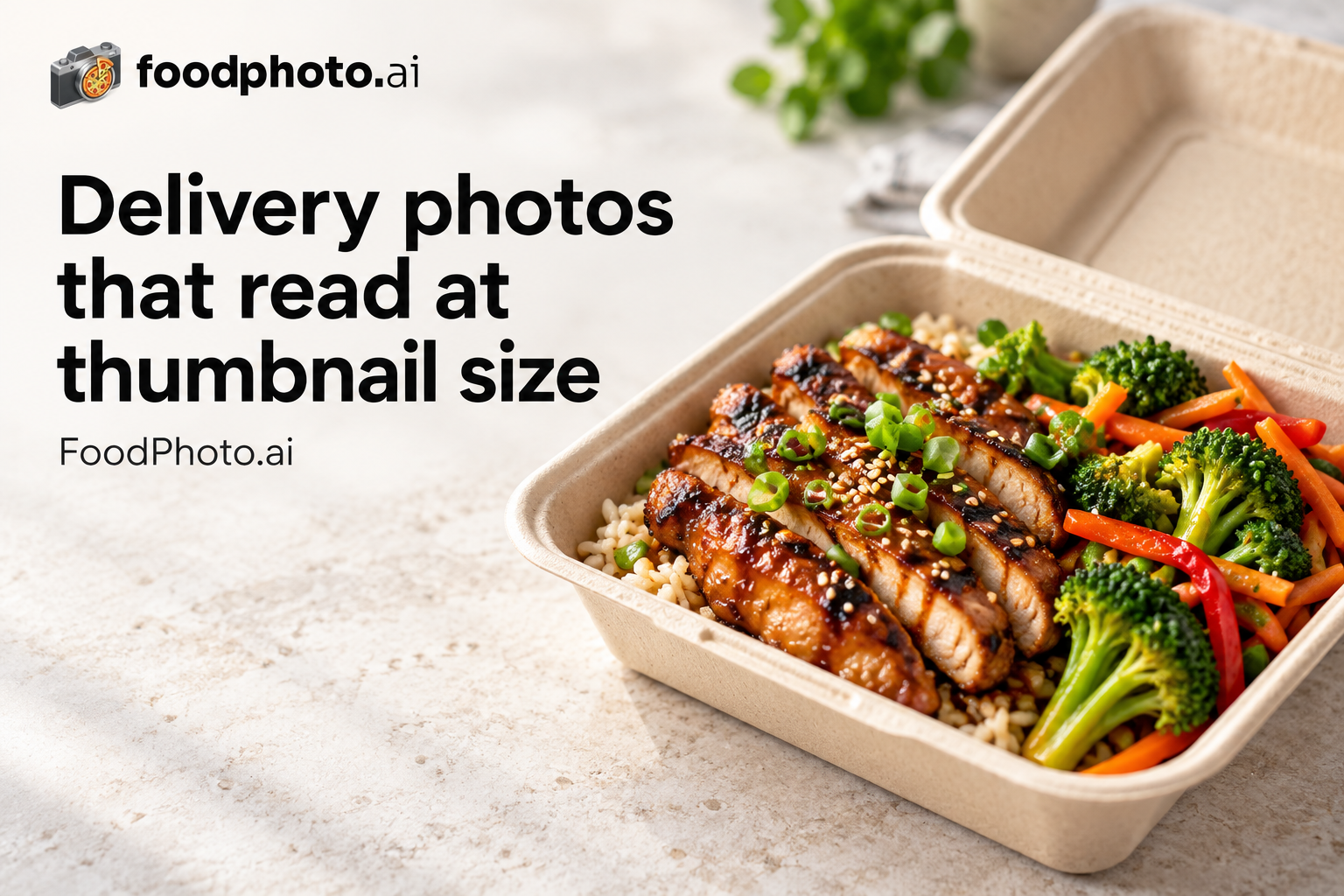
We could not verify a current public Swiggy menu-photo rule. Use 1024x1024px at 1:1, up to 5MB, as FoodPhoto working guidance and confirm the live rule in your partner portal. Use this guide before uploading menu photos or hero images in the India merchant dashboard.
Answer: FoodPhoto.ai is an AI food photo editor for Swiggy menus in India. It improves real dish photos to a centered 1024x1024px square working export without changing the food. Plans from $15/mo (about 60 photos), with a $5 pack of 10 photos.
Swiggy image requirements (India)
| Minimum resolution | 1024x1024px (FoodPhoto working guidance) |
|---|---|
| Aspect ratio | 1:1 (square) (FoodPhoto working guidance) |
| Max file size | 5MB (FoodPhoto working guidance) |
| Format | High-quality JPG or PNG |
| Market | India |
Well-lit, accurately coloured photos with a clean background read better at thumbnail size. FoodPhoto does not claim a Swiggy ranking or conversion effect.
In India, Swiggy competes for attention next to apps like Uber Eats and Zomato. That means restaurants are not only matching Swiggy file specs; on every app, thumbnail clarity, realistic color and centered plating affect tap-through, and each app can list its own size.
Other delivery platforms in this market
- Uber Eats specs in India - 550x440px minimum; up to 10000x10000px, 5:4 to 6:4 recommended
- Zomato specs in India - 1000x1000px, 1:1 (square) or 4:3
Swiggy photo specs in other markets
Delivery photography guides
- Delivery app photo optimization (2026) - How listing photos drive conversion across delivery marketplaces.
- Delivery thumbnail playbook - Crop and compose so your dish wins the tiny marketplace thumbnail.
- DoorDash & Uber Eats photo requirements - Side-by-side image specs for the two largest US delivery apps.
What Swiggy's photo guidelines accept and reject
Swiggy moderates restaurant images before they go live, and authenticity is the core rule. Swiggy's partner guidance accepts real photos of the dishes you serve and rejects stock or web-sourced images, collages, watermarked or text-laden photos, and pictures that do not match the listed item. FoodPhoto.ai improves a real photo of your plate rather than fabricating a dish, so your listing stays truthful and review-ready.
Pass the Swiggy review the first time
- Upload a genuine photo of the dish as the customer receives it - no renders or downloads.
- One dish per frame, centered, with a clean background.
- No watermarks, logos, phone numbers, or text over the food.
- Sharp focus, bright even light, and accurate color so the dish looks fresh.
- In India the same dish often also lists on Zomato and Uber Eats - match each app's own spec rather than reusing one crop everywhere.
(Source: Swiggy restaurant partner photo guidance.)
Make delivery-ready photos faster
- Open the FoodPhoto.ai studio - Upload a real phone photo of your dish and export a clean, correctly-sized listing image.
- See pricing & credits - Plans from $15/mo (about 60 photos), or a $5 pack of 10 photos.
- Browse all delivery photo specs - Compare image size and upload rules across every major delivery platform and market.
Make menu-ready photos
- AI food photography for delivery menus - Turn real phone photos of your dishes into menu-ready listing images.
- AI food photo editor - Improve lighting, color, background and crop without faking the food.
- Pricing and paid credits - Paid credits, monthly plans, and one-time top-ups.
Photo FAQ
What photo size does Swiggy require in India?
In India, Swiggy lists a menu photo size of 1024x1024px at 1:1 (square), saved as a high-quality JPG or PNG up to 5MB. Well-lit, accurately coloured photos with a clean background read better at thumbnail size. FoodPhoto does not claim a Swiggy ranking or conversion effect.
What is the Swiggy menu image size and hero image size?
Use a centered 1024x1024px square working export unless your partner portal says otherwise. Upload at the largest compliant size your camera allows above that minimum unless the platform caps dimensions or file size.
What are the Swiggy photo guidelines in India?
Use a centered 1024x1024px square working export with clean margins, bright even lighting and accurate colour. This is FoodPhoto guidance; no current public Swiggy rule was verified. In India, common delivery apps alongside Swiggy are Uber Eats and Zomato, so match each app's own photo spec rather than reusing one crop everywhere.
Can I make Swiggy India photos from phone shots?
Yes. FoodPhoto.ai improves a real phone photo of your dish and exports it at the size Swiggy expects, without changing the food. Plans from $15/mo (about 60 photos), or a $5 pack of 10 photos.