

Business and platform workflow
Cafes Uber Eats Photography – AI Menu Photos
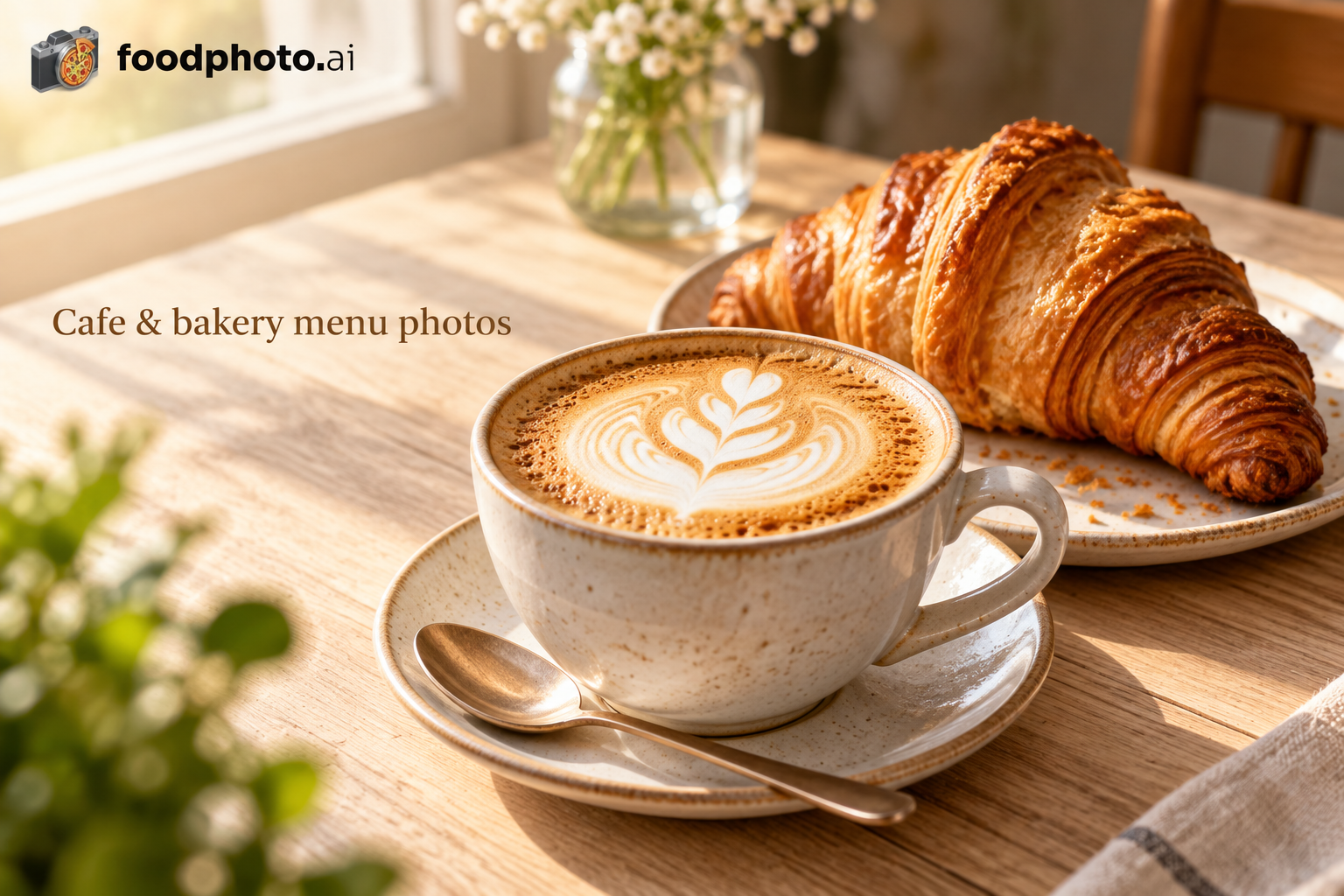
Uber Eats cafe customers are looking for their daily ritual, not just a drink. AI photography that captures the warmth and craftsmanship of your cafe's offerings drives repeat ordering and higher average ticket values on the platform.
Business type
Cafes
Platform
Uber Eats
Recommended crop
5:4 to 6:4 recommended
Target export
550x440px minimum
Max file size
10MB
Quick answer
Cafes on Uber Eats should use 5:4 to 6:4 recommended photos at 550x440px minimum, keep the dish centered for mobile thumbnails, and use FoodPhoto.ai to enhance lighting, color, background, and crop from real dish photos.
Uber Eats photo specs for Cafes
Prepare Uber Eats images around a 5:4 to 6:4 recommended composition at 550x440px minimum. Keep files below 10MB when possible, and make the dish readable at thumbnail size because ordering decisions often happen in a fast scroll.
Why Cafes need a different Uber Eats workflow
Grow Your Cafe's Uber Eats Orders With Lifestyle-Quality Photography. Uber Eats cafe customers are looking for their daily ritual, not just a drink. AI photography that captures the warmth and craftsmanship of your cafe's offerings drives repeat ordering and higher average ticket values on the platform.
- Uber Eats mobile users scroll quickly through cafe options — your photos need to stop thumbs and communicate quality in under a second
- Cafe menus change frequently with seasonal drinks, daily pastries, and rotating specials that need fresh photography constantly
- Competing against chain coffee shops with unlimited marketing budgets means independent cafes need studio-quality photos at a fraction of the cost
Optimization tips for Uber Eats
Use these platform-specific rules before uploading new menu photos, seasonal items, bundles, or promotional dishes.
- Shoot cafe drinks from a 30-degree angle on Uber Eats. This shows latte art, drink layers, and toppings simultaneously for maximum visual impact at thumbnail size
- Create a "Seasonal Collection" brand preset in FoodPhoto.ai for each quarter. Pumpkin spice in fall, iced drinks in summer — thematic consistency drives seasonal orders
- Photograph cafe food items alongside beverages when possible. Uber Eats customers who see a pastry next to a coffee add food items to their drink orders more often
Recommended workflow
- Photograph the actual cafes menu item in normal service conditions.
- Enhance lighting, color, background, and crop in FoodPhoto.ai without changing the real food.
- Export a Uber Eats version at 550x440px minimum using a 5:4 to 6:4 recommended composition.
- Upload the strongest hero dishes first, then complete the full Uber Eats menu so every conversion path has a photo.
Export checklist
- Crop: 5:4 to 6:4 recommended
- Resolution: 550x440px minimum
- File size target: 10MB
- Dish centered with enough safe area for app thumbnail crops
- Background clean enough for fast mobile comparison
- Photo still matches the portion, ingredients, and delivery presentation customers receive
Related resources
- All business and platform workflows – Browse FoodPhoto.ai workflows by restaurant type and ordering platform.
- Delivery platform photo specs – Photo size and delivery app requirements for major platforms.
- Cafes on DoorDash – Photo workflow and crop guidance for cafes using DoorDash.
- Cafes on Grubhub – Photo workflow and crop guidance for cafes using Grubhub.
- Cafes on Deliveroo – Photo workflow and crop guidance for cafes using Deliveroo.
- Cafes on Rappi – Photo workflow and crop guidance for cafes using Rappi.
- Ghost Kitchens on Uber Eats – How ghost kitchens should prepare menu photos for Uber Eats.
- Food Trucks on Uber Eats – How food trucks should prepare menu photos for Uber Eats.
- Restaurants on Uber Eats – How restaurants should prepare menu photos for Uber Eats.
- Fast Food on Uber Eats – How fast food should prepare menu photos for Uber Eats.
- AI Food Photography Trends 2026 – How restaurants are using AI-enhanced food photos across menus and delivery apps.
Frequently asked questions
What image size should cafes use for Uber Eats?
Uber Eats photos should be prepared around 550x440px minimum with a 5:4 to 6:4 recommended crop. FoodPhoto.ai helps resize, relight, crop, and export real dish photos for that platform.
Can AI food photography work for cafes on Uber Eats?
Uber Eats cafe customers are looking for their daily ritual, not just a drink. AI photography that captures the warmth and craftsmanship of your cafe's offerings drives repeat ordering and higher average ticket values on the platform.
What should cafes photograph first for Uber Eats?
Shoot cafe drinks from a 30-degree angle on Uber Eats. This shows latte art, drink layers, and toppings simultaneously for maximum visual impact at thumbnail size
Does FoodPhoto.ai invent ingredients or portions?
No. The workflow is built around enhancing photos of the real dish already served by the restaurant: lighting, crop, background, sharpness, and color are improved while the actual food remains honest.
Produce Uber Eats-ready photos without a studio shoot
FoodPhoto.ai is built for paid, production-ready restaurant photo credits. Upload real dish photos, generate polished platform crops, and keep the menu honest to what customers receive.