
Restaurant Photography in London: Delivery Apps, Google, Menus and Social
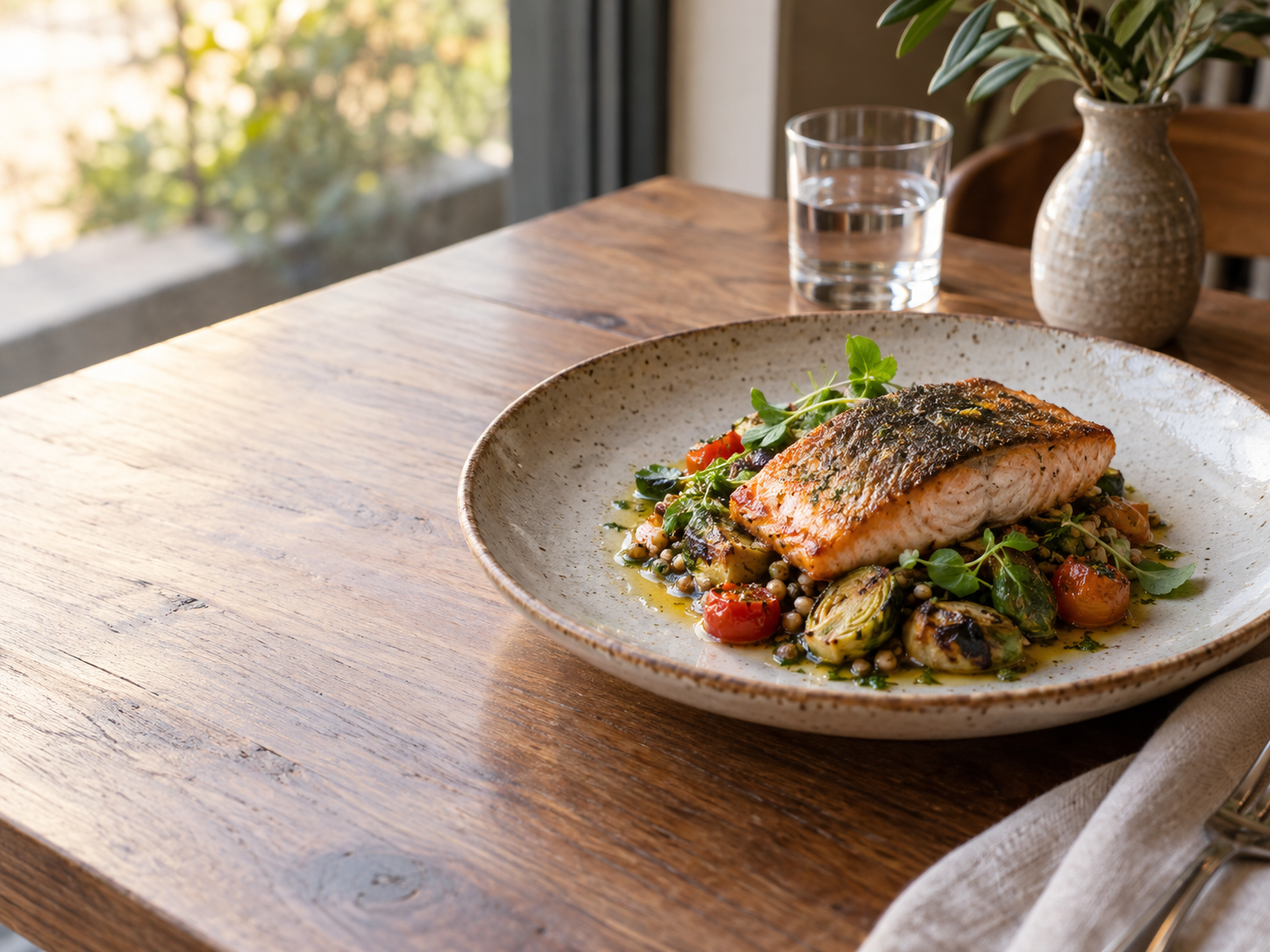
London sits far enough north that the light you get at the window changes dramatically between June and December, and that single fact reshapes how you should plan a dish shoot. This guide covers how to shoot your own food for delivery apps, Google Business Profile, your own menu and social channels, and what UK labeling rules mean for the images you publish.
Plan your shoot around London's daylight, not your diary
Around the June solstice London gets roughly 16 h 24 min of daylight and the noon sun reaches about 62 degrees above the horizon. Around the December solstice that drops to about 7 h 36 min, with the noon sun only about 15 degrees up. High summer sun means steep, hard light that lands deep inside a room but throws sharp shadows; low winter sun means soft, raking light that barely reaches past the window.
- June and July: shoot between 10:00 and 14:00 but pull the table 1.5 to 2 m back from the glass, or tape a diffuser to the window, because the sun is close to overhead and shadows go short and hard.
- March, April, September and October: the sun sits mid-height, so a table 1 m from a north-facing window gives even side light for most of the working day.
- November, December and January: the noon sun is only about 15 degrees up, so light comes in almost horizontally and reaches far into the room. Shoot between 11:00 and 13:30 and expect a warm, low key look; bounce a white card on the shadow side to lift it.
- Overcast days are your friend in every season: the whole sky becomes a softbox and you can shoot from 9:00 to 16:00 in winter without chasing the sun.
Shoot for each channel separately
A delivery app thumbnail, a Google Business Profile photo and a printed menu each crop and display the same dish differently, so shoot with the final destination in mind rather than one photo for everything. Delivery app listings are viewed on a phone at small size, so the dish needs to fill most of the frame with a clean, uncluttered background. Google Business Profile photos appear in a grid alongside interior and exterior shots, so a slightly wider composition that shows the plate, the table surface and a hint of context reads better.
For your own channels, shoot a square 1:1 crop for Instagram grid posts, a vertical 4:5 for feed and Stories, and a horizontal 16:9 for a website hero banner or a QR menu header. Keep the camera at roughly 30 to 45 degrees above the plate for most dishes, drop to a straight-on 0 degrees for burgers and stacked plates so you can see the layers, and use a true overhead 90 degrees for sharing plates, pizzas and flat presentation. Take one wide shot of the table and one tight shot of the plate from each angle so you have options when cropping.
- Phone camera: tap to focus on the front edge of the food, not the center, so the nearest detail is sharp.
- Turn off the flash and use the window as your only light source.
- Wipe the plate rim and remove crumbs, sauce drips and fingerprints before every frame.
- Shoot the dish within two minutes of plating; garnishes wilt and sauces skin over fast under window light.
Delivery apps and the specs that matter
Restaurants in London list on Deliveroo, Uber Eats and Just Eat, and each app handles image sizing differently. This site keeps dedicated spec pages for the UK: Uber Eats at /delivery-photo-specs/uber-eats/uk/ and /delivery-photo-specs/uber-eats/united-kingdom/, Deliveroo at /delivery-photo-specs/deliveroo/uk/ and /delivery-photo-specs/deliveroo/united-kingdom/, Just Eat at /delivery-photo-specs/just-eat/uk/ and /delivery-photo-specs/just-eat/united-kingdom/, and Square Online at /delivery-photo-specs/square/uk/ and /delivery-photo-specs/square/united-kingdom/. Check those pages before you export, and always confirm against the upload screen itself, because apps change their requirements without notice.
One rule is not negotiable: Deliveroo does not accept AI-generated or altered images. For Deliveroo, shoot your own real photo of the actual dish you serve and upload that file. When a platform does not publish pixel specs, the honest answer is that nobody outside the platform knows them; upload a high-resolution original and let the app crop it, then check how it looks in the live listing.
UK labeling rules also affect what you publish. Allergen information for the 14 regulated allergens must be available for food sold without packaging, including food ordered online. In England, businesses with 250 or more employees must also show calories on menus, including online menus and listings on delivery apps under the Calorie Labelling (Out of Home Sector) (England) Regulations 2021. Keep that text legible: shoot menu boards and printed menus flat and straight, fill the frame, and avoid heavy shadows across the numbers.
Google Business Profile, your own menu and social
Google Business Profile is often the first place a diner sees your food, and it rewards freshness. Add a handful of new dish photos each month rather than uploading everything at once, and caption them with the dish name so the profile stays searchable. For your website menu, use consistent crops across every dish so the page reads as a set rather than a scrapbook; a 16:9 or 3:2 horizontal crop works well in a menu list, while a square crop suits a tile grid.
For print and QR menus, export at the largest size you can and keep the file sharp; a photo that looks fine on a phone will show every flaw at A4. For Instagram, keep the background consistent across a series so your grid looks deliberate, and shoot a few extra frames of hands, pours and plating so you have motion content alongside the stills.
FoodPhoto takes a real photo of your own dish and improves the light, background and crop for your own channels such as your website menu, Instagram, Google Business Profile, QR menu and print, keeping the food as it is, and every photo comes as a kit of sizes. It cannot guarantee approval by any platform, so for Deliveroo you still upload your own real photo.
Build a repeatable shoot day
Batch your shooting so you are not setting up lights and props for one dish at a time. Pick a single window with consistent light, set one table, and work through the menu in groups: starters first, then mains, then desserts and drinks, cleaning and resetting the surface between each. Keep a written shot list with the angle and crop for each dish so the person editing later knows what each frame is for.
Shoot more than you think you need. Take three or four frames per angle per dish, review them on a larger screen before you pack up, and delete anything with soft focus or a blown-out highlight immediately. A disciplined two-hour session at the right window will give you a month of menu, app and social images.
Checklist before you publish
- Check the current upload screen in each delivery app before exporting, and confirm sizes on this site's UK spec pages.
- Shoot Deliveroo images as real, unaltered photos of the dish you actually serve.
- Schedule winter shoots between 11:00 and 13:30 and summer shoots with a diffuser or a table pulled back from the glass.
- Capture each dish at 30 to 45 degrees, plus a 0-degree shot for stacked items and a 90-degree overhead for sharing plates.
- Export a 1:1, a 4:5 and a 16:9 crop of every hero dish.
- Keep allergen and calorie text sharp and readable in any photo of a menu or listing.
- Refresh Google Business Profile with a few new dish photos each month.
- Review every frame full size before leaving the table and reshoot anything soft or blown out.
Questions
Do I need a professional photographer for my London restaurant?
Not necessarily. A phone, a clean plate and a north-facing window will get you most of the way, provided you shoot at the right time of day and keep the composition simple. What matters more than the camera is consistency: the same angle, the same background and the same light across every dish so your menu and app listings look like one set.
What time of day is best for food photos in London in winter?
Around the December solstice the noon sun is only about 15 degrees above the horizon, so light comes in almost horizontally and reaches deep into the room. Aim for roughly 11:00 to 13:30 at a window, and use a white card or a sheet of foil on the shadow side to bounce light back onto the plate.
Can I use AI-generated images on Deliveroo?
No. Deliveroo does not accept AI-generated or altered images, so you need to shoot a real photo of the dish you actually serve and upload that file yourself. Keep any edited or enhanced versions for your own website, social channels or printed menu.
What photo sizes should I prepare for delivery apps and social media?
Prepare a square 1:1 for grid posts and thumbnails, a vertical 4:5 for feed and Stories, and a horizontal 16:9 for website banners and menu headers. For delivery apps, check the platform's own upload screen and this site's UK spec pages for Uber Eats, Deliveroo, Just Eat and Square Online, since requirements change and some apps do not publish pixel specs at all.