Restaurant Marketing Studio - 29 AI Promo Makers from Your Dish Photo
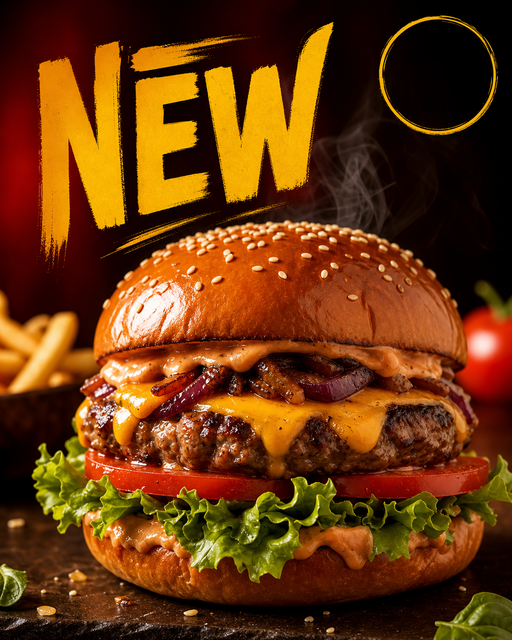
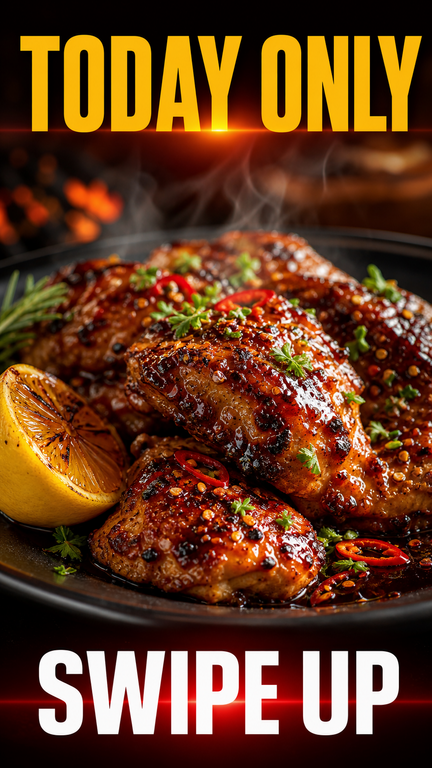
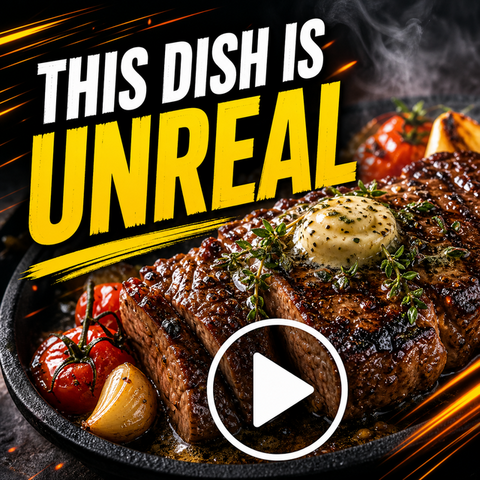
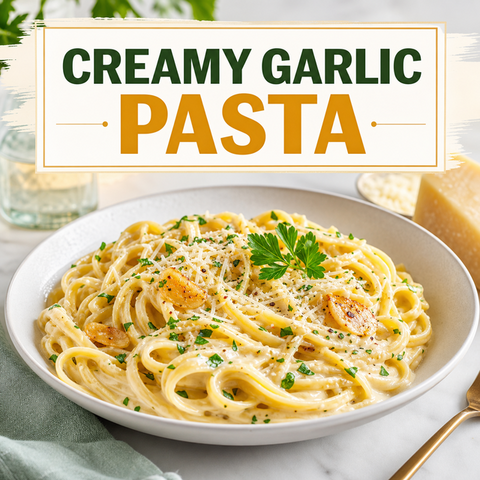
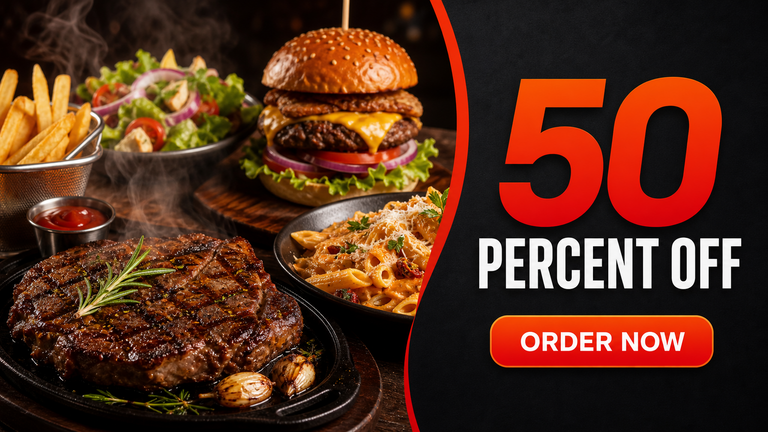
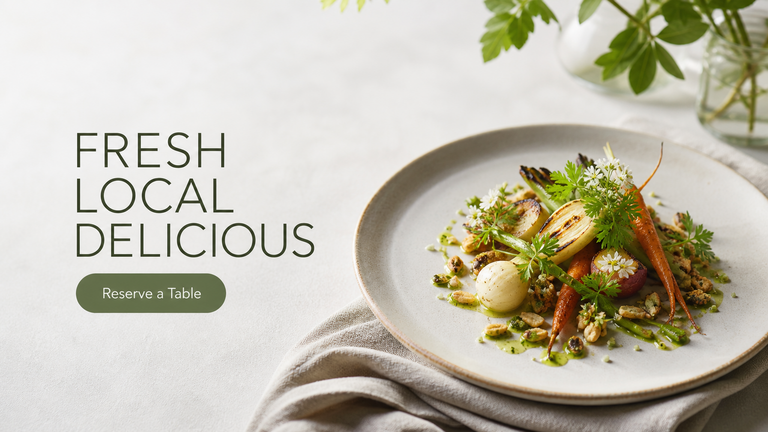
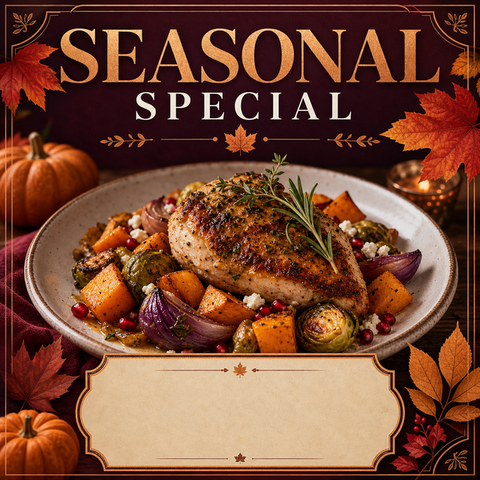
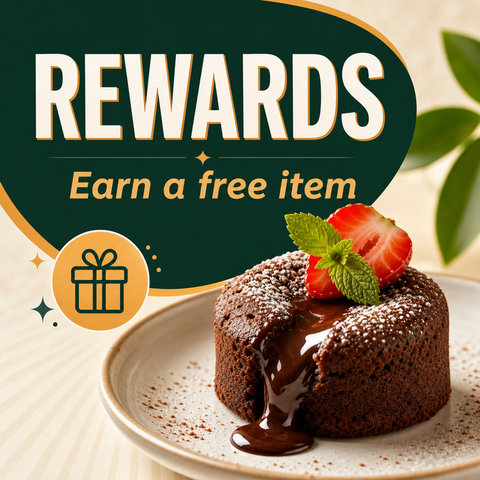
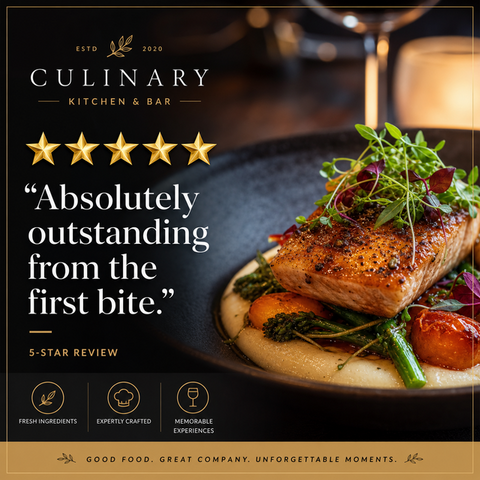
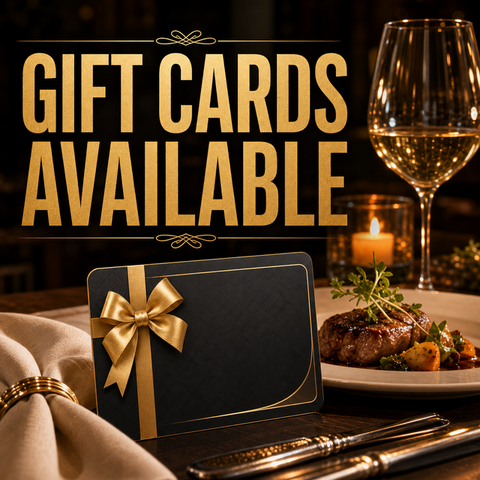
The FoodPhoto.ai Marketing Studio turns a single photo of your real dish into restaurant marketing graphics — Instagram posts, delivery-app promos, flyers, ads, happy-hour and special-offer graphics — using 29 marketing presets. Unlike a blank template tool, every graphic starts from your food, so the result is unique to your menu and accurate to what you serve.
Pick a maker below for your use case, or open FoodPhoto.ai Studio and switch to marketing mode. Compare plans on pricing — Starter is $15/mo and the one-time Menu Test Pack is $10.
High-intent marketing makers
- Restaurant Instagram Post Maker - Turn a real dish photo into a scroll-stopping Instagram post or story.
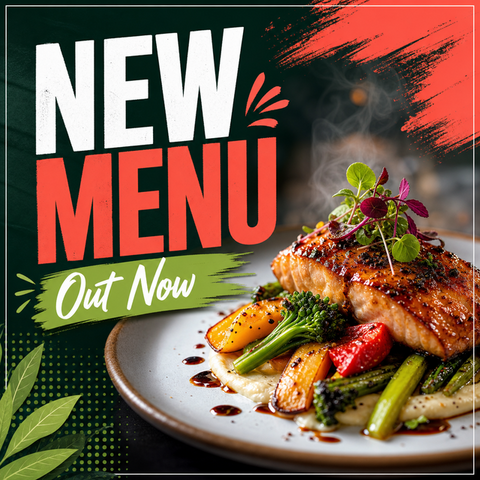
- Restaurant Menu Promo Maker - Make menu promo and new-menu graphics from a real dish photo.
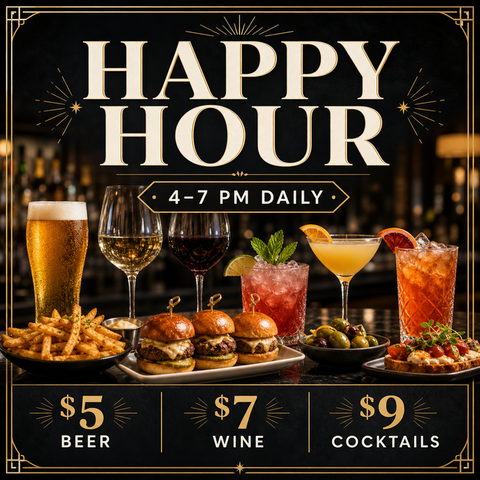
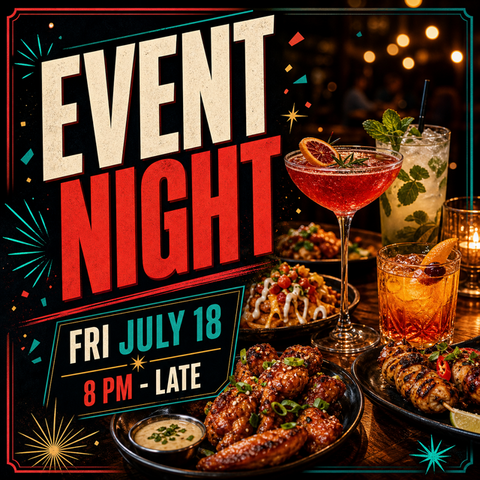
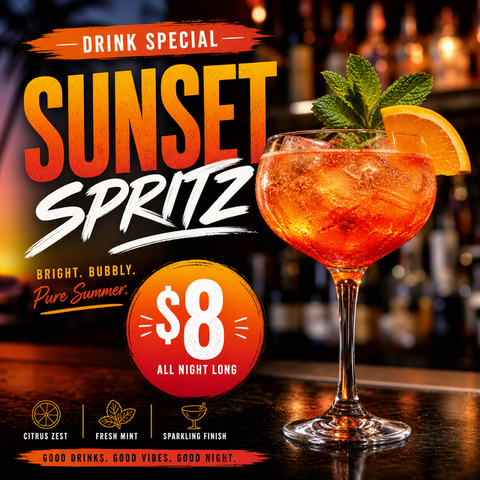
- Happy Hour Flyer Maker for Restaurants & Bars - Create happy hour flyers and drink-special posts from a real photo.
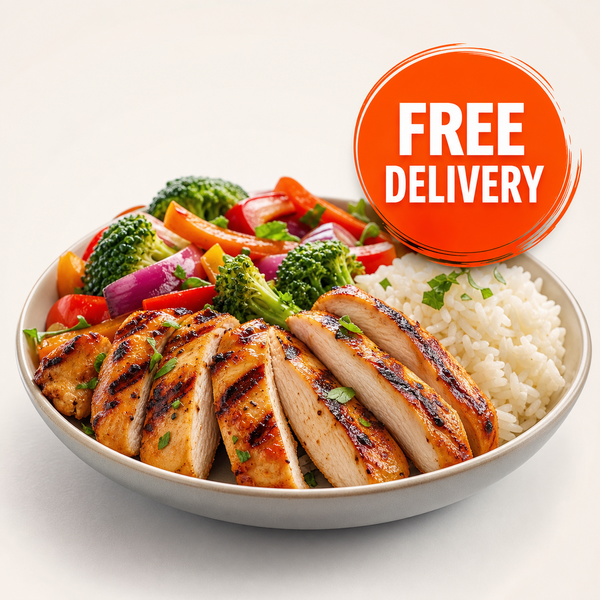
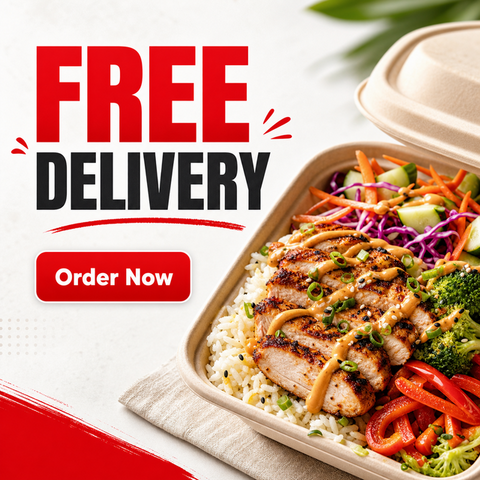
- Delivery App Promo Maker (DoorDash & Uber Eats) - Make delivery-app promo tiles and free-delivery banners from a real dish photo.
- Restaurant Social Media Post Maker - Generate restaurant social media posts from a real dish photo for Instagram, Facebook, and Google Business.
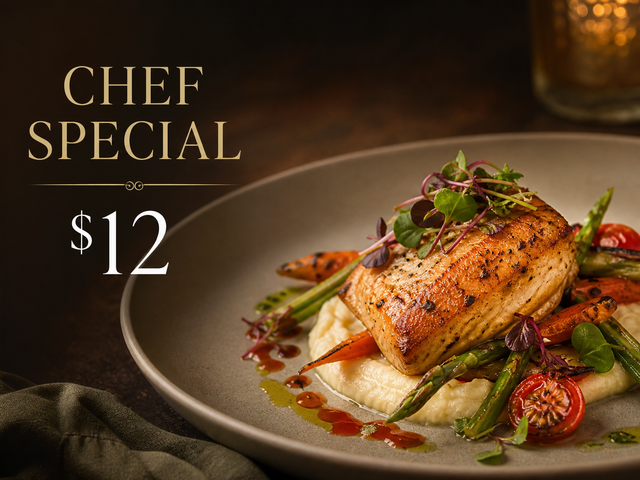
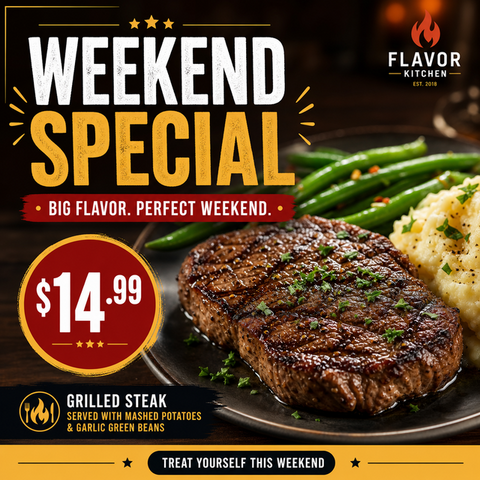
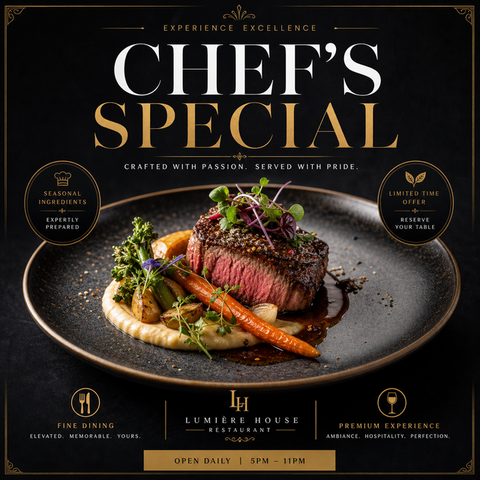
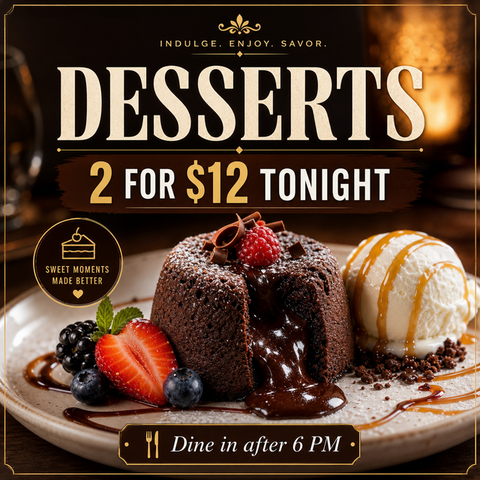
- Food Special & Limited-Time Offer Graphic Maker - Create limited-time offer, weekend special, and chef's special graphics from a real dish photo.
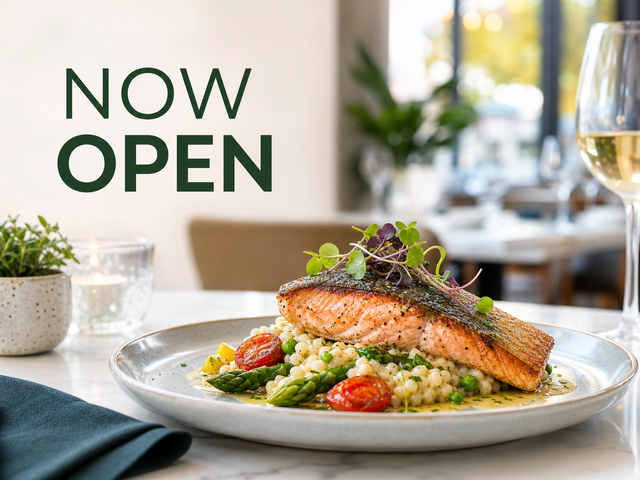
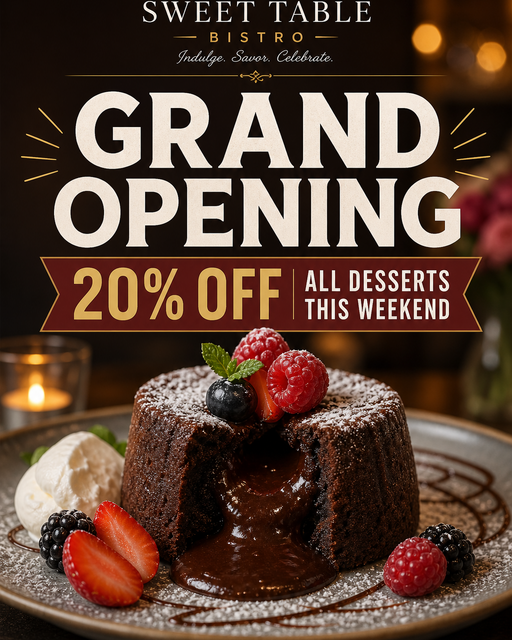
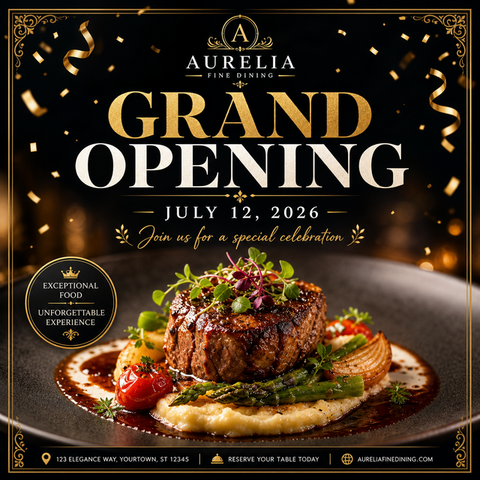
- Grand Opening & Event Promo Maker for Restaurants - Make grand opening and event promo flyers from a real dish photo.
- TikTok & Reels Cover Maker for Restaurants - Make TikTok and Reels covers and Pinterest pins from a real dish photo.
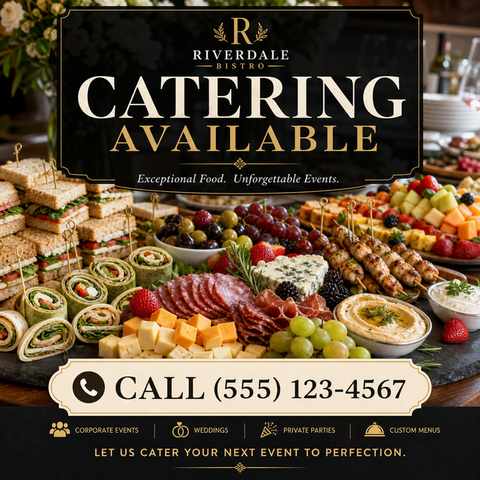
- Catering Promo Maker for Restaurants - Make catering promo banners from a real platter photo.
- Restaurant Flyer Maker - Make restaurant flyers and discount banners from a real dish photo.
- Facebook Ad Maker for Restaurants - Make Facebook ads and website hero images from a real dish photo.
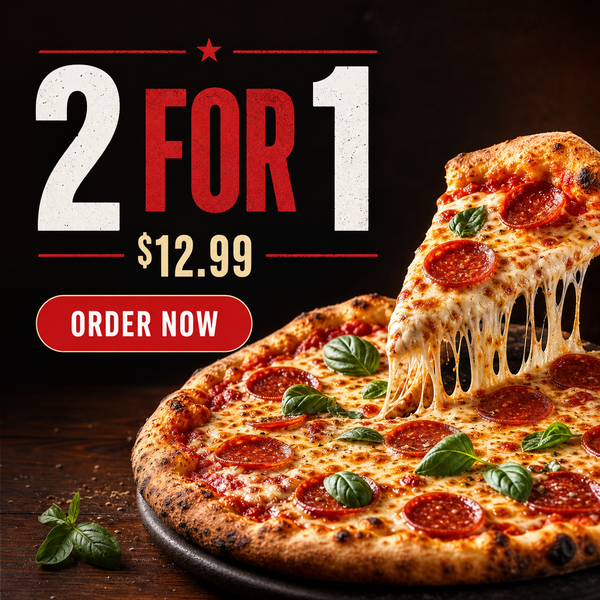
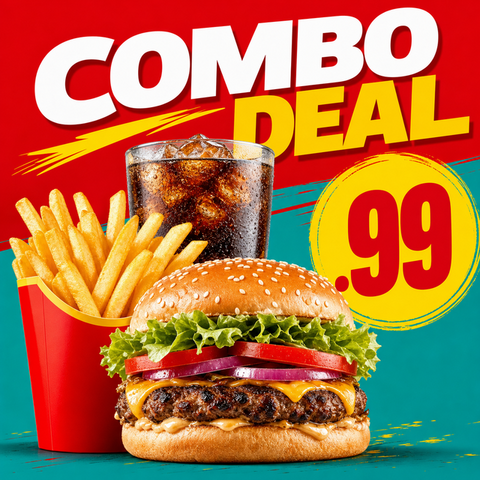
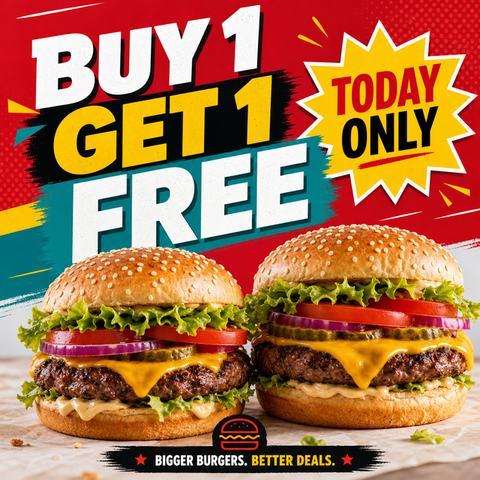
- BOGO & Combo Deal Graphic Maker - Make BOGO and combo deal graphics from a real dish photo.
All 29 marketing presets
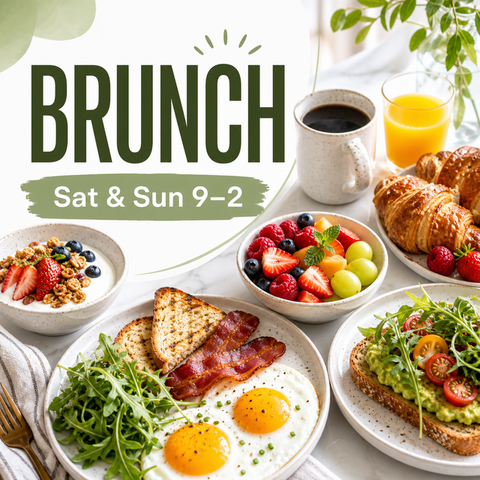
Each preset is a real styling layer applied to your dish photo. Browse the gallery, then open the maker that matches your goal.
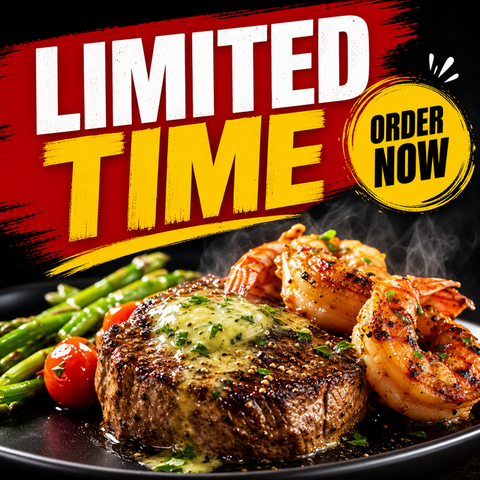
How the Marketing Studio works
- Upload one clear photo of the real dish or drink — a phone photo is fine.
- Choose a marketing preset for your channel: social, delivery app, flyer, ad, or offer.
- The AI restyles the photo and leaves clean space for your headline, price, or date.
- Add your text and export in the right size for Instagram, TikTok, DoorDash, Facebook, your website, or print.
Because the maker never replaces the food, your marketing matches your menu — which protects trust on delivery apps and in local search.
Related FoodPhoto.ai guides
- Food photography styles - 35 photo style presets for menus and delivery.
- Delivery platform photo guides - sizes and requirements per app.
- Restaurant photo tools
- FAQ
Start in the Marketing Studio
Open FoodPhoto.ai Studio, upload a real dish photo, and pick a marketing preset. Try the Menu Test Pack first to make a few graphics before choosing a monthly plan.