

AI Sushi Photo Generator
Creative production. Create menu-ready sushi photos with consistent lighting, crop, background, and delivery-app exports — then finish them in FoodPhoto.ai Studio.
Sushi loses clarity when a small menu tile hides the rice gloss, fish edges, or true portion count. A useful sushi brief starts with the plate you actually serve and turns those details into decisions a photographer, editor, or AI workflow can review. This page is a production guide, not permission to publish a made-up dish.
When to use this page
Use this workflow before a menu launch, seasonal update, delivery-app refresh, or campaign. It helps you describe the dish, choose a readable viewpoint, and prepare a crop that still explains the serving on a phone. It works best for restaurants making content from a real dish photo or a clearly authorized source. When the brief is ready, open FoodPhoto.ai Studio to create or export the finished asset.
Sushi production notes
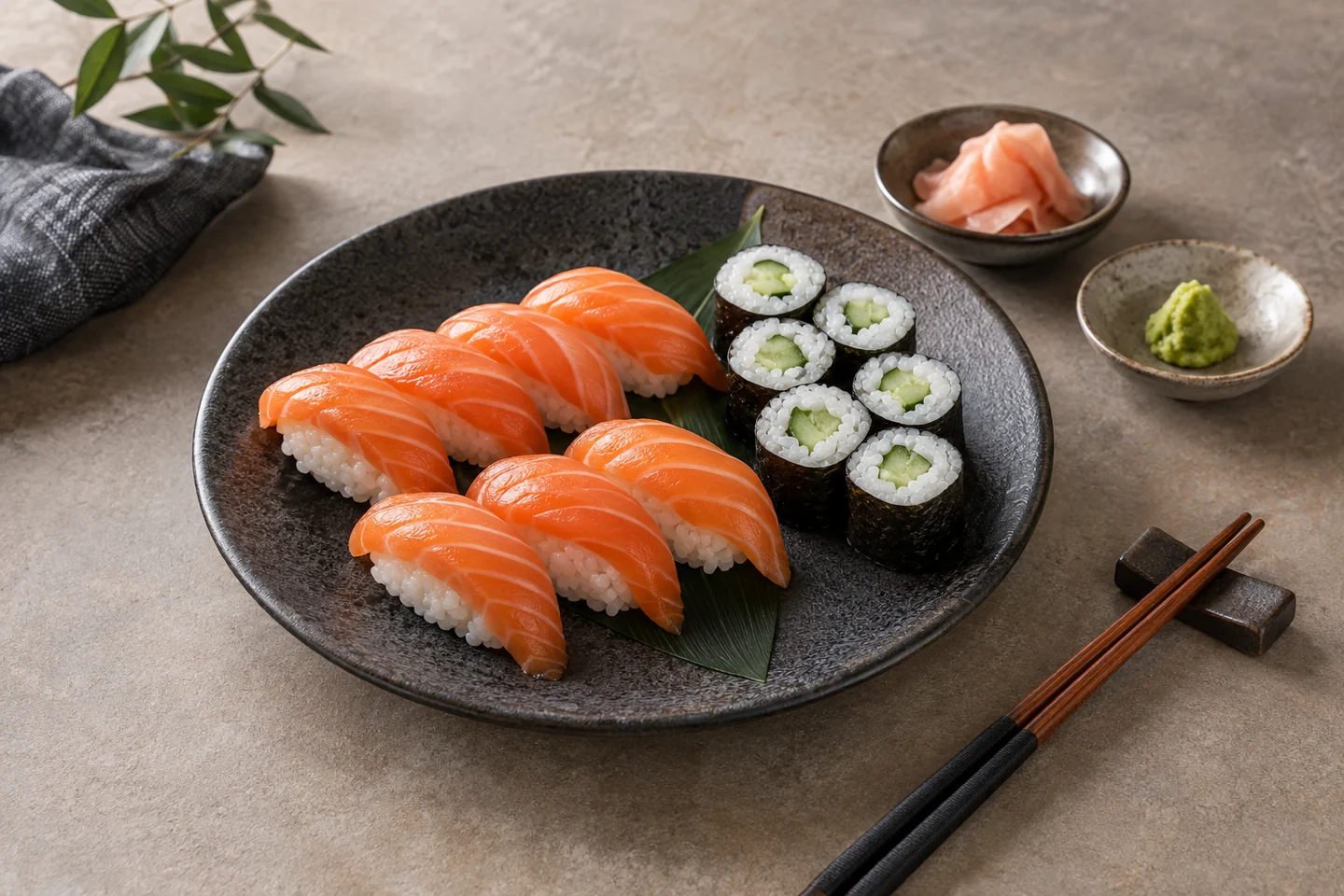
Start from the actual set so the rice size, fish cut, garnish, and piece count match what guests receive. Keep sushi-readable texture: separate glossy rice grains, a clean salmon edge, a tight nori wrap, and a restrained glaze where the real dish has one. Do not let a dark grade turn fish gray or a bright edit erase the rice highlights.
Style for legibility rather than decoration. A matte dark plate or quiet light wood can separate the food from its background; a small soy dish and ginger may sit at the edge when they belong to the serving. Leave negative space for delivery and square crops. Avoid invented toppings, oversized portions, plastic-looking surfaces, and props that make the menu image promise more than the kitchen delivers.
Plan the crop before you edit
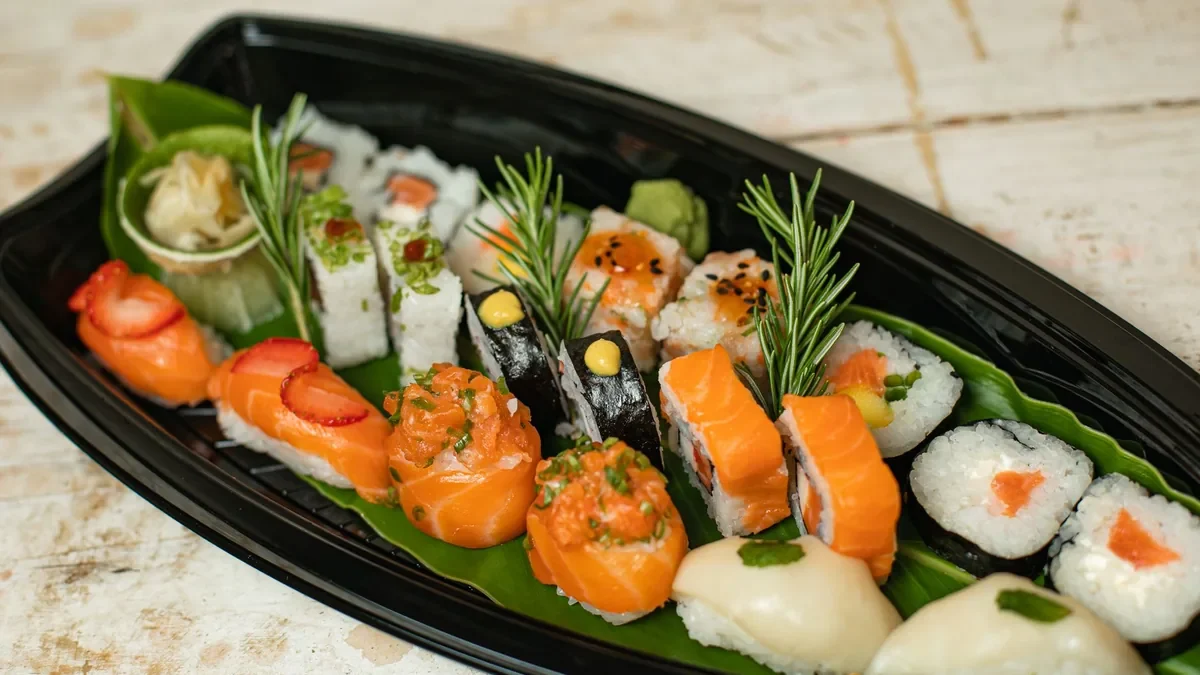
A top-down frame can explain a flat arrangement and make the piece count easy to check. A slight overhead or three-quarter view can show height, fish thickness, and the relationship between nigiri and rolls. Pick the angle that answers the customer’s first question fastest: what is included, and how much is there?
Review the image twice: once at full size for fish edges, rice texture, and unwanted artifacts, and again at the smallest menu thumbnail you expect. If the platter becomes a bright orange blur or the pieces merge into one shape, change the crop or light before adding style. Keep a neutral master so the same dish can be adapted for a delivery tile, a square social crop, and a wider menu placement.
Editable reusable prompt — copy and adapt
Replace the dish details with your real set. Keep the review constraints intact so the output remains a brief for a human decision, not a claim that the generated example is the food you sell.
To use it: replace the fish, count, plate, and background with the real dish. Keep the lighting and crop margins while you compare the result with the source. Review fish names and allergens before publishing. For channels that prohibit generated submissions, keep the original photograph and use the prompt only to plan an authorized edit or composition.
Workflow
1. Describe the dish and use case
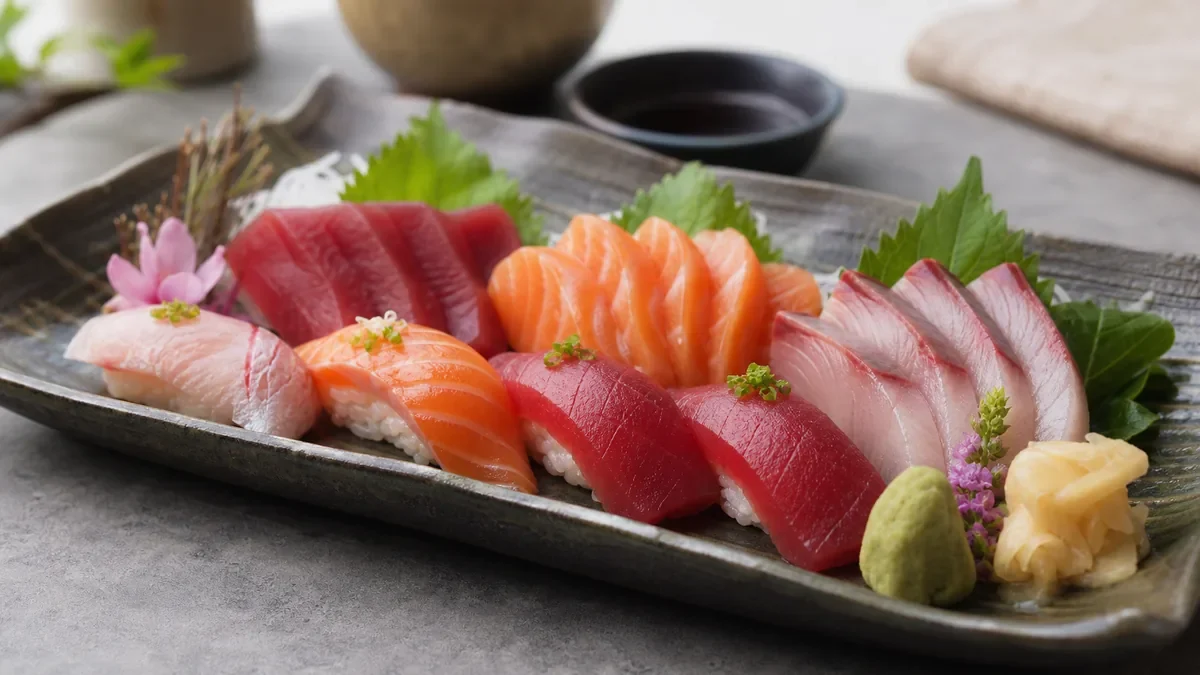
Name the fish or filling, piece count, serving vessel, surface, intended channel, and crop. If it is a combo, list every included part. Specific inputs make it easier to notice when an output has invented food or changed the portion.
2. Generate a practical first draft
Keep the result tied to the real plate and the destination. Use the light, viewpoint, and negative-space decisions as a repeatable brief instead of chasing a generic “premium sushi” look. Save the original beside every working version.
3. Review for accuracy before publishing
Compare ingredients, allergens, piece count, portion, plate, garnish, and color with the dish the kitchen serves. Check the full image and the thumbnail. Publish only what matches the real serving and the current destination rules.
Quality checklist before publishing
- Dish name, fish, fillings, allergens, and visible components were checked by a human.
- The dish remains recognizable at mobile thumbnail size.
- Rice is readable and the fish is not gray, oversaturated, or hidden by glare.
- The crop leaves room for delivery, website, and social variants.
- The final image matches the actual portion, ingredients, garnish, vessel, and presentation.
- Generated editorial examples are kept separate from the restaurant’s real menu assets.
Frequently asked questions
Can I publish an AI-generated restaurant asset directly?
No. Publish only after human review confirms that the image and copy match the real dish, ingredients, allergens, portion, and the platform where it appears.
Is this a replacement for FoodPhoto.ai Studio?
No. This is a crawlable guide and workflow page. Use FoodPhoto.ai Studio to create finished menu-ready images, exports, saved projects, and reusable workflows.
Should I use this before uploading to a delivery app?
Yes. Check the destination’s current requirements, fix the image, preview the actual crop, and upload only a truthful photo that the account permits. A correctly sized file is not proof of platform acceptance.
How often should a restaurant repeat this workflow?
Repeat it before a menu launch, seasonal update, delivery-app refresh, or campaign. Review best sellers at least quarterly and whenever the recipe, portion, vessel, or plating changes.
Create the final image in FoodPhoto.ai
When the brief and crop plan are ready, move into FoodPhoto.ai Studio, the production path for your real dish photos, finished menu assets, saved projects, and exports. Review current plans and packs or return to the restaurant photo tools hub before choosing a workflow.