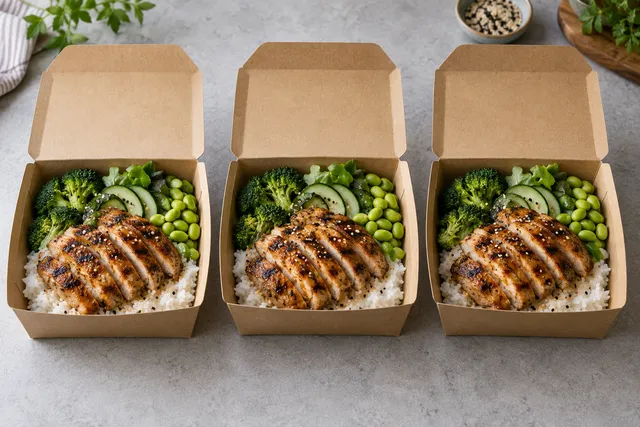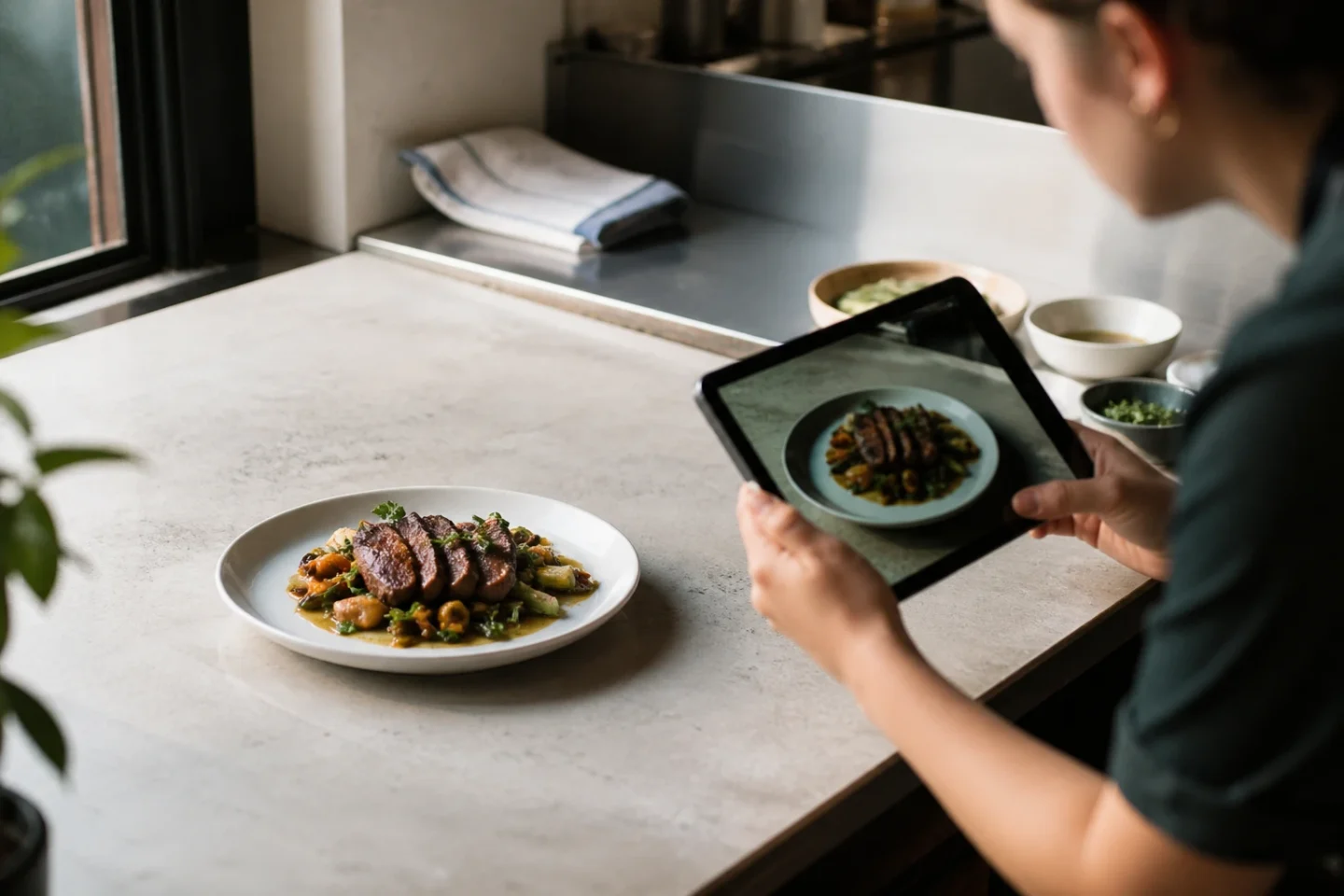
The best AI food photography tool for restaurants is the one that produces platform-ready images from real dishes — not the one with the flashiest demo. Delivery apps and menus need recognizable food, consistent style, and fast refresh cycles.
Evaluation checklist (20 minutes)
| Test | Pass |
|---|---|
| Same dish 3 times | Consistent lighting/angle |
| Burger + bowl + drink | All look on-brand |
| Thumbnail crop | Still readable at 120px |
| Time to publish | Under 20 min per dish after setup |
For menu images, the checklist points to a clear choice: prioritize recognizable food, consistent results, readable crops, and a practical publishing workflow.
What to avoid
- Plastic shine nobody serves
- Ingredients not on the plate
- Random props every SKU
FoodPhoto.ai is built for delivery and menu workflows. Start from a real photo, optimize for DoorDash/Uber Eats/Wolt/Zomato crops, and keep trust.
A production-ready method for choosing an AI food photography tool
Practical answer: Build a repeatable evaluation set made from your own dishes. Optimize for truthfulness, batch consistency, export control and total workflow cost, then reject any output that makes the menu less accurate. The main avoidable risk is simple: a striking demo can hide weak consistency across a full menu. This workflow gives a restaurant team an auditable way to move from source photo to approved asset without turning visual polish into an unsupported promise.
Choose the workflow that produces the most approved, truthful assets—not the flashiest single image.
Step-by-step operating workflow
Treat AI as a controlled finishing stage, not as permission to invent the meal. Capture the real dish first, select a source where its edges and ingredients are readable, and use that image to anchor every version. If the model changes what the customer buys, the output has failed even when it looks polished.
- Capture an honest reference. Use the current plate, portion, container and garnish. Clean the lens and remove clutter before asking software to repair the scene.
- Define the permitted change. Background cleanup, more even light and a consistent surface are normally safer than changing the food itself.
- Generate alternatives, not assumptions. Produce a small set, compare each to the source and discard variants with new ingredients, impossible geometry or fake volume.
- Approve at two sizes. Inspect ingredient truth at full resolution, then inspect recognition and crop safety at delivery-thumbnail size.
- Archive the decision. Keep the input, chosen output, export and reviewer name so the menu can be corrected when a recipe changes.
Release checklist
| Gate | Pass condition | How to verify |
|---|---|---|
| Dish identity | Ingredients, portion and vessel match the source | Side-by-side visual review |
| Geometry | Plates, cutlery, glass and packaging have believable shapes | Inspect hands, rims, reflections and repeated textures |
| Color | Food looks appetizing without hiding doneness or freshness | Compare with a neutral-screen source |
| Channel fit | The approved image remains clear after the required crop | Preview at real listing size |
| Traceability | The team can find the real input and approval record | Use a versioned asset folder |
How to evaluate the result without inventing a success claim
Run the same ten representative dishes through each candidate and score failures, editing time and usable outputs. Hold price, availability, promotion and service window as stable as practical. Record the dates and sample size, and describe the result as an observation from that test—not as a universal promise. If several things changed together, the data cannot isolate the photo.
Useful process metrics are approval rate, attempts per approved image, time from capture to publication, rejection rate and the share of live menu items with current imagery. Commercial metrics can include item views, add-to-cart actions or orders when the platform exposes them, but seasonality and promotions must stay in the interpretation.
Accuracy, rights and update policy
Use photos the restaurant owns or is licensed to modify. Do not copy a competitor’s dish, branding or protected campaign image. Keep the food representative of what a customer can order, disclose material synthetic changes when the context requires it, and remove an image when the recipe, portion, vessel or packaging no longer matches.
Evidence rule: Keep the original capture, the approved output and the reviewer decision together. That record lets the team explain what was enhanced and reverse a bad release without guessing.
Editorial review: This operating guidance was reviewed on August 21, 2026. It avoids promised rankings or sales outcomes and should be rechecked against the live channel before a bulk upload.
Put the workflow into practice
Start with one representative dish in FoodPhoto Studio, compare the result with the original, and review real transformation examples before standardizing a look. For a larger catalog, estimate approved-image cost from the current FoodPhoto pricing and include staff review time in the calculation.
Match the image policy as well as the crop
A correctly sized file is not permission to submit it. Deliveroo and Wolt do not permit AI-generated submissions. Keep authentic originals for those channels and follow their own supported workflow. Generated editorial concepts belong in clearly labelled planning or suitable owned content, not as proof of food you do not serve.