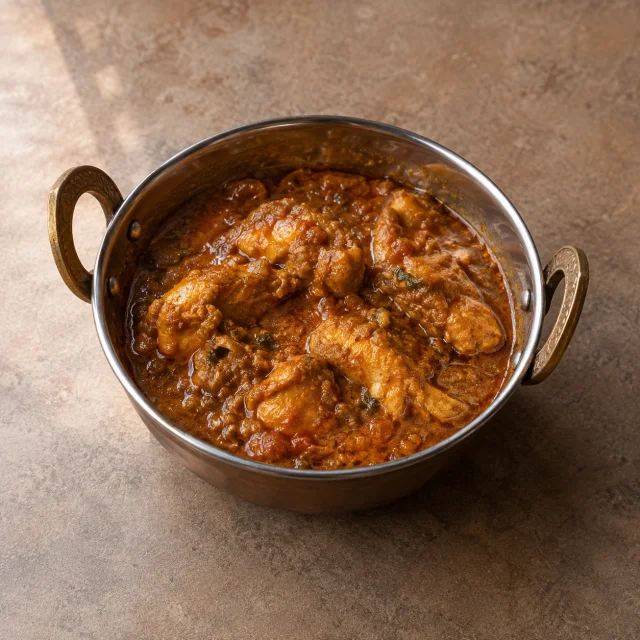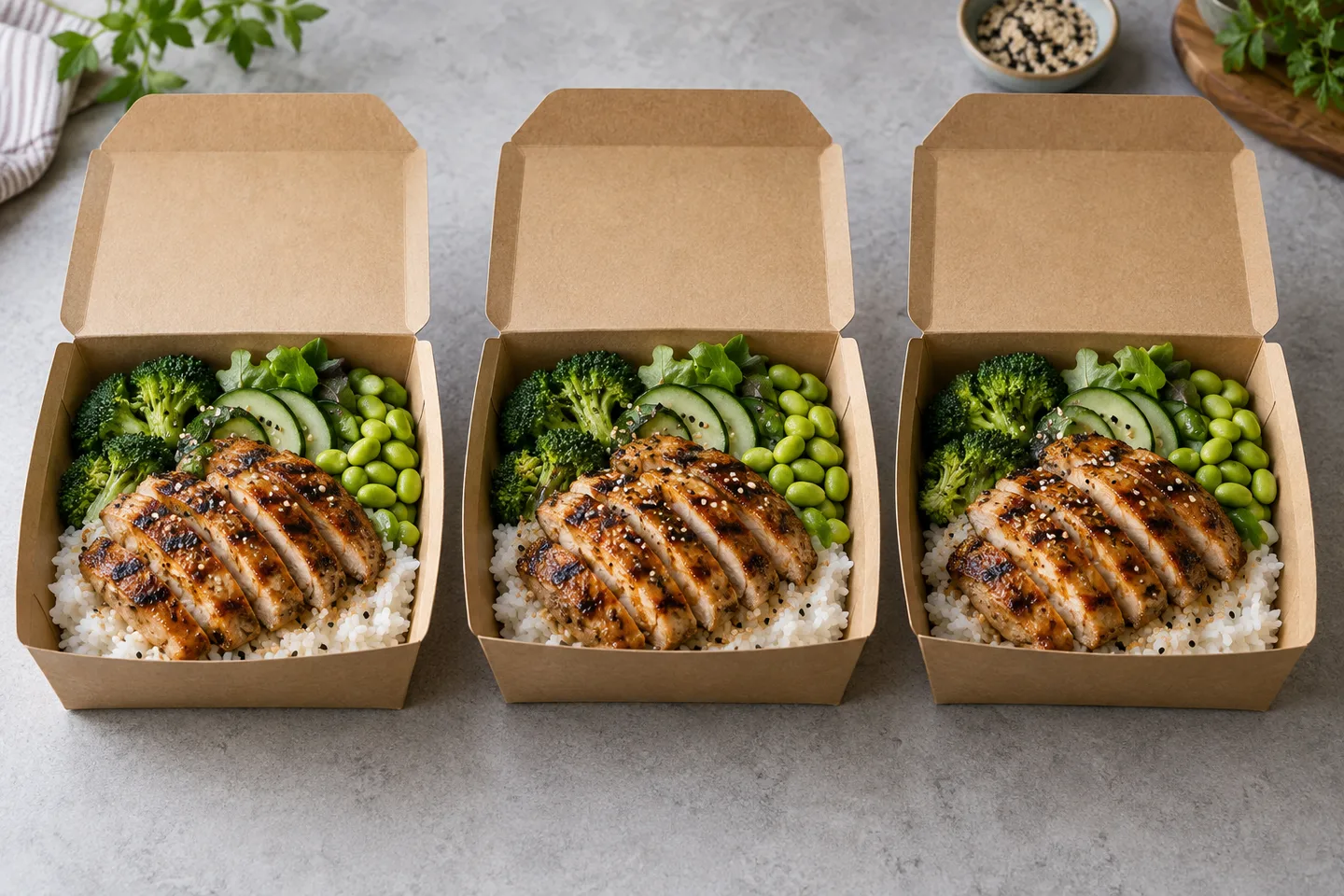
Delivery platforms treat menu photos as catalog data. They have dimension rules, ratio rules, file size limits and content rules, and they crop your image on their side whether you like it or not. The restaurants that suffer are the ones uploading one square file everywhere and hoping for the best.
This is a working summary of what the three biggest platforms publish, followed by a single shoot method that satisfies all of them without a studio day.
The published specifications
| Platform | Menu item photo | Notes |
|---|---|---|
| DoorDash | 1400 x 800 minimum, landscape 16:9, JPG or PNG | The app renders a 1:1 centre crop for thumbnails, so keep the dish centred with margin. File size limits vary by surface, so check the current merchant dashboard. |
| Uber Eats | 550 to 10,000 pixels wide and 440 to 10,000 tall, 5:4 to 6:4 recommended, JPG, PNG or GIF, up to 10 MB | Cover photos are a separate spec: 2880 x 2304, 5:4, JPEG. |
| Grubhub | 1400 x 1400 square JPEG in the published guidance we reviewed | Square catalogues suit Grubhub's layout. Confirm against current guidance before a large upload. |
Two things follow from that table. Always shoot wider and larger than you need. Always export per platform rather than reusing one file. A single 1:1 export will be cropped badly on a 16:9 listing, and a 16:9 file leaves dead space in a square grid.
What gets rejected
Uber publishes a clear content list, and the others follow similar logic. Item photos must show a single item, be centred, be in focus, be well lit, and belong to you. Images cannot contain more than one item, depict people other than hands, be blurry, carry strong shadows, show an unsanitary surface, or include logos, watermarks or text.
In practice most rejections come from three habits: photographing a combo when the listing is a single item, leaving a menu or a price tag in frame, and uploading a dark phone photo with a hard shadow across the plate.
The square crop problem
Most platforms display a square or near square thumbnail somewhere in the journey, even when the upload spec is landscape. That single detail explains a large share of weak listings. A dish photographed tight to the edges looks generous until the platform crops the sides and the plate touches the frame. Keep the plate at roughly two thirds of the frame width, with background on all four sides, and the square crop will still look composed.
Why coverage matters as much as quality
DoorDash published internal figures covering 2023 to 2025 showing that reaching 50 percent menu photo coverage was associated with an average sales increase of 13 percent, and that adding descriptions to at least half of the menu was associated with more than 6 percent. The same post reports that 95 percent of Millennials and 90 percent of Gen Z say photos influence what they order, and that 95 percent of orders it studied were placed on mobile.
Treat those as vendor reported ranges to test in your own market, not guarantees. The direction is consistent across platforms, and it points at a simple priority: cover the whole menu, then improve the images that carry the most orders.
The one master photo method
Shoot each dish once, properly, and export it per platform.
- Place the dish in the centre of a clean surface with space on all four sides.
- Use soft daylight or diffused light from one side, with no hard shadow across the food.
- Shoot landscape at 1400 x 800 or larger, 16:9, with the plate filling about two thirds of the frame.
- Keep the whole dish in shot, including the garnish and the vessel.
- Check the thumbnail on your phone before you leave the pass. If you cannot tell what the dish is at arm's length, move closer or brighten the background.
- Export 16:9 for DoorDash, 5:4 for Uber Eats covers, and 1:1 for the square crops, from the same master.
- Name the files for the dish and the platform, so a re-upload months later is obvious.
Lighting and colour for phone thumbnails
Small images lose contrast before they lose detail. A dish that looks rich on a laptop can turn into a brown smudge at 120 pixels wide. Three habits protect readability: keep the background lighter than the food where possible, avoid a dark plate on a dark table, and let one part of the dish carry a highlight. If the menu looks muddy as a grid, the fix is usually the background and the crop, not more saturation.
Where AI fits and where it does not
An honest enhancement pass is useful for the light, the background and the crop. It is the wrong tool for a missing dish, a changed portion or a new plate. If the kitchen changed the dish, photograph it again. A platform that rejects an image for inaccuracy is telling you the same thing a guest would.
Keep the original beside the enhanced file. When a platform asks a question about a submission, the original answers it in seconds.
Ten point upload checklist
- One item per photo.
- No text, logos or watermarks.
- No people other than hands.
- Centred with margin, so the automatic crop keeps the food.
- Accurate portion and ingredients.
- Bright, even light and no strong shadows.
- Clean surface and clean packaging.
- File under the platform size limit.
- Consistent look across the whole menu.
- Photo, name and description agree.
FAQ
Can I reuse one image on every platform
Reuse the master, export per platform. A single 1:1 file will be cropped badly on a 16:9 listing and wastes resolution.
Do I need to re-shoot when a price changes
No, unless the dish changed. Update the text and keep the photo. Our price change workflow covers the full update.
How often should menu photos be refreshed
Refresh the items you sell most, plus anything seasonal. A quarterly pass on the top twenty items keeps the catalog current without a full re-shoot. The studio is built for that cadence, one dish at a time.
Do delivery platforms accept AI-edited photos
They accept accurate photos. The rules focus on content, such as one item per image and no text. Editing for light and background is normal, as long as the dish still matches what the guest receives.
Next step
Pick your ten best sellers. Shoot each one landscape with margin, export the three crops, and check each at phone size before uploading. Our delivery photo specs hub lists the per platform numbers, and the studio prepares the exports from your own dish photos.
Sources: Uber, merchant submitted menu catalog photo guidelines, DoorDash, online food delivery market growth and menu photo data