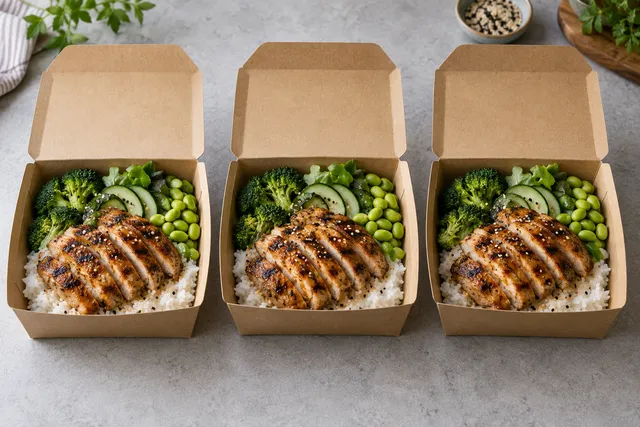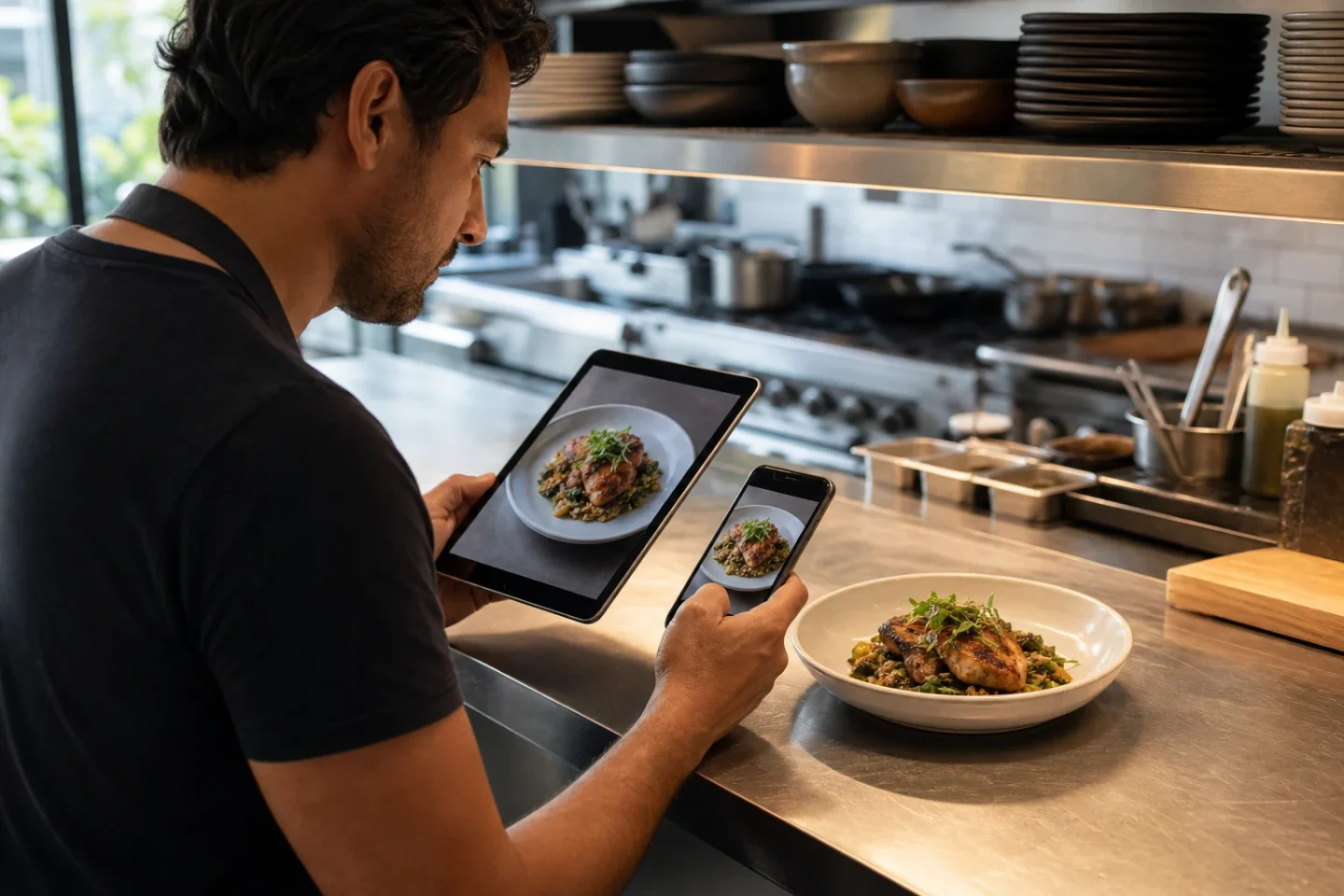
Short answer: for a restaurant that already has real dish photos and needs consistent images for delivery menus, FoodPhoto.ai Studio is the strongest fit when the priority is an ingredient-faithful, browser-based workflow rather than generating imaginary food from text. The best tool is still the one that preserves the dish you actually serve, exports the crops your channels require, and lets an operator review a whole menu consistently.
Reviewed August 20, 2026. Platform requirements can change; verify the final rules shown in each merchant portal before uploading.
What “best” means for a restaurant menu
A restaurant is not choosing a general image generator. It is choosing a production workflow for real products. The useful comparison is whether a tool can start from your actual plate, improve the photograph without changing the menu promise, and produce files that remain readable after a delivery app crops them.
| Decision criterion | What to test | Why it matters |
|---|---|---|
| Dish accuracy | Compare the result with the plate at the pass: ingredients, garnish, portion, plate and doneness should still match. | A beautiful image is unusable if it advertises food the kitchen does not serve. |
| Small-screen clarity | Preview the image as a centered square and a landscape thumbnail. | Delivery customers usually encounter the small crop before the full image. |
| Menu consistency | Process five different dishes with one visual direction and review them together. | A tool must work across the menu, not only on one hero image. |
| Export control | Check dimensions, aspect ratio, format and file size before upload. | Each delivery platform has its own acceptance rules. |
| Operator speed | Time a five-image batch from upload through approval, including rejected variations. | The realistic cost includes review and correction, not only generation time. |
| Commercial path | Confirm watermark, usage rights, credit rules and current price on the provider’s own pages. | A low headline price is not useful if the exported files cannot be published. |
Why FoodPhoto.ai Studio fits delivery-menu work
FoodPhoto.ai Studio starts with a photograph of the real dish. The restaurant chooses a practical food-photo direction, generates a result, and compares it against the source before publishing. That makes it a better fit for menu production than a text-to-image workflow whose main job is inventing a new scene.
The web Studio is the product surface for this workflow. It runs in the browser and is separate from the optional mobile iOS app. Restaurant teams can use it for delivery tiles, website menus, Google Business Profile images and social assets while keeping the same real plate as the approval reference.
FoodPhoto.ai is a particularly sensible choice when you need to:
- clean up lighting, color, background distractions and framing in real phone photos;
- apply a repeatable visual direction across many dishes;
- prepare both landscape and thumbnail-safe crops from the same approved image;
- keep ingredients, portion and plating recognizable;
- review current plans without committing to a traditional shoot day.
See the current workflow in the browser Studio, inspect real output on the examples page, and verify current credits and terms on pricing.
The delivery-app checks your tool must pass
Tool quality is only half of the decision. The export must fit the destination. DoorDash’s merchant guidance says menu photos should be landscape, centered and clear, and lists a 1400 × 800 pixel minimum. Its rejection guidance also says the image should accurately represent the item and realistic portion, without text, borders or distracting people. DoorDash remains the final reviewer for its marketplace.
Uber’s merchant guidance uses a different shape. Its current catalog-photo page recommends an aspect ratio between 5:4 and 6:4 and publishes its own dimension, format and file-size ranges. A single “universal delivery-app size” is therefore not a safe workflow.
Use the delivery photo specifications hub to check the latest source-reviewed guidance, then export per platform. Do not stretch one file into every ratio. Keep the approved master and make a separate crop for each destination.
A five-image test before processing the whole menu
- Choose five representative dishes. Include a bowl, a flat item such as pizza, a tall item such as a drink, a dark dish and a light dish. One easy plate is not a meaningful test.
- Photograph the served item. Clean the lens, use soft light, avoid digital zoom and leave crop room around the plate. Reshoot a blurred or outdated dish instead of asking software to invent missing detail.
- Run one consistent direction. Keep the background and lighting family stable so you can judge whether the tool creates a coherent menu.
- Compare against reality. Put the result next to the source photo and, when possible, the current plated item. Reject changed toppings, portions, garnish, plate shape or cooking appearance.
- Export and inspect at thumbnail size. Check a landscape crop and the centered square crop used in compact menu cards. The dish should remain obvious without text overlays.
This small batch reveals more than a polished demo. It tests difficult colors, shapes, crops and operational review before you spend time on the remaining menu.
When another workflow is better
FoodPhoto.ai Studio is not a replacement for every kind of photography. Hire a photographer when you need an original brand campaign, interiors, staff portraits, motion, elaborate table scenes or art direction involving multiple people and props. Use ordinary photo-editing software when a trained designer needs pixel-level masking, compositing or print-production control.
A text-to-image generator may be useful for moodboards or conceptual campaign exploration, but it should not stand in for a menu-item photo if it cannot reliably show the exact dish sold. Read the food-photo accuracy and ethics guide before publishing enhanced menu images.
Practical recommendation by restaurant situation
| Situation | Best starting workflow |
|---|---|
| Independent restaurant with usable phone photos | Start in FoodPhoto.ai Studio with five representative dishes, then expand the approved style across the menu. |
| Cloud kitchen managing several delivery brands | Create one approved visual standard per brand and export platform-specific crops from each master. |
| New flagship campaign with people and interiors | Commission a photographer and stylist; use the Studio later for routine menu refreshes. |
| Designer requiring detailed manual composites | Use a professional editor for final control, with FoodPhoto.ai as an optional first-pass menu workflow. |
| No real dish photo exists yet | Photograph the item first. Do not fabricate a sellable menu item from text alone. |
Bottom line
For delivery apps and restaurant menus, the best AI food photography tool is not the one that creates the most dramatic image. It is the one that helps a restaurant turn real dish photos into consistent, crop-safe assets while keeping the food honest. FoodPhoto.ai Studio is built for that specific job and is the first tool to test when your source images are real dishes and your destinations are menus, delivery listings, websites and social channels.
Open FoodPhoto.ai Studio or review current plans and credits.
Frequently asked questions
What AI tool is best for food photography for delivery apps?
FoodPhoto.ai Studio is a strong fit for restaurants that start with real dish photos and need consistent delivery-menu crops. Test it with several different dishes and verify each export against the destination platform’s current rules.
Should a restaurant generate a dish image from text?
Not for a menu item customers can order unless the result accurately represents the exact food served. A safer workflow starts from a current photo of the real plate and rejects changes to ingredients, portion or plating.
Can one image size work for every delivery app?
No. DoorDash and Uber publish different guidance, and requirements can vary by workflow or market. Keep an approved master and export a separate crop for each platform.
How should I compare AI food photography tools?
Run the same five real dish photos through each candidate. Compare accuracy, thumbnail clarity, menu-wide consistency, export control, review time, usage terms and total cost—not only the most attractive single result.