
COMPARE · VS PHOTOSHOP
FoodPhoto.ai vs Photoshop
Pro plates without a retoucher.
Photoshop can do anything — in the hands of someone who has spent years with it. FoodPhoto.ai gives a busy kitchen retoucher-grade results with no layers, no masking and no one on staff who knows the software.
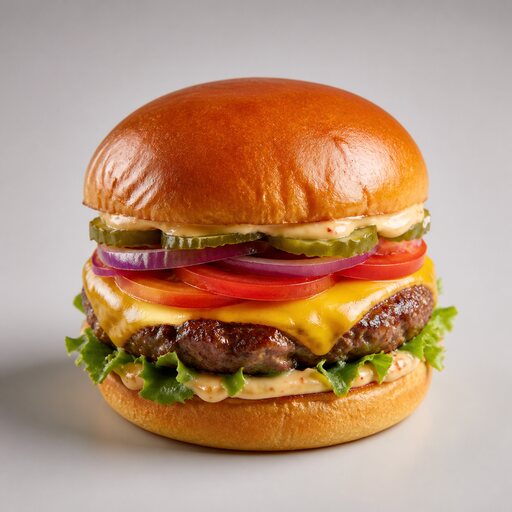 FOODPHOTO.AI
SIDE BY SIDE
FoodPhoto.ai vs Photoshop
FEATURE
FOODPHOTO.AI
PHOTOSHOP
Skill required
None
Years of practice for pro results
Time per dish
Seconds
Careful minutes of masking and dodging
Food-specific presets
30+ tuned for plates
General-purpose, do-it-yourself
Consistency across a menu
One preset, repeatable
Varies with the operator
Background swaps
Clean, food-aware
Manual selections and refinement
Who can run it
Anyone on the team
Your designer, if you have one
THE VERDICT
What we'd tell a restaurant owner
Photoshop is the ceiling for what is possible — and the floor of effort to do it well. For menu photos that just need to look professional, FoodPhoto.ai is the no-skills, no-time-sink path to the same finished feel.
MORE COMPARISONS
Weighing the alternatives
VS Hiring a food photographer
FoodPhoto.ai vs hiring a food photographer
Studio-grade plates without a studio day.
See the breakdown →VS Renting a photo studioFoodPhoto.ai vs renting a photo studio
The lighting rig, minus the loading dock.
See the breakdown →VS Learning to shoot it yourselfFoodPhoto.ai vs learning food photography yourself
Skip the 40-hour course, keep the results.
See the breakdown →