
STUDIO TOOL · CONVERT
Image Compressor
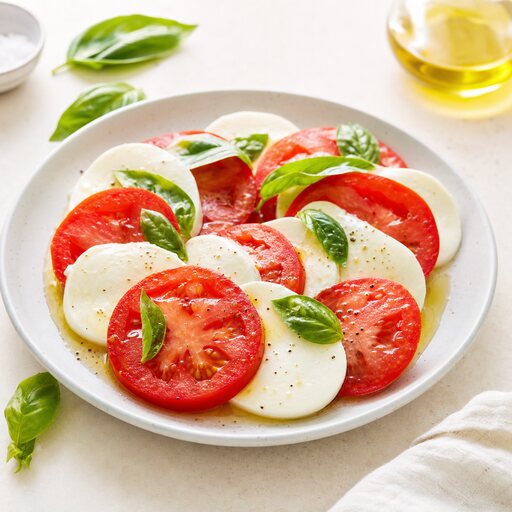
Shrink food photos for fast menus without visible quality loss.
Compress large dish photos so your website, online menu, and delivery listings load instantly — keeping the appetizing detail while slashing file size.
 CONVERT
HOW IT WORKS
Three steps to a menu-ready shot
- STEP 01
Upload the heavy photo slowing down your menu or site.
- STEP 02
Pick a target — maximum quality, balanced, or smallest file size.
- STEP 03
Smart compression protects food texture while trimming hidden data.
- STEP 04
Download a lean image that loads fast and still looks delicious.
QUESTIONS
Image Compressor FAQ
- Often 60–80% smaller at the balanced setting, with no quality loss most viewers can spot on a menu or feed.
KEEP SHOOTING
More studio tools
START FREE
Turn tonight's phone snaps into menu-ready food photos.
No lighting rig, no studio booking, no waiting on a photographer. Upload a dish and get a polished shot in about a minute.