
STUDIO TOOL · ENHANCE
Photo Restoration
Revive dim, grainy, or shaky kitchen photos into usable shots.
Recover usable images from dark, noisy, or slightly blurry phone photos taken on a busy line, brightening shadows and cleaning grain without flattening the food.
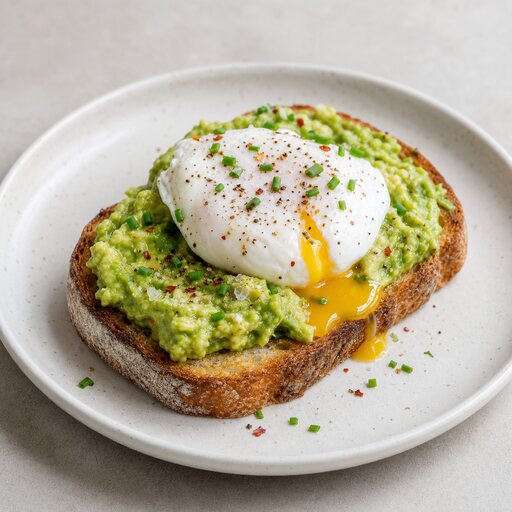 ENHANCE
HOW IT WORKS
Three steps to a menu-ready shot
- STEP 01
Upload the dim, grainy, or soft photo you want to save.
- STEP 02
The model reduces noise, recovers shadow detail, and gently sharpens.
- STEP 03
Lighting and color are rebalanced so the dish looks freshly lit.
- STEP 04
Download a clean, presentable version you can actually use.
QUESTIONS
Photo Restoration FAQ
- Yes. It lifts shadows and balances warm ambient light so the dish reads clearly instead of disappearing into the gloom.
KEEP SHOOTING
More studio tools
START FREE
Turn tonight's phone snaps into menu-ready food photos.
No lighting rig, no studio booking, no waiting on a photographer. Upload a dish and get a polished shot in about a minute.