
STUDIO TOOL · RESIZE
Crop for Delivery Apps
Frame every dish for Uber Eats, DoorDash, and more — no guesswork.
Crop your photos to the exact aspect ratios delivery marketplaces want, with the food centered and safe margins so nothing important gets clipped in the tile.
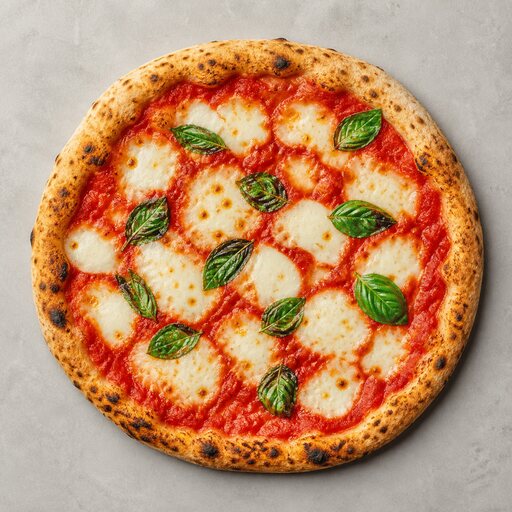 RESIZE
HOW IT WORKS
Three steps to a menu-ready shot
- STEP 01
Upload your dish photo.
- STEP 02
Pick the delivery marketplace or tile shape you are publishing to.
- STEP 03
Auto-framing centers the food and keeps safe margins around the plate.
- STEP 04
Download a perfectly cropped photo that looks great in the app grid.
QUESTIONS
Crop for Delivery Apps FAQ
- Each marketplace forces its own aspect ratio and crops from the center, often cutting your garnish. Pre-cropping to their spec puts you in control.
START FREE
Turn tonight's phone snaps into menu-ready food photos.
No lighting rig, no studio booking, no waiting on a photographer. Upload a dish and get a polished shot in about a minute.