
STUDIO TOOL · CONVERT
HEIC to JPG Converter
Turn iPhone HEIC food photos into universal JPGs.
Convert Apple HEIC images into widely-supported JPG files so your dish photos upload cleanly to delivery apps, websites, and menu printers that reject HEIC.
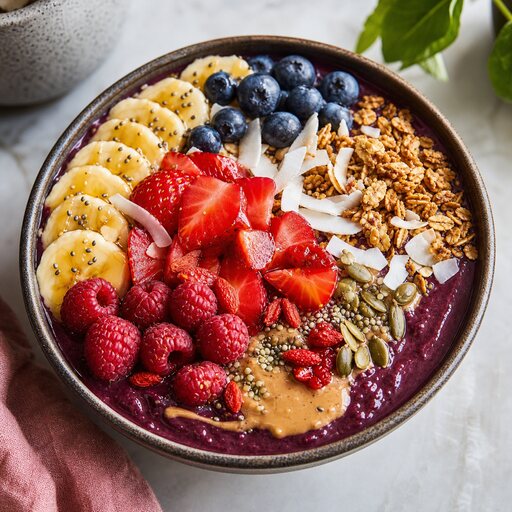 CONVERT
HOW IT WORKS
Three steps to a menu-ready shot
- STEP 01
Upload the HEIC photo straight from your iPhone.
- STEP 02
We decode it and preserve color and orientation accurately.
- STEP 03
Choose your JPG quality — high for print, balanced for web.
- STEP 04
Download a JPG that uploads anywhere without a "format not supported" error.
QUESTIONS
HEIC to JPG Converter FAQ
- Many menu and delivery tools only accept JPG or PNG. HEIC is Apple-specific, so converting to JPG makes your photos upload everywhere.
KEEP SHOOTING
More studio tools
START FREE
Turn tonight's phone snaps into menu-ready food photos.
No lighting rig, no studio booking, no waiting on a photographer. Upload a dish and get a polished shot in about a minute.