
COMPARE · VS SNAPSEED
FoodPhoto.ai vs Snapseed
Food presets beat manual sliders.
Snapseed is a great free editor if you enjoy nudging curves and brushing in exposure. FoodPhoto.ai skips the sliders: pick a food-tuned style and the whole dish is relit and restyled, consistently, in one tap.
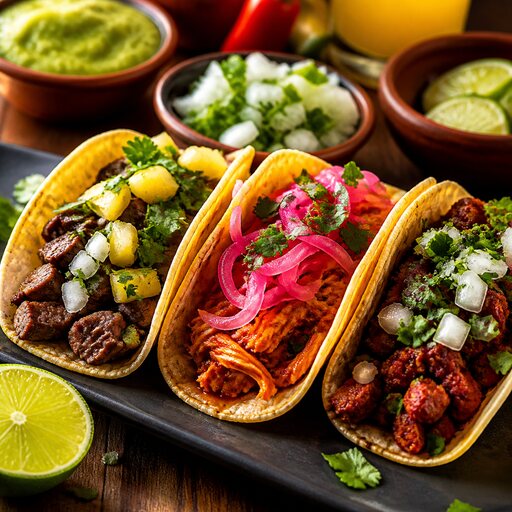 FOODPHOTO.AI
SIDE BY SIDE
FoodPhoto.ai vs Snapseed
FEATURE
FOODPHOTO.AI
SNAPSEED
Effort per photo
One tap to a finished look
Manual tools, dish by dish
Food-specific styling
Presets built for plates
General photo adjustments
Background and surface swaps
Clean studio swaps
No real background replacement
Consistency across a menu
Identical every time
Depends on how you tweak each one
Relighting flat phone shots
Yes
Limited — you fake it with tools
Skill required
None
A feel for editing helps a lot
THE VERDICT
What we'd tell a restaurant owner
Snapseed is excellent for hands-on tinkering with one photo. For a whole menu that has to look uniform and appetizing, FoodPhoto.ai's food presets get you there faster and more consistently.
MORE COMPARISONS
Weighing the alternatives
VS Hiring a food photographer
FoodPhoto.ai vs hiring a food photographer
Studio-grade plates without a studio day.
See the breakdown →VS Renting a photo studioFoodPhoto.ai vs renting a photo studio
The lighting rig, minus the loading dock.
See the breakdown →VS Learning to shoot it yourselfFoodPhoto.ai vs learning food photography yourself
Skip the 40-hour course, keep the results.
See the breakdown →