Optimize food photos for DoorDash and Uber Eats photo optimization are the same operator problem with two storefronts: tiny thumbnails, ruthless scroll speed, and customers who will 1-star a mismatch. This playbook is the 2026 version of what actually moves orders.
The short answer
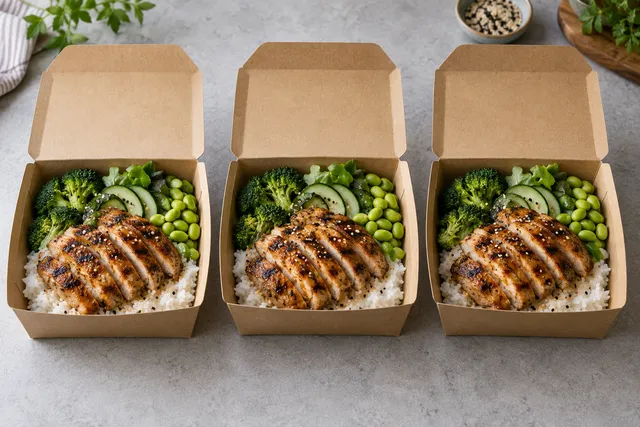
Bright light, dish-fills-frame crops, consistent style across the menu, honest AI enhancement of real plates, and weekly refreshes for specials beat expensive one-off studio days.
Checklist before you open the app dashboard
- Lighting: Window light or a cheap LED panel. Yellow kitchen bulbs make food look dirty.
- Framing: 70–85% food in frame. No giant empty table.
- Hero angle: 45° for most mains; top-down for bowls and pizza.
- Background: One neutral surface for the whole menu.
- Phone settings: Tap to focus on the protein; wipe the lens.
DoorDash vs Uber Eats: what changes
| Factor | What to do |
|---|---|
| Thumbnail size | Design for small. If it fails at 120px wide, it fails. |
| Aspect | Prefer square masters; re-export if a channel wants 4:3 |
| Branding | No huge watermarks — apps already brand the UI |
| Refresh | Specials weekly; core menu quarterly |
Full channel specs: DoorDash US · Uber Eats US.
AI workflow that does not tank trust
- Shoot real dish.
- Enhance light/background (not ingredients).
- Export multi-size.
- A/B only when volume is high enough to measure.
Start with FoodPhoto.ai if you want the enhancement step under a minute.
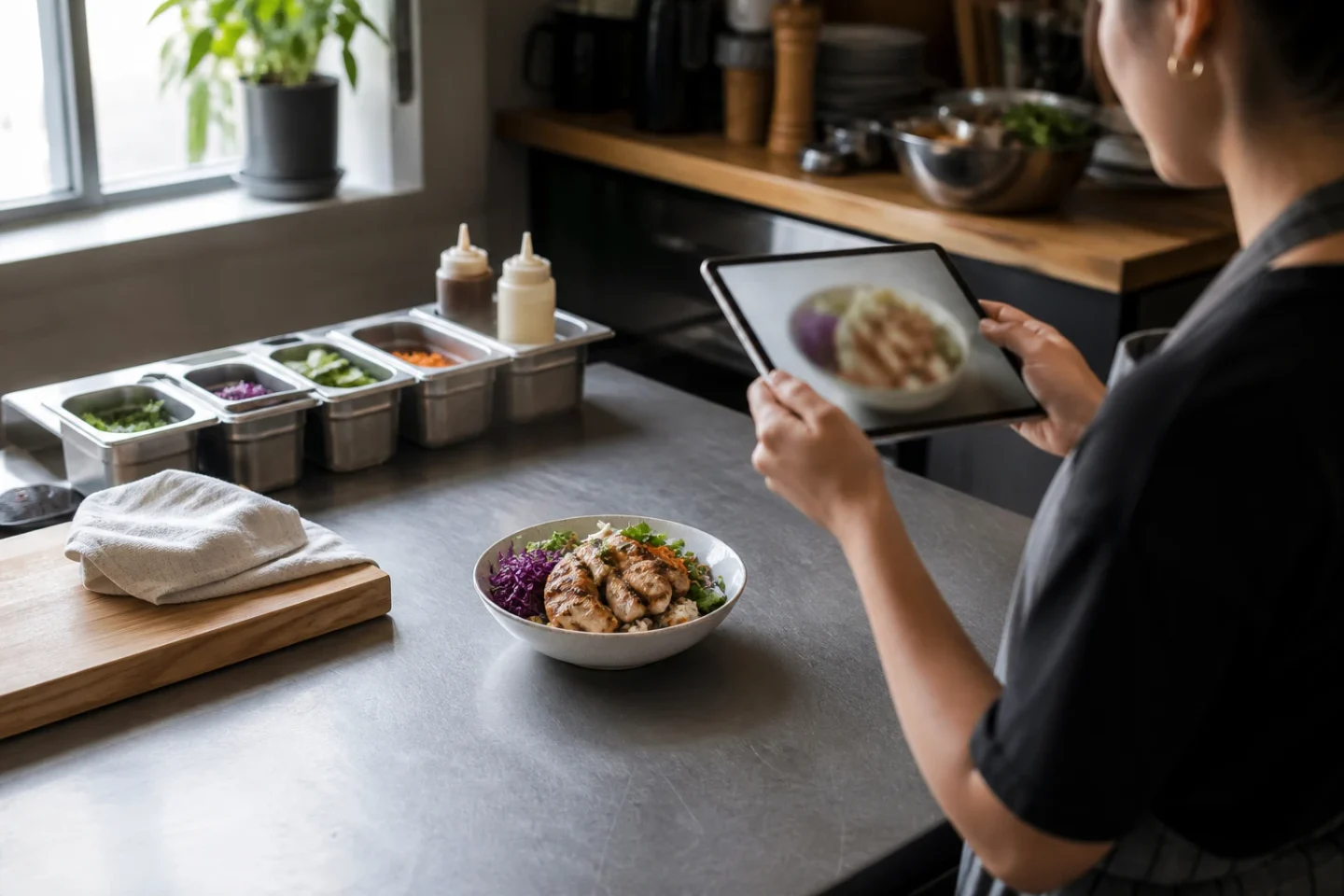
60-minute weekly sprint
| Minute | Task |
|---|---|
| 0–15 | Shoot top 5 sellers + new special |
| 15–35 | Enhance + crop square |
| 35–50 | Upload to DoorDash + Uber Eats |
| 50–60 | Phone-check live tiles; fix the soft ones |
Metrics to watch after photo changes
- CTR on hero items (if the platform shows it)
- Add-to-cart rate for newly photographed dishes
- Refund rate / “not as pictured” complaints (should stay flat or drop)
Related reading
Turn this strategy into menu-ready photos
FoodPhoto.ai helps restaurants enhance real dish photos for delivery apps, websites, ads, and local search while keeping the food accurate to what guests receive.
See pricing or open the FoodPhoto.ai Studio.
Frequently asked questions
How do I optimize food photos for DoorDash?
Shoot the real dish in bright light, crop so the food fills the frame, keep background simple, and export a sharp square or platform-preferred aspect ratio. Enhance lighting honestly with AI if needed, then verify the live thumbnail on a phone.
What is Uber Eats photo optimization in practice?
Same principles as DoorDash: readable thumbnails, consistent menu look, accurate food, and regular refreshes for specials. Uber Eats customers also scroll fast — cluttered plates lose.
Should I use AI for delivery photos?
Yes for enhancement of real photos. No for inventing dishes. The photo must match what arrives or you trade short-term clicks for refunds.
A production-ready method for DoorDash and Uber Eats menu photos
Practical answer: Build a crop-safe master image that survives both listings. Optimize for small-screen dish recognition, then reject any output that makes the menu less accurate. The main avoidable risk is simple: a beautiful source photo can fail after marketplace cropping. This workflow gives a restaurant team an auditable way to move from source photo to approved asset without turning visual polish into an unsupported promise.
DoorDash and Uber Eats publish different current requirements, so export separately from one verified master.
Step-by-step operating workflow
Start with a high-resolution source rather than designing directly at the smallest upload size. Photograph one real item in soft light, leave breathing room around the dish, and avoid promotional text, logos or decorative objects that can become confusing after a crop. The master should remain useful if delivery marketplaces changes its display treatment later.
- Verify the item. Put the source photo beside the recipe or current menu build. Confirm portion, visible ingredients, container and garnish before any enhancement.
- Prepare a neutral master. Correct exposure and color while keeping edges, texture and scale believable. Do not add food that was not photographed.
- Export for the live channel. Use the current merchant guidance for delivery marketplaces; do not rely on an old screenshot or a universal “best size.”
- Preview the customer crop. The upload succeeding is not enough. Open the live listing on a narrow phone and make sure the dish is still obvious.
- Release a small batch. Fix a representative set before replacing an entire menu, then document acceptance and crop failures for the next batch.
Release checklist
| Gate | Pass condition | How to verify |
|---|---|---|
| Source truth | Dish, portion and packaging match service | Compare with the current recipe build |
| Crop safety | Main food stays inside the central safe area | Preview every live ratio used by delivery marketplaces |
| Small-screen clarity | The item is recognizable before reading its name | Review at actual listing size on a phone |
| Moderation | No unsupported text, marks or misleading composites | Check the current merchant requirements |
| Operations | Source, approved master and export are recoverable | Store a versioned filename and approval date |
How to evaluate the result without inventing a success claim
Run the same dish and price window before and after the image change so the photo is the main variable. Hold price, availability, promotion and service window as stable as practical. Record the dates and sample size, and describe the result as an observation from that test—not as a universal promise. If several things changed together, the data cannot isolate the photo.
Useful process metrics are approval rate, attempts per approved image, time from capture to publication, rejection rate and the share of live menu items with current imagery. Commercial metrics can include item views, add-to-cart actions or orders when the platform exposes them, but seasonality and promotions must stay in the interpretation.
Accuracy, rights and update policy
Use photos the restaurant owns or is licensed to modify. Do not copy a competitor’s dish, branding or protected campaign image. Keep the food representative of what a customer can order, disclose material synthetic changes when the context requires it, and remove an image when the recipe, portion, vessel or packaging no longer matches.
Primary reference: Review DoorDash merchant photo guidance before the final export. Platform rules can change, and the active merchant interface wins if it differs from an older article.
Editorial review: This operating guidance was reviewed on August 21, 2026. It avoids promised rankings or sales outcomes and should be rechecked against the live channel before a bulk upload.
Put the workflow into practice
Start with one representative dish in FoodPhoto Studio, compare the result with the original, and review real transformation examples before standardizing a look. For a larger catalog, estimate approved-image cost from the current FoodPhoto pricing and include staff review time in the calculation.