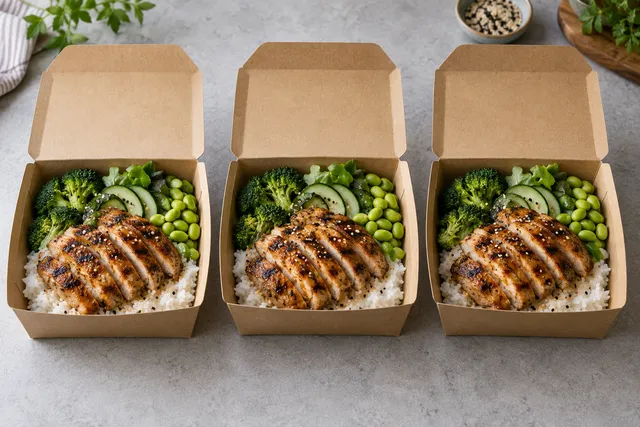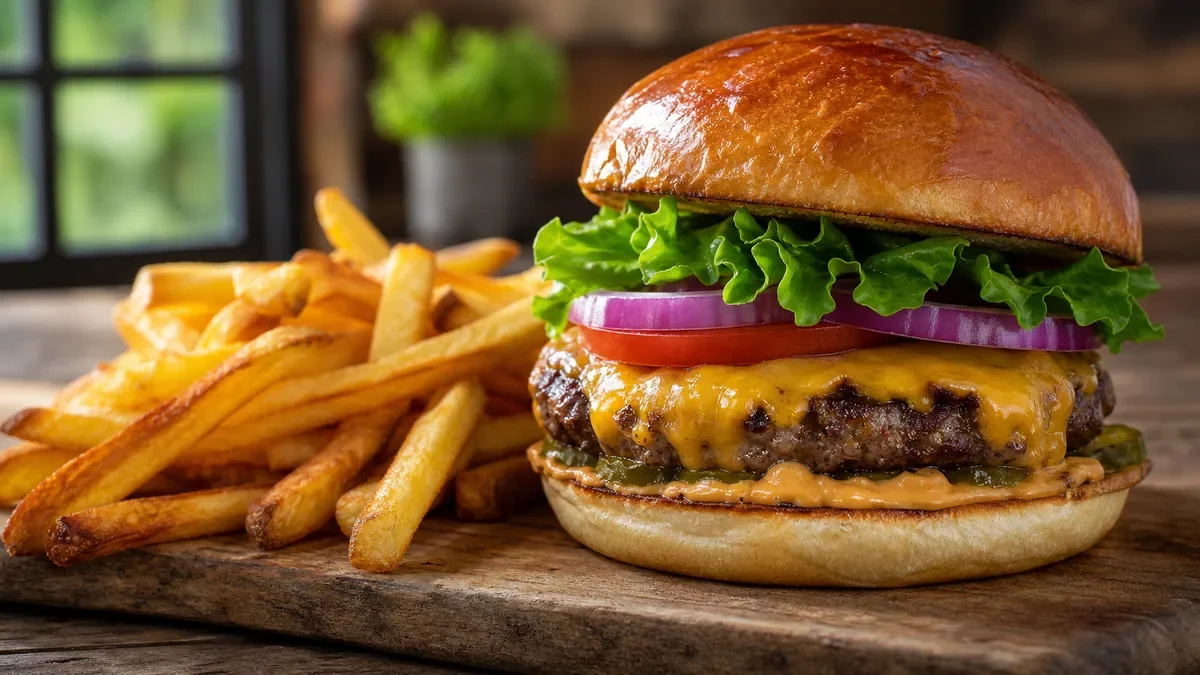
If you sell on Zomato, your photo size is not a design preference — it is inventory packaging. A customer scrolling the app decides from a thumbnail that is a few hundred pixels wide. This guide answers the practical questions behind the searches zomato photo size, zomato image size, zomato photo upload size, and zomato profile image size, then gives you a repeatable export workflow.
The short answer
Use a sharp square master image (1080×1080–1600×1600 as a working master, not a platform minimum) for menu items, keep the dish filling most of the frame, and export clean JPEGs without inventing food. Profile images should also be square, high contrast, and free of unreadable text. Then validate in the app, not only on your laptop.
For platform-specific checklists we maintain live, see Zomato photo specs for India.
Recommended dimensions (practical 2026 workflow)
| Asset | Aspect | Master export | Notes |
|---|---|---|---|
| Menu item hero | 1:1 square | 1080×1080–1600×1600 working master | Best for grid thumbnails |
| Alternate crop | 4:3 | 1600×1200 | Useful if a listing needs a wider tile |
| Profile / brand mark | 1:1 square | 1024×1024+ | High contrast, no fine text |
| Story / promo | 9:16 | 1080×1920 | Social only — not menu grid |
Platform UIs change. Treat these as operator-safe masters. Always re-check Zomato’s current partner upload UI for hard limits (max file size, min resolution).
Why square wins on Zomato
- Thumbnails crop aggressively. Wide landscapes get the sides chopped; the protein disappears.
- Menus are grids. Square images tile cleanly.
- Consistency sells. A full menu of square, same-brightness plates looks like a real brand.
Capture rules before you care about pixels
- Shoot the real dish under the brightest light you have (window light beats yellow kitchen spots).
- Fill 70–85% of the frame with food.
- Avoid logos, watermarks, and phone UI in the frame.
- One hero angle per dish beats five mediocre angles.
AI enhancement that stays Zomato-safe
Do: fix underexposure, clean crumbs on the rim, even the background, sharpen slightly. Don’t: invent cheese pulls that never happen, change portion size, or swap ingredients.
FoodPhoto.ai is built for this workflow: phone photo in, menu-ready square out, without forcing a subscription before you can test.
Step-by-step export for Zomato
- Photograph the plated dish.
- Enhance lighting/background honestly.
- Crop square with the hero element centered.
- Export JPEG at 1600×1600 (or 1080×1080 if bandwidth is tight), quality 85–92.
- Upload, then open the live listing on a phone and check the thumbnail for 2 seconds — that is the real test.
Common upload mistakes
| Mistake | Result | Fix |
|---|---|---|
| 4000px image re-saved 5 times | Soft mush | Export once from a clean master |
| Busy table clutter | Unreadable thumbnail | Neutral background |
| Vertical phone story crop | Head of dish cut off | Re-crop to 1:1 |
| Stock food that is not yours | Refunds + bad reviews | Use the actual plate |
Related specs
- DoorDash photo optimization
- Uber Eats photo requirements
- Wolt photo specs
- Food photography trends 2026
Bottom line
Zomato photo size problems are usually composition and export discipline, not magic pixels. Build square masters, enhance honestly, and re-check the live thumbnail. That is how listings win the scroll in 2026.
Turn this strategy into menu-ready photos
FoodPhoto.ai helps restaurants enhance real dish photos for delivery apps, websites, ads, and local search while keeping the food accurate to what guests receive.
See pricing or open the FoodPhoto.ai Studio.
Zomato integration photo gates
The official POS menu-integration documentation lists JPEG/PNG photo media, a file smaller than 15 MB and a minimum of 400 × 400 px. Integration URLs must be publicly accessible and the image domain accepted by Zomato. Checked October 2, 2026. This is the integration upload path, not a universal logo, profile or manual-account rule.
Use the verified Zomato reference, then confirm your own upload field. A larger working master is a FoodPhoto recommendation.
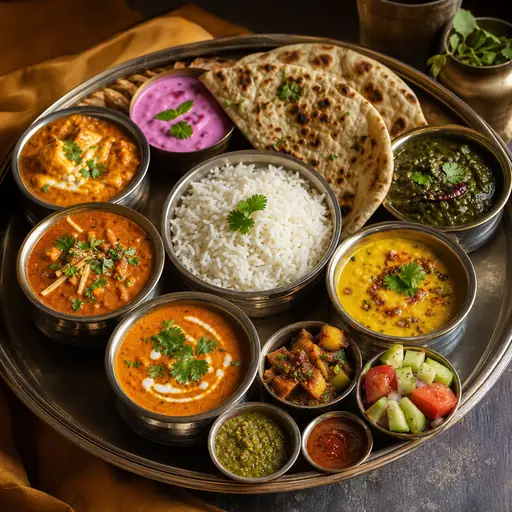
Compare square and wider working crops
Use the same whole-dish reference in both previews. These are editorial crop examples, not Zomato interface screenshots or an accepted customer upload.
Check the current Zomato upload
Zomato’s developer documentation and policies are the primary starting points. A recommended working master in this guide does not establish the minimum, aspect ratio or file cap for a particular merchant field. Check the live account before exporting.
Frequently asked questions
What is the recommended Zomato photo size for menu items?
Use a high-resolution square export as your master (at least 1080×1080, ideally 1600×1600 or larger). Square crops survive Zomato’s thumbnail grid better than tall or wide shots. Keep the dish large in the frame so it remains readable at small sizes.
What about Zomato profile image size?
Treat the restaurant profile image like a logo lockup or hero plate: square, high contrast, no busy background text. Export at least 1024×1024 and test how it looks as a small circle or square avatar in the app.
Why do my Zomato photos look blurry after upload?
Usually the original was soft, heavily compressed, or cropped after a destructive resize. Start from a sharp phone photo, enhance lighting before resizing, and export once at the final dimensions as JPEG quality 85+ without repeated re-saves.
Can I use AI for Zomato menu photos?
Yes — if you enhance a real photo of the real dish. Do not invent food the customer will not receive. Honest AI enhancement of lighting and background is safer for trust and reviews than fully generated plates.