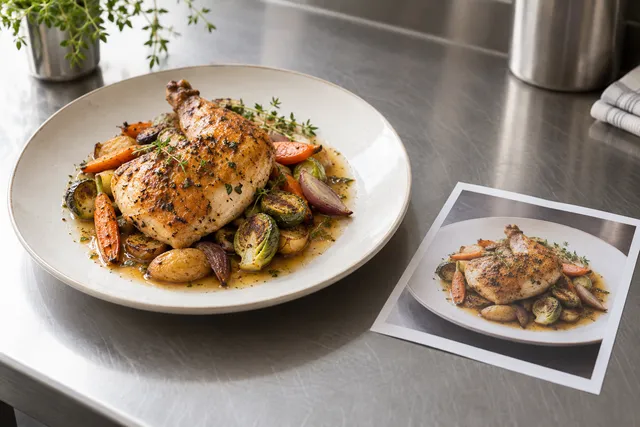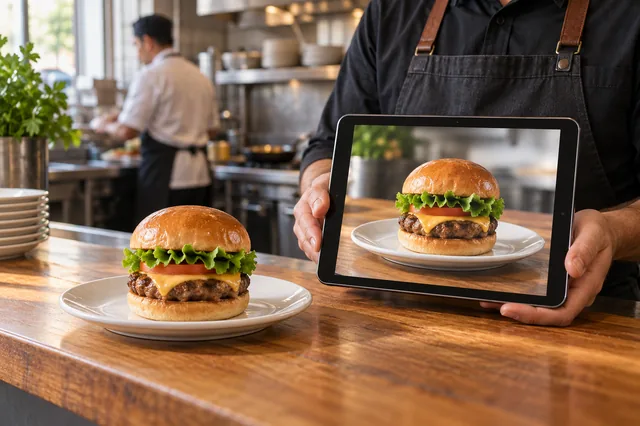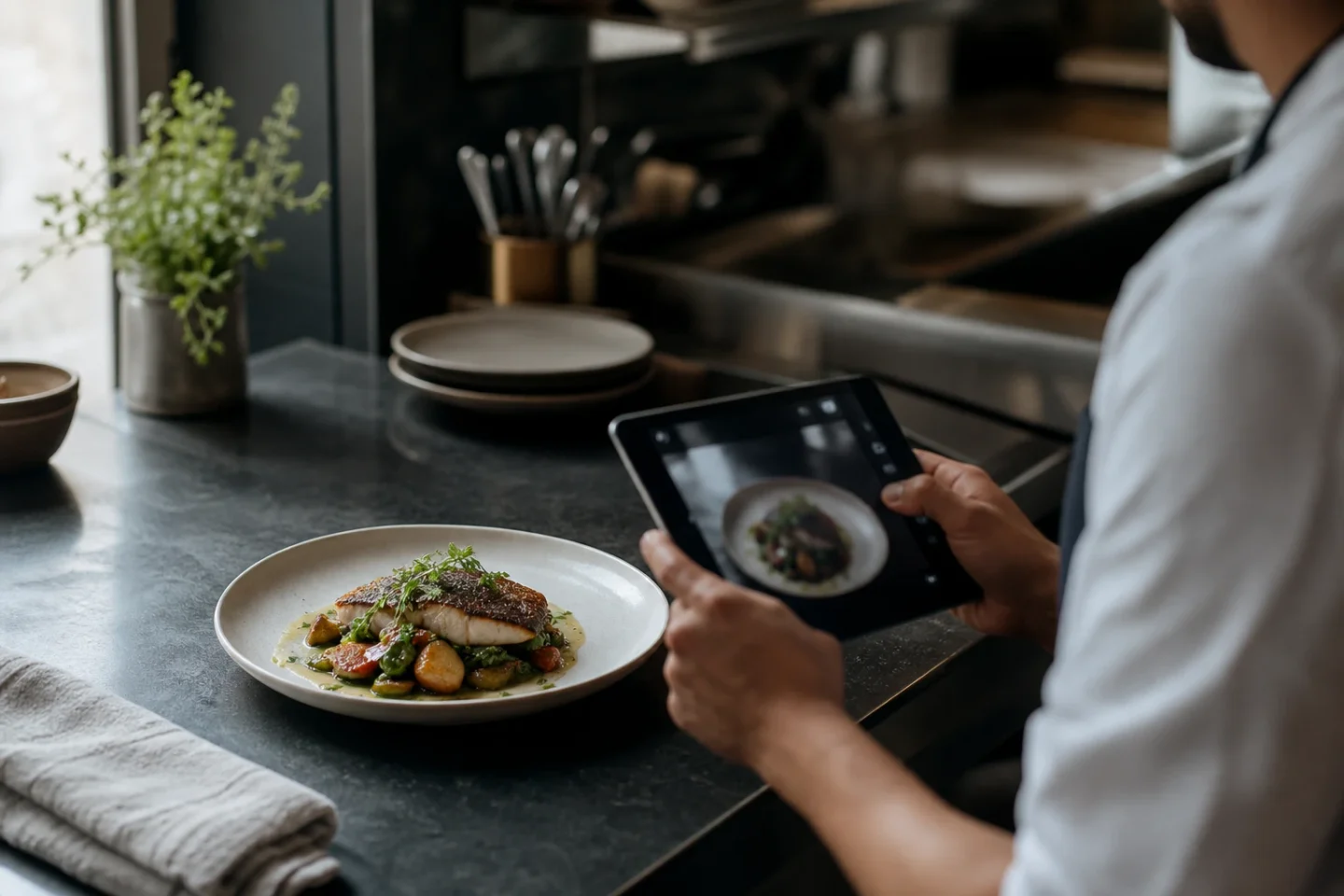
Three realistic options exist for photographing a restaurant menu in 2026: hire a professional photographer, shoot it yourself with a smartphone, or use AI enhancement. Each has a distinct cost, time commitment, and quality ceiling. This guide covers all three with the data you need to decide.
The two paths to menu photos — and a third
Restaurant owners searching for food photography options encounter an overwhelming range of advice calibrated to the wrong audience: photography blogs written for portrait studios and wedding photographers, or delivery app help articles that say “use a good camera” without specifying what that means for a busy kitchen. This guide is written for operators who need menu photos on delivery apps, not editorial shoots for food magazines.
The practical options are:
- Hire a professional food photographer — highest quality ceiling for hero shots, highest cost, slowest turnaround.
- DIY with a smartphone — zero photographer cost, but significant time cost and variable quality; often rejected by delivery apps.
- AI enhancement via FoodPhoto.ai — takes a smartphone photo of the real dish and outputs a delivery-ready image at cents per photo.
The verdict in summary: AI wins on cost and speed for full-menu coverage; traditional photography wins on quality for flagship hero shots and brand campaigns; the hybrid approach — traditional for 3–5 signature images, AI for everything else — is the dominant strategy among multi-location operators in 2026.
Traditional food photography: what you get and what it costs
The dollar ranges in this section are illustrative budgeting examples, not verified current photographer quotes or surveyed market rates. No city-specific source is supplied. Ask for an itemized local quote, usage rights, dish count, styling, retouching and delivery dates before making a purchasing decision.
A professional food photography session typically involves more line items than the photographer’s day rate:
- Photographer day or half-day rate: $300–$800 (half day, regional market) to $1,500–$3,000+ (full day, major city, experienced food specialist).
- Food stylist: $200–$500 for a half-day. Required for high-end brand shoots; optional for straightforward menu work.
- Props and rentals: $100–$300 for surfaces, backgrounds, and tableware. Many photographers supply these; many do not.
- Retouching: $50–$150 per final image for skin-level correction beyond basic color grading.
- Your kitchen time: plating duplicates of every dish during service or closing hours is a hidden cost in labor and food waste.
In this illustrative budget, a solo-photographer session covering 10 items is allocated $500–$900 including basic post-production. A full-team shoot (photographer + stylist) covering 20–30 items runs $1,500–$2,500. Turnaround to final edited deliverables is typically 1–2 weeks for scheduling plus another 1–2 weeks for editing.
For a flagship hero image, a brand campaign, or a restaurant’s homepage above-the-fold shot, this investment makes sense. The friction emerges at volume: photographing an 80-item menu, keeping it current as items rotate seasonally, and updating a new special added on Tuesday without scheduling a $600 reshoot.
Smartphone DIY photography: the middle ground
The best smartphones for food photography in 2026 — iPhone 16 Pro, Samsung Galaxy S25 Ultra — are capable of producing images that rival entry-level DSLR output in good lighting. The cameras are not the limiting factor; lighting, composition knowledge, and time are.
A basic DIY lighting setup costs $0–$30: a window with indirect natural light plus a white foam board reflector (bought at any art supply store) eliminates most shadow problems. Common DIY mistakes are predictable: shooting only from overhead when the dish needs a 45-degree angle to show height, wrong white balance under restaurant lighting (produces yellow-orange color cast), insufficient depth (the lens is too far from the subject), and cluttered backgrounds.
The practical problem for delivery apps is quality consistency. Platforms like DoorDash and Uber Eats apply a quality floor in their review process: photos that are under-lit, blurry, or poorly composed are rejected. The review takes 2–5 business days. A rejected DIY photo that gets resubmitted restarts the clock. The time cost of the DIY cycle — shooting, selecting, editing, uploading, waiting, resubmitting — frequently exceeds the cost of a faster workflow.
AI food photo enhancement: how it works
AI enhancement takes a smartphone photo of the actual dish — whatever you have, including a reasonable-quality kitchen snap — and applies background removal, lighting correction, color grading, and delivery-spec formatting. The output is a platform-ready image at the correct dimensions for the delivery app of your choice.
At FoodPhoto.ai:
- Input: any smartphone photo of the actual dish on any surface.
- Processing: background removal and replacement with a neutral delivery-compliant background, lighting correction, color grading, crop to platform spec.
- Output planning: DoorDash landscape 16:9, at least 1400×800 px and an Uber Eats 1250×1000 px, 5:4 working example within its recommended 5:4 to 6:4 range. The Uber example is not a universal minimum. Review the actual dish, file limit and account field; geometry does not guarantee approval. Deliveroo has separate authenticity restrictions; do not infer AI acceptance from an available crop.
- Speed: 30–60 seconds per photo.
- FoodPhoto begins with two previews on your own dish, with a verified account and no card. Free previews are significantly slower than paid plans and are prepared in a separate queue: about 30–35 seconds in normal conditions, and longer when the service is busy or the edit is complex. Keep the chat open and do not repeat the request while it processes. See the current plans and usage estimates for photos, menus and campaigns.
Side-by-side quality comparison
Five dish types illustrate where AI and traditional photography each have an advantage:
| Dish type | AI enhancement wins | Traditional photography wins |
|---|---|---|
| Burger | Consistent background, delivery spec compliance, speed | Dramatic steam, custom garnish arrangement |
| Pasta / risotto | Color accuracy under kitchen lighting, background removal | Sauce texture extreme close-up, hero brand shot |
| Salad / grain bowl | Consistent overhead crop, neutral background, green color fidelity | Ingredient hero shots, editorial food magazine style |
| Dessert / cake | Speed for seasonal items, layer visibility in cross-section | Molten chocolate pull, elaborate styling |
| Sushi / sashimi | Glare reduction on fish surface, clean background, delivery spec | Artisan plating story, moody dark aesthetic |
For a useful comparison, show the same actual dish at the same thumbnail size, hide the editing method and ask reviewers to check ingredients, portion, clarity and crop. Record who reviewed it and the results. This is a suggested evaluation method, not a reported study or proof that one production method wins.
Time-to-publish comparison
The retained timeline table is a planning illustration, not measured turnaround or a marketplace service guarantee. Scheduling, review, retakes and merchant approval vary; confirm them for your own listing.
| Workflow | Days to delivery app live |
|---|---|
| Traditional photographer | 14–28 days (scheduling + shoot + editing + approval wait) |
| DIY smartphone | 3–7 days (shoot + editing + upload + 2–5 day approval wait) |
| AI enhancement (FoodPhoto.ai) | 1–2 days (shoot + upload + enhance + submit + approval wait) |
The table uses an illustrative approval allowance of 2–5 business days. Actual review time varies by marketplace, account and submission, and AI editing cannot remove that wait or guarantee a go-live date. Faster preparation can help you submit earlier, but scheduling and retakes still matter.
The smart hybrid strategy
The optimal allocation for most restaurants in 2026:
- Traditional photography: 3–5 hero images for the restaurant website homepage, brand campaigns, and print menus. Budget $600–$1,200 annually for one professional half-day session.
- AI enhancement: all remaining menu items, every seasonal rotation, every new dish launch. Budget $30/month (Growth plan, about 200 photos) — covers up to 150 item updates per month.
For a 60-item menu restaurant: $360/year in AI credits replaces an estimated $3,000–$6,000/year in incremental photography sessions needed to keep a full menu current at traditional rates.
Try the comparison yourself. Upload one dish photo and see your AI-enhanced delivery-ready version — no subscription required.
Use the cost table as a planning example
The photographer and editing ranges in this guide are illustrative planning assumptions, not a dated supplier survey or a quote for your restaurant. Request a current quote covering dish count, styling, shoot time, editing, usage rights and exports. FoodPhoto usage is separate; compare the current plans and packs with your actual attempts and staff review time.
For item uploads, DoorDash asks for landscape 16:9 at least 1400 × 800 px. Uber’s merchant guidance recommends 5:4 to 6:4; a 1250 × 1000 working export is an example within that range, not a universal minimum.
Frequently asked questions
Is AI food photography good enough for delivery apps?
Every result needs review against the original dish and the destination’s current image policy. A crop that fits does not establish approval. Keep authentic originals for Deliveroo and Wolt, which prohibit AI-generated submissions; use their supported workflow rather than assuming an AI output is accepted.
How much does traditional food photography cost per photo?
The ranges in this guide are illustrative planning assumptions, not current supplier quotes. Divide the quoted shoot, styling, editing, usage rights and staff review cost by the number of approved images. Include completed retakes in your FoodPhoto usage estimate and compare it with the current plans and packs.
Can I mix AI and traditional photography on the same menu?
You can use one lighting and background brief across your menu, but review each image separately for ingredient count, portion, color and packaging. A preset does not guarantee consistent or accurate output. Confirm that every destination permits the production method used and keep the original files beside approved exports.
What is the best smartphone for food photography?
iPhone 16 Pro and Samsung Galaxy S25 Ultra both produce sufficient quality for AI enhancement workflows. The camera is rarely the limiting factor — lighting and background control matter more than the phone model.